

Image analysis vv2.6.0 2026 Rank: #267
PhotoMentor ✓
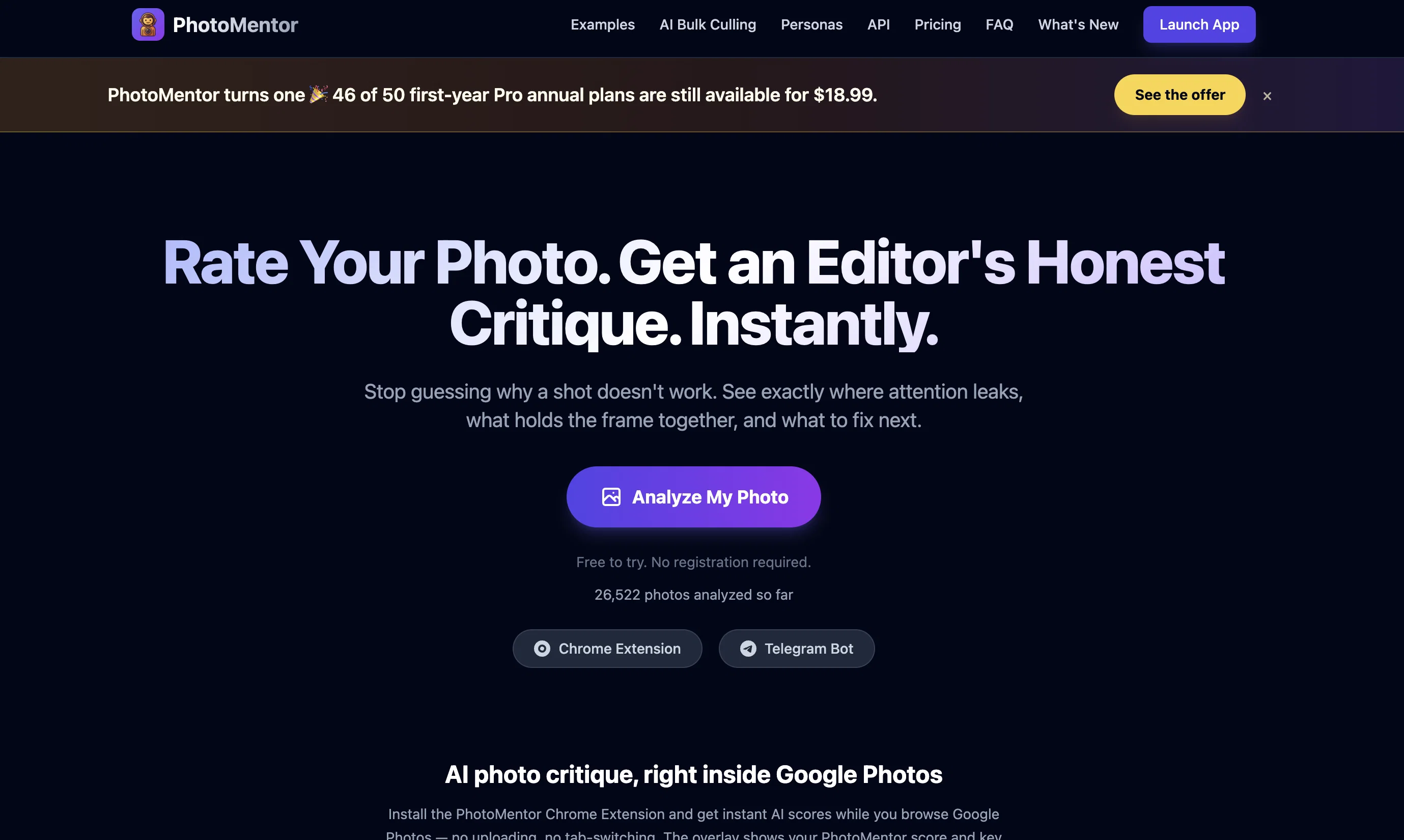
Stop guessing if your photo is good. Get instant, objective feedback.
Verdict
A quick read before you dig into the full page.
- Best if
- Stop guessing if your photo is good. Get instant, objective feedback
- Skip if
- Limited feedback without Pro
- Pick this when
- Visual analysis feature
Considering Vision GPT instead? Compare side by side
Overview






Perfect for:
Beginners: Learn photography faster than watching hours of YouTube.
Pros: Use it as a "pre-flight check" to screen batches before sending them to clients.
Available on Web, Chrome Extension, Android and Telegram. Special Offer: Use code TAAFT to get 50% off your first month of Pro.
- Bulk Culling
- Region-level Visual Critique
- Revision Memory
- Progress Dashboard
- Genre Benchmark
- Report Bad Critique
Best for
Short scenarios where PhotoMentor tends to shine.
-
Stop guessing if your photo is good. Get instant, objective feedback.
Example outputs 1
Sample generations and before/after results for PhotoMentor.
Access & connections
Where you can use PhotoMentor, and what it plugs into.
Platforms
Capabilities
What this tool accepts, produces, and is strongest at.
Input
- Image
Output
- API
- Text
- Image
Highlights
- SOTA
- API
- No Signup
- Use code TAAFT
- 50% OFF
Supported features
- Image Understanding
- Assistant
- Automation
- API
- No Signup
- Thumbnails
Pros & cons
Pros
- Visual analysis feature
- Unfiltered constructive critique
- Professional level scoring
- Useful for all skill levels
- Frame correction advice
- Detailed breakdown of skills
- Batch photo processing
- Screening mechanism for client work
Show 21 more
- Telegram bot service
- Photo quality assessment
- Chrome Extension available
- Free basic functionality
- Premium options available
- Color grading tips
- Rule of Thirds application
- Built-in photography learning
- Instant feedback
- Guidance on photography technique
- Supports professional photography needs
- Hobbyist friendly
- Beginner friendly
- Photo editing capabilities
- Helps build photography habits
- Offers safe space for critique
- Curates faster for professionals
- Highlights technical flaws quickly
- Transparent pricing structure
- History and progress stats available
- Option for lifetime access
Cons
- Daily limits on the Free plan
- No team collaboration features
- Limited feedback without Pro
- No available plug-ins for other editing softwares
- No offline functionality
Compare alternatives
Similar tools in the catalog — with a clear reason to open each one.

TurboLens ✓
FreemiumUnlock images, uncover insights with AI-powered OCR.
Free + from $49.9/mo
Full comparison
AI Image Analyzer by just build things. ✓
FreemiumUpload any photo for AI analysis.
Free + from $9/mo
Full comparison
PhotoExpert ✓
Free TrialGet an expert AI score and enhancement for your best photo.
Why look Typically cheaper
Full comparisonPeople also view
Tools that often show up alongside PhotoMentor in collections and comparisons.
PhotoExpert ✓
Free TrialGet an expert AI score and enhancement for your best photo.

Visnet ✓
UnknownDeploy off-shelf AI models for vision and NLP tasks.

Vision GPT ✓
PaidAnalyze images instantly with AI insights.
TurboLens ✓
FreemiumUnlock images, uncover insights with AI-powered OCR.

NeuralBox ✓
PaidRemember anything with photos and AI
AI Image Analyzer by just build things. ✓
FreemiumUpload any photo for AI analysis.

RealSmile ✓
FreemiumAI face analysis with instant attractiveness scoring.

Intuo – Your AI geospatial analyst ✓
FreeAsk a question about anywhere. Get analyst-grade maps and answers.
Releases 4
PhotoMentor Bulk Culling is now built for real shoots
PhotoMentor v2.6 turns the early Bulk Culling experiment introduced in v2.1 into a durable workflow for complete photo sessions.
Upload multiple folders, describe what the shoot is for, let PhotoMentor rank the images—and leave. Processing now continues safely in the background even if you close the tab.
Cull against the brief, not just technical scores
PhotoMentor evaluates sharpness, exposure, composition and similar frames, but it also considers the purpose of the shoot.
Add a theme, goal and intended audience or jury, then adjust how much technical quality, thematic relevance and audience fit should influence the ranking.
Near-duplicates and burst sequences are grouped so that closely related frames do not overwhelm the shortlist.
A stronger, more varied set of finalists
Finalist selection now balances quality, relevance and useful visual variety while continuing to respect the brief. A portrait-focused assignment can remain entirely portrait-based; a broader travel or event brief will avoid returning fifteen nearly identical choices simply because they received similar scores.
Every automated decision remains editable. Keep, reject, review, or promote any image manually before finalizing the selection.
Critique the photographs that matter
Selected finalists can receive a complete PhotoMentor critique explaining their strengths, weaknesses and remaining opportunities for improvement.
Results can be exported as HTML, CSV or JSON—for client review, further editing or integration into an existing workflow.
Built for sessions you cannot finish in one sitting
Large jobs start sooner, proceed in durable stages and recover from interrupted uploads or missing thumbnails without repeating completed AI work. Return later and the session continues from its authoritative state.
Also new since v2.1
- PhotoMentor is now available on Android through Google Play.
- The Chrome Extension brings PhotoMentor critique directly into Google Photos.
- Single-photo analysis now handles revisions, crop previews and technical exposure judgments more accurately.
One free Bulk Culling demo is included for up to 25 photos, with no credit card required.
Pro includes five Bulk sessions per month. Pro Workflow includes unlimited Bulk Culling.
TAAFT applies to monthly Pro. For the current annual offer, use OneYearOff (limited offer).
PhotoMentor v2.1 expands beyond single-photo critique into a full critique platform — with bulk shoot culling for professionals, a structured API for products, and custom mentor personas for educators.
Cull an entire shoot, not just one photo
A new mode for photographers working with full sessions — weddings, events, portfolio reviews, long shoots. Upload your shoot, describe the brief (theme, intended audience, goal), and the AI ranks your finalists against that intent. The selected finalists can receive a full per-photo critique explaining why they made the cut and what could still be improved. One free Bulk Culling demo is included, no setup required.
PhotoMentor inside your product
A single-photo critique endpoint with structured JSON output: score, genre, verdict, full critique, strengths, weaknesses, and three advice modes (purist, standard, creative). Built for photo schools, contests, and any product that needs photo-specific judgment instead of generic image captioning. Provisioned per client with per-key quotas; OpenAPI spec and code examples available on the docs page.
A teacher who actually knows you
A custom AI persona built around a real photographer-teacher's vision, vocabulary, and teaching style. The critique reads and sounds like that specific mentor — not a generic assistant. Already live for select educators; cohort applications open for photography schools, contest organizers, and individual photographer-teachers who want to scale their critique work.
Also new in v2.1: white balance analysis, smarter memory for post-processing revisions, and progress insights showing your most recurring critique patterns.
Pricing remains: Free tier · Pro at $5/mo or $40/year · Pro Workflow with unlimited Bulk Culling jobs at $15/mo or $120/year. Use code TAAFT for 50% off all subscription plans while the campaign is active.
PhotoMentor v1.9.1 is a significant update to the analysis engine, accuracy layer, and multi-platform experience.
More accurate analysis engine
The core analysis now runs a dedicated geometry pass before generating the critique. Bounding boxes are placed with significantly higher precision, and the system validates every visual claim before including it in the output — eliminating the hallucinated observations that occasionally appeared in earlier versions.
The AI now understands artistic intent
Context-aware mood detection (Noir, Street, Studio, Sport, and more) adjusts the critique to match the photographer's apparent intent — rather than applying generic composition rules to every shot regardless of genre or style.
Visual Memory
PhotoMentor recognizes when you upload a re-edit of a photo you've analyzed before. Instead of treating it as a new submission, it highlights what changed — making iterative improvement measurable.
Progress Dashboard
Track your development over time: Pro can track daily average score, current level, top recurring strengths, and weaknesses.
Telegram integration
Full localization in EN, RU, DE, ES with auto-detection. Telegram Stars payments. Account linking syncs Premium status and usage across web and bot.
Imported reviews 5
This is an exceptional tool for image analysis. Photography professors may be cooked 😭
Also made a video on it https://www.youtube.com/watch?v=OfE7Qx0zVp8
For me as a beginner photographer, this is a very useful tool.
The best tool for photo editing recommendations. Great for life!
PhotoMentor gives me clear, detailed feedback on the quality and nuances of my photos, from composition and lighting to small details I usually miss. This kind of precise critique helps me understand exactly what to improve and pushes me to grow and refine my skills with every new shot.
Super! Honest 5 stars!
FAQ 12
What is PhotoMentor?
How does PhotoMentor work?
What aspects of a photo does PhotoMentor analyze?
How fast can PhotoMentor provide feedback on my photos?
Will PhotoMentor help me improve my photography skills?
What kind of feedback can I expect from PhotoMentor?
Why does PhotoMentor score my photos out of 10?
Can PhotoMentor help me understand why my photos are not getting recognized?
Is PhotoMentor suitable for beginner photographers?
Can hobbyist photographers use PhotoMentor?
How can professional photographers benefit from PhotoMentor?
How does the framing advice by PhotoMentor work?
Related tools
Recommended

biela.dev ✓
Free TrialIf you can imagine it, Biela can code it!

Automateed ✓
Free TrialCreate eBooks effortlessly with Automateed, the AI-powered writing tool.

X-Pilot AI ✓
FreemiumTurn Documents into Accurate Video Course Series

freebeat AI ✓
FreemiumTurn Music & Ideas into Viral Videos In One Click

Claude ✓
FreemiumBuilding reliable, interpretable AI systems

PrompTessor ✓
FreemiumAI Prompt Workspace for Better AI Results