Raycast AI ✓
Unlock AI power on your Mac for smarter productivity.
Free + from $8/mo
Verdict
A quick read before you dig into the full page.
- Best if
- Unlock AI power on your Mac for smarter productivity
- Skip if
- No Windows support
- Pick this when
- ChatGPT integration
Considering FridayGPT instead? Compare side by side
Overview
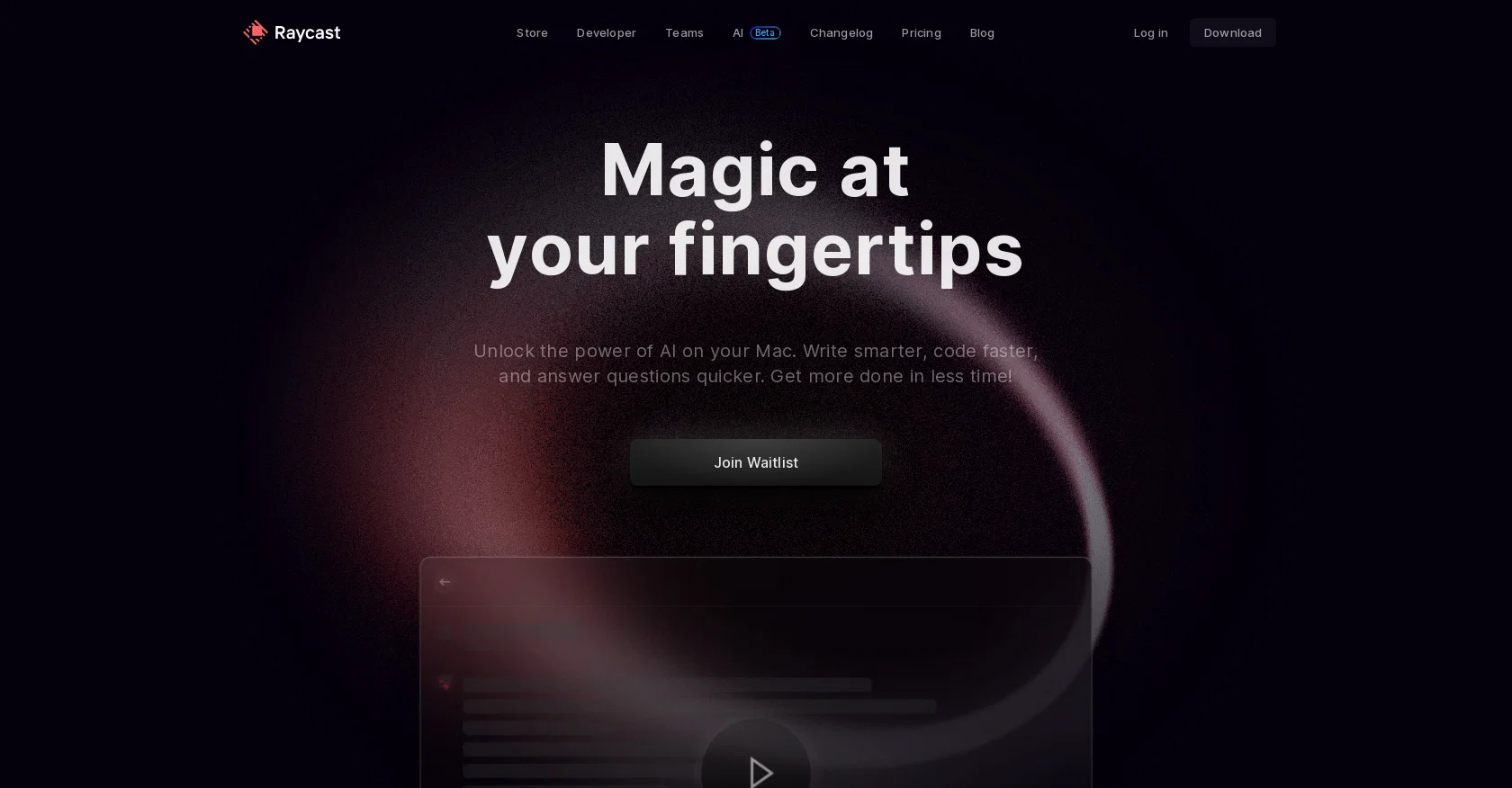
Raycast AI is an AI-powered productivity tool for Mac users. It is designed to help users work smarter and faster by automating mundane tasks and providing a layer of context to increase productivity.
Raycast AI includes features such as ChatGPT, which allows users to talk to AI without interruption, the ability to create AI commands to accelerate tasks, and API integration to make extensions smarter.
It is currently in Beta and offers free use of all AI features. Additionally, Raycast AI offers a waitlist to control the rollout of the product, and has an FAQ section to answer the most frequently asked questions.
It also provides access to a Slack Community to help shape the product and a newsletter to keep users informed of the latest news and updates.
Access & connections
Where you can use Raycast AI, and what it plugs into.
Platforms
Capabilities
What this tool accepts, produces, and is strongest at.
Input
- API
- Text
Output
- API
- Text
Pros & cons
Pros
- ChatGPT integration
- Automates mundane tasks
- No code required
- API integration
- Beta version free
- Waitlist control
- FAQ support
- Integrates with macOS
Show 14 more
- Slack Community access
- Newsletter for updates
- Enhances productivity
- Wrapping with context
- Enhances Mac applications
- Constant product development
- Works across all applications
- Accelerates task completion
- Supports team sharing
- Community involvement for enhancement
- Portable by `brew install`
- Requires macOS 11+
- Regular shipping updates
- Privacy-focused
Cons
- Macs only
- No Windows support
- No Linux support
- Still in beta
- Possible future costs
- Waitlist for access
- No mobile version
- Restricted to English.
Compare alternatives
Similar tools in the catalog — with a clear reason to open each one.



Releases 1
FAQ 12
What is Raycast AI?
How does the ChatGPT feature work in Raycast AI?
How can I automate tasks using Raycast AI?
How do I integrate APIs with Raycast AI?
What platforms is Raycast AI available on?
How can Raycast AI help me increase my productivity on Mac?
Why is Raycast AI in beta?
Is Raycast AI free to use?
Why does Raycast AI have a waitlist?
What is the purpose of the Slack Community in Raycast AI?
How will I stay informed of updates on Raycast AI?
Can I write and generate code with Raycast AI?
Related tools
Recommended

VenturusAI ✓
FreemiumBusiness idea analysis and reporting.

LearningStudioAI ✓
Free TrialAI-powered authoring tool for effortless online course creation.

Hyperis ✓
FreemiumOrganized task prioritization.

TutorAI ✓
FreemiumInstant knowledge on any topic

Scisummary ✓
Free TrialCutting-edge scientific articles summarization.

Agentgpt ✓
FreemiumDeploy autonomous AI Agents effortlessly in your browser.