

ProPhotos ✓
AI-powered headshots to upgrade your professional image.
from $39
Verdict
A quick read before you dig into the full page.
- Best if
- AI-powered headshots to upgrade your professional image
- Skip if
- Limited application (headshots only)
- Pick this when
- Generates high-quality headshots
Considering MyPicNow instead? Compare side by side
Overview
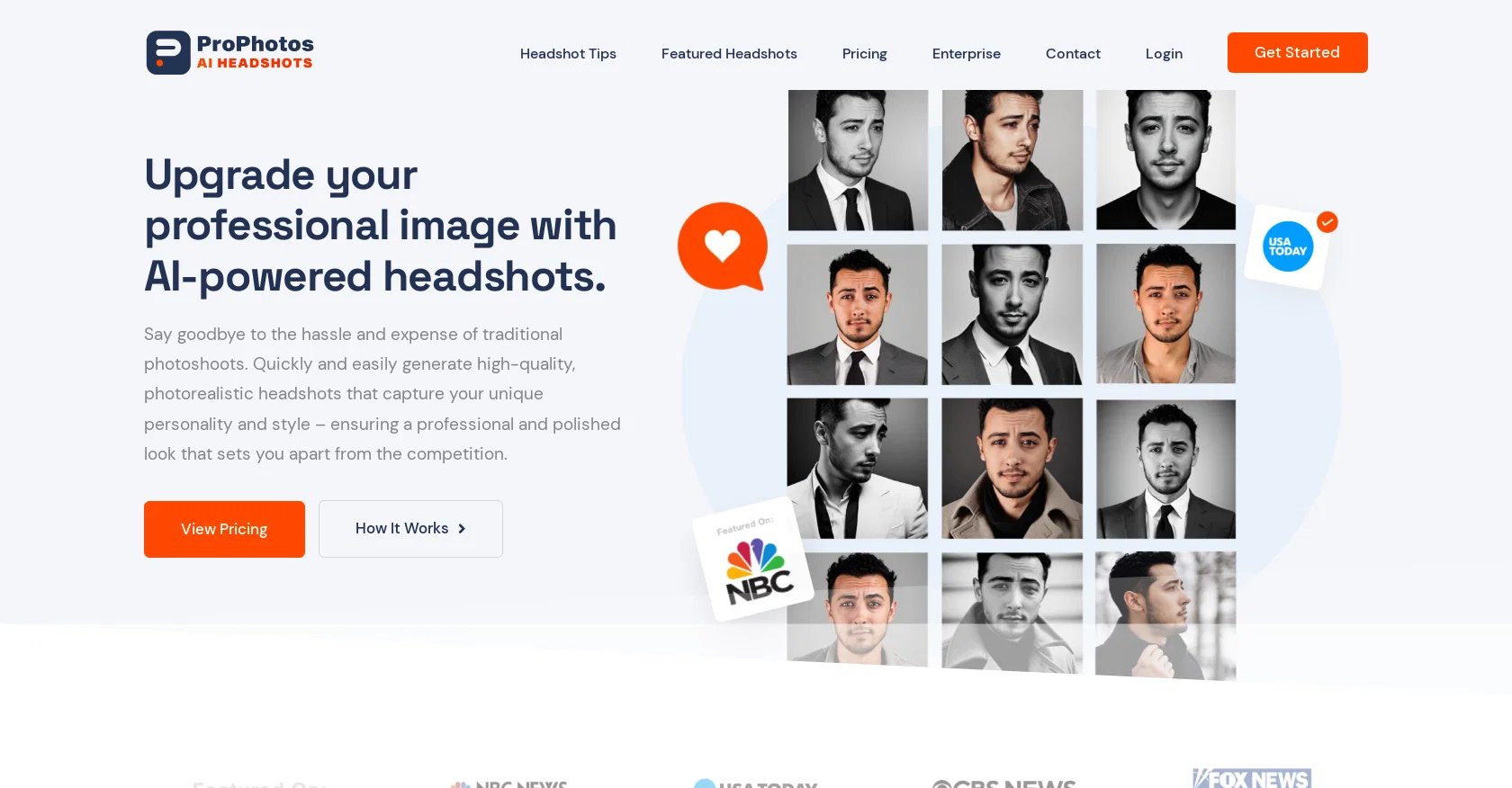
ProPhotos is an AI-powered tool that generates high-quality professional headshots for individuals and companies looking to upgrade their professional image.
Without the hassle and expense of traditional photoshoots, ProPhotos allows users to quickly and easily generate photorealistic headshots that capture their unique personality and style, ensuring a professional and polished look that sets them apart from the competition.
The AI technology can also transform casual Instagram photos into polished and professional headshots that are perfect for LinkedIn, resumes, and other professional materials.
ProPhotos provides tips and pricing information, as well as an enterprise service for larger organizations. The tool works by uploading 10-30 Instagram-style photos, which undergo an AI training process to model the face.
The tool then curates the best images, which are delivered ready for print and web. The website also features examples of previous headshots and customer testimonials, as well as a blog section covering various aspects of professional headshots and an affiliate program.
ProPhotos highlights the importance of a professional headshot, emphasizing that a strong profile picture helps build trust and increases profile views and connection requests.
With a fast, affordable, and easy-to-use service, ProPhotos aims to provide high-quality headshots that truly reflect users' unique style and personality.
Overall, ProPhotos is a useful tool for individuals and companies looking to enhance their professional brand.
Best for
Short scenarios where ProPhotos tends to shine.
-
AI-powered headshots to upgrade your professional image.
Example outputs 1
Sample generations and before/after results for ProPhotos.
Access & connections
Where you can use ProPhotos, and what it plugs into.
Platforms
Capabilities
What this tool accepts, produces, and is strongest at.
Input
- Image
Output
- Image
Pros & cons
Pros
- Generates high-quality headshots
- Transforms Instagram photos
- Suitable for individuals and companies
- Fast and affordable service
- No need for physical photoshoots
- Offers tips and pricing information
- Enterprise service available
- Curates best images post-process
Show 16 more
- Delivers print and web-ready images
- Professionally enhance personal style
- Increases LinkedIn profile views
- Increases connection requests
- Boosts resume quality
- Enhances corporate brand image
- Customer testimonial section
- Affiliate program available
- Can upload multiple photos (10-30)
- Fast delivery (within 2-3 hours)
- Shows before and after examples
- Enhances trustworthiness with professional images
- Blog section for additional information
- Quick and easy to use
- Highlights the importance of headshots
- Helps users stand apart from competition
Cons
- Requires 10-30 personal photos
- Depends heavily on photo quality
- Potential privacy issues
- Lack of customization options
- No direct editing features
- Enterprise service unclear
- No API mentioned
- Solely web-based
Show 1 more
- Limited application (headshots only)
Compare alternatives
Similar tools in the catalog — with a clear reason to open each one.

PhotoGuruAI ✓
PaidCreate professional AI headshots in seconds
Why look Typically cheaper
Full comparison
BetterPic | AI Headshots ✓
PaidStudio-quality (4K) portfolio, from $35 in under 60 minutes
Why look Higher community rating
Full comparison
AI Headshots ✓
PaidTransform selfies into professional headshots instantly.
Why look Typically cheaper
Full comparison
Headshotpro ✓
PaidAI-generated professional headshots in minutes.
Why look Typically cheaper
Full comparison
Eltima AI Headshot Generator ✓
Free TrialGenerate professional headshots with AI templates.
Why look Typically cheaper
Full comparisonPeople also view
Tools that often show up alongside ProPhotos in collections and comparisons.
AI Headshots ✓
PaidTransform selfies into professional headshots instantly.
PhotoGuruAI ✓
PaidCreate professional AI headshots in seconds

MyPicNow ✓
PaidBest AI Headshot Generator
Headshotpro ✓
PaidAI-generated professional headshots in minutes.
Eltima AI Headshot Generator ✓
Free TrialGenerate professional headshots with AI templates.
BetterPic | AI Headshots ✓
PaidStudio-quality (4K) portfolio, from $35 in under 60 minutes

Multiverse AI ✓
PaidTransform selfies into professional AI headshots

Anyvids ✓
FreemiumAny idea to video, made simple.
Releases 1
FAQ 12
How does ProPhotos create professional headshots?
What type of images can be transformed into professional headshots by ProPhotos?
How many photos do I need to upload to ProPhotos for AI training?
What is the process of generating headshots in ProPhotos?
What is the pricing for ProPhotos’ services?
Does ProPhotos offer enterprise services for larger organizations?
How does ProPhotos enhance my professional image?
What does ProPhotos do to ensure the uniqueness and personality in the headshots?
How fast can I get my professional headshots from ProPhotos?
How does ProPhotos choose the best images for professional headshots?
Does ProPhotos offer any tips on getting a good professional headshot?
What is the quality of the headshots generated by ProPhotos?
Related tools
Recommended

ProShots ✓
FreemiumCreate professional AI headshots in seconds.

Photo AI ✓
PaidCreate beautiful AI photos and videos of real people

Dreamwave ✓
Free TrialRated the #1 AI headshot generator for studio-quality (4K) professional headshots.

PhotogenicAI ✓
PaidCreate infinite AI photos with your personal photostudio

LearningStudioAI ✓
Free TrialAI-powered authoring tool for effortless online course creation.

Scisummary ✓
Free TrialCutting-edge scientific articles summarization.