

Productivity Page ✓
Boost your productivity on any Apple device.
Verdict
A quick read before you dig into the full page.
- Best if
- Boost your productivity on any Apple device
- Skip if
- Limited language processing
- Pick this when
- Available on all Apple Devices
Considering TheLibrarian.io instead? Compare side by side
Overview
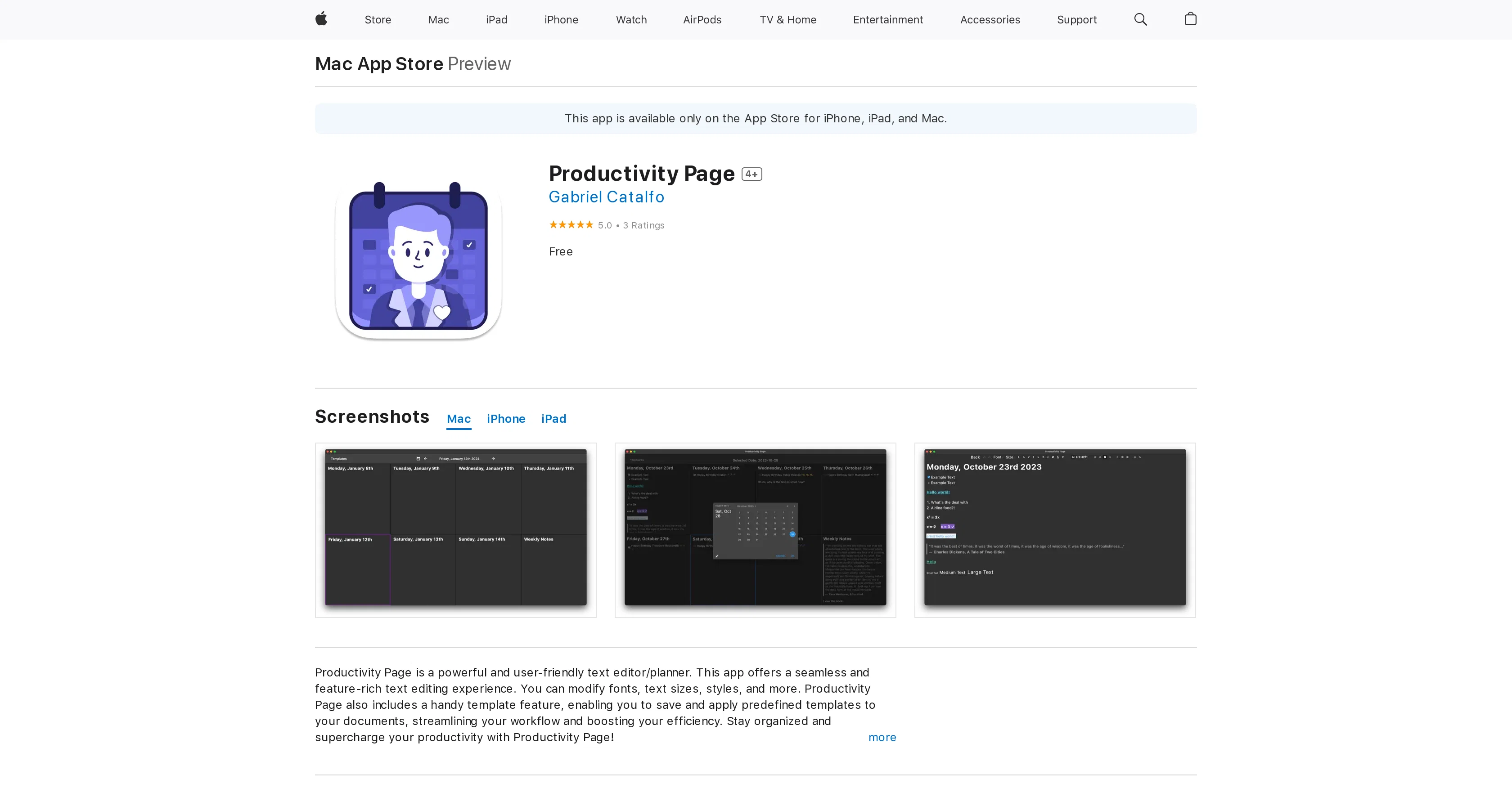
One notable feature of Productivity Page is its template functionality, which enables users to save and apply predefined templates to documents, streamlining workflow and saving time. This feature enhances productivity by providing structured formats for common tasks.
Furthermore, Productivity Page introduces Jake, an AI-powered productivity assistant integrated directly into the app. Jake assists users in various tasks, including organizing notes, planning schedules, and generating ideas. Leveraging advanced natural language processing technology, Jake can understand user queries and provide intelligent responses, fostering interactive and efficient planning and note-taking experiences.
Overall, Productivity Page offers a robust set of features tailored to enhance productivity and organization. Whether users are editing text, managing schedules, or brainstorming ideas, Productivity Page and its integrated AI assistant, Jake, aim to streamline workflows and maximize efficiency.
Access & connections
Where you can use Productivity Page.
Platforms
Capabilities
What this tool accepts, produces, and is strongest at.
Input
- Text
Output
- Text
Pros & cons
Pros
- Available on all Apple Devices
- Streamlines Workflow
- User Reviews and Ratings
- Frequent updates and support
- App Store accessibility
- Handy template feature
- Text Editing capabilities
- Integrates with Apple Ecosystem
Show 16 more
- Powerful text editor
- Boosts User Efficiency
- Offers interactive planning
- Interactive note-taking
- Language processing capabilities
- Multitude of Productivity features
- Version history for transparency
- High User Ratings
- Data Privacy Assurance
- Streamlined workflow and organization
- Compatibility with newer devices
- User-friendly interface
- Allows customizations
- App Store exclusive
- Brings structure to tasks
- Assists in brainstorming ideas
Cons
- Only for Apple devices
- Unclear functionality specifics
- No Android version
- Exclusively in English
- No data collection
- Limited language processing
- Predominantly text based
- Lack of accessories support
Show 2 more
- Requires iOS 14.0 or later
- Unclear update periods
Compare alternatives
Similar tools in the catalog — with a clear reason to open each one.

TheLibrarian.io ✓
Free TrialYour WhatsApp AI assistant for instant productivity.
Why look Higher community rating
Full comparison
Supernormal App ✓
FreemiumThe AI assistant app that turns meetings into completed work
Free + from $25.90/mo
Full comparison

MiroAI ✓
FreemiumUnlock creative power with AI-driven collaboration.
Free + from $8
Full comparison
Collate ✓
FreeUnlimited free and private summaries and chat with PDF
Why look More privacy-focused
Full comparison
Releases 1
FAQ 12
What is Productivity Page?
Can I download Productivity Page on my iPhone?
Will Productivity Page work on my Mac running OS X 10.15?
Where can I download the Productivity Page app?
Does Productivity Page have good user reviews?
Where can I read reviews about the Productivity Page app?
What devices is Productivity Page compatible with?
Are there regular updates for the Productivity Page app?
Does Productivity Page integrate with other Apple apps or services?
Can I see screenshots of the Productivity Page app before downloading it?
What are the specific features of the Productivity Page app?
How does Productivity Page enhance productivity on Apple devices?
Related tools
Recommended

Hyperis ✓
FreemiumOrganized task prioritization.

VenturusAI ✓
FreemiumBusiness idea analysis and reporting.

Kin - Personal AI Advisors ✓
FreePrivacy-first & designed your for mind, and life at work

Business Idea Generator AI ✓
FreeGenerate innovative business ideas with AI

Summarist ✓
FreeAI-powered book summaries in seconds

Beeyond AI ✓
Free TrialBeeyond AI: Unlock 50+ AI tools under one subscription