

Browser automation 2026 Rank: #2935
Prisma Browser by Palo Alto Networks ✓
The most secure browser built for the AI era.
Verdict
A quick read before you dig into the full page.
- Best if
- The most secure browser built for the AI era
- Skip if
- Limited customization options
- Pick this when
- Secure operations
Considering AIPex AI Browser Automation Assistant instead? Compare side by side
Overview
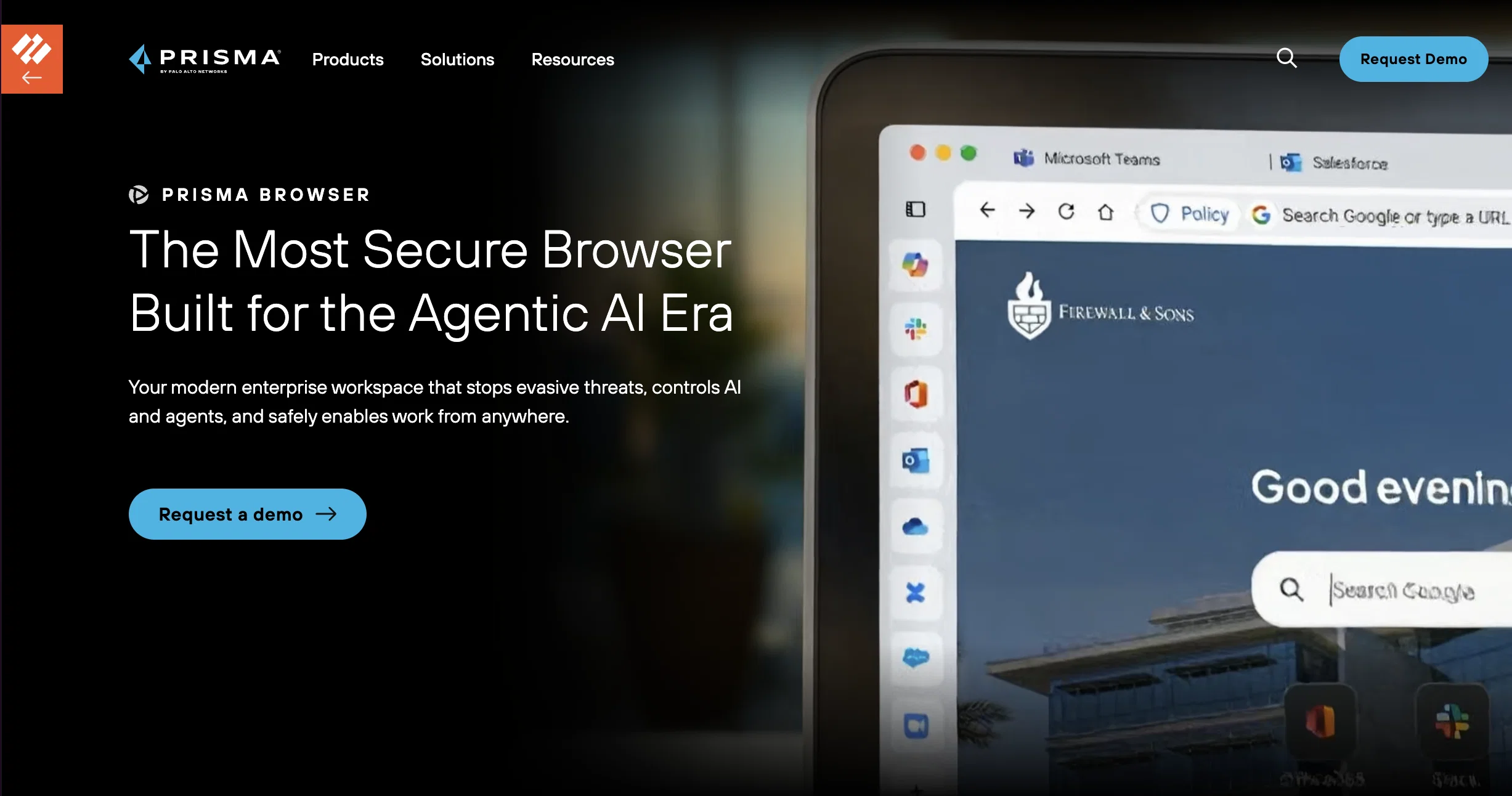
Prisma Browser, developed by Palo Alto Networks, is a browser designed for secure operations in contemporary AI-driven environments. Framed as a secure workspace, Prisma Browser is designed to tackle evasive threats, offering control over AI and agents, and support work from anywhere on any device.
It provides integrated access controls, advanced threat prevention mechanisms, AI governance, and sensitive data protection. The purpose of these multiple layers of defense is to protect enterprise work directly in the browser for various users and devices.
Whether used as a browser, extension, or mobile app, Prisma Browser ensures secure workspace and zero-trust coverage. It safeguards against AI-powered phishing, can discover evasive threats through real-time scanning of web components, and neuters web-borne threats before OS execution with sandboxing.
Protection is also provided against malicious extensions and risks from unsecure devices, giving comprehensive visibility & controls across applications and enforcing dynamic zero-trust policies based on individual user risk evaluations.
With a focus on productivity, Prisma Browser has easy onboarding procedures and provides a single workspace for all applications. It includes added features like password management, customizable homepages and sidebars for quick access, and real time user experience monitoring.
Access & connections
Where you can use Prisma Browser by Palo Alto Networks.
Platforms
Capabilities
What this tool accepts, produces, and is strongest at.
Input
- Text
Output
- Video
Pros & cons
Pros
- Secure operations
- Tackles evasive threats
- Supports work anywhere
- Integrated access controls
- Advanced threat prevention
- Sensitive data protection
- Zero-trust coverage
- Real-time threat scanning
Show 17 more
- Sandboxing technology
- Protection from malicious extensions
- Risk-based zero-trust policies
- Easy onboarding
- Single workspace for all applications
- Built-in password management
- Customizable interface
- Real time user experience monitoring
- Protection against unsecure devices
- Detailed application visibility & control
- Protects enterprise work directly in browser
- Protection before OS execution
- Evasive threats discovery
- User risk evaluations
- Web components security
- Quick access sidebars
- Secure workspace
Cons
- No incognito mode
- No ad-blocking feature
- Might be resource-heavy
- No built-in VPN
- Possible performance issues
- Limited integration options
- Potential issues with extensions
- Limited customization options
Show 1 more
- Strict security may affect usability
Compare alternatives
Similar tools in the catalog.





Releases 1
FAQ 12
What is Prisma Browser?
What makes Prisma Browser suitable for AI-driven environments?
What kind of threats can Prisma Browser protect against?
How does Prisma Browser protect against AI-powered phishing?
What are AI governance features in Prisma Browser?
How does Prisma Browser secure workspace on different devices?
What are zero-trust policies and how are they enforced in Prisma Browser?
How does the real-time scanning of web components in Prisma Browser work?
What are the steps of onboarding for Prisma Browser?
What productivity tools does Prisma Browser provide?
How does Prisma Browser monitor user experience in real time?
How does Prisma Browser deal with malicious extensions?
Related tools
Recommended

OLVA ✓
FreemiumBot-free Real-time AI meeting assistant

Qloo ✓
UnknownAI that predicts what your audience will love next.

MagicSlides.app AI PPT Maker ✓
FreemiumCreate Stunning PPTs in Seconds with the AI PPT Maker

GetLogit ✓
FreemiumArtificial intelligence, available for everyone.

ChatGPT ✓
FreemiumAsk anything, create anything, and move from idea to action.

Automateed ✓
Free TrialCreate eBooks effortlessly with Automateed, the AI-powered writing tool.