

Plask ✓
AI motion capture: Video to stunning animation.
Free + from $18/mo
Verdict
A quick read before you dig into the full page.
- Best if
- You are animators and need: Creating studio-quality 3D animations from simple videos
- Skip if
- Browser-based could limit performance
- Pick this when
- Browser-based tool
Considering Deepmotion instead? Compare side by side
Overview
Plask Motion is an AI-powered motion capture and animation tool. Using AI technology, it converts videos into stunning animations, providing practical solutions for 3D creation and workflow processes.
The tool is specially crafted to cater to the needs of game prototype development, making animation creation straightforward and efficient. User-friendly, Plask Motion has community tutorials that ease the adoption and learning process by providing step-by-step guidance on how to best utilize its features.
Additionally, it offers users the flexibility to import completed animations into their preferred tool. Serving the wider creative industries, including gaming, film, and virtual reality, Plask Motion has proven to streamline motion capturing and create seamless and efficient animation creation.
Users can conveniently find answers to commonly asked questions on the platform. With an engaged user community, it has been employed by many creators to power creative projects.

Best for
Short scenarios where Plask tends to shine.
-
Creating studio-quality 3D animations from simple videos
Best for Animators
-
Transforming raw footage into professional animations
Best for Game developers
-
Generating custom TikTok-style videos and viral dance animations
Best for Filmmakers
Example outputs 1
Sample generations and before/after results for Plask.
Access & connections
Where you can use Plask.
Platforms
Capabilities
What this tool accepts, produces, and is strongest at.
Input
- Video
Output
- 3D
Pros & cons
Pros
- Browser-based tool
- Idiot-proof interface
- Suitable for all expertise levels
- No need for exclusive equipment
- Supports GLB, FBX, BVH formats
- Excellent integration with other softwares
- All-in-one motion capture and animation
- Professional grade tools
Show 17 more
- Helpful learning resources
- Offers API and Mobile SDK
- Provides discount for schools
- Workflow efficiency
- User friendly
- Community tutorials for adoption
- Animation importing flexibility
- Serves various creative industries
- Engaged user community
- Effective for game prototype development
- Seamless motion capturing
- Efficient animation creation
- Streamlines 3D creation
- Offers FAQ section
- Over 100,000 users
- 3D workflow revolutionizing
- Used by top companies
Cons
- Browser-based could limit performance
- No offline usage
- Dependent on internet connection
- Video source quality impacts result
- File Import limitations possible
- Possible workflow compatibility issues
- Community provided tutorials variability
- No mention of data privacy
Show 2 more
- Potential hidden costs for premium features
- Limited language support
Compare alternatives
Similar tools in the catalog — with a clear reason to open each one.

Animation Rigging ✓
FreemiumAnimate any 3D model with AI-powered rigging.
Free + from $50/mo
Full comparison
Anything World ✓
FreemiumUnleash 3D creativity with AI-powered animation
Free + from $50
Full comparison
Depthflow AI ✓
Free TrialTurn 2D images into stunning 3D motion.
Why look Typically cheaper
Full comparisonPeople also view
Tools that often show up alongside Plask in collections and comparisons.

Mootion ✓
FreemiumCreate magical 3D animations with AI
Depthflow AI ✓
Free TrialTurn 2D images into stunning 3D motion.

Deepmotion ✓
Freemium3D animations
Anything World ✓
FreemiumUnleash 3D creativity with AI-powered animation
Animation Rigging ✓
FreemiumAnimate any 3D model with AI-powered rigging.

Vireel AI Motion Control ✓
PaidAnimate any photo with AI motion control.

Spatius ✓
FreemiumReal-time AI avatars at a fraction of the cost.

MorphLogo ✓
Free TrialStatic logo in, cinematic motion out.
Releases 1
FAQ 12
What is Plask?
How does Plask work?
Can anyone use Plask or is it for professionals only?
Which file formats are supported by Plask?
What kind of tools does Plask integrate with?
Is Plask only a motion capture tool or can it be used for animation editing as well?
How user-friendly is Plask's interface?
What resources does Plask provide to help new users get started?
Do students and teachers get any discounts on Plask?
How can Plask benefit me in 3D animation creation?
Does Plask have any specific features for game prototype development?
What kind of tutorials does Plask offer to aid in learning the platform?
Related tools
Recommended

VenturusAI ✓
FreemiumBusiness idea analysis and reporting.

Scisummary ✓
Free TrialCutting-edge scientific articles summarization.
Ebsynth
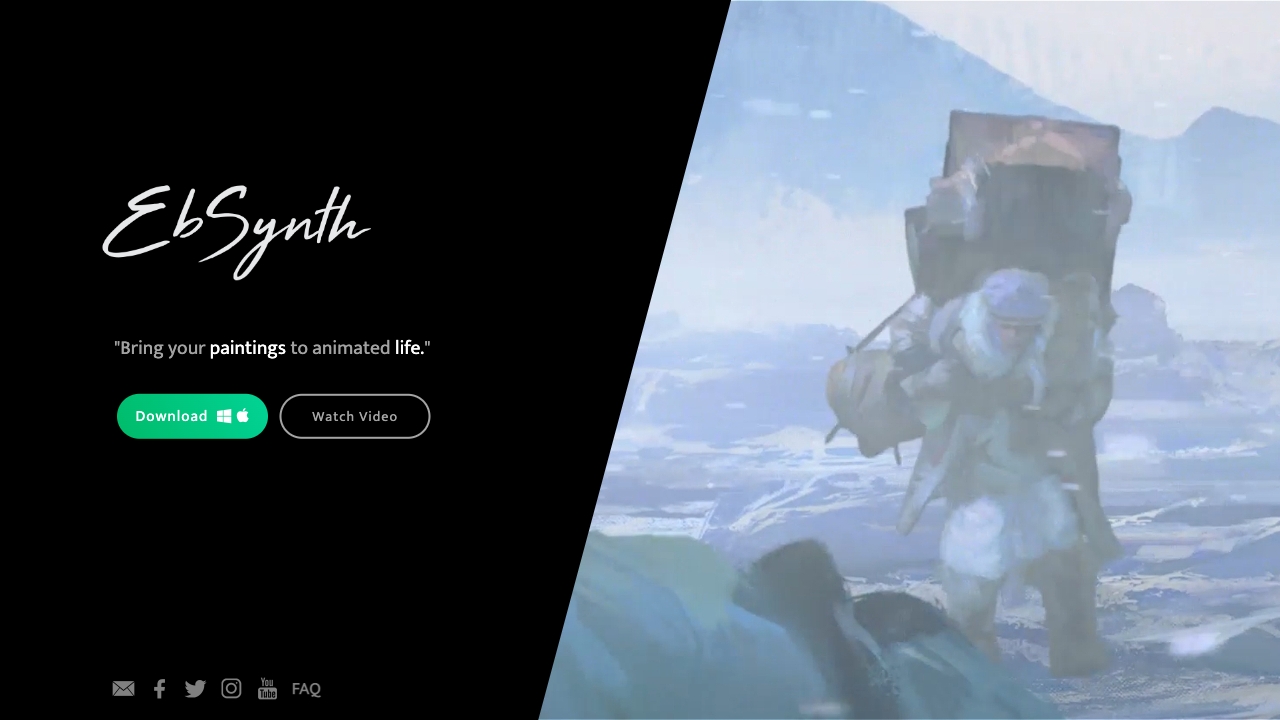
UnknownEbSynth animates footage using styled keyframes, ideal for hand-drawn animations.
Reallife3d ✓
UnknownConvert 2D images to 3D for VR platforms

Eightify
UnknownAI-powered YouTube video summarizer extracting key ideas for quick content assessment.

D-ID ✓
FreemiumCreate AI-generated videos with ease