

3D animations 2026 Rank: #2550
Depthflow AI ✓
Turn 2D images into stunning 3D motion.
Verdict
A quick read before you dig into the full page.
- Best if
- Turn 2D images into stunning 3D motion
- Skip if
- Inefficient for complex 3D projects
- Pick this when
- Transforms 2D to 3D
Considering Deepmotion instead? Compare side by side
Overview
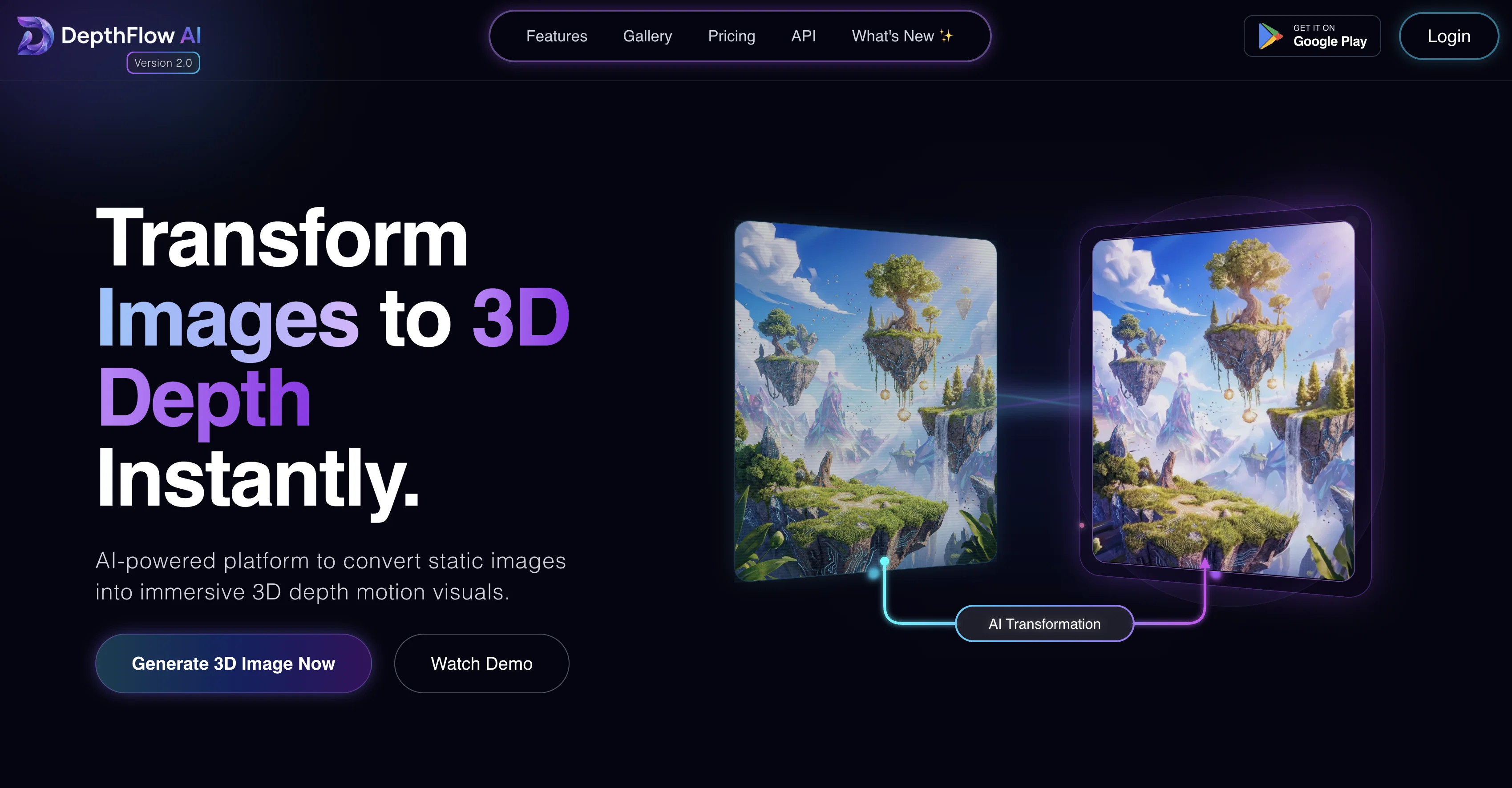
Depthflow AI is an artificial intelligence tool designed to transform 2D images into 3D motion. It innovatively applies AI models and computer vision technologies to generate 3D depth maps from regular 2D images.
The tool's primary functionality lies in reimagining and converting flat single or multiple frame images into stunning motion-filled 3D scenes. Through this operation, it enhances the visual depth and tangible feel of the image and exponentially upgrades the user experience.The whole transformation procedure by the Depthflow AI occurs instantly, thus providing efficient and quick conversion of images that saves not only time but also processing power.
The tool is incredibly useful in a multitude of applications, including visual arts, graphic design, augmented and virtual reality, gaming, and other fields where 3D imagery can offer added aesthetic or functional value.The application of the tool calls for the user to enable JavaScript, indicating its web-based nature.
Users can effortlessly operate Depthflow AI without requiring detailed technical knowledge because of its user-friendly interface. While enhancing the realism of images, this tool moderates the necessity of complex methods traditionally associated with 3D modelling.Though the tool simplifies the 3D conversion process, the final results produced retain a high quality and attention to detail.
It stands as a testament to the possibilities modern AI offers in levelling up digital imagery and broadening the scope of what graphic creators, designers, and digital artists can achieve.
Access & connections
Where you can use Depthflow AI.
Platforms
Capabilities
What this tool accepts, produces, and is strongest at.
Input
- Image
Output
- 3D
Supported features
- 3D Generation
- Image Edit
- Image Understanding
- Video Generation
- Realism
- Visual Creation
- Web browsing
- Viral baseball trend
Pros & cons
Pros
- Transforms 2D to 3D
- Generates 3D depth maps
- Instant transformation procedure
- Saves time and processing power
- Useful in multiple applications
- Web-based tool
- Requires minimal technical knowledge
- User-friendly interface
Show 10 more
- Simplifies 3D conversion process
- Retains high-quality results
- Enhances visual depth
- Augments visual arts
- Improves graphic design
- Contributes to AR/VR
- Enhances gaming applications
- Makes 3D modelling simple
- Enhances realism of images
- Broadens scope for creators
Cons
- Requires JavaScript enabled
- Only web-based
- No offline functionality
- Limited to 2D to 3D
- No 3D modeling capabilities
- May not retain original image quality
- No detailed technical functionality
- Inefficient for complex 3D projects
Show 2 more
- Not suitable advanced design tasks
- No API for integration
Compare alternatives
Similar tools in the catalog.





Releases 1
Related tools
Recommended

MagicSlides.app AI PPT Maker ✓
FreemiumCreate Stunning PPTs in Seconds with the AI PPT Maker

GetLogit ✓
FreemiumArtificial intelligence, available for everyone.

ChatGPT ✓
FreemiumAsk anything, create anything, and move from idea to action.

Automateed ✓
Free TrialCreate eBooks effortlessly with Automateed, the AI-powered writing tool.

Kin - Personal AI Advisors ✓
FreePrivacy-first & designed your for mind, and life at work

Aiter.io | Paste a URL. Ship a Campaign That Sounds L... ✓
FreemiumAI marketing that sounds like you, not everyone else.