
Pixelate by Scenario ✓
Transform photos into retro pixel art masterpieces.
from $36
Verdict
A quick read before you dig into the full page.
- Best if
- You are game developers and need: Converting images into pixel art for use in game development projects
- Skip if
- No batch processing
- Pick this when
- Online image to pixel converter
Considering PixelLab instead? Compare side by side
Overview
Pixelate is an online image to pixel art converter which quickly and easily converts images into pixel art. The user simply uploads an image of their choice and selects the desired level of pixelation.
Once the image is uploaded, Pixelate will automatically transform it into a retro-style pixel art masterpiece. The user can then download their pixel art to be used in game development.
Pixelate is made by Hugo and is joining Scenario, a platform for game developers. The user must agree to the terms and conditions before using the tool.

Best for
Short scenarios where Pixelate by Scenario tends to shine.
-
Converting images into pixel art for use in game development projects.
Best for Game developers
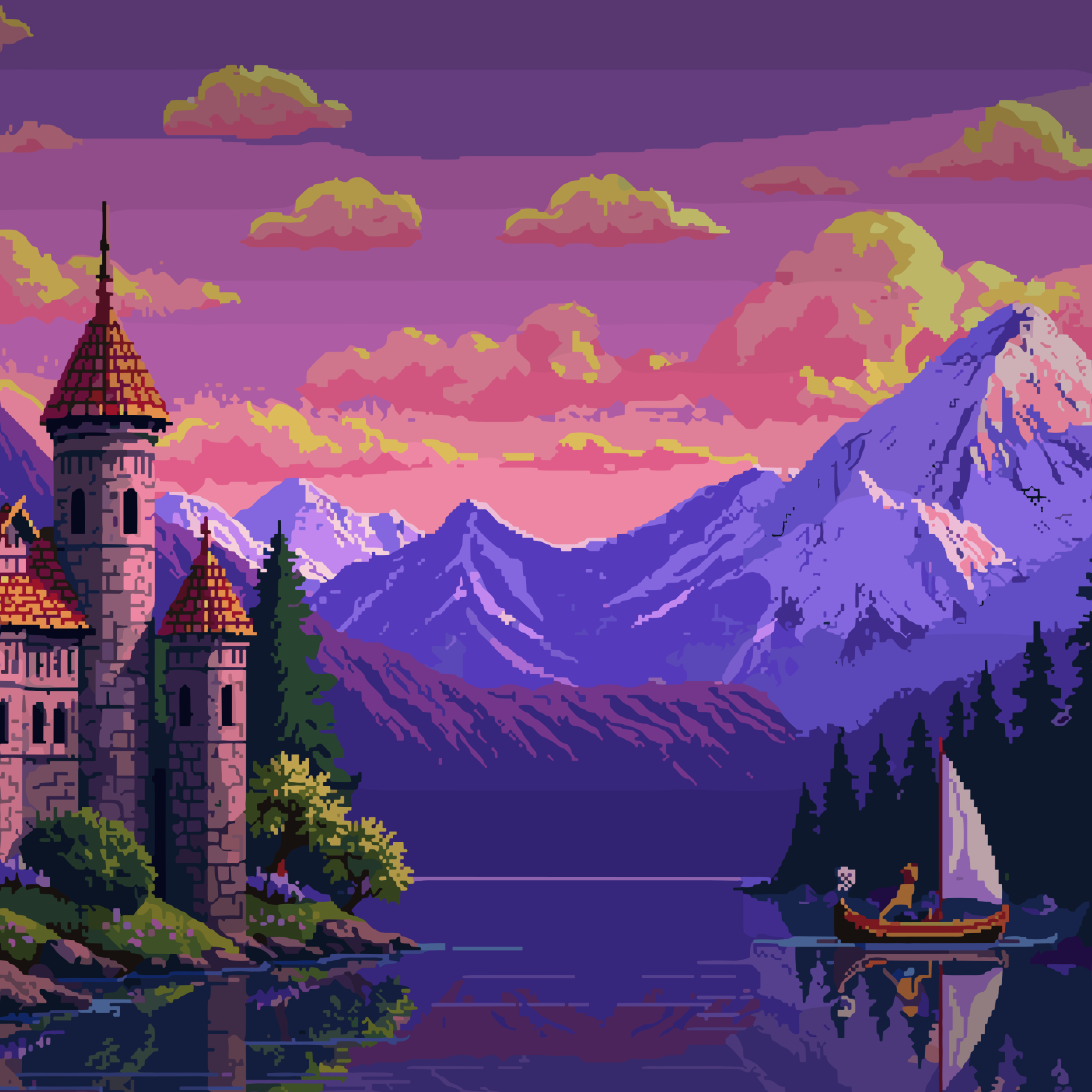
Example outputs 1
Sample generations and before/after results for Pixelate by Scenario.
Access & connections
Where you can use Pixelate by Scenario.
Platforms
Capabilities
What this tool accepts, produces, and is strongest at.
Input
- Image
Output
- Image
Highlights
- SOTA
Models
Text
Image
Audio
Video
Pros & cons
Pros
- Online image to pixel converter
- Quick and easy conversion
- Customizable pixelation level
- Specifically designed for game development
- Result available for download
- Removing background feature
- Drag and drop image upload
- Partnering with Scenario platform
Show 1 more
- Maintained by a dedicated developer
Cons
- No batch processing
- No API access
- No customization of pixelation
- Single file type support
- No preview feature
- No color adjustment
- Non-adjustable pixelation parameters
- Cannot edit results in tool
Show 2 more
- No failsafe for large images
- No embedding option
Compare alternatives
Similar tools in the catalog — with a clear reason to open each one.
PixelLab ✓
Free TrialCreate pixel art game assets 10x faster with AI
Why look Typically cheaper
Full comparison
Pixel-Art.ai ✓
PaidTransform visions into pixel-perfect artwork.
Why look Typically cheaper
Full comparison
SpriteCook ✓
FreemiumAI pixel art generator for game developers.
Why look Freemium alternative
Full comparison
Toonly AI ✓
PaidEdit and generate images with AI prompts instantly.
Why look Typically cheaper
Full comparison
PNGMaker ✓
FreemiumGenerate transparent PNGs from text prompts instantly.
Why look Freemium alternative
Full comparisonPeople also view
Tools that often show up alongside Pixelate by Scenario in collections and comparisons.
Pxlize AI ✓
FreemiumMake beautiful 8bit art.
PixelLab ✓
Free TrialCreate pixel art game assets 10x faster with AI
Pixel-Art.ai ✓
PaidTransform visions into pixel-perfect artwork.
Toonly AI ✓
PaidEdit and generate images with AI prompts instantly.
SpriteCook ✓
FreemiumAI pixel art generator for game developers.
PNGMaker ✓
FreemiumGenerate transparent PNGs from text prompts instantly.
ASCII Art Converter ✓
FreeConvert images into ASCII art instantly.
AnimatedDrawings by Meta ✓
FreeBring children's drawings to life through animation.
Releases 1
Imported reviews 2
pixelicious was good as free tool, now requires payment for something very basic as pixelating an image
Doesn't look like an AI. Looks more like the result of standard image reduction and coloring a pixel in the closest color to the palette. Unfortunately, not at all what is required.
FAQ 12
What is Pixelate?
How does Pixelate convert images into pixel art?
Can I select the level of pixelation on Pixelate?
How can I upload an image to Pixelate?
Can I use the pixel art I create with Pixelate in game development?
Who created Pixelate?
What is Scenario and how is Pixelate related to it?
Can I use Pixelate without agreeing to the terms and conditions?
How can I download my pixel art from Pixelate?
Does Pixelate provide any image editing features or just pixelate the images?
Can I preview the pixelated image before downloading it?
Where can I find the terms and conditions of Pixelate?
Related tools
Recommended

Color-anything ✓
FreeCreate AI coloring pages from your imagination.

Upscayl ✓
Free TrialEnhance images with free, open-source AI upscaling.

Photo AI ✓
PaidCreate beautiful AI photos and videos of real people

Stockimg AI ✓
PaidGenerated images and text for design ease.

Midjourney ✓
PaidExpand human imagination through AI-powered visuals.
Ebsynth
UnknownEbSynth animates footage using styled keyframes, ideal for hand-drawn animations.