
Pixel art 2026 Rank: #1666
PixelLab ✓
Create pixel art game assets 10x faster with AI
Trial; then from $12/mo
Verdict
A quick read before you dig into the full page.
- Best if
- Create pixel art game assets 10x faster with AI
- Skip if
- Limited to game development
- Pick this when
- Generates pixel art assets
Considering Pixelate by Scenario instead? Compare side by side
Overview
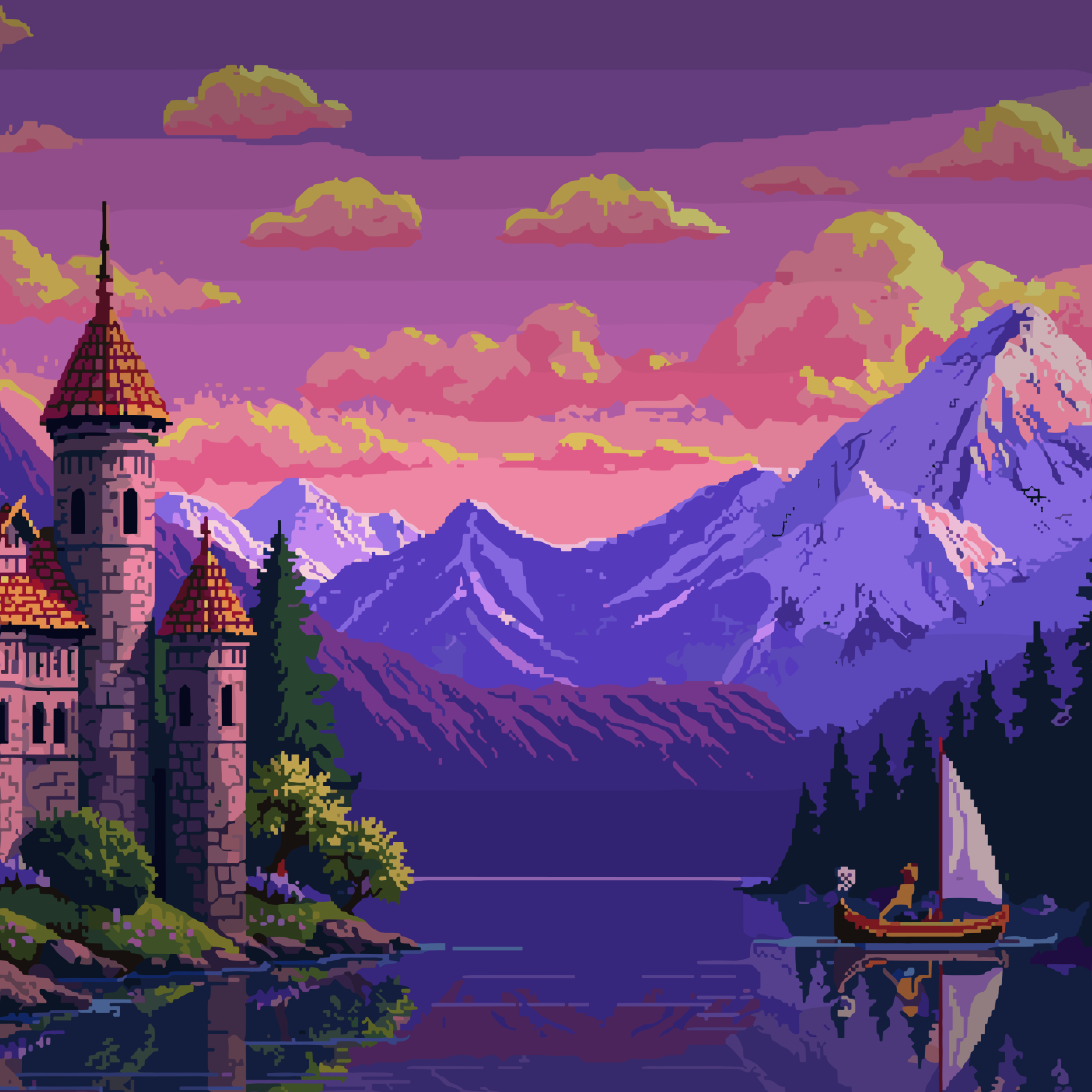
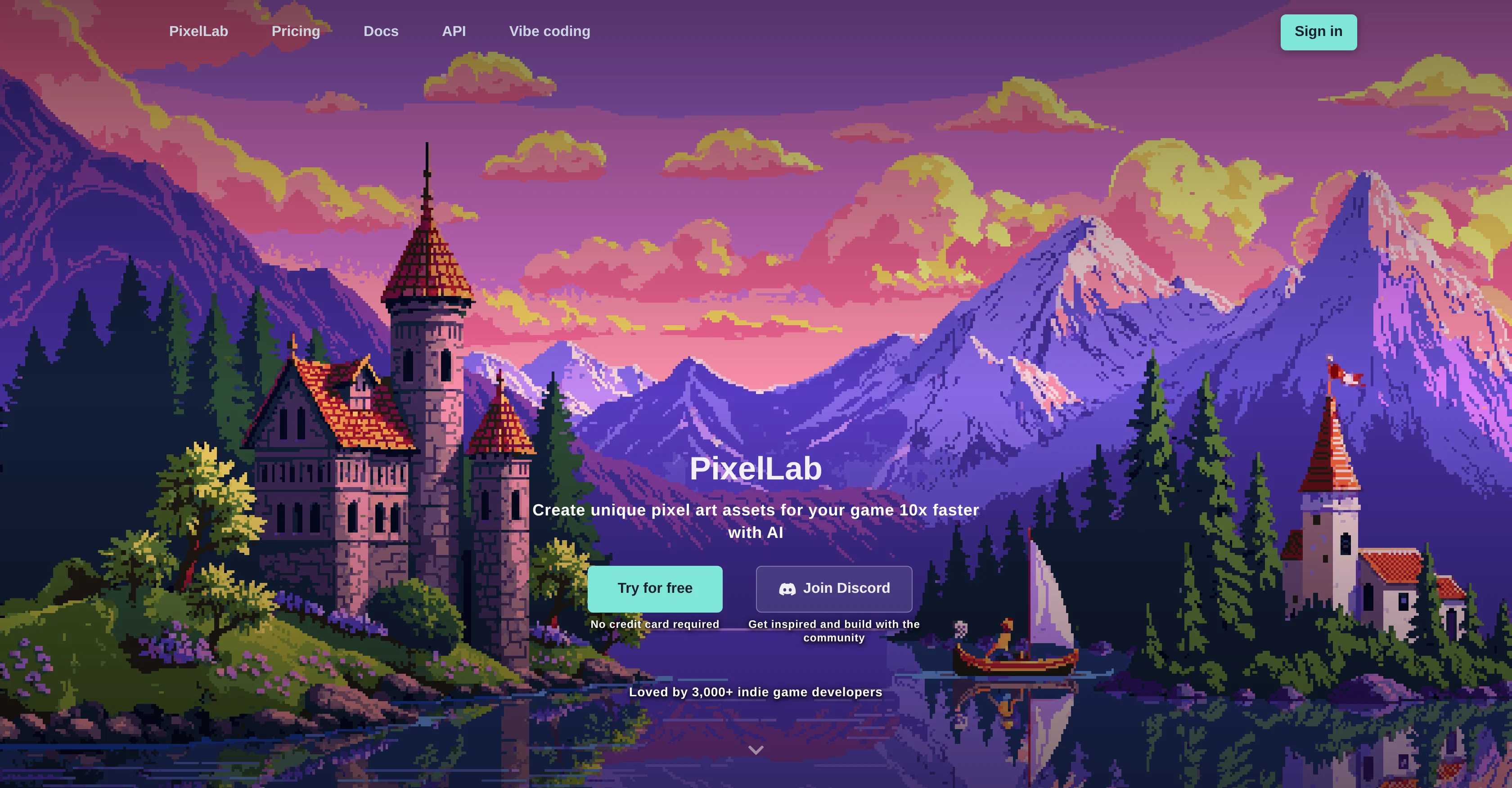
PixelLab is a versatile AI-powered tool designed for the creation of pixel art assets and animations geared towards game development. It allows for the generation of character animations, sprite sheets, and game environments, thereby accelerating the design process for game developers.
PixelLab enables one-click animations using text prompts or skeleton-based controls for characters, and provides tools for creating complex sequences for storytelling and dynamic backgrounds through simple text descriptions.
It offers features for creating sprite rotations with different directional views, ideal for isometric and top-down games. By uploading concept art or a reference sprite, PixelLab can generate consistent directional views that match the intended design.
Additionally, PixelLab is equipped with tools that maintain visual consistency across all sprites, based on reference images. There is also the incorporation of editing features, which allow for style-matching modifications such as changing clothes or adding accessories in the pixel art.
Developers can create detailed pixel art scenes, maps, tilesets, and textures from text descriptions for immersive game worlds. Moreover, PixelLab comes with the capability of generating pixel art UI components while maintaining a consistent style across the entire game interface.
PixelLab is accessible as a web application or as a plugin for Aseprite, making it a solid choice for indie game developers prioritizing speed and efficiency in game asset creation.
Best for
Short scenarios where PixelLab tends to shine.
-
Create pixel art game assets 10x faster with AI
Example outputs 1
Sample generations and before/after results for PixelLab.
Access & connections
Where you can use PixelLab.
Platforms
Capabilities
What this tool accepts, produces, and is strongest at.
Input
- API
- Image
- Text
Output
- API
- Image
Highlights
- API
Supported features
- Image Edit
- Image Generation
- Styling
- API
Pros & cons
Pros
- Generates pixel art assets
- Accelerates design process
- One-click animations
- Text or skeleton-based controls
- Creates storytelling sequences
- Generates dynamic backgrounds
- Provides sprite rotations
- Creates isometric and top-down games
Show 38 more
- Turns concept art into game-ready assets
- Ensures visual consistency
- Allows style-matching modifications
- Creates detailed pixel art scenes
- Generates game maps
- Creates pixel art UI components
- Accessible as web application
- Can be used as Aseprite plugin
- Speed and efficiency in asset creation
- Supports generation of sprite sheets
- Generates tilesets and textures
- Enables style consistency across interface
- Generates character animations
- Creates scenes from text descriptions
- Generates directional views from concept art
- Maintains consistency across all sprites
- Offers editing features for pixel art
- Creates textures from text descriptions
- Generates UI components in pixel art
- Useful for indie game developers
- Perfect for animation generation
- Supports isometric support
- True inpainting for consistency
- Automatic character creation features
- Style consistent generation for objects
- Enables game map creation
- Generates seamless map tiles
- Provides consistent textures for side-scrolling games
- Generates pixel art buttons and menu items
- Allows creation of health bars
- Generates pixel art items and objects
- Text prompts for creating animations
- Ability to rotate sprites
- Adapts to reference images
- Generates high quality backgrounds
- Generates style-based UI components
- Animations can be created by text prompts
- Pixel art scenes can be created from descriptions
Cons
- Web-based only
- Dependent on Aseprite
- Lacks offline version
- Limited style modifications
- No image storage
- No free version mentioned
- Only focused on pixel art
- Limited to game development
Show 1 more
- Requires concept art uploads
Compare alternatives
Similar tools in the catalog — with a clear reason to open each one.

Pixelate by Scenario ✓
PaidTransform photos into retro pixel art masterpieces.
from $36
Full comparison
Pixel-Art.ai ✓
PaidTransform visions into pixel-perfect artwork.
Why look Typically cheaper
Full comparison
SpriteCook ✓
FreemiumAI pixel art generator for game developers.
Why look Typically cheaper
Full comparison
Toonly AI ✓
PaidEdit and generate images with AI prompts instantly.
Why look Typically cheaper
Full comparisonPeople also view
Tools that often show up alongside PixelLab in collections and comparisons.

Pxlize AI ✓
FreemiumMake beautiful 8bit art.
Pixelate by Scenario ✓
PaidTransform photos into retro pixel art masterpieces.
Pixel-Art.ai ✓
PaidTransform visions into pixel-perfect artwork.
Toonly AI ✓
PaidEdit and generate images with AI prompts instantly.
SpriteCook ✓
FreemiumAI pixel art generator for game developers.

PNGMaker ✓
FreemiumGenerate transparent PNGs from text prompts instantly.
ASCII Art Converter ✓
FreeConvert images into ASCII art instantly.

Base44 Superagents ✓
FreemiumBuild your own AI agent in minutes, not days.
Releases 1
Imported reviews 1
That's soo cool I love the idea, takes me back to when I was a kid
FAQ 12
What is PixelLab?
How does PixelLab generate character animations?
What functionalities does PixelLab offer to create sprite sheets?
How does PixelLab speed up the game development process?
Can I create different views with PixelLab for my isometric or top-down games?
How can PixelLab maintain visual consistency across all sprites?
What style-matching modifications can I make in the pixel art using PixelLab?
Can PixelLab generate game maps and tilesets from text descriptions?
How does PixelLab assist in creating UI components for my game?
Is PixelLab available as a web application or as a plugin?
How does PixelLab integrate with Aseprite?
What makes PixelLab a suitable tool for indie game developers?
Related tools
Recommended

Marblism ✓
FreemiumAI Employees who Work for Your Business

AppDeploy ✓
FreeDeploy real apps directly from ChatGPT or Claude

Whacka ✓
Free TrialTurn ideas into real apps from your phone.
Base44 Superagents ✓
FreemiumBuild your own AI agent in minutes, not days.

AdMake AI ✓
PaidSpy on competitor ads, create winning creatives.

YouTube Summarizer by Gistilo ✓
FreemiumTurn any YouTube link into clear summary.