

Ultimate Web Scraper ✓
Extract data instantly: Grab text, images, emails & links from any website
Free + from $60
Verdict
A quick read before you dig into the full page.
- Best if
- Extract data instantly: Grab text, images, emails & links from any website
- Skip if
- Limited data export formats
- Pick this when
- No-code solution
Considering FetchFox instead? Compare side by side
Overview




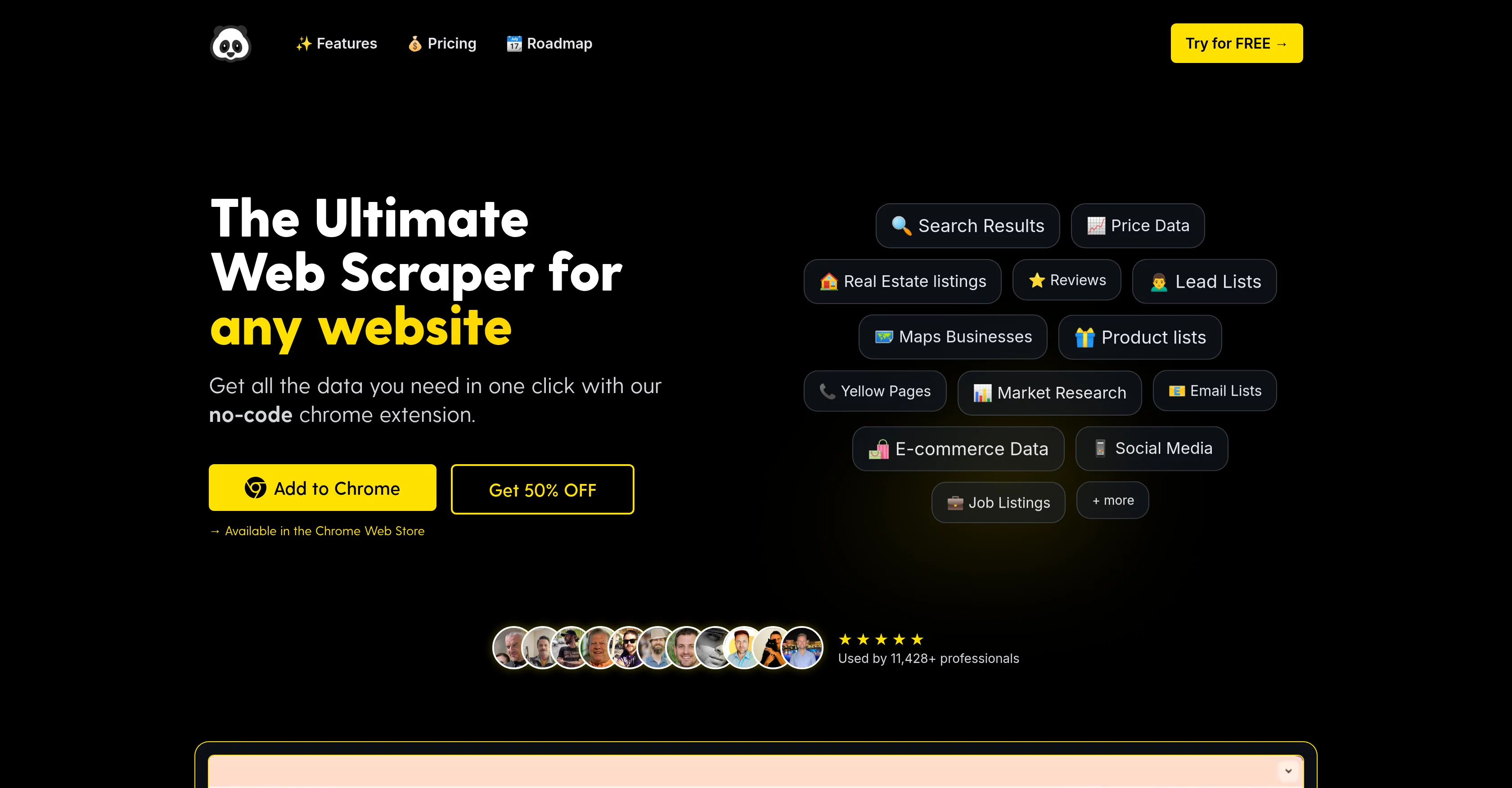
PandaExtract is a powerful chrome extension and web scraping tool designed for collecting data from a range of websites swiftly and efficiently. It operates as a no-code solution, offering extensions directly compatible with the Chrome browser.
The tool offers features to extract a variety of data types, including text, images, emails, links and more. Extracting data from lists, tables, and paginated content is made accessible through a smart selection tool.
The tool enables users to add specific URLs for a bulk collection of data, scanning pages and subpages for the chosen data elements. It also has a feature to identify and bulk download images from websites, offering automatic detection and categorization of images by size and type.
The extraction of clean text content and website metadata is another feature, which allows inputting a list of pages to obtain the specified data. Moreover, PandaExtract also provides capabilities to manage, filter, organize and export the extracted data using its Data Table feature.
In terms of use cases, it excels in scraping data from popular platforms, extracting specific data such as ratings, product descriptions, pricing, images, etc.
Furthermore, PandaExtract plans to launch new features, enhancing its capability with list extractions functionalities, scheduled data extractions, and integration with other systems.
Best for
Short scenarios where Ultimate Web Scraper tends to shine.
-
Extract data instantly: Grab text, images, emails & links from any website
Example outputs 1
Sample generations and before/after results for Ultimate Web Scraper.
Access & connections
Where you can use Ultimate Web Scraper, and what it plugs into.
Platforms
Integrations
Capabilities
What this tool accepts, produces, and is strongest at.
Input
- Tabular
- Text
Output
- Tabular
- Text
- Image
Highlights
- Local
- No Signup
Supported features
- Runs Locally
- No Signup
- Crawling & Scrapping
Pros & cons
Pros
- No-code solution
- Chrome extension compatibility
- Wide data extraction
- Smart selection tool
- Bulk data collection
- Data from subpages scraping
- Images bulk download
- Automatic categorization by size/type
Show 13 more
- Clean text extraction
- Metadata extraction
- Data Table feature
- Manage data
- Filter data
- Organize data
- Export data
- Scheduled data extraction plan
- Integration with other systems plan
- Bulk email scanning
- Compatible with popular platforms
- Directly extract from URLs
- Paginated content extraction
Cons
- Chrome-exclusive
- Not open source
- No support for schedulings
- Lacks integration features
- Deep scanning is manual
- Limited data export formats
- No function to re-run
- No Advanced crawl settings
Show 2 more
- No automatic data deduplication
- No click-and-point interface
Compare alternatives
Similar tools in the catalog — with a clear reason to open each one.

FetchFox ✓
FreemiumScrape any data from any website, with AI
Why look Typically cheaper
Full comparison
Octoparse ✓
FreemiumThe next generation of AI web scraping platform.
Free + from $83/mo
Full comparison
Browse AI ✓
FreemiumExtract and monitor web data without code.
Why look Typically cheaper
Full comparison
WebscrapeAi ✓
Free TrialAutomate web data collection without coding.
Why look Typically cheaper
Full comparison
BrowserAct ✓
Free TrialExtract web data instantly without coding.
Why look Typically cheaper
Full comparisonPeople also view
Tools that often show up alongside Ultimate Web Scraper in collections and comparisons.
Octoparse ✓
FreemiumThe next generation of AI web scraping platform.
FetchFox ✓
FreemiumScrape any data from any website, with AI
WebscrapeAi ✓
Free TrialAutomate web data collection without coding.

Kadoa ✓
FreemiumGenerate web scrapers with AI
BrowserAct ✓
Free TrialExtract web data instantly without coding.
Browse AI ✓
FreemiumExtract and monitor web data without code.

WebCrawler API ✓
Free TrialTurn docs and websites into clean markdown for AI agents

ScrapeOps | Scraper Builder ✓
FreemiumGenerate scraper code from URLs with AI.
Releases 1
FAQ 12
What types of data can PandaExtract extract?
Is PandaExtract compatible with any browser other than Chrome?
How does PandaExtract handle data management and organization post extraction?
Can PandaExtract identify and download images from websites?
Does PandaExtract have features for bulk data collection?
Can PandaExtract extract data from paginated content?
Does PandaExtract allow extraction of email addresses from websites?
Can I schedule data extractions on PandaExtract?
Does PandaExtract provide any integration capabilities?
How does the page text extraction feature in PandaExtract work?
Is there a feature for website metadata extraction in PandaExtract?
Can PandaExtract extract data from lists and tables?
Related tools
Recommended

Notis ✓
Free TrialThe first WhatsApp assistant that runs on your ChatGPT and Claude subscriptions

DeepSeek ✓
FreeUnravel the mystery of AGI with curiosity

Mindsmith ✓
FreemiumPlatform for building and sharing eLearning content

Automateed ✓
Free TrialCreate eBooks effortlessly with Automateed, the AI-powered writing tool.

ZenCall ✓
Free TrialAI Answers Your Calls

Wix AI Website Builder ✓
FreemiumAI-powered websites, instantly ready for business.