
AI workspace 2026 Rank: #1629
OpenClaw OS ✓
Generate interactive apps instantly with live data.
Verdict
A quick read before you dig into the full page.
- Best if
- Generate interactive apps instantly with live data
- Skip if
- No Windows compatibility
- Pick this when
- Generates interactive apps instantly
Considering Klyra AI instead? Compare side by side
Overview
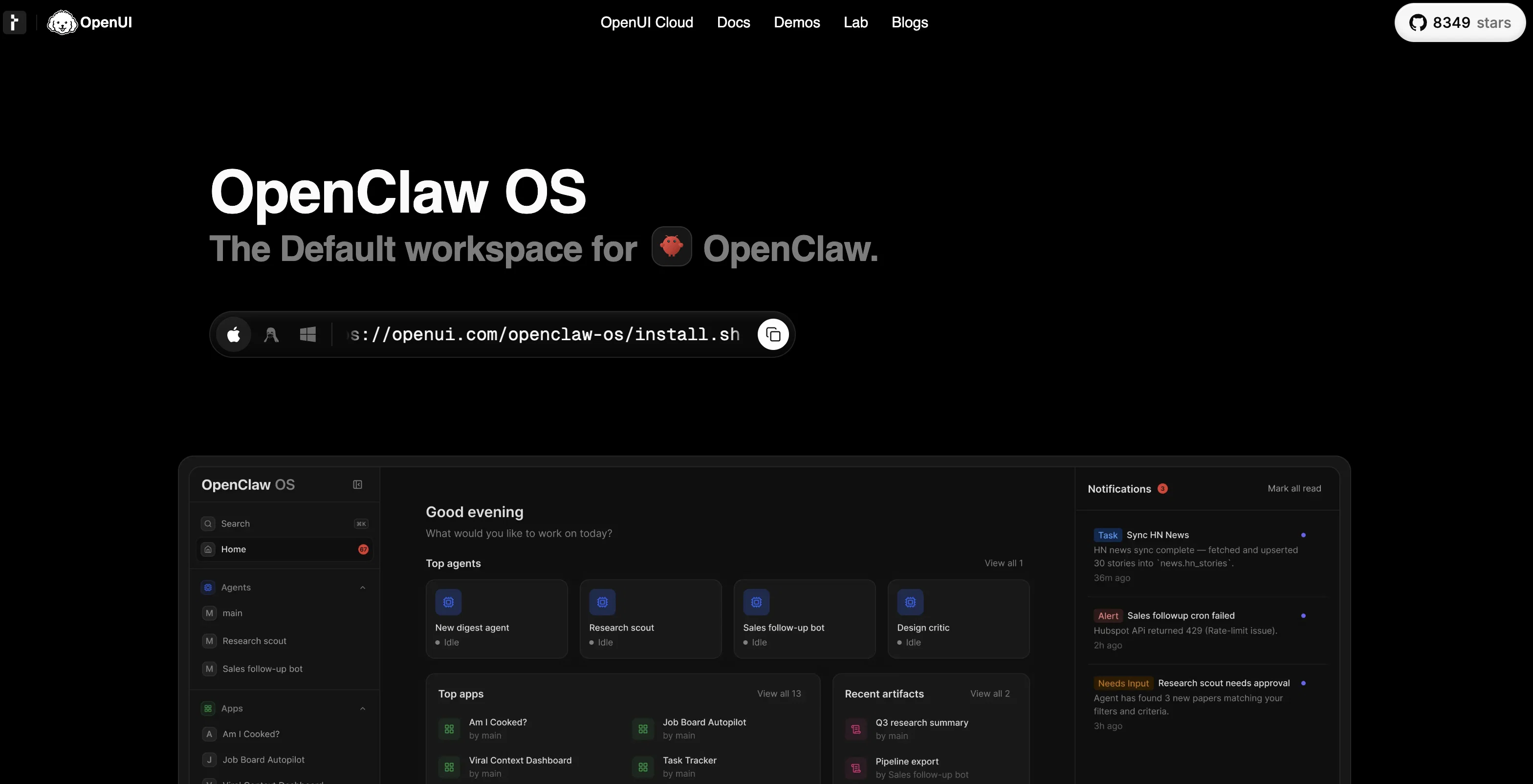
OpenClaw OS is an application workspace dedicated to the operation and management of your OpenClaw agent. This platform is used to create interactive applications and tools swiftly and conveniently for a broad range of uses, where the applications are consistently maintained using current data for accuracy.
This system makes it possible to transform any use case into a fully operational application instantly. It possesses the capability to generate a variety of apps designed to track and monitor different activities such as observing social media, company sales, sprint progress, and stock market trends.
OpenClaw OS boasts a highly organized workspace where agents, sessions, artifacts, and applications can be effectively managed. It also guarantees full visibility, giving users insights into tool calls, the context, and agent actions in real-time.
The platform provides direct control to users, allowing for permissions, schedules, and execution to be handled from a singular interface. Additionally, it offers live notifications, keeping users promptly informed with cron jobs notifications.
Despite its functionality, OpenClaw OS presents an elegant and user-friendly interface, infused with responsive layouts and themes for clarity and visual appeal.
The OpenClaw OS software can be installed easily and is designed for both macOS and Linux operating systems.
Access & connections
Where you can use OpenClaw OS.
Platforms
Capabilities
What this tool accepts, produces, and is strongest at.
Input
- Text
Output
- Text
Highlights
- Agents
Supported features
- Agents
- App Builder
- Automation
- Social Media
Pros & cons
Pros
- Generates interactive apps instantly
- Tracks and monitors activities
- Real-time insights into tools
- Single interface control
- Live cron jobs notifications
- User-friendly interface
- Compatible with macOS/Linux
- Organized workspace for agents
Show 35 more
- Social media tracking capabilities
- Sales and sprint progress tracking
- Real-time execution capabilities
- Direct control over permissions
- Schedule management capabilities
- Easy software installation
- Current data for application consistency
- Visual appeal and clarity
- Creates apps for various uses
- Offers fully operational instant applications
- Designed for Broad range of use
- GUI Generated Apps
- Generative UI capabilities
- Apps auto-refresh with live data
- Workspace houses agents, sessions, artifacts
- Provides full visibility and control
- Elegant responsive layouts and themes
- Cron jobs notifications
- Real-time agent actions inspection
- One interface for permissions, schedules, execution
- Structure, visibility versus chat services
- Setup in under a minute
- Automatic monitoring and updating
- Project management features
- Insights into tool calls
- Apps for stock market tracking
- Ability to observe social media
- Designed for swift and convenient use
- Persistent apps with live data
- Quick application transformation
- Sophisticated visual appeal
- Flexible workspace operation
- Versatile artifact management
- Fully operational application generation
- Automatic live data updates
Cons
- No Windows compatibility
- Overwhelming for beginners
- No mobile version
- Over-reliance on live data
- Notifications only for cron jobs
- Undefined artifact management
- No offline operation
- No custom themes
Show 2 more
- Single interface control
- No third-party integration
Compare alternatives
Similar tools in the catalog.