
All-in-One AI Workspace for Images, Video, Characters... ✓
Create personalized photos with AI
from $7/mo
Verdict
A quick read before you dig into the full page.
- Best if
- Create personalized photos with AI
- Skip if
- Limited free style packages
- Pick this when
- Personalized photo generation
Considering Artta AI instead? Compare side by side
Overview





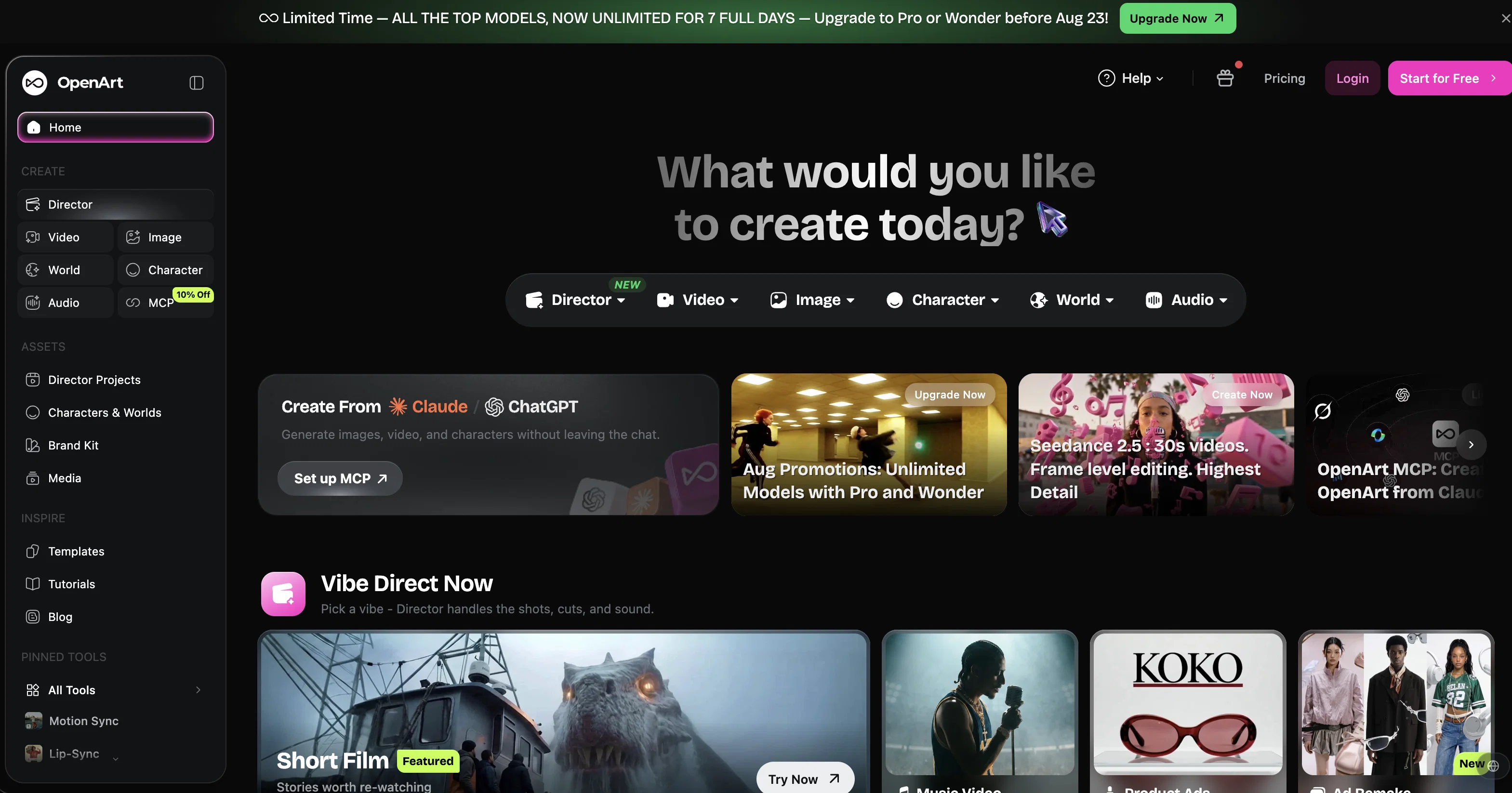
Instead of switching between multiple tools, downloading files, and rebuilding settings from scratch, Suite lets every step of the creative process happen in one panel. Assets flow seamlessly from one tool to the next, while everything you create is stored in a shared library accessible across your entire workflow.
Generate images, turn them into videos, reuse characters, add audio, or place everything inside persistent worlds without leaving the workspace. Settings, references, and visual styles stay consistent as you move between tools, allowing creators to iterate faster without losing momentum.
Characters & Worlds introduce persistent creation. Build characters, objects, styles, and environments once and reuse them across projects using simple references. Your creations evolve over time instead of being recreated from scratch, enabling consistent storytelling, branding, and long-term creative universes.
Designed for both professionals and newcomers, OpenArt Suite removes technical friction so creators can focus on ideas rather than tool management — from first concept to final production in one continuous flow.
Perfect for creators, marketers, filmmakers, and designers looking for a unified AI creation pipeline.
Best for
Short scenarios where All-in-One AI Workspace for Images, Video, Characters... tends to shine.
-
Create personalized photos with AI
Example outputs 1
Sample generations and before/after results for All-in-One AI Workspace for Images, Video, Characters....
Access & connections
Where you can use All-in-One AI Workspace for Images, Video, Characters....
Platforms
Capabilities
What this tool accepts, produces, and is strongest at.
Input
- Image
- Text
- Video
- Audio
Output
- Audio
- Video
- 3D
- Text
- Image
Supported features
- Video Edit
- Image to prompt
- Image Understanding
- Image Edit
- Image Generation
- Fine-tuning
- Video Generation
- Lip Sync
Pros & cons
Pros
- Personalized photo generation
- Supports people, pets, styles, objects
- Upload up to 20 photos
- 300+ styles available
- Offers one free style package
- Built-in face and anime enhancement
- Image upscaling
- Customized prompts support
Show 27 more
- 400 free photos
- Offers 10+ base models
- Pro packages for advanced training
- Cost efficient multiple model training
- Tutorial guidance available
- Choice of model identifier
- Advanced training configurations
- Downloadable training checkpoint file
- More image generation credits
- Supports multiple art styles
- High-quality DALL·E 2 art
- Option for model fine-tuning
- Complimentary style package with basic package
- Supports own prompts for image generation
- 100 images can be used for training
- Model able to generate 800 images
- Supports custom identifier training
- Option for photorealistic or Anime output
- Option for 3D output
- Option for NSFW output
- Direct training with custom identifiers
- Short duration model training
- Generated photos are private
- Option for model deletion after training
- Comprehensive support and FAQ available
- Prompt-free image generation
- Ability to merge models
Cons
- Model training replaces identifiers
- Limited free style packages
- Pro packages involve additional cost
- Checkpoint file requires local usage
- No option to refine models
Compare alternatives
Similar tools in the catalog — with a clear reason to open each one.
Artta AI ✓
Free TrialAffordable AI platform for creating videos and images.
Free + from $6.90/mo
Full comparison
Creativly Agent ✓
FreeThe AI agent that works on your canvas.
Why look Fully free option
Full comparison
Creativly | Image Generator ✓
FreemiumFrom idea to finished content, one AI workspace.
Why look Freemium alternative
Full comparisonPeople also view
Tools that often show up alongside All-in-One AI Workspace for Images, Video, Characters... in collections and comparisons.
Creativly | Image Generator ✓
FreemiumFrom idea to finished content, one AI workspace.
Creativly Agent ✓
FreeThe AI agent that works on your canvas.
Artta AI ✓
Free TrialAffordable AI platform for creating videos and images.

AdScriptly ✓
Free TrialAI ad optimization for predictable revenue.
Getimg.ai ✓
PaidBest content generation tool for marketers and social media creators
Diffusion Art ✓
FreemiumFree, web-based Midjourney alternative - no Discord, no signup.

Artimator ✓
FreemiumCreate unique AI art from text descriptions.

ArtBot ✓
FreeCreate AI images with Stable Diffusion for free
Releases 1
FAQ 12
What is the OpenArt Photo Booth?
What are the different base models used by the OpenArt Photo Booth?
How does the OpenArt Photo Booth use AI to create personalized photos?
What type of style packages does OpenArt Photo Booth offer?
What are the pro packages offered by OpenArt Photo Booth?
How does OpenArt Photo Booth enhance faces and anime in photos?
What is the image upscaling feature of the OpenArt Photo Booth?
How does OpenArt Photo Booth use AI to train models?
Can OpenArt Photo Booth generate images for objects and pets?
What are the options for custom prompts support in OpenArt Photo Booth?
How many photos can I upload in OpenArt Photo Booth for AI generation?
How fast does OpenArt Photo Booth generate the personalized AI?
Related tools
Recommended

Midjourney ✓
PaidExpand human imagination through AI-powered visuals.

Ideogram ✓
FreemiumAI-powered creativity booster

Playground AI ✓
FreemiumCreate art and visuals with AI, for free

Runway ✓
Free TrialAI-powered creative tools for content generation and editing
Stable Diffusion ✓
FreemiumUnleash humanity's potential with generative AI

Photo AI ✓
PaidCreate beautiful AI photos and videos of real people