

Notevibes ✓
Convert text to lifelike speech instantly.
from $8/mo
Verdict
A quick read before you dig into the full page.
- Best if
- Convert text to lifelike speech instantly
- Skip if
- Advanced features might be complex
- Pick this when
- Converts text to speech
Considering ElevenLabs instead? Compare side by side
Overview
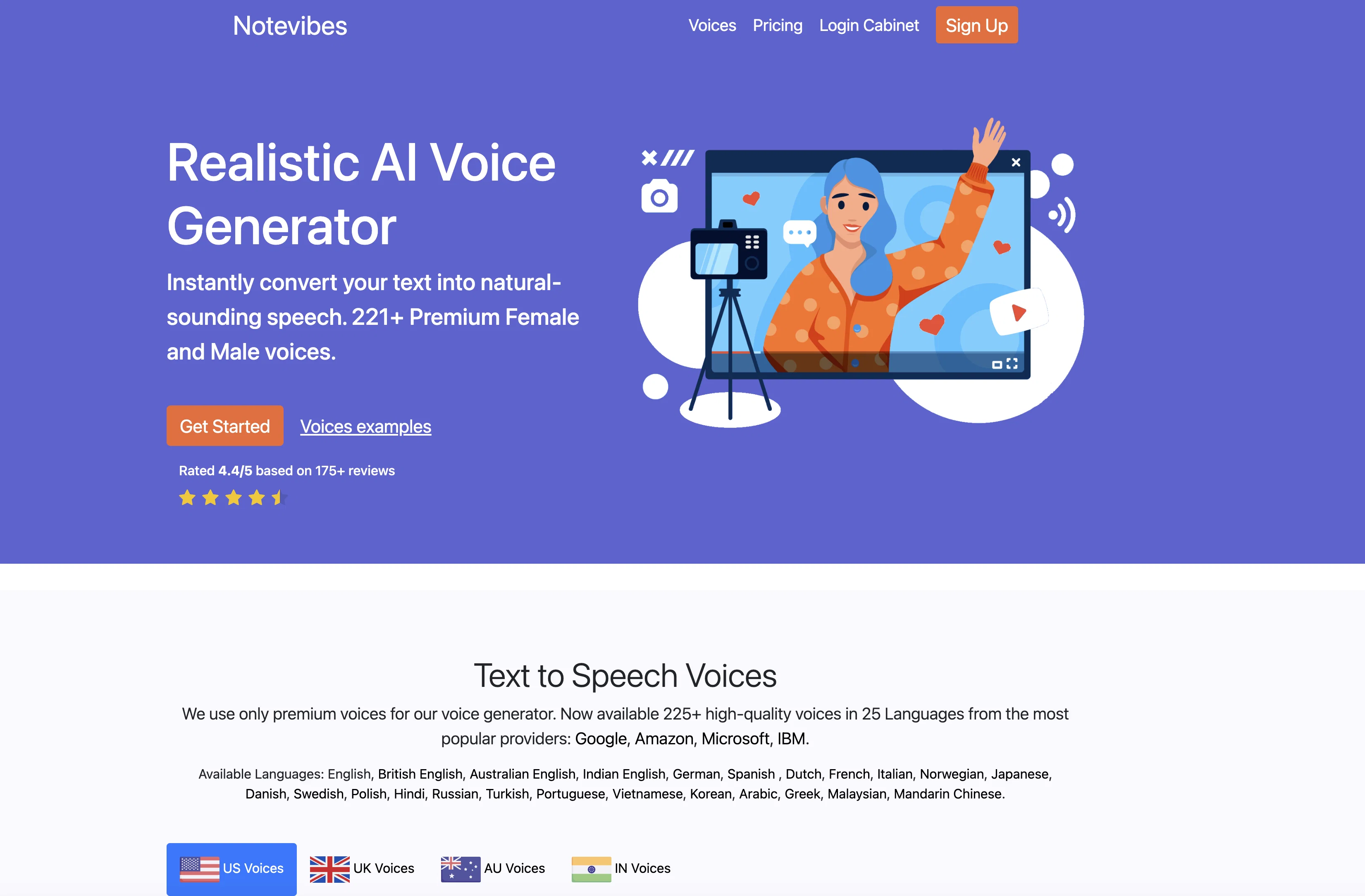
Notevibes is a versatile online tool that converts text to speech in the mp3 format, suitable for a variety of personal and commercial uses. It generates human-like voiceovers, eliminating the need for professional voiceover artists, thereby making it a time and cost-effective alternative in creating audio materials.
The tool uses superior quality voices, in over 25 languages, from leading companies like Google, Amazon, Microsoft, and IBM. Notably, it offers an extensive collection of male, female and even children's voices in different accents such as US, UK, Australian and Indian English.
Users can customize the speech output with advanced editor features like pausing, speed and pitch adjustment, emphasis and volume control. Plus, the audio can be saved as an MP3 or WAV file.
One of the standout features of Notevibes is its applicability across various sectors ranging from sales, education to broadcasting, making it a reliable tool for any business communication that requires converting text into natural-sounding speech.
All intellectual rights of the generated audio files belong to the user, and the platform ensures secure data handling. Notevibes is built to accommodate multi-language teams and offers a manageable master account system for team operations.
Access & connections
Where you can use Notevibes.
Platforms
Capabilities
What this tool accepts, produces, and is strongest at.
Input
- Text
Output
- Audio
Pros & cons
Pros
- Converts text to speech
- Generates human-like voiceovers
- Time and cost-effective
- Superior quality voices
- Over 25 language support
- Voices from Google, Amazon, Microsoft, and IBM
- Male, female, children voices
- Different accents available
Show 21 more
- Customizable speech output
- Advanced editor features
- Saved as MP3 or WAV
- Applicable across various sectors
- Secure data handling
- Multi-language team accommodation
- Manageable master account system
- Intellectual rights of audio files belongs to user
- 225+ premium voices
- Supports education, sales, broadcasting industries
- US, UK, Australian, Indian English voices
- Change speed & pitch
- Emphasis and volume control
- Save audio as WAV
- Trusted by 25,000+ customers
- Voicemail greeting creation
- Realistic IVR voice maker
- YouTube video voiceover service
- eLearning industry applicable
- DJ voice creation
- B2B broadcasting service
Cons
- No offline usage
- Limited to mp3, WAV formats
- Needs internet for conversion
- Can't handle very large texts
- Dependent on third-party voices
- No direct integration with software
- No proprietary voices
- Limited voice customization features
Show 2 more
- Advanced features might be complex
- Depends on third-party service availability
Compare alternatives
Similar tools in the catalog — with a clear reason to open each one.

ElevenLabs ✓
FreemiumCreate lifelike AI voices for compelling storytelling.
Why look Freemium alternative
Full comparison

VoiSpark ✓
FreemiumCreate human-like voices for content with AI
Why look Freemium alternative
Full comparison
Free Text-To-Speech ✓
FreeText transformed into customizable spoken output.
Why look Fully free option
Full comparison

Releases 1
FAQ 12
How does Notevibes convert text to speech in the mp3 format?
What quality of voices does Notevibes use and from which companies are they sourced?
Can I customize the speech output in Notevibes?
What are the different accents that Notevibes supports?
How is Notevibes useful for sectors like sales, education, and broadcasting?
Who holds the intellectual rights to the audio files generated via Notevibes?
How secure is my data when using Notevibes?
What type of account system does Notevibes provide for team operations?
How can Notevibes be useful for multi-language teams?
Can I save the audio in other formats apart from MP3 on Notevibes?
Does Notevibes offer children's voices in its voice collection?
Are there any special features in the advanced editor of Notevibes?
Related tools
Recommended

LearningStudioAI ✓
Free TrialAI-powered authoring tool for effortless online course creation.

IllumiChat ✓
FreemiumFrom Ticket Backlog to Instant Answers Powered by AI

Lingolette ✓
FreemiumBreak through the fluency barrier.

CreateAiCourse ✓
PaidSimplify course creation with the best AI Course Creator.

Text to Speech.im ✓
FreeConvert text to lifelike speech effortlessly

Headshot Photo ✓
PaidGet Realistic, Natural-Looking AI-Generated Professional Headshots in 2 Hours.