

Noiseremoval.net ✓
AI-powered background noise removal for crystal-clear audio.
Free + from $10/mo
Verdict
A quick read before you dig into the full page.
- Best if
- AI-powered background noise removal for crystal-clear audio
- Skip if
- Limited file formats supported
- Pick this when
- Advanced algorithms for noise reduction
Considering Adobe Audio Enhancer instead? Compare side by side
Overview
Noiseremoval.net is a digital tool designed to enhance audio and video quality by effectively removing unwanted background noise. This AI-driven technology harnesses advanced algorithms to identify and isolate background interferences such as hums, hisses, and static, improving the overall clarity of the sound.
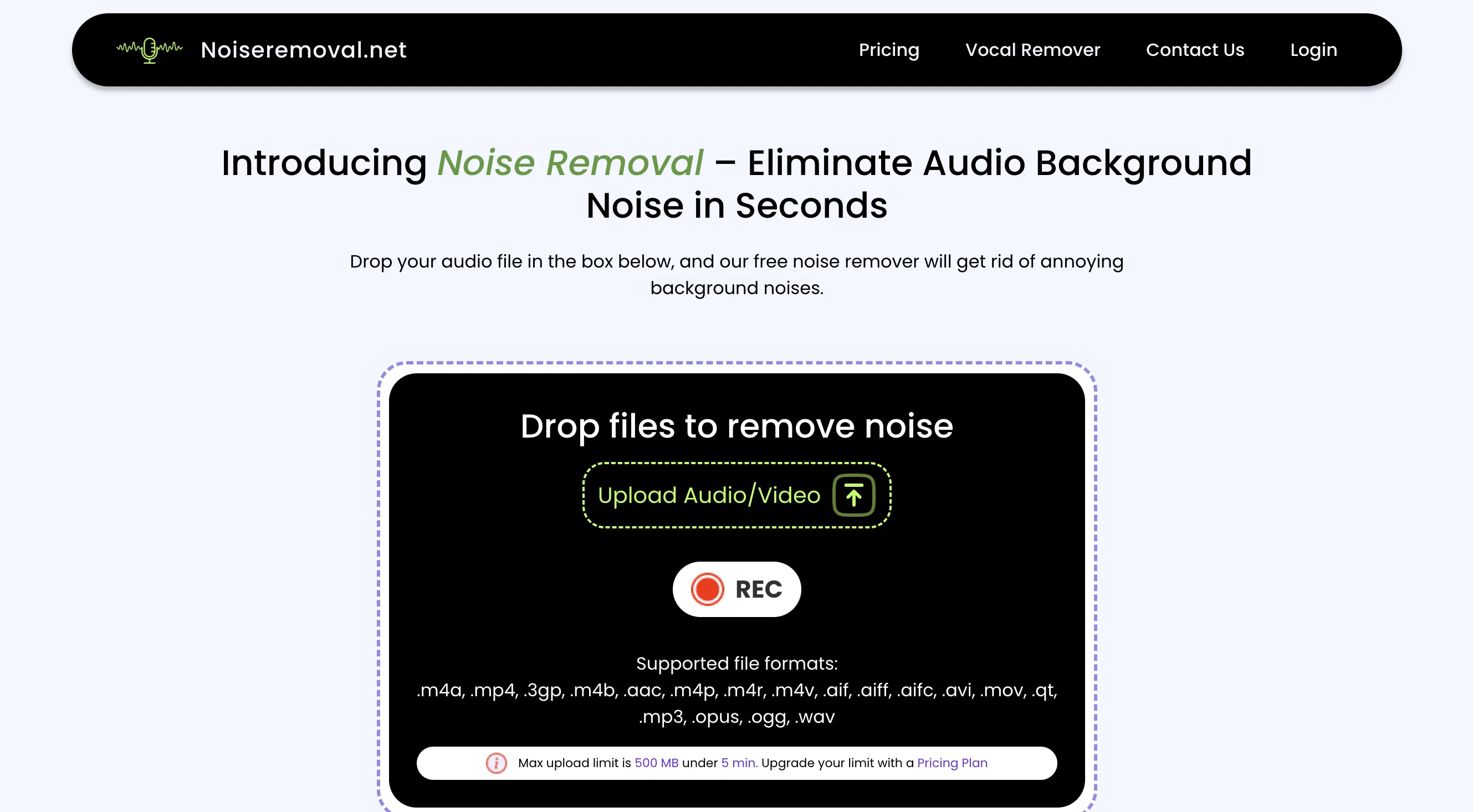
The tool supports a diversity of file formats, from audio files like mp3, wav, and ogg to video files, allowing for a wide range of applications. Its noise removal process is user-friendly, requiring the user to upload the audio or video file, select a mode for noise reduction, and download the improved file after processing.
Noiseremoval.net uses sophisticated approaches such as spectral analysis to pinpoint specific frequencies associated with noise and adaptive filtering techniques for effective noise elimination.
While its geared towards noise removal, the tool is designed to maintain a balance with audio preservation, ensuring the resulting audio retains its original quality for a natural, professional sound.
These various features make Noiseremoval.net suitable for content creators, podcasters, and anyone requiring improved audio quality.
Access & connections
Where you can use Noiseremoval.net, and what it plugs into.
Platforms
Integrations
Capabilities
What this tool accepts, produces, and is strongest at.
Input
- Video
- Audio
Output
- Audio
- Video
Supported features
- Denoise
Pros & cons
Pros
- Advanced algorithms for noise reduction
- Preserves original audio quality
- Supports diverse file formats
- User-friendly noise removal process
- Effective spectral analysis usage
- Adaptive filtering techniques
- Suitable for various applications
- Can work on videos
Show 16 more
- Maintains natural, professional sound
- Supports audio formats: mp3, wav, ogg
- Fast processing
- One-click noise removal
- Enhances audio and video quality
- Flexible noise removal modes
- Handles hums, hisses, static interferences
- Built for content creators, podcasters
- Supports high upload limit
- Noise detection algorithms
- Audio quality maintenance
- Supports under 5-minute videos
- Preserves audio in video files
- Optimized for professional sound
- Well-suited for podcasting
- Ideal for content creation
Cons
- No mobile application
- May affect accents slightly
- Max upload only 500MB
- Limited to under 5 min
- No live noise reduction
- No manual editing options
- Requires internet connection
- Lacks collaborative features
Show 2 more
- No integrated recording feature
- Limited file formats supported
Compare alternatives
Similar tools in the catalog — with a clear reason to open each one.

Adobe Audio Enhancer ✓
Free TrialClean up spoken audio with AI studio-quality filters.
Free + from $12.95/mo
Full comparison
Free AI Audio Cleaner Online ✓
UnknownRemove background noise from audio with AI.
No pricing
Full comparison
Xound ✓
FreemiumAI sound enhancement for content creators
Why look Typically cheaper
Full comparison
Voice Cleaner AI ✓
FreemiumRemove background noise from audio instantly with AI.
Why look Typically cheaper
Full comparison
AI Voice Cleaner ✓
Free TrialRemove background noise from audio instantly with AI.
Why look Typically cheaper
Full comparison
AI Voice Enhancer Online ✓
FreeInstantly improve speech clarity in any audio or video.
Why look Fully free option
Full comparisonReleases 1
FAQ 12
What types of files can I upload to Noiseremoval.net for noise removal?
How does Noiseremoval.net identify and remove background noise from the files?
Why does Noiseremoval.net use AI technology, and how does it benefit the noise removal process?
What do the Pulse and Orbit modes on Noiseremoval.net mean and how are they different?
How can I choose the appropriate noise removal mode for my audio or video file on Noiseremoval.net?
What is the upload size limit on Noiseremoval.net? Can I upgrade it?
How does Noiseremoval.net ensure the original quality of the audio is retained while removing the noise?
How to use Noiseremoval.net to remove background noise from an audio file?
How can I use Noiseremoval.net to enhance the quality of a video file?
How long does Noiseremoval.net take to process an audio or video file for noise removal?
What kind of noises can Noiseremoval.net remove from an audio track effectively?
How does Noiseremoval.net use spectral analysis in the noise removal process?
Related tools
Recommended

Scisummary ✓
Free TrialCutting-edge scientific articles summarization.

Automateed ✓
Free TrialCreate eBooks effortlessly with Automateed, the AI-powered writing tool.

ImageUpscaler ✓
Free TrialEnlarge images with AI, no quality loss.

BigJpg AI ✓
FreemiumSupersize images with crystal-clear AI upscaling