

Myvocal ✓
Clone your voice for singing and speaking in 60 seconds.
Free + from $10/mo
Verdict
A quick read before you dig into the full page.
- Best if
- You are singers and need: Creating custom voices for singing
- Skip if
- Limited voice templates
- Pick this when
- Record Voice feature
Considering KreadoAI instead? Compare side by side
Overview
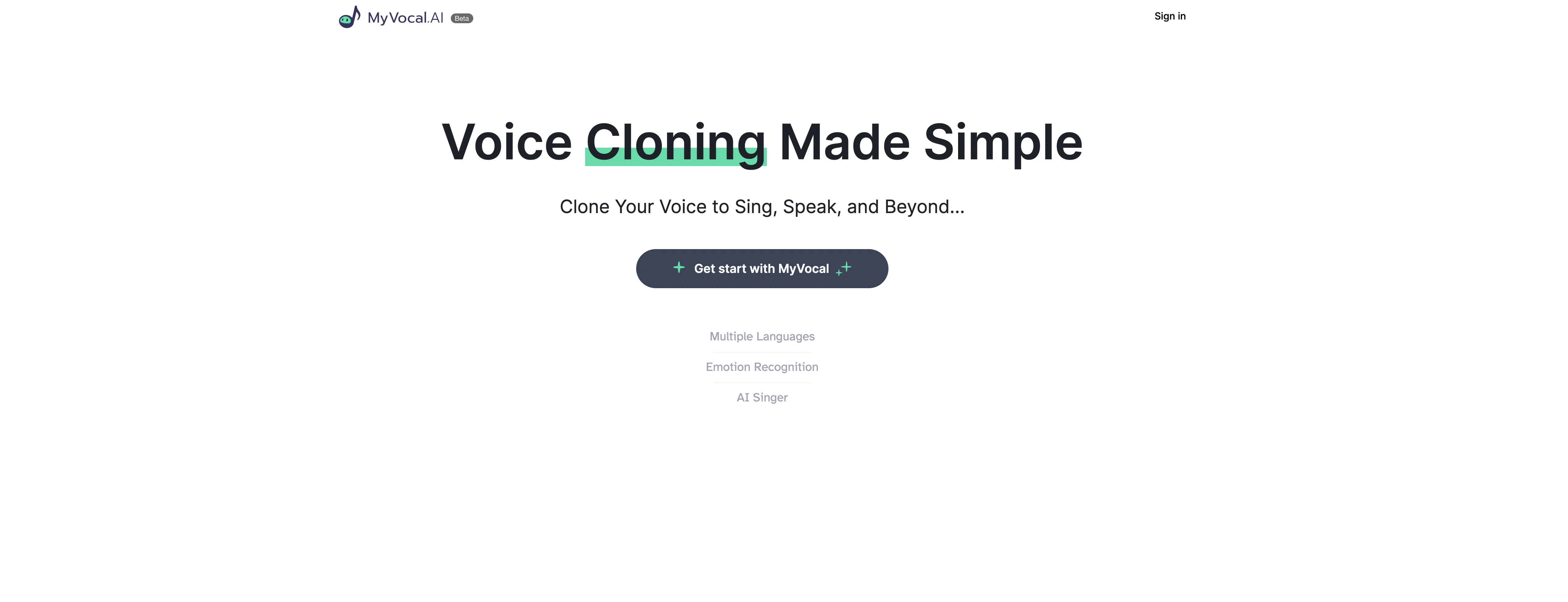
MyVocal.ai is an AI-powered tool that allows users to clone their voice for singing or speaking purposes. It offers three main features: Record Voice, Voice Template, and Upload.
The Record Voice feature allows users to record their voice within the platform, while Voice Template allows users to use pre-existing voice templates to clone their voice.
The Upload feature enables users to upload pre-existing recordings to clone their voice.The tool also offers Text to Speech functionality, allowing users to convert written text into spoken words in their own cloned voice.
MyVocal.ai promises to create a unique pitch for every voice clone, which can help users stand out in content creation or singing projects.MyVocal.ai claims to be quick and easy to use, with voice cloning supposedly taking less than 60 seconds.
The tool is free to use, and users can sign up or log in using their email address. The platform also provides information and resources, such as Data Security, FAQ, About Us, Privacy Policy, Terms of Services, and Cookie Policy.
Overall, MyVocal.ai provides a simple and accessible way for users to create voice clones for their creative projects, content creation, or even voiceovers.
Best for
Short scenarios where Myvocal tends to shine.
-
Creating custom voices for singing
Best for Singers
-
Generating speech from text using a cloned voice
Best for Content Creators
Example outputs 1
Sample generations and before/after results for Myvocal.
Access & connections
Where you can use Myvocal.
Platforms
Capabilities
What this tool accepts, produces, and is strongest at.
Input
- Text
- Audio
Output
- Audio
Pros & cons
Pros
- Record Voice feature
- Voice Template feature
- Upload feature
- Text to Speech functionality
- Unique pitch for every voice clone
- Quick voice cloning
- Free to use
- Data Security information
Show 8 more
- FAQ section
- About Us, Privacy Policy, Terms of Services, and Cookie Policy information
- Can be used for content creation
- Can be used for singing projects
- User-friendly interface
- Email sign up or login
- Clone voice within 60 seconds
- Converts text into spoken words
Cons
- No offline functionality
- Lacks advanced voice modifications
- No multi-language support
- Limited voice templates
- No API for integration
- Not open-source
- No mobile app
- Potential for misuse
Show 2 more
- Single-user focus
- No batch processing feature
Compare alternatives
Similar tools in the catalog — with a clear reason to open each one.
KreadoAI ✓
Free TrialCreate AI-powered multilingual videos with digital avatars
Why look Offers a public API
Full comparison
Fineshare ✓
FreemiumAn online all-in-one AI voice generator for everyone
Why look Typically cheaper
Full comparison
Instant Singer ✓
FreemiumClone your voice and sing any song instantly.
Why look Typically cheaper
Full comparison
All Voice Lab ✓
FreemiumReshape audio workflows with AI-powered voice solutions.
Why look Typically cheaper
Full comparison
KikiVoice ✓
FreeClone any voice in seconds with 99% similarity.
Why look Fully free option
Full comparisonPeople also view
Tools that often show up alongside Myvocal in collections and comparisons.
Fineshare ✓
FreemiumAn online all-in-one AI voice generator for everyone
KreadoAI ✓
Free TrialCreate AI-powered multilingual videos with digital avatars
KikiVoice ✓
FreeClone any voice in seconds with 99% similarity.
Instant Singer ✓
FreemiumClone your voice and sing any song instantly.
All Voice Lab ✓
FreemiumReshape audio workflows with AI-powered voice solutions.
Voice Cloner ✓
FreemiumClone any voice instantly, no sign-up needed.

Ravecho ✓
FreemiumHave voice conversations with history's greatest figures.

Palabra.ai ✓
Free TrialReal-time AI speech translator with near-zero latency.
Releases 1
Imported reviews 2
Can only be used after payment
It says free to use but really it isn't.
FAQ 12
What is MyVocal.ai?
How does MyVocal.ai work?
What are the main features of MyVocal.ai?
How do I record my voice on MyVocal.ai?
What is the Voice Template feature in MyVocal.ai?
How does the Upload feature work in MyVocal.ai?
Can I turn text into speech using MyVocal.ai?
Can MyVocal.ai help me create a unique pitch for my voice clone?
How quick is the voice cloning process on MyVocal.ai?
Is MyVocal.ai free to use?
How can I sign up for MyVocal.ai?
Does MyVocal.ai have an about us page?
Related tools
Recommended

Respeecher ✓
Free TrialClone voices for content creation.

VenturusAI ✓
FreemiumBusiness idea analysis and reporting.

LearningStudioAI ✓
Free TrialAI-powered authoring tool for effortless online course creation.
Voice AI ✓
FreemiumTransform your voice instantly with AI.

Stratup.ai ✓
FreemiumInnovative idea generation for businesses.

iMyFone VoxBox ✓
FreemiumGenerate AI voiceovers with advanced text-to-speech and voice cloning.