

iMyFone VoxBox ✓
Generate AI voiceovers with advanced text-to-speech and voice cloning.
Free + from $15.95/mo
Verdict
A quick read before you dig into the full page.
- Best if
- Generate AI voiceovers with advanced text-to-speech and voice cloning
- Skip if
- Limited integrated editing tools
- Pick this when
- Supports 46+ languages
Considering KreadoAI instead? Compare side by side
Overview
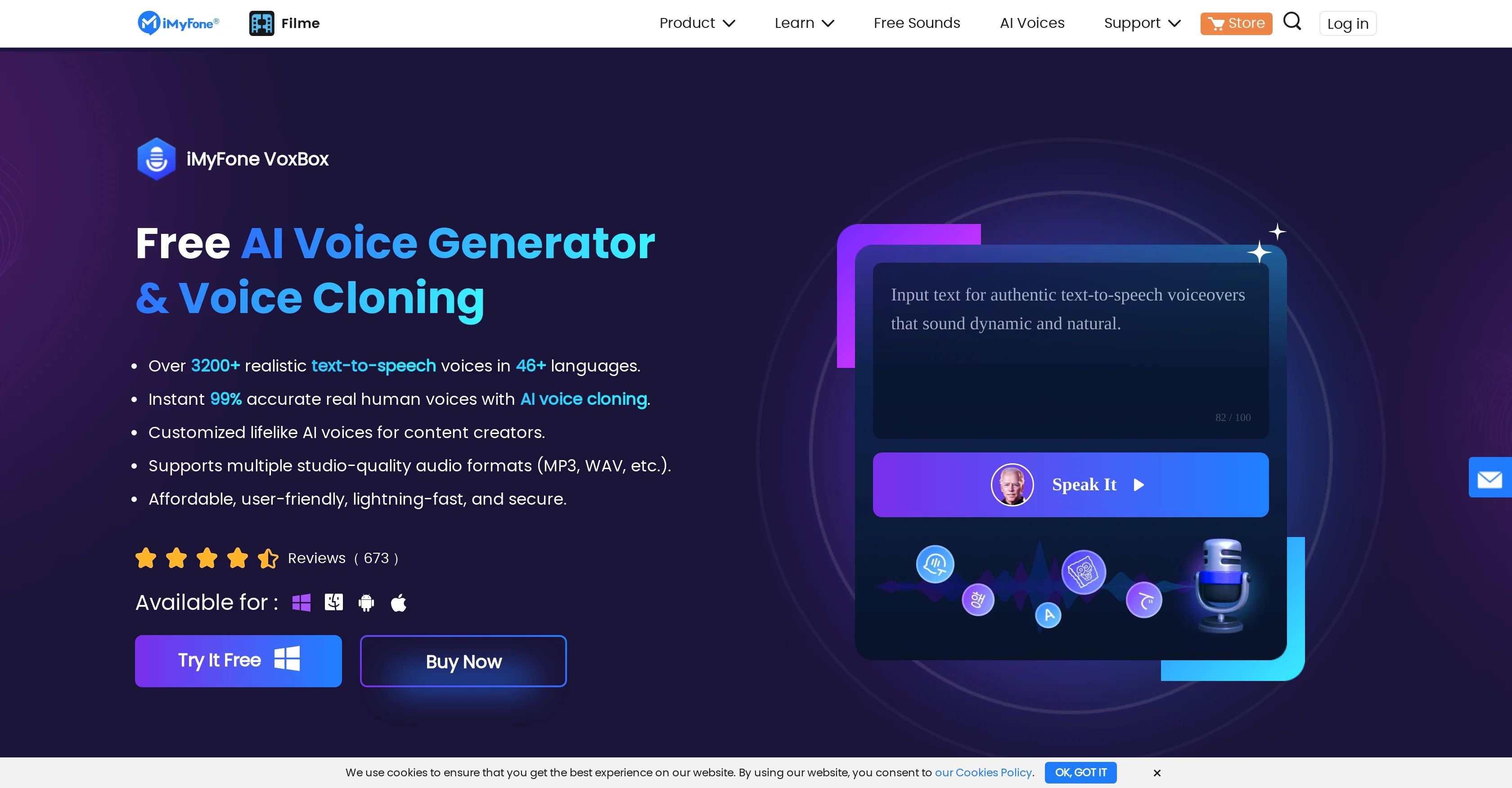
VoxBox is an AI text-to-speech generator with voice cloning capabilities. It allows users to generate AI voiceovers for their content, enabling them to focus on important issues without the need for manual recording.
The tool offers advanced text-to-speech technology, supporting 46+ languages and offering 3200+ voices, allowing users to dub their content in various languages.VoxBox also provides voice cloning functionality, allowing users to create unique and dynamic human voices.
With just 20 recordings and 25 minutes of material, users can generate infinite script performances by transforming a single recording. This feature is useful for advertisements, IVR systems, and character voices.The tool offers a range of features including TTS (text-to-speech), STT (speech-to-text), cloning, conversion, recording, and editing, combining all these functions into one platform.
It supports multiple input and output formats, including MP3 and WAV, making it versatile and adaptable to various project requirements.VoxBox boasts an intuitive and user-friendly interface, ensuring ease of use.
It promises speed and security, allowing users to work efficiently and protect their data. With positive user reviews, the tool has been praised for its realistic and expressive AI voice generation capabilities.Overall, VoxBox is a comprehensive AI text-to-speech generator with voice cloning functionality, catering to a wide range of language and voice requirements.
Best for
Short scenarios where iMyFone VoxBox tends to shine.
-
Generate AI voiceovers with advanced text-to-speech and voice cloning.
Example outputs 1
Sample generations and before/after results for iMyFone VoxBox.
Access & connections
Where you can use iMyFone VoxBox.
Platforms
Capabilities
What this tool accepts, produces, and is strongest at.
Input
- Text
- Audio
Output
- Audio
Pros & cons
Pros
- Supports 46+ languages
- Offers 3200+ voices
- Voice cloning with 20 recordings
- Multiple functionalities in one platform
- Supports MP3 and WAV formats
- Intuitive and user-friendly interface
- Fast and secure
- Consistently positive user reviews
Show 14 more
- Can extract text from images
- Text-to-speech conversion
- Speech-to-text conversion
- Voice recording function
- Built-in audio editing
- Supports both computer and mobile terminals
- Multiple video file format conversion to audio
- Real-time recording feature
- Generate infinite script performances
- Diverse use case application
- Supports daily recording
- Text extraction from pictures and documents
- Audio file transliteration
- Immediate output in 20 minutes with cloning
Cons
- Requires 25 minutes for cloning
- Requires 20 recordings for cloning
- No offline usage
- Available only on App Store
- No Linux support
- No direct cloud support
- Limited input and output formats
- No automatic subtitles generation
Show 1 more
- Limited integrated editing tools
Compare alternatives
Similar tools in the catalog — with a clear reason to open each one.
KreadoAI ✓
Free TrialCreate AI-powered multilingual videos with digital avatars
Why look Typically cheaper
Full comparison
Fineshare ✓
FreemiumAn online all-in-one AI voice generator for everyone
Why look Typically cheaper
Full comparison
Instant Singer ✓
FreemiumClone your voice and sing any song instantly.
Why look Typically cheaper
Full comparison
All Voice Lab ✓
FreemiumReshape audio workflows with AI-powered voice solutions.
Why look Typically cheaper
Full comparison
KikiVoice ✓
FreeClone any voice in seconds with 99% similarity.
Why look Fully free option
Full comparisonPeople also view
Tools that often show up alongside iMyFone VoxBox in collections and comparisons.
Fineshare ✓
FreemiumAn online all-in-one AI voice generator for everyone
KreadoAI ✓
Free TrialCreate AI-powered multilingual videos with digital avatars
KikiVoice ✓
FreeClone any voice in seconds with 99% similarity.
Instant Singer ✓
FreemiumClone your voice and sing any song instantly.
All Voice Lab ✓
FreemiumReshape audio workflows with AI-powered voice solutions.

Voice Cloner ✓
FreemiumClone any voice instantly, no sign-up needed.

Ravecho ✓
FreemiumHave voice conversations with history's greatest figures.

Palabra.ai ✓
Free TrialReal-time AI speech translator with near-zero latency.
Releases 1
Imported reviews 2
Very hard to get this worked. highly priced, even the mainstream players are offering better prices.
The app hardly works. Very bugging and very expensive. Not worth it
FAQ 12
What is iMyFone VoxBox?
How does iMyFone VoxBox's voice cloning feature work?
Which languages and voices can iMyFone VoxBox generate?
Can iMyFone VoxBox convert speech to text?
Can iMyFone VoxBox convert text to speech?
What input and output formats does iMyFone VoxBox support?
Is iMyFone VoxBox safe to use?
What are some potential applications of iMyFone VoxBox?
How intuitive is the interface of iMyFone VoxBox?
Can iMyFone VoxBox be used a voice recorder?
Can iMyFone VoxBox be used for audio editing?
How does iMyFone VoxBox's cloning functionality work exactly?
Related tools
Recommended

Myvocal ✓
FreemiumClone your voice for singing and speaking in 60 seconds.

FineVoice AI Voice Changer ✓
FreemiumTransform Your Voice into Any Voice You Like.

Respeecher ✓
Free TrialClone voices for content creation.

Photo AI ✓
PaidCreate beautiful AI photos and videos of real people

Voice AI ✓
FreemiumTransform your voice instantly with AI.

TutorAI ✓
FreemiumInstant knowledge on any topic


