

Voice cloning 2026 Rank: #49
KikiVoice ✓
Clone any voice in seconds with 99% similarity.
Verdict
A quick read before you dig into the full page.
- Best if
- You are content Creators and need: Video narration & dubbing (YouTube/TikTok/Reels voiceovers)
- Skip if
- Limited output formats
- Pick this when
- No sign-up required
Considering KreadoAI instead? Compare side by side
Overview

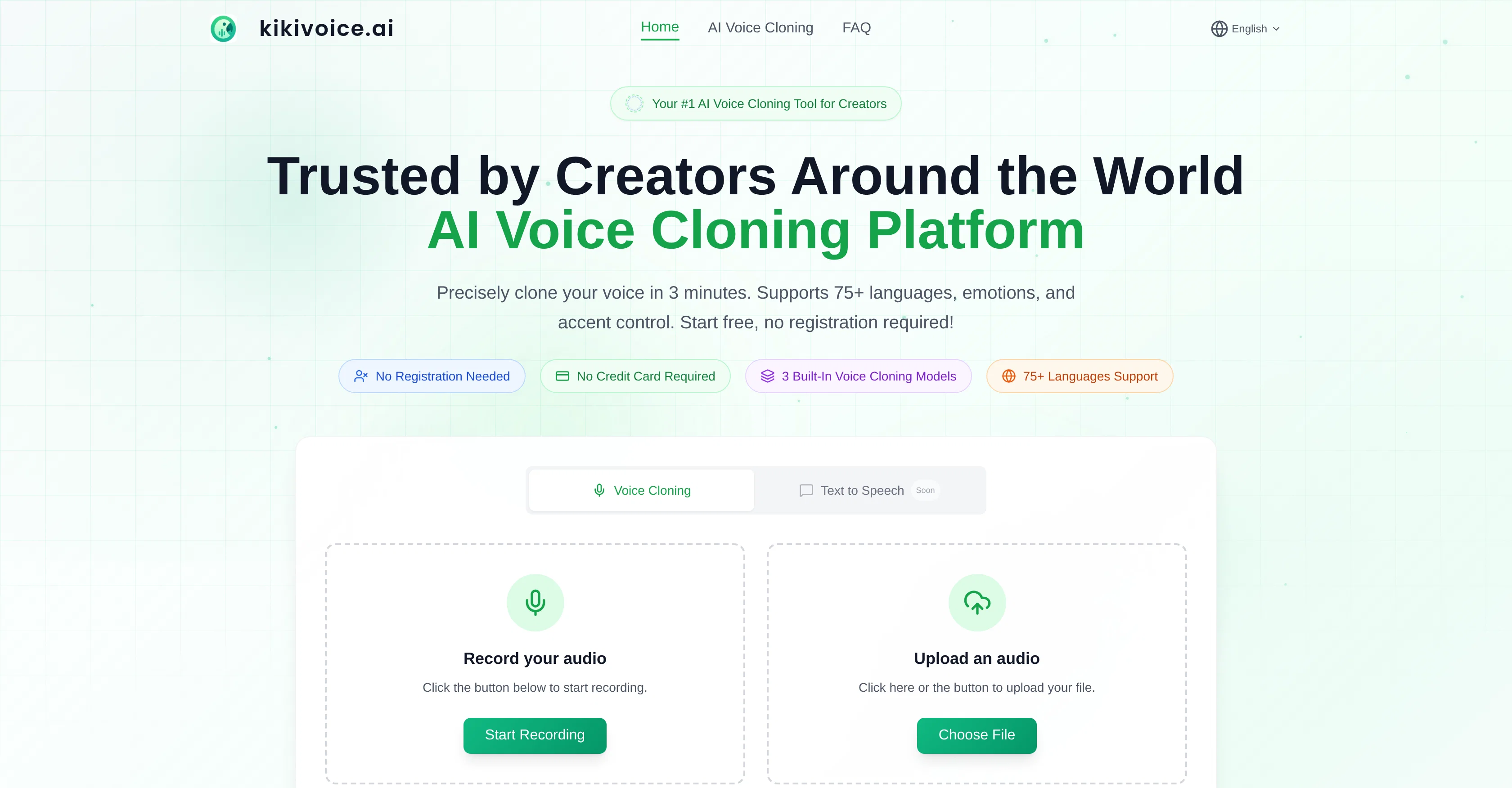
KikiVoice is a free AI voice cloning platform suitable for creators. The main functionality of the platform is to take short audio clips, in a myriad of different languages, and generate highly realistic synthetic voices based on the input audio.
To start using the tool, users just need to upload a few seconds of audio and then the platform clones that voice to produce a new voice track based on text input by the user.
This process takes under three minutes. Three models are integrated into the KikiVoice platform. The 'Kiki Core' model balances speed and stability, making it perfect for quick, everyday content creation.
The 'Kiki Pro' model offers higher granularity in emotional expression and parameter adjustment; this model is ideal for professional-grade content and high-quality production.
Lastly, the 'Kiki Multilingual' model supports over 75 languages for multilingual content and international projects. KikiVoice also offers accent control, allows for emotion and style control, thereby increasing the versatility of the voice clones.
It is intended to be a user-friendly, registration-free tool for creators who aim to diversify and enrich their content with synthesized voices.
Best for
Short scenarios where KikiVoice tends to shine.
-
Video narration & dubbing (YouTube/TikTok/Reels voiceovers)
Best for Content Creators
-
Multilingual localization in 75+ languages (keep the same voice)
Best for Video Producers
-
Podcasts & audiobooks with consistent voice style
Best for Podcasters
-
E-learning/course narration and training videos
Best for Game Developers
-
Ads, promos, and marketing voiceovers
Best for E-Learning Specialists
-
Game/character voices and creative storytelling
Best for Localization Professionals
Example outputs 1
Sample generations and before/after results for KikiVoice.
Access & connections
Where you can use KikiVoice.
Platforms
Capabilities
What this tool accepts, produces, and is strongest at.
Input
- Audio
Output
- Audio
Highlights
- No Signup
Supported features
- No Signup
- Voice Cloning
- TTS
- Translation
Pros & cons
Pros
- Free to use
- No sign-up required
- 75+ languages supported
- 99% similarity to original voice
- Quick, under three minutes processing
- Three distinct voice models (Core, Pro, Multilingual)
- Designed for different user needs
- Seamless model switching
Show 40 more
- Supports diverse use-cases
- Ideal for quick, everyday use (Kiki Core)
- Professional-grade production (Kiki Pro)
- Facilitates global content creation (Kiki Multilingual)
- Capable of emotion simulation
- Built-in voice style control
- Ability to control accent
- Efficient for fast-paced workflows
- Highly optimized for timbre consistency
- Ideal for content diversification
- Tool for multilingual localization
- Minimal effort voice cloning
- Rich emotion and style controls
- Supports upload of audio as input
- Generates voice from text input
- High-speed voice generation
- Supports variable content length
- Allows rapid iteration in workflows
- Can clone any voice
- Realistic audio processing
- Useful for narration and dubbing
- Podcast and audiobook enhancement
- Useful in e-learning and course narration
- Suitable for game/character voice acting
- Facilitates international content scaling
- Platform for content creators
- Allow style and speed optimization
- Voice synthesis become simplified
- User-friendly platform
- Allows content to be multilingual
- Enables multiple accent variations
- Uses short audio clips as input
- Generates realistic synthetic voices
- Automated voice track generation
- High level of customization
- Intended for diversified content
- Enhances richness of content
- Supports professional grade content
- Designed for performance and speed
- Supports multiple voice variations
Cons
- No offline version
- Only three voice models
- No account for saving work
- Limited emotional control
- Requires high quality audio samples
- Limited to 75 languages
- Data security concerns
- Unclear voice use rights
Show 2 more
- Limited output formats
- Bland user interface
Compare alternatives
Similar tools in the catalog — with a clear reason to open each one.
KreadoAI ✓
Free TrialCreate AI-powered multilingual videos with digital avatars
Why look Offers a public API
Full comparison
Fineshare ✓
FreemiumAn online all-in-one AI voice generator for everyone
Free + from $6.99/mo
Full comparison
Instant Singer ✓
FreemiumClone your voice and sing any song instantly.
Free + from $1.99
Full comparisonPeople also view
Tools that often show up alongside KikiVoice in collections and comparisons.
Fineshare ✓
FreemiumAn online all-in-one AI voice generator for everyone

Myvocal ✓
FreemiumClone your voice for singing and speaking in 60 seconds.
KreadoAI ✓
Free TrialCreate AI-powered multilingual videos with digital avatars
Instant Singer ✓
FreemiumClone your voice and sing any song instantly.

All Voice Lab ✓
FreemiumReshape audio workflows with AI-powered voice solutions.

Voice Cloner ✓
FreemiumClone any voice instantly, no sign-up needed.

Ravecho ✓
FreemiumHave voice conversations with history's greatest figures.

Palabra.ai ✓
Free TrialReal-time AI speech translator with near-zero latency.
Releases 1
Imported reviews 4
It was excellent, easy to use.
Amazing, I love that, great job with voice cloning
KikiVoice does a great job with voice cloning — the results sound very natural and close to the original, and there’s no sign-up required.
KikiVoice is a free AI voice cloning platform built for creators. We designed it to be fast, frictionless, and production-ready: no sign-up required—just upload a few seconds of audio and generate a realistic voice clone in minutes. With up to 99% similarity, 75+ languages, multiple accent options, and three built-in models (Kiki Core / Kiki Pro / Kiki Multilingual), you can switch seamlessly between speed, emotional control, and multilingual creation depending on your project.
If you create videos, podcasts, courses, games, or multilingual content, KikiVoice is made to help you scale voice production without slowing down your workflow.
FAQ 12
What is KikiVoice?
How does KikiVoice work?
How quickly can KikiVoice clone voices?
What kind of audio sample do I need to provide for KikiVoice to clone a voice?
Can I control emotions and style with KikiVoice?
What languages does KikiVoice support?
How similar will the cloned voice be to the original using KikiVoice?
Can I switch between different KikiVoice models?
Is there any sign-up required to use KikiVoice?
What are the best uses for KikiVoice?
Can KikiVoice clone any voice?
Can I use different accents using KikiVoice?
Related tools
Recommended

Promtist AI ✓
FreeGenerate optimized prompts for better AI results.

SuperHumanizer ✓
FreemiumMake AI text sound 100% human instantly.

Free Text-To-Speech ✓
FreeText transformed into customizable spoken output.

ElevenLabs ✓
FreemiumCreate lifelike AI voices for compelling storytelling.

freebeat AI ✓
FreemiumTurn Music & Ideas into Viral Videos In One Click

DeepSeek ✓
FreeUnravel the mystery of AGI with curiosity