

My Own Document Vault ✓
AI-powered document management reimagined.
Verdict
A quick read before you dig into the full page.
- Best if
- AI-powered document management reimagined
- Skip if
- Limited document format support
- Pick this when
- OCR integration
Considering The Drive AI instead? Compare side by side
Overview
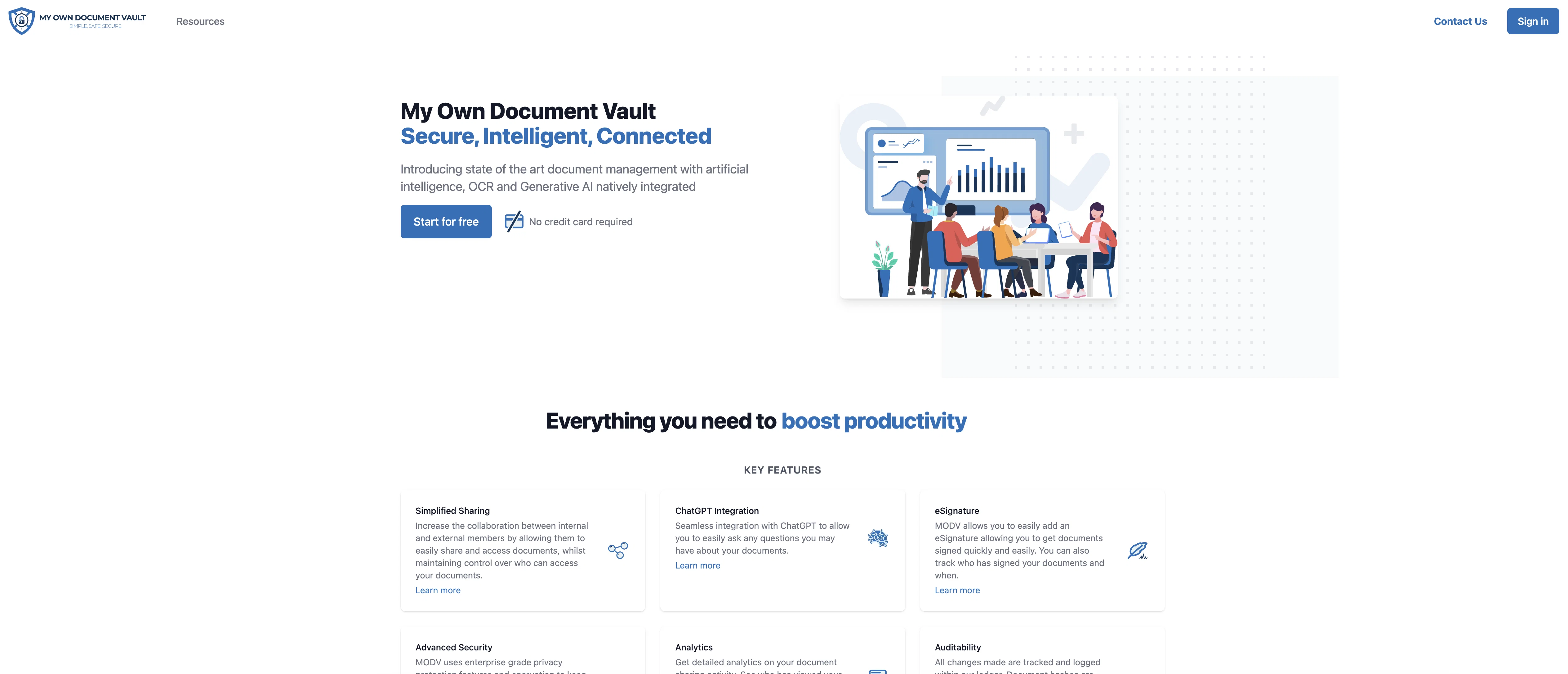
My Own Document Vault is a document management tool that integrates artificial intelligence capabilities to enhance its efficacy. It utilizes Optical Character Recognition (OCR) and Generative AI to streamline and automate various processes associated with document management.
With OCR, it can read text from scanned documents, photos, or PDFs enabling digitization and editing of documents while maintaining accuracy. The Generative AI functionality improves content creation by generating human-like text, which is beneficial in drafting documents or suggesting content based on existing data.
These technologies work together to make document digitization, editing, and generation more efficient, reduce manual efforts, and bring higher levels of automation into document related tasks.
This tool could be useful for businesses of all sizes, academic institutions, or anyone in need of robust and modern document management procedures.
Access & connections
Where you can use My Own Document Vault, and what it plugs into.
Platforms
Integrations
Capabilities
What this tool accepts, produces, and is strongest at.
Input
- Text
Output
- Text
Pros & cons
Pros
- OCR integration
- Automates document management
- Enables document digitization
- Accurate document editing
- Efficiency improvement
- Minimizes manual efforts
- Supports business and academia
- Increased office automation
Show 11 more
- Handles PDF management
- Improves productivity
- Supports scanned documents
- Readable photos
- Human-like text generation
- File organization capabilities
- Suggests content creation
- Ideal for various business sizes
- It's robust
- Modern document management
- State of the art features
Cons
- Lacks handwriting recognition
- No multi-language support
- No real-time collaboration features
- No mobile app
- API not available
- Slow OCR processing speed
- Limited document format support
- Lack of customer support
Show 1 more
- No offline mode
Compare alternatives
Similar tools in the catalog — with a clear reason to open each one.


RenameClick ✓
FreemiumRename, organize, and search files by content with local AI
Why look More privacy-focused
Full comparison
Wellsent — Your forms, filled and filed. ✓
PaidAI fills out your PDF forms — then notarizes them by video
from $12
Full comparison
Renamer.ai ✓
FreemiumAI-Powered Bulk File Renamer & Organizer
Why look Offers a public API
Full comparison

Releases 1
FAQ 12
What is My Own Document Vault?
How does My Own Document Vault digitize documents?
What is the role of OCR in My Own Document Vault?
What does the Generative AI function do in My Own Document Vault?
How does My Own Document Vault enhance business productivity?
Does My Own Document Vault support PDF management?
How does My Own Document Vault maintain accuracy in digitization and editing of documents?
Can My Own Document Vault generate human-like text?
Is My Own Document Vault suitable for academic institutions?
How does My Own Document Vault automate document-related tasks?
Can My Own Document Vault be useful for small businesses?
What benefits can I get by using My Own Document Vault?
Related tools
Recommended

Breadcrumb ✓
FreemiumAutomate data work and reporting with AI Agents. No data|coding skills required.

IntelliParse ✓
FreemiumAI-powered PDF conversations and analysis
Filepower AI
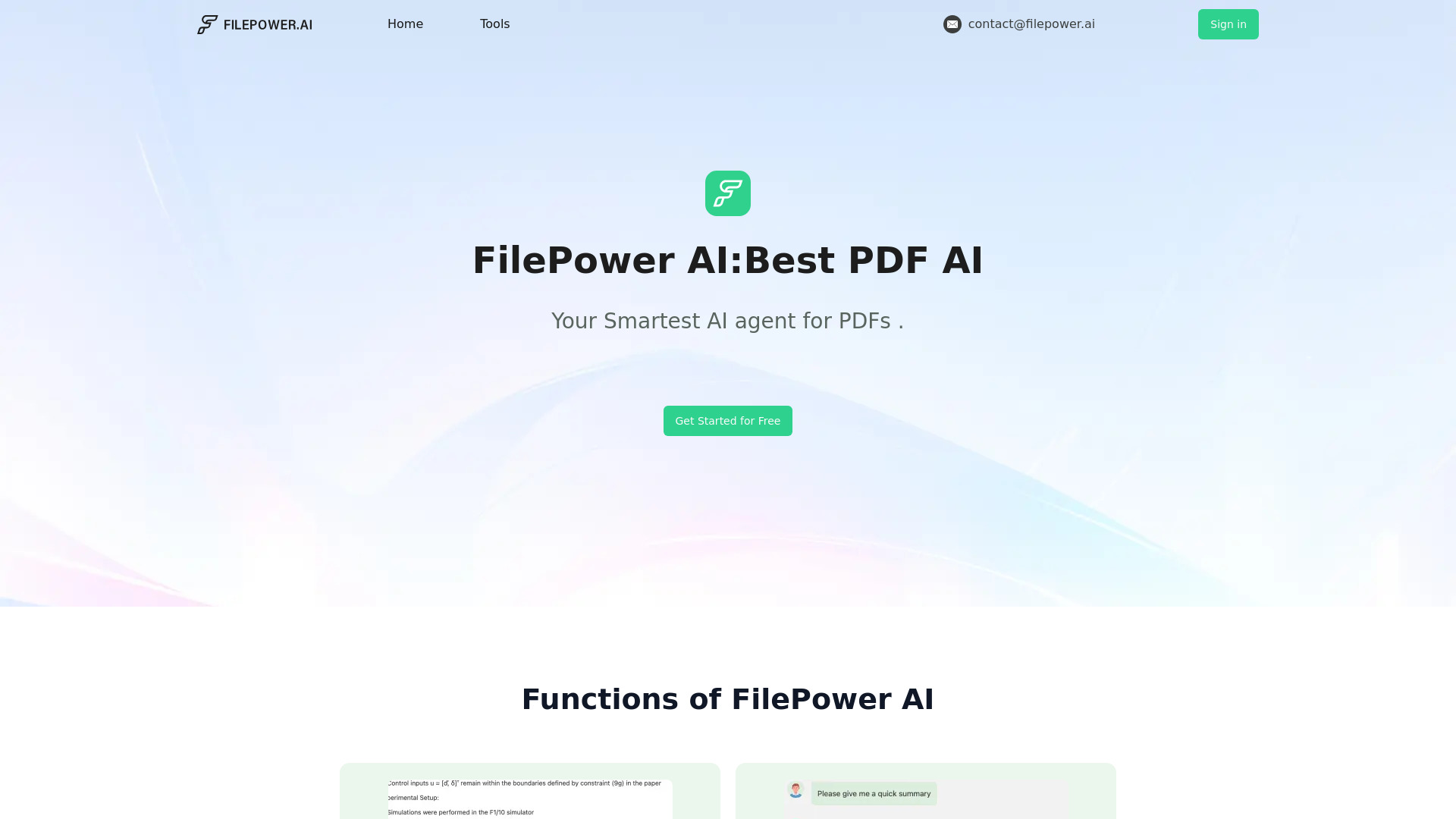
UnknownAI chat for documents, supporting summary, translation, and Q&A for PDFs, PPTs, and Docs.

Mindsmith ✓
FreemiumPlatform for building and sharing eLearning content

Transcript LOL ✓
FreemiumUnlimited transcripts, summaries, 99.8% accuracy, speaker recognition, superfast

TheLibrarian.io ✓
Free TrialYour WhatsApp AI assistant for instant productivity.