

Music 2 Tube ✓
Turn audio into YouTube videos instantly
from $3.49
Verdict
A quick read before you dig into the full page.
- Best if
- You are music producers and need: Creating music videos for YouTube from MP3 files
- Skip if
- Limited video effect options
- Pick this when
- Directly uploads to YouTube
Considering Typpo instead? Compare side by side
Overview
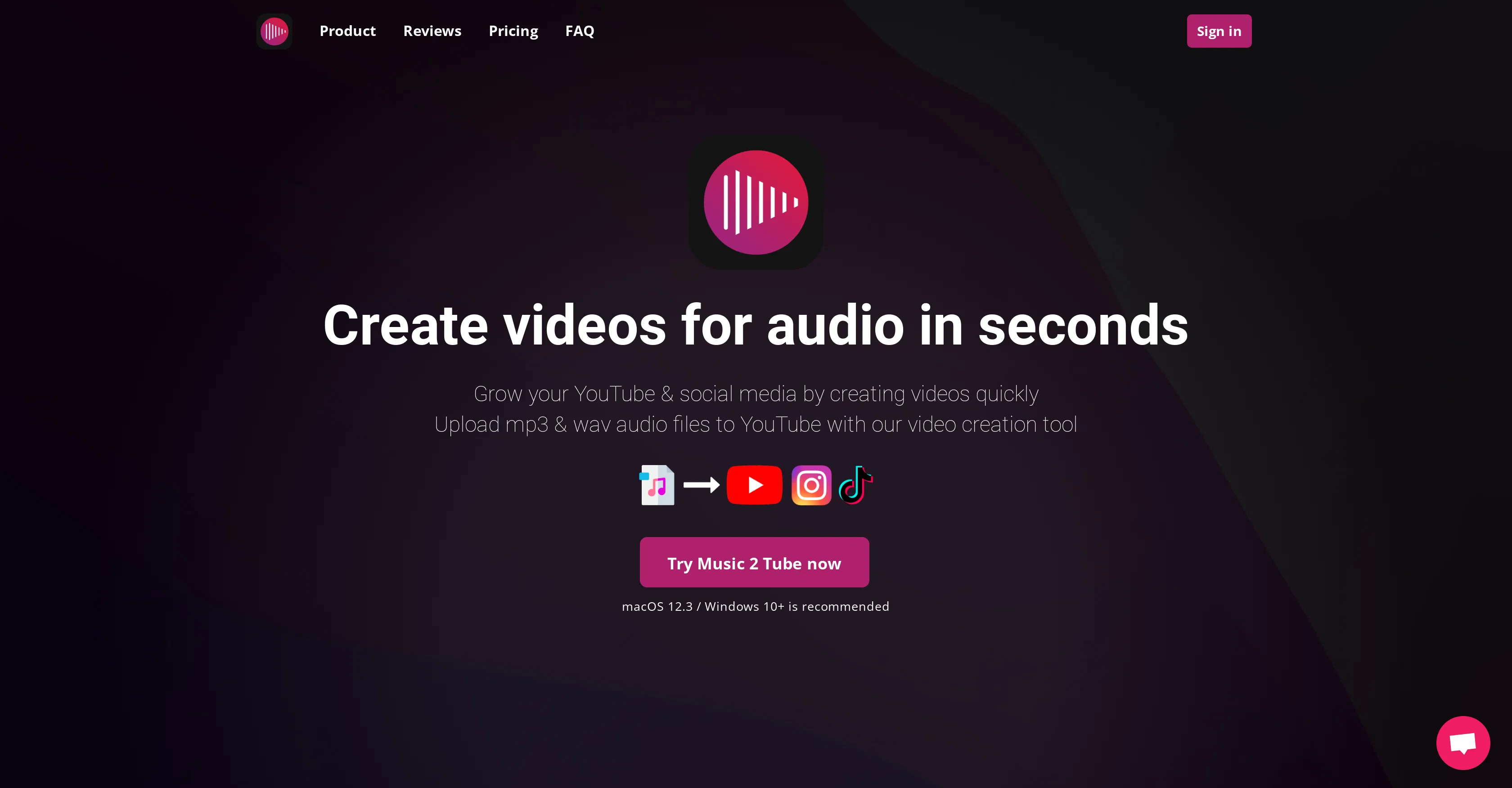
Music 2 Tube is an AI tool designed to create video content from audio files and upload it directly to YouTube and other social media platforms. The tool supports both MP3 and WAV formats and does not require re-rendering of audio, thus maintaining its original quality.
With Music 2 Tube, users can also generate 'beat videos' in bulk, adding efficiency to the video creation process. Additionally, this tool offers several customization options such as changing the image cover, applying effects and overlays, as well as adding watermarks to videos.
This allows users to add unique branding or personal style to their videos. Users also have the freedom to utilise cloud support, use files from Google Drive, and render videos offline.
A key feature is the ability to set default video details, eliminating the need for manual data entry with each upload. Catering to the needs of various users, especially musicians and podcasters, it also provides support for a variety of video formats suitable for YouTube, Instagram, and TikTok.
Best for
Short scenarios where Music 2 Tube tends to shine.
-
Creating music videos for YouTube from MP3 files
Best for Music producers
-
Generating promotional videos for Instagram and TikTok
Best for Artists
-
Making podcast videos with static images or GIF animations
Best for Musicians
-
Creating beat videos in bulk for YouTube
Best for Recording studios
Example outputs 1
Sample generations and before/after results for Music 2 Tube.
Access & connections
Where you can use Music 2 Tube, and what it plugs into.
Platforms
Integrations
Capabilities
What this tool accepts, produces, and is strongest at.
Input
- Image
- Audio
Output
- Video
Pros & cons
Pros
- Directly uploads to YouTube
- Supports MP3 and WAV
- No audio re-rendering
- Bulk beat video generation
- Video customization options
- Customizable cover image
- Supports effect application
- Supports overlays
Show 24 more
- Watermarking capability
- Cloud support
- Utilizes Google Drive files
- Offline video rendering
- Sets default video details
- Supports multiple video formats
- Optimized for YouTube, Instagram, TikTok
- Supports both MAC and Windows
- Unlimited video creation
- GIF animation application
- No internet required for rendering
- Automated YouTube upload after rendering
- Supports dragging and dropping files
- Supports auto-saving of video details
- Option to blur background images
- Secure authentication via Google
- 24-hour customer support
- Money-back guarantee
- Supports .mp3 and .wav formats
- Hardware-optimized rendering
- Free future updates
- Technical support availability via email
- Featured on Product Hunt
- Featured on Trustpilot
Cons
- Only supports MP3 and WAV
- Limited video customization options
- Limited overlay effects
- No mention of scalability
- Limited video effect options
- No multi-platform compatibility
- Requires sign in through Google
- No multi-lingual support
Show 2 more
- No held data security certification
- No size limitation detail
Compare alternatives
Similar tools in the catalog — with a clear reason to open each one.

Seedeo Video Generator ✓
FreemiumTurn text and images into cinematic AI videos.
Why look Freemium alternative
Full comparison
Vocova ✓
Free TrialTranscribe audio, video, or links into text. 1,000+ platforms, 100+ languages.
Free + from $7.5/mo
Full comparison
Muapi ✓
PaidAI-powered image and video generation API platform.
Why look Stronger for image work
Full comparison
Voice Cloner ✓
FreemiumClone any voice instantly, no sign-up needed.
Why look Freemium alternative
Full comparisonPeople also view
Tools that often show up alongside Music 2 Tube in collections and comparisons.

Typpo ✓
FreemiumCreate videos as you speak using AI.

Flowjin ✓
PaidAI-powered video clipping: Long to short in minutes.
Voice Cloner ✓
FreemiumClone any voice instantly, no sign-up needed.
Vocova ✓
Free TrialTranscribe audio, video, or links into text. 1,000+ platforms, 100+ languages.
Seedeo Video Generator ✓
FreemiumTurn text and images into cinematic AI videos.

ScriptGecko ✓
FreemiumTurn any Instagram Reel into text instantly.
Muapi ✓
PaidAI-powered image and video generation API platform.

Kuvu AI | Video Generator ✓
Free TrialOne platform for all your AI image and video creation.
Releases 1
Imported reviews 1
Well it isn't working at all. I don't even have a subscription button, just a screen with CTA to click the subscribe button that is not there.
FAQ 12
What audio formats does Music 2 Tube support?
Can I upload videos directly to Instagram and TikTok with Music 2 Tube?
What customization options are available in Music 2 Tube?
Does Music 2 Tube preserve the original quality of my audio files?
Can I generate 'beat videos' in bulk with Music 2 Tube?
Does Music 2 Tube allow me to use files from Google Drive?
How does the default video details feature work in Music 2 Tube?
Can I add watermarks to my videos with Music 2 Tube?
Do I need internet connection to render videos in Music 2 Tube?
Is it possible to render videos offline using Music 2 Tube?
What are the system requirements for Music 2 Tube?
How does Music 2 Tube work with YouTube uploads?
Related tools
Recommended

AI Video Generator by RenderFlow AI ✓
FreemiumAI Video Generator by RenderFlow AI - Wan, Sora 2, Kling etc.

Suno Prompt ✓
Free TrialGenerate custom lyrics and song prompts for AI music creation.

Promptify ✓
FreemiumCraft beautiful prompts effortlessly

Prompt Octopus ✓
FreeCompare multiple AI prompt responses side-by-side

Hydra ✓
UnknownGenerate Unique, Copyright-Clear Music Instantly

D-ID ✓
FreemiumCreate AI-generated videos with ease