
Music visualization 2026 Rank: #952
MP3 to MP4 AI ✓
Turn your audio into stunning music videos.
Verdict
A quick read before you dig into the full page.
- Best if
- Turn your audio into stunning music videos
- Skip if
- Limited editing capabilities
- Pick this when
- Generates high-quality MP4 videos
Considering LyricMV instead? Compare side by side
Overview
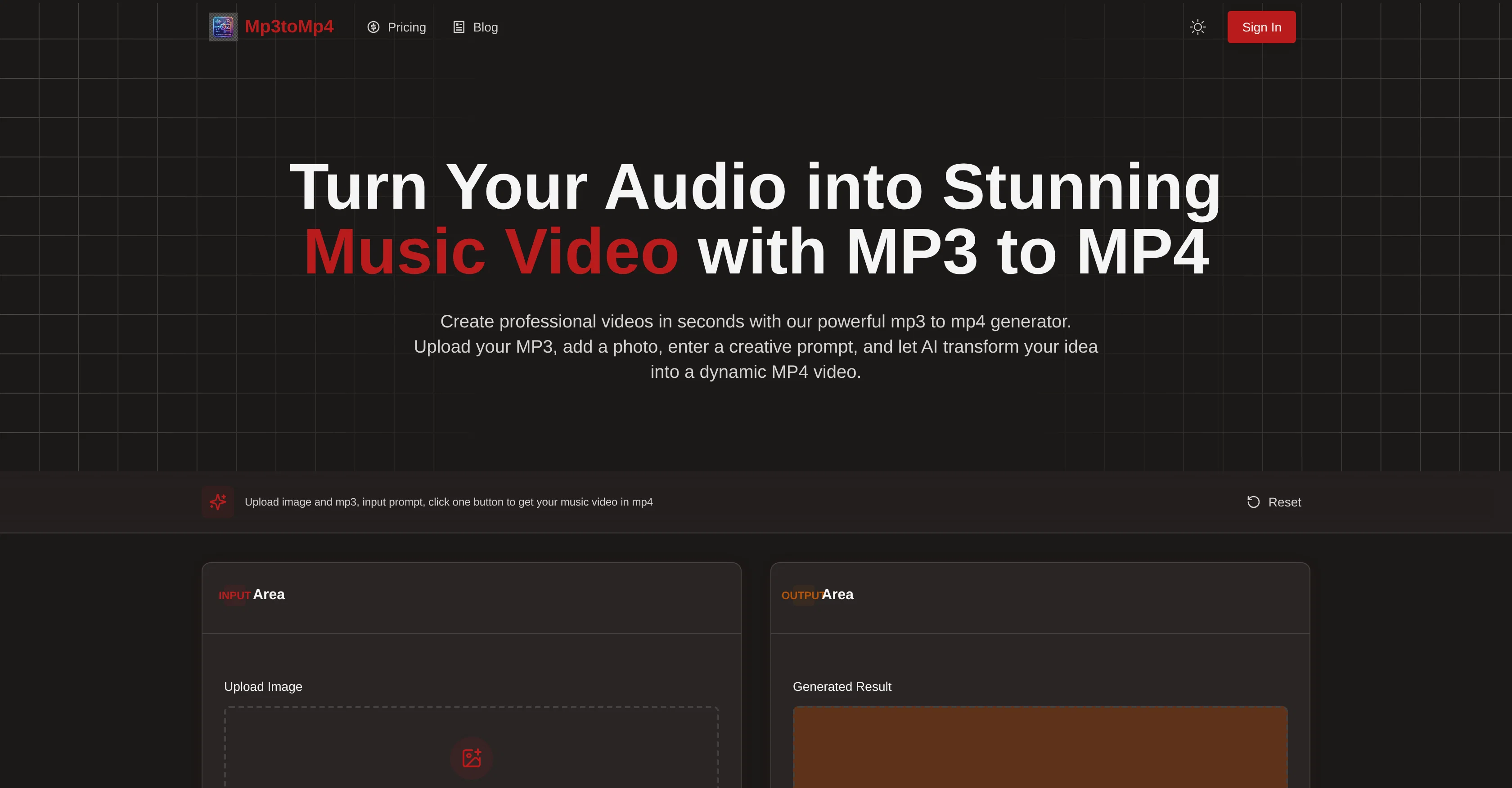
MP3 to MP4 Converter is an AI-driven tool designed to transform audio files into visually appealing MP4 videos. It allows users to upload MP3 audio files and images, and with a creative prompt provided by the user, the artificial intelligence creates a synchronized MP4 video.
The base prompt directs the AI to animate the uploaded image to 'sing' and 'move' in tune with the rhythm of the music. The AI technology analyses the sound and interprets the prompt to create synchronized visual content which could include motion, visual effects, and scene transitions depending on the instructions given.
Designed to generate high-quality, social-ready content, the tool is geared towards diverse users including musicians, content creators, educators and brands.
The AI models used interpret the mood and tone of the audio to create matching visuals. Fast online processing and high-quality MP4 outputs are some of its key features.
The user data processed through this tool is kept secure with encrypted processing. The tool is compatible with all major devices, and no editing experience is required to use it effectively.
Access & connections
Where you can use MP3 to MP4 AI.
Platforms
Capabilities
What this tool accepts, produces, and is strongest at.
Input
- Image
- Text
- Audio
Output
- Video
Supported features
- Video Generation
- Image Generation
- Visual Creation
Pros & cons
Pros
- Generates high-quality MP4 videos
- Can create animated video clips
- Customize videos with image upload
- Choose creative prompt for visuals
- Supports various image and audio formats
- Compatible on all major devices
- Easy-to-use interface
- No specific editing experience required
Show 19 more
- Fast cloud-based rendering
- Supports high-resolution MP4 export
- Download option for created videos
- Generates social-ready content
- Secure encrypted processing of user data
- Creative instruction-based visual generation
- Supports uploading images and MP3 files
- Interprets mood and tone of audio
- Fast online processing
- Secure with encrypted processing
- Audio and image are animated
- Prompts guide visual generation
- Generates visual effects
- Generates scene transitions
- Even default prompts result in creative videos
- Prompt-based scene generation
- User-friendly operation
- None of user data saved in tool
- Share video on Social platforms
Cons
- Limited audio file compatibility
- No live preview
- Unclear creative prompt usage
- Limited image file compatibility
- No offline version
- Limited editing capabilities
- Variable processing time
- Relies heavily on prompt
Show 2 more
- One-time free trial limitation
- No multi-language support
Compare alternatives
Similar tools in the catalog — with a clear reason to open each one.



Pixo ✓
Free TrialYour personal AI agent for long-form video creation
Why look Typically cheaper
Full comparison
StoryIntoVideo ✓
PaidTurn stories into videos with AI magic.
Why look Typically cheaper
Full comparisonReleases 1
Imported reviews 1
Steer clear of this by any cost ! it gives you ONE video for free and then ask you for no less than FIFTY dollars a month for only FIVE videos !
they must be crazy with all the alternatives.
FAQ 12
What is the MP3 to MP4 Converter by AI?
How does the MP3 to MP4 Converter by AI create video from audio?
What types of audio formats does the MP3 to MP4 Converter by AI support?
What image formats can I upload to the MP3 to MP4 Converter?
What devices and browsers are compatible with the MP3 to MP4 Converter by AI?
How does the AI interpret the prompt and audio to generate visuals?
Is the MP3 to MP4 Converter by AI secure?
Do I need editing experience to use the MP3 to MP4 Converter by AI?
What is the processing speed of the MP3 to MP4 Converter by AI?
Can I download the generated video from MP3 to MP4 Converter by AI to my local device?
How does the music visualization feature of the MP3 to MP4 Converter work?
How can I customize the video created by the MP3 to MP4 Converter by AI?
Related tools
Recommended

Silo ✓
FreemiumAI ad creative generator for marketers.

Cliptude ✓
FreemiumCreate cinematic videos from any idea automatically.

Aniv AI ✓
FreemiumTurn story ideas into short dramas with an AI-powered, end-to-end production workflow.

BeMusic AI ✓
Free TrialTurn words into royalty-free songs in seconds.

remio: Your Personal ChatGPT ✓
FreemiumGet Tailored Answer with Your Personal ChatGPT

Pounce ✓
Free TrialGet real followers and engagement in minutes.