

Music 2026 Rank: #1073
BeMusic AI ✓
Turn words into royalty-free songs in seconds.
Verdict
A quick read before you dig into the full page.
- Best if
- Turn words into royalty-free songs in seconds
- Skip if
- Limited format choices (WAV, MP3)
- Pick this when
- Generates music from text
Considering Suno instead? Compare side by side
Overview

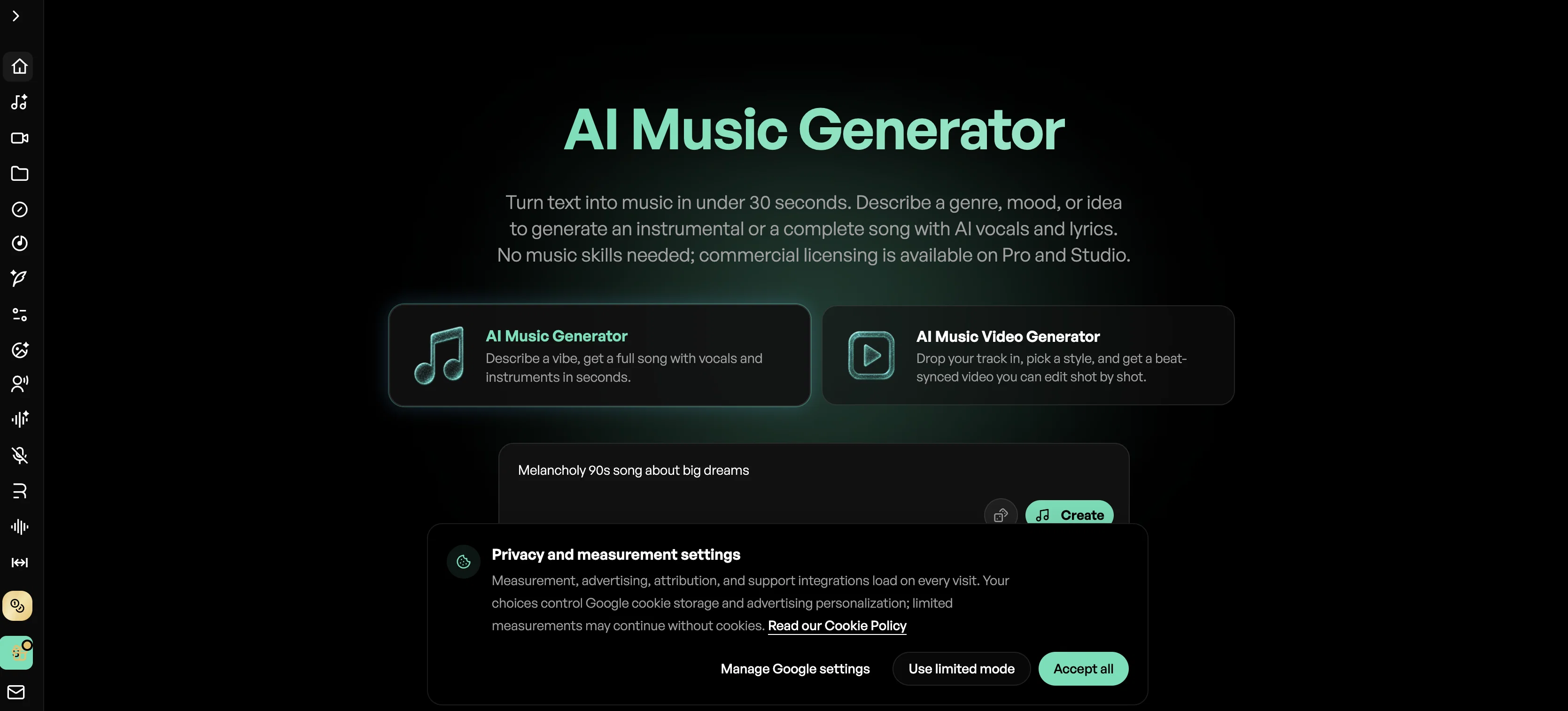
With 50+ styles to choose from — Pop, Hip-Hop, Electronic, Lo-fi, Cinematic, R&B, and more — you can generate, extend, remix, and download tracks up to 8 minutes in MP3 or lossless WAV format. All output is 100% royalty-free for commercial use.
Key Features
- AI Song Generator: Create original songs from text prompts across 50+ genres and styles
- AI Vocal Remover: Separate vocals from instrumentals with precise stem isolation
- AI Music Extender: Extend or concatenate tracks to any desired length
- AI Instrumental Generator: Generate backing tracks with audio reference support for consistent style
- AI Lyrics Generator: Auto-generate structured, style-matched song lyrics from a theme or mood
- AI Cover Generator: Transform existing songs into different genres or vocal styles
- AI Singing Photo: Combine AI-generated vocals with photos to create music-driven visual content for social media
- AI Music Analyzer: Upload any song to get a detailed breakdown of genre, BPM, key, instruments, vocals, and production style — plus a one-click prompt to recreate the sound with any AI music generator
Best For / Use Cases
- Best for creators who need royalty-free music for YouTube, TikTok, Spotify, podcasts, or ads
- If you want to produce full demos or song ideas without recording equipment
- Perfect for making AI singing photos or music-driven social content
- Great for indie musicians, content marketers, and game or app developers
- Useful if you need custom background music or instrumentals on demand
- Ideal for producers and DJs who want to analyze reference tracks and extract style prompts without music theory knowledge
Access & connections
Where you can use BeMusic AI, and what it plugs into.
Platforms
Integrations
Capabilities
What this tool accepts, produces, and is strongest at.
Input
- Text
- Audio
Output
- Audio
- Video
- Text
Supported features
- Music Generation
Pros & cons
Pros
- Generates music from text
- Cross-genre music creation
- Tailored sound specifics
- Transforms preferences to full track
- Offers mp3 and WAV formats
- Royalty-free music
- Solution to copyright issues
- Music for ad campaigns
Show 35 more
- Music for game developers
- Music for podcast soundtracks
- Music for TikTok
- Output customization
- Real instrument usage
- Range of music genres
- YouTube safe music
- Instant song creation
- For musicians and developers
- Musical idea generation
- Eliminates need for musical skills
- Music for various applications
- Provides ownership of output
- Vocal remover function
- Music extender function
- Avoids copyright strikes
- Alternative to hiring composers
- Builds music from plain text
- Well-suited for indie game music
- Helps break through creative blocks
- Offers film score creation
- Fully owned user music
- Studio quality songs
- Supports musical ideas development
- Low-cost music solution
- Regeneration, refinement options
- Instant results
- Music for audience-targeted ad campaigns
- Platform for creative freedom
- Multiple music download format supports
- Music suitable for digital marketing
- Quick-mix creation from description
- Generates unlimited, original soundtracks
- Helps in content originality
- Boosts creative productivity
Cons
- No option for instrumental customization
- Limited format choices (WAV, MP3)
- Fixed process, lack of flexibility
- No application specific music generation
Compare alternatives
Similar tools in the catalog — with a clear reason to open each one.


Tunee ✓
FreemiumChat with AI to create music and music video in minutes.
Why look Offers a public API
Full comparison
Singify ✓
PaidSingify Your World – Create, Cover, Inspire
Why look Typically cheaper
Full comparison
AirMusic ✓
Free TrialAI music generator and music video creator in one platform.
Free + from $11.9/mo
Full comparison
MakeBestMusic-Al Song Generator ✓
Free TrialTurn Ideas into Original Music – Your AI Songmaker
Free + from $14.9/mo
Full comparison
MusicStar.ai ✓
Free TrialPersonalized music with automated genre and lyrics.
Why look Typically cheaper
Full comparisonReleases 1
FAQ 12
What genres can BeMusic create?
How does BeMusic transforms textual descriptions into songs?
Can I choose the mood and tempo with BeMusic?
In what formats can I download songs from BeMusic?
Can the tracks from BeMusic be used for commercial purposes?
Who owns the songs generated with BeMusic?
Can I use the BeMusic for creating music for Youtube videos?
Can I use the BeMusic for creating TikTok soundtrack?
How does BeMusic handle copyright issues?
Is the music created in BeMusic royalty-free?
Does BeMusic support customization of music?
How long does it take for BeMusic to create a song?
Related tools
Recommended
MP3 to MP4 AI ✓
Free TrialTurn your audio into stunning music videos.

AI Music Generator ✓
FreemiumGenerate high-quality, royalty-free music with AI.

Musci.io ✓
Free TrialCreate professional AI music from text descriptions.

SOUNDRAW ✓
FreemiumAI-generated music in just a few clicks.

VideoIdeas.ai ✓
Free TrialGenerate viral YouTube scripts and ideas in minutes.

AI Music Generator ✓
Free TrialCreate original songs in minutes with AI