

Motion transfer 2026 Rank: #1750
AI Motion Transfer ✓
Any motion, any character, ready in minutes.
Verdict
A quick read before you dig into the full page.
- Best if
- Any motion, any character, ready in minutes
- Skip if
- Subscription-based
- Pick this when
- Supports image, video inputs
Considering Vireel AI Motion Control instead? Compare side by side
Overview
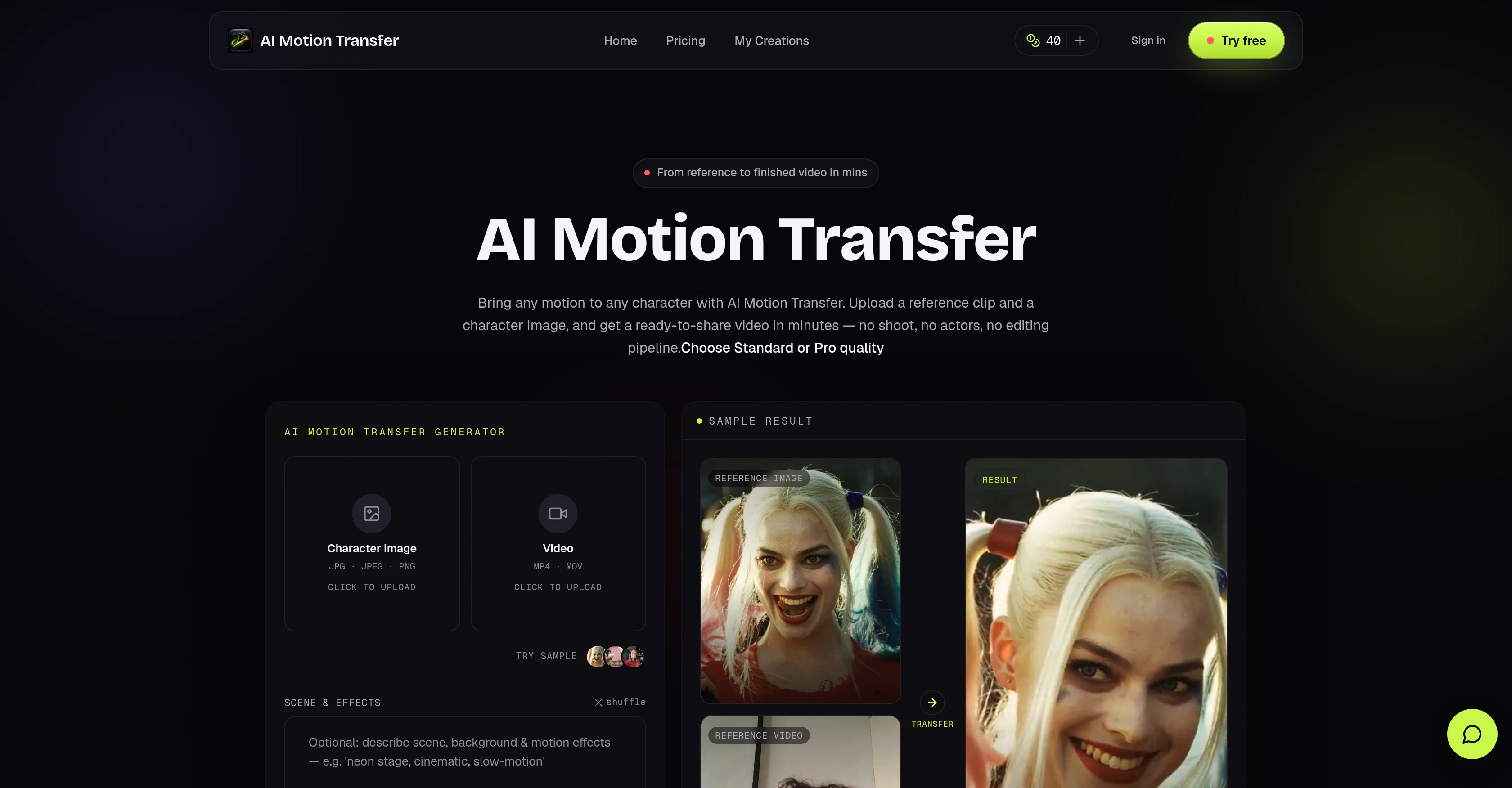
AI Motion Transfer is a video generation tool that transforms any motion reference into a brand-new character video without the need for physical shooting or actors.
Users first upload a character image and a reference clip. Then the application utilizes AI technology to transfer the motion from the clip onto the user-provided character, resulting in a ready-to-share video.
The tool supports both Standard and Pro quality output, providing flexibility to users based on their needs. Importantly, it supports both image and video inputs for the character, with different duration restrictions.
The resulting video can be directly used for content creation on social media platforms or for advertising campaigns. The tool also includes cost control features by presenting the credit cost before generation.
Furthermore, all paid transfers come with commercial use rights, making it suitable for professional use in ads, campaigns, and client work. The tool also offers an upfront estimate of the render time for each project, ensuring users are not left guessing about completion times.
Access & connections
Where you can use AI Motion Transfer.
Platforms
Capabilities
What this tool accepts, produces, and is strongest at.
Input
- API
- Image
- Video
Output
- Video
- API
Pros & cons
Pros
- Supports image, video inputs
- Flexible quality output
- Cost control features
- Video directly for social media
- Commercial use rights
- Offers render time estimate
- No physical shooting required
- Supports input duration restriction
Show 31 more
- No actors needed
- Video generation ready in minutes
- Suitable for ads, campaigns
- Resulting video ready-to-share
- Professionally useful
- Character animation capability
- 720p, 1080p output quality
- No rigging, mocap, post-edit
- Visual upfront render time
- Commercial usage rights included
- Format, size, duration check
- Downloadable clean MP4
- Editable quality and cost
- Efficient for TikTok, Reels, Shorts
- Saved transfer history
- No hidden cost
- Variety of credit plans
- API access for agencies
- Credit cost visible before generation
- Watermark free videos
- Private generations security
- 360 day cloud storage
- Any motion to any character
- Supports JPG, JPEG, PNG, MP4, MOV
- Fast, priority and fastest generation queue
- Allows for content re-variation
- Accommodates agency, high-volume client work
- No reshoot required for variations
- Run transfer without card
- Up to 30s video length
- Allows free trial
Cons
- Limited to 30s videos
- Credits required for operation
- Cloud storage duration varies
- Need for pre-upload estimation
- Subscription-based
- Reliant on good quality references
- Doesn't handle format, size checks
- Lack of real-time motion capture
Show 2 more
- Doesn't support auto-cropping
- No native integration with social platforms
Compare alternatives
Similar tools in the catalog — with a clear reason to open each one.

Vireel AI Motion Control ✓
PaidAnimate any photo with AI motion control.
Why look Typically cheaper
Full comparison
Releases 1
FAQ 12
What is AI Motion Transfer?
What type of content can be created with AI Motion Transfer?
What file formats does AI Motion Transfer support?
What's the difference between Standard and Pro quality output in AI Motion Transfer?
How does duration restriction differ between image and video inputs in AI Motion Transfer?
Can I use the videos generated by AI Motion Transfer for commercial use?
What is the cost control feature of AI Motion Transfer?
How long does AI Motion Transfer usually take to render a project?
Can AI Motion Transfer content be directly used on social media platforms?
What is the maximum duration for a reference clip in AI Motion Transfer?
How does the credit cost system work in AI Motion Transfer?
Can AI Motion Transfer handle either image or video inputs for the character?
Related tools
Recommended

Pounce ✓
Free TrialGet real followers and engagement in minutes.

Movie Maker Studio ✓
FreeTurn Ideas into finished Ad, TV show, or short movie in Minutes

GetLogit ✓
FreemiumArtificial intelligence, available for everyone.

ChatGPT ✓
FreemiumAsk anything, create anything, and move from idea to action.

Notis ✓
Free TrialThe first WhatsApp assistant that runs on your ChatGPT and Claude subscriptions

freebeat AI ✓
FreemiumTurn Music & Ideas into Viral Videos In One Click