

Mermaid Viewer ✓
Create and share Mermaid diagrams instantly in your browser.
Free + from $6.99/mo
Verdict
A quick read before you dig into the full page.
- Best if
- Create and share Mermaid diagrams instantly in your browser
- Skip if
- Limited diagram templates
- Pick this when
- Browser-based diagram editor
Considering AI Diagram Maker instead? Compare side by side
Overview
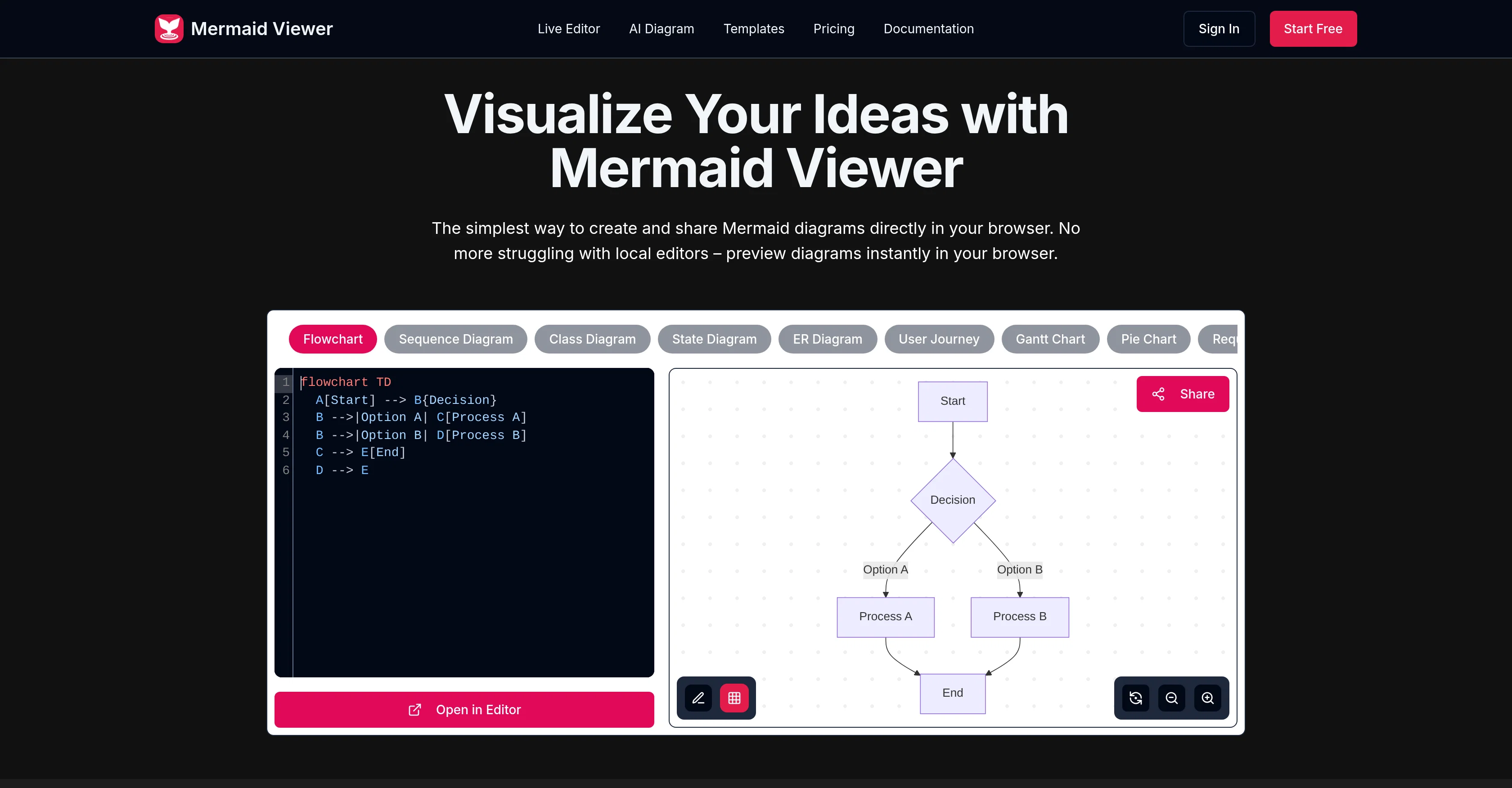
Mermaid Viewer is an online diagram editor that allows users to create and edit Mermaid diagrams directly in their browsers. The tool features live previews, eliminating the need for a 'Render' button, and users can visualize diagram changes instantly as they type.
Mermaid Viewer also provides AI-Assisted Coding with a 'Generate with GPT-4' feature that converts text descriptions into Mermaid code. Users can export their diagrams in a variety of formats including SVG, PNG, and Markdown, with options for custom DPI and dark or light themes.
Mermaid Viewer supports enterprise integration and offers features such as Docker private deployment and role-based access control. The tool also includes a smart debugging feature with syntax error highlighting and auto-correction suggestions.
For collaboration, Mermaid Viewer supports real-time co-editing of diagrams through shareable editor links. It comes with recommended templates that allow users to quickly start diagramming.
Data in Mermaid Viewer stays in the browser and is not stored on an external server, ensuring user data privacy.
Access & connections
Where you can use Mermaid Viewer, and what it plugs into.
Platforms
Integrations
Capabilities
What this tool accepts, produces, and is strongest at.
Input
- Code
- Text
Output
- Code
- Text
- Image
Highlights
- No Signup
Supported features
- Autocomplete
- No Signup
- Styling
- Team Collaboration
- Visual Creation
- SVG
Pros & cons
Pros
- Browser-based diagram editor
- Live preview capabilities
- Smart export functionality
- Supports SVG, PNG, Markdown
- Customizable DPI for exports
- Light or dark theme options
- Supports Docker private deployment
- Role-based access control
Show 17 more
- Syntax error highlighting
- Auto-correction suggestions for errors
- Real-time collaboration feature
- Editor link sharing
- Variety of diagram templates
- Suitable for personal and professional use
- Multiple plan options
- Data remains in browser
- No external server data storage
- GPT-4 assisted coding
- Enterprise-level integration
- No need for 'Render' button
- Instant visualization of changes
- Diagramming use case templates
- Supports real-time co-editing
- No sign-up needed
- Privacy-first approach
Cons
- No offline mode
- No mobile application
- Lacks versioning feature
- Limited free version
- Doesn't support PDF export
- Potential DPI customization limitations
- No personal notes feature on lower plans
- Limited diagram templates
Show 2 more
- Translation service absent
- No customer support on free account
Compare alternatives
Similar tools in the catalog — with a clear reason to open each one.
AI Diagram Maker ✓
FreemiumCreate professional diagrams in seconds with AI.
Why look Typically cheaper
Full comparison
DiagramGPT by Eraser ✓
FreemiumGenerated engineering diagrams.
Free + from $10 per member / month
Full comparison
Diagramming ✓
FreemiumInstantly design UML & workflows with AI
Why look Typically cheaper
Full comparison

Tenorshare AI Diagrimo ✓
FreemiumTurn text into visuals instantly.
Why look Higher community rating
Full comparison
Mermaid Chart ✓
FreemiumVisualize complex data with simple charts
Free + from $6.67/mo
Full comparisonReleases 1
Imported reviews 1
Create and share Mermaid diagrams instantly in your browser
FAQ 12
What is Mermaid Viewer's live preview feature?
How does the AI-assisted coding work in Mermaid Viewer?
What formats can I export my diagrams in with Mermaid Viewer?
What is the role of Docker private deployment in Mermaid Viewer?
What features make Mermaid Viewer suitable for businesses?
What types of syntax errors does Mermaid Viewer identify?
How can I collaborate in real-time using Mermaid Viewer?
What types of diagrams does Mermaid Viewer offer templates for?
Is Mermaid Viewer appropriate for personal use, or only professional?
How can I customize the DPI in Mermaid Viewer?
Can Mermaid Viewer be used for co-editing diagrams?
What light and dark themes are available in Mermaid Viewer?
Related tools
Recommended

AI Lawyer ✓
Free TrialInstant legal advice and document creation at your fingertips

Marketing Assistant (Elsa AI) ✓
FreemiumDefine your ideal customers and craft a winning marketing strategy with Elsa.
SlidesPilot
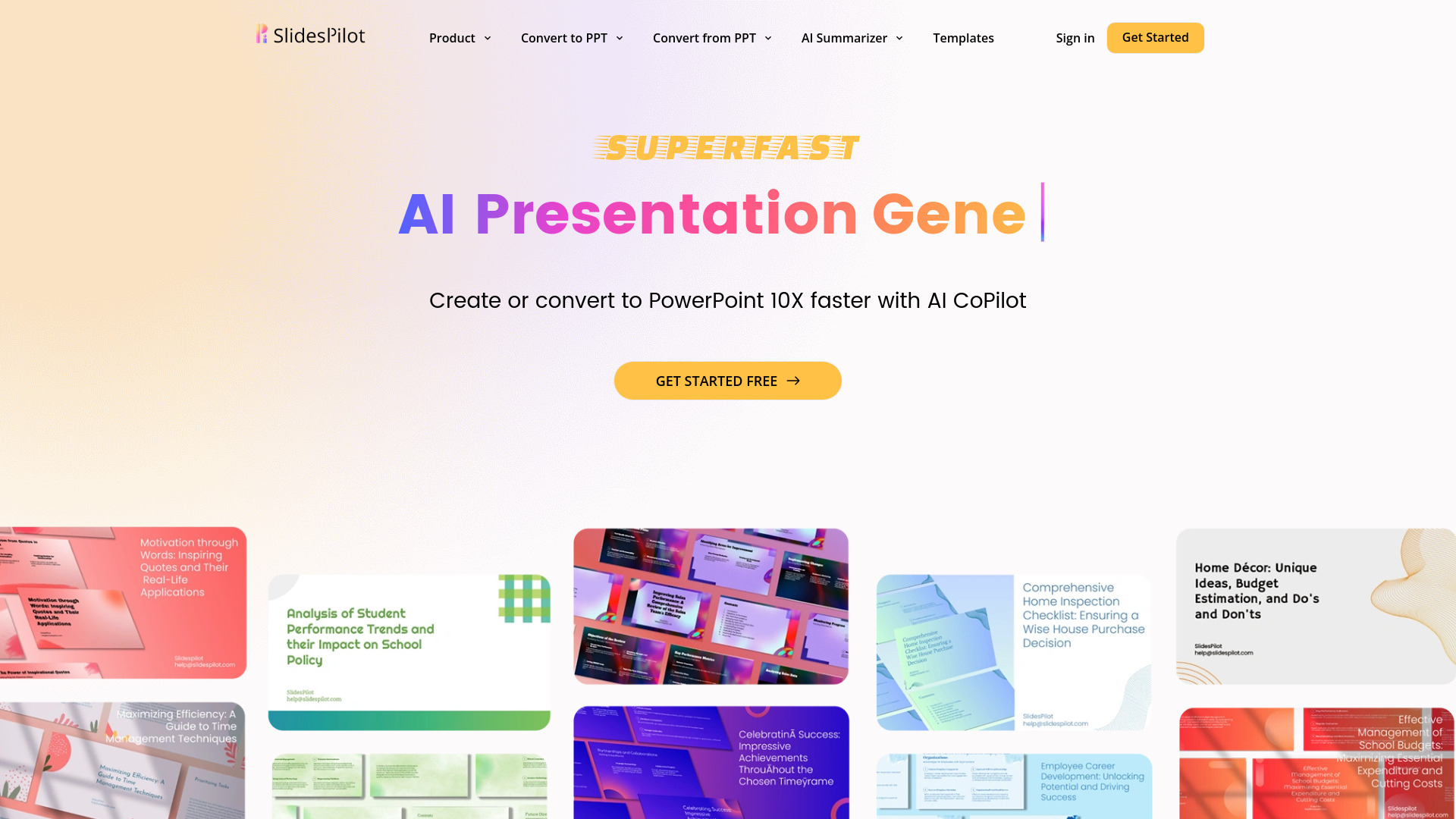
UnknownAI Presentation Suite for creating, converting, and enhancing presentations.

Ideogram ✓
FreemiumAI-powered creativity booster

MarketAlerts.ai ✓
FreemiumInvest smarter with AI on your side

PrompTessor ✓
FreemiumAI Prompt Workspace for Better AI Results