

Free + from $10 per member / month
Verdict
A quick read before you dig into the full page.
- Best if
- You are enterprise architects and need: Architecture Diagrams
- Skip if
- Requires learning new syntax
- Pick this when
- Generates technical diagrams
Considering AI Diagram Maker instead? Compare side by side
Overview
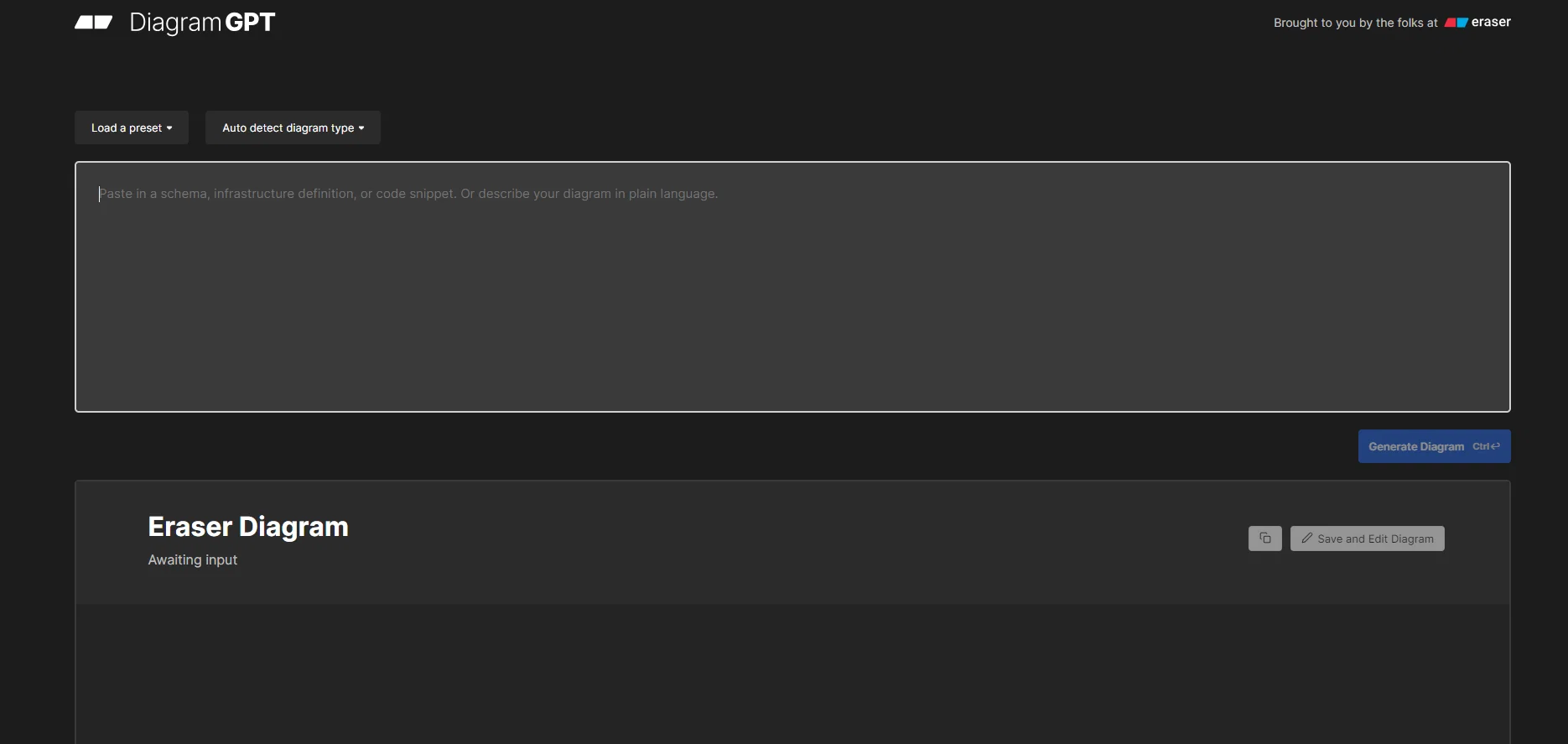
DiagramGPT is an AI tool developed by Eraser that enables users to generate technical diagrams using code or plain language prompts. The tool employs OpenAI's GPT-4 to classify user input and generate diagrams in a diagram-as-code format.
Currently, DiagramGPT supports three types of diagrams, namely entity relationship diagrams, cloud architecture diagrams, and sequence diagrams, with flowcharts coming soon.
Users can edit the diagrams generated by DiagramGPT in Eraser, a whiteboard tool designed for engineering teams. The diagrams can be edited using Eraser's diagram-as-code syntax.
DiagramGPT can be used in various scenarios, including architecture diagrams, whiteboard interviews, documentation, wireframing, and brainstorming. Eraser provides a gallery of resources, templates, and integrations, as well as documentation and design resources at designDocs.dev.
Additionally, users can provide feedback to the Eraser team about the tool and suggest improvements or new features through various channels such as email, Twitter, or Slack community.
Overall, DiagramGPT offers a simple and effective means of generating technical diagrams, especially for engineering teams, while Eraser provides a comprehensive suite of tools and services to support diagramming, documentation, and collaboration.
Best for
Short scenarios where DiagramGPT by Eraser tends to shine.
-
Architecture Diagrams
Best for Enterprise architects
-
Design Docs
Best for DevOps engineers
-
Documentation
Best for Technology consultants
-
Brainstorming
Best for Software engineers
-
Wireframes
Best for Enterprise architects
-
Whiteboard Interview
Best for Enterprise architects
Example outputs 1
Sample generations and before/after results for DiagramGPT by Eraser.
Access & connections
Where you can use DiagramGPT by Eraser, and what it plugs into.
Platforms
Integrations
Capabilities
What this tool accepts, produces, and is strongest at.
Supported features
- SVG
Pros & cons
Pros
- Generates technical diagrams
- Supports diagram-as-code format
- Multiple diagram types
- Integrated with Eraser
- Useful for whiteboard interviews
- Useful for documentation
- Useful for wireframing
- Useful for brainstorming
Show 16 more
- Gallery of resources
- Pre-designed templates
- Multiple integrations
- Comprehensive documentation
- GPT-4 architecture
- User feedback channels
- Upcoming flowchart support
- Editable diagrams
- Can classify input
- Supports plains language prompts
- Supports architectural diagrams
- Designed for engineering teams
- Compatible with DesignDocs.dev
- Sequence diagram support
- Cloud architecture diagram support
- Entity relationship diagram support
Cons
- Limited diagram types
- Depends on another tool
- Requires learning new syntax
- No offline mode
- Limited integration options
- No mentioned multi-language support
- Not all features released
- Limited customization options
Show 2 more
- Feedback channels may be time-consuming
- Unknown response times
Compare alternatives
Similar tools in the catalog — with a clear reason to open each one.

AI Diagram Maker ✓
FreemiumCreate professional diagrams in seconds with AI.
Free + from $5/mo
Full comparison
Diagramming ✓
FreemiumInstantly design UML & workflows with AI
Why look Stronger for image work
Full comparison

Tenorshare AI Diagrimo ✓
FreemiumTurn text into visuals instantly.
Why look Higher community rating
Full comparison
Mermaid Chart ✓
FreemiumVisualize complex data with simple charts
Free + from $6.67/mo
Full comparisonPeople also view
Tools that often show up alongside DiagramGPT by Eraser in collections and comparisons.

ReRender AI ✓
Free TrialInstant photorealistic renders for architectural designs.

Render a House ✓
PaidTransform drawings into stunning home visuals instantly.

Paintit.ai ✓
FreemiumPro Workflow: AI Visualization for Designers and Real Estate Teams

MyArchitectAI ✓
FreemiumCreate photorealistic renders in seconds with AI

MNML ✓
PaidTransform sketches into stunning architectural designs with AI

Designedbyai ✓
Free TrialCreate stunning interior designs with AI in seconds

Archsynth ✓
FreemiumTransform sketches into stunning architectural renders with AI.

ArchiVinci ✓
PaidTransform your sketches into hyper-realistic renders effortlessly.
Releases 1
Imported reviews 7
Tried it out for a microservices architecture diagram and it actually nailed most of it. Clean readable layout, the flow made sense out of the box. Some of the visual balance felt a bit off (for example, lots of dashed lines and the cluster dominates the view) and the services were super generic, but for quickly sketching out an idea, it definitely helped get the point across. Would've given it a 3.5 if I could but for now it's a 3.
used up my credits figuring out how the diagraming worked. was forced to use Eraser and it wouldn’t take the same input. just cycled through the same question sets.
could not constraint diagrams to fit a specific sheet size or orientation. Help was void and just a time waster
Amazing. After endless searching for a cloud architecture diagram tool, this one knocked it out of the park!
Absolutely phenomenal - the most visually appealing diagram creation program to date. Ai assist is better than majority of the industry standard programs.
i just used it and loving it. just copy your abstract of the paper and it will handle all the steps to generate graphical abstract. amazing.
nice! does exatly what i wanted it to do, takes text, makes a nice looking diagram.
Superb!
This is awesome for simple workflows. Quality of workflows depend on the quality of the prompt. Awesome tool for a non-BA that knows what he/she/they want and can explain it in words!
FAQ 12
What is DiagramGPT by Eraser?
How does DiagramGPT generate technical diagrams?
What types of diagrams can DiagramGPT currently draw?
Are there any upcoming features of DiagramGPT?
How can I edit diagrams generated by DiagramGPT?
What is the use of Eraser in DiagramGPT?
What are some use cases of DiagramGPT?
How does DiagramGPT classify user input?
How can I share my feedback about DiagramGPT?
[email protected]
, on Twitter at @eraserlabs, or join their Slack community.
What is diagram-as-code syntax in Eraser and how it works?
Can I get early product or API access to DiagramGPT?
Who is behind DiagramGPT and Eraser?
Related tools
Recommended

LearningStudioAI ✓
Free TrialAI-powered authoring tool for effortless online course creation.

GPTExcel ✓
FreemiumGenerate spreadsheet formulas with AI

VenturusAI ✓
FreemiumBusiness idea analysis and reporting.

Agentgpt ✓
FreemiumDeploy autonomous AI Agents effortlessly in your browser.

MagicSlides.app AI PPT Maker ✓
FreemiumCreate Stunning PPTs in Seconds with the AI PPT Maker

Scisummary ✓
Free TrialCutting-edge scientific articles summarization.