

MaxAI.me ✓
Use 1-Click AI Anywhere
Verdict
A quick read before you dig into the full page.
- Best if
- Use 1-Click AI Anywhere
- Skip if
- Limited customizability of functions
- Pick this when
- Chrome extension
Considering Voila instead? Compare side by side
Overview
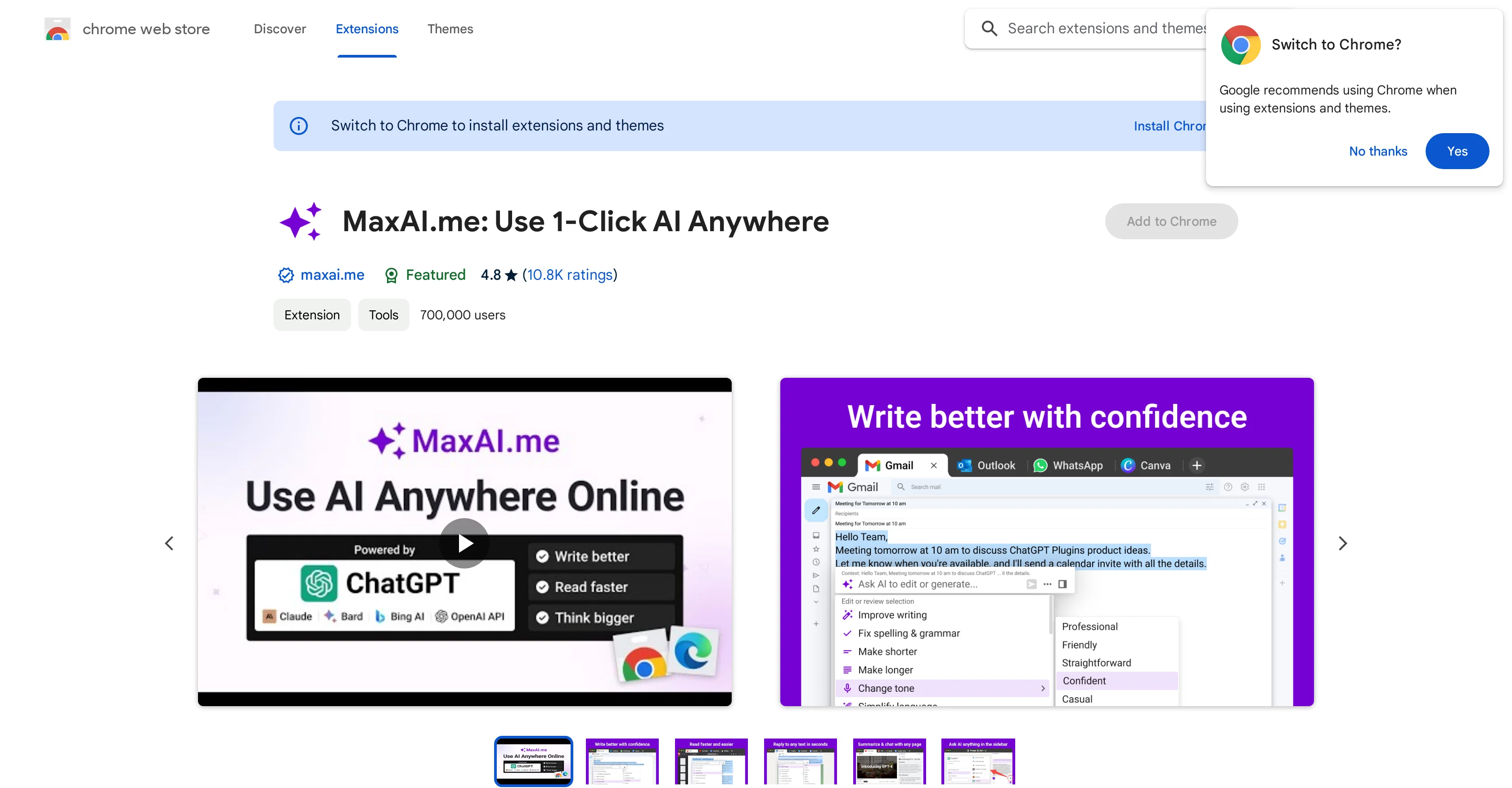
MaxAI.me: Use 1-Click AI Anywhere is a Chrome extension designed to enhance productivity by leveraging the power of AI tools like ChatGPT, Claude, Bard, and Bing AI.
This agile tool gives you instant, one-click access to AI capabilities no matter where you are on the web. It is designed to help users with various tasks which range from composing, summarizing, explaining, and proofreading text, to changing tone, translating, and offering replies to any text on any webpage.
It even allows you to easily draft documents or brainstorm ideas, draft blog posts, outlines, social media posts, among other content, with the help of AI.
Another key feature is being able to select any text to rewrite it, simplify its language, paraphrase it, or adapt it to sound like a native speaker in new languages.
It can also summarize, translate or simplify complex text for better readability. The extension also enables generated and personalized replies to text selected on any website.
This capability extends to responding to emails and replies on social media platforms such as Twitter, LinkedIn, Product Hunt, and YouTube, as well as chats on WhatsApp, Slack, Telegram, and Facebook Messenger.
It supports all popular AI Providers: ChatGPT, Anthropic Claude, Google Bard, New Bing Chat AI. Furthermore, it offers full language support and promises privacy-friendly operations.
The tool is ever-evolving, with regular updates to enrich your everyday tasks and boost productivity.
Access & connections
Where you can use MaxAI.me, and what it plugs into.
Platforms
Capabilities
What this tool accepts, produces, and is strongest at.
Input
- API
- Tabular
- Text
Output
- Tabular
- API
- Text
Pros & cons
Pros
- Chrome extension
- Web Accessible
- Supports ChatGPT
- Supports Claude
- Supports Bard
- Multi-task capabilities
- Text composing feature
- Text summarizing feature
Show 41 more
- Text explaining feature
- Proofreading feature
- Tone changing feature
- Translating feature
- Auto-reply feature
- Text rewriting feature
- Language simplifying feature
- Paraphrasing feature
- Language adaptation feature
- Summarizing complex text
- Translating complex text
- Simplify complex text
- Personalized replies feature
- Email auto-responder
- Supports multiple social platforms
- Supports multiple chat platforms
- Full language support
- Privacy-friendly
- Regular updates
- Instant ChatGPT access
- Generates first draft
- Brainstorms ideas
- Drafts social media post
- Improves writing
- Fixes spelling & grammar
- Changes text length
- Settings sync feature
- GPT-4 support
- GPT-3.5-turbo-16k support
- GPT-4-32k support
- Custom prompt templates
- Dark/light theme
- Markdown rendering
- Code highlighting
- Stop generating response
- Text select popup
- Language correction
- Rephrase content
- Expands content
- Generates ad scripts
- Generates video scripts
Cons
- Only available as Chrome extension
- Not available for free
- Requires refresh after installation
- May experience network errors
- Reliant on third-party APIs
- Not incognito/guest mode compatible
- Limited customizability of functions
- Incompatibility with Google Store pages
Compare alternatives
Similar tools in the catalog — with a clear reason to open each one.

Voila ✓
Free TrialSeamless AI assistant to help you create, write, brainstorm, and research.
Why look Typically cheaper
Full comparison
Rizz! Keyboard ✓
FreeAI-powered creative responses in your iPhone keyboard.
Why look Fully free option
Full comparison
Werd - Vibe Write with Multi-agent AI ✓
Free TrialVIBE WRITE With Multi-agent AI
Why look Typically cheaper
Full comparison
Sudowrite ✓
Free TrialAI writing partner for faster, more creative storytelling
Why look Typically cheaper
Full comparison
RewriteBar ✓
Free TrialRewrite. Refine. Accelerate. — AI productivity for every macOS app. 🚀
Why look Offers a public API
Full comparisonReleases 1
FAQ 12
What are the main features of MaxAI.me?
How does MaxAI.me help with writing and drafting documents?
Does MaxAI.me support language translation?
Can MaxAI.me be integrated with social media platforms?
Is MaxAI.me privacy-friendly?
What AI Providers does MaxAI.me support?
Can I use MaxAI.me to simplify complex text?
Does MaxAI.me offer features like text rephrasing and paraphrasing?
Can MaxAI.me help in generating responses and replies?
What type of content can I create with MaxAI.me?
Are there regular updates for MaxAI.me?
Which web browsers support MaxAI.me?
Related tools
Recommended

Knowee AI - Chrome Extension ✓
UnknownYour AI sidekick for homework and essays.

LearningStudioAI ✓
Free TrialAI-powered authoring tool for effortless online course creation.

Mindsmith ✓
FreemiumPlatform for building and sharing eLearning content

Stunning ✓
PaidBuild AI-powered websites in seconds

IllumiChat ✓
FreemiumFrom Ticket Backlog to Instant Answers Powered by AI

VenturusAI ✓
FreemiumBusiness idea analysis and reporting.