
Mailmerge-JS ✓
AI-powered Gmail automation for personalized emails
Verdict
A quick read before you dig into the full page.
- Best if
- AI-powered Gmail automation for personalized emails
- Skip if
- Limited to Gmail
- Pick this when
- Open-source package
Considering Auto Gmail instead? Compare side by side
Overview
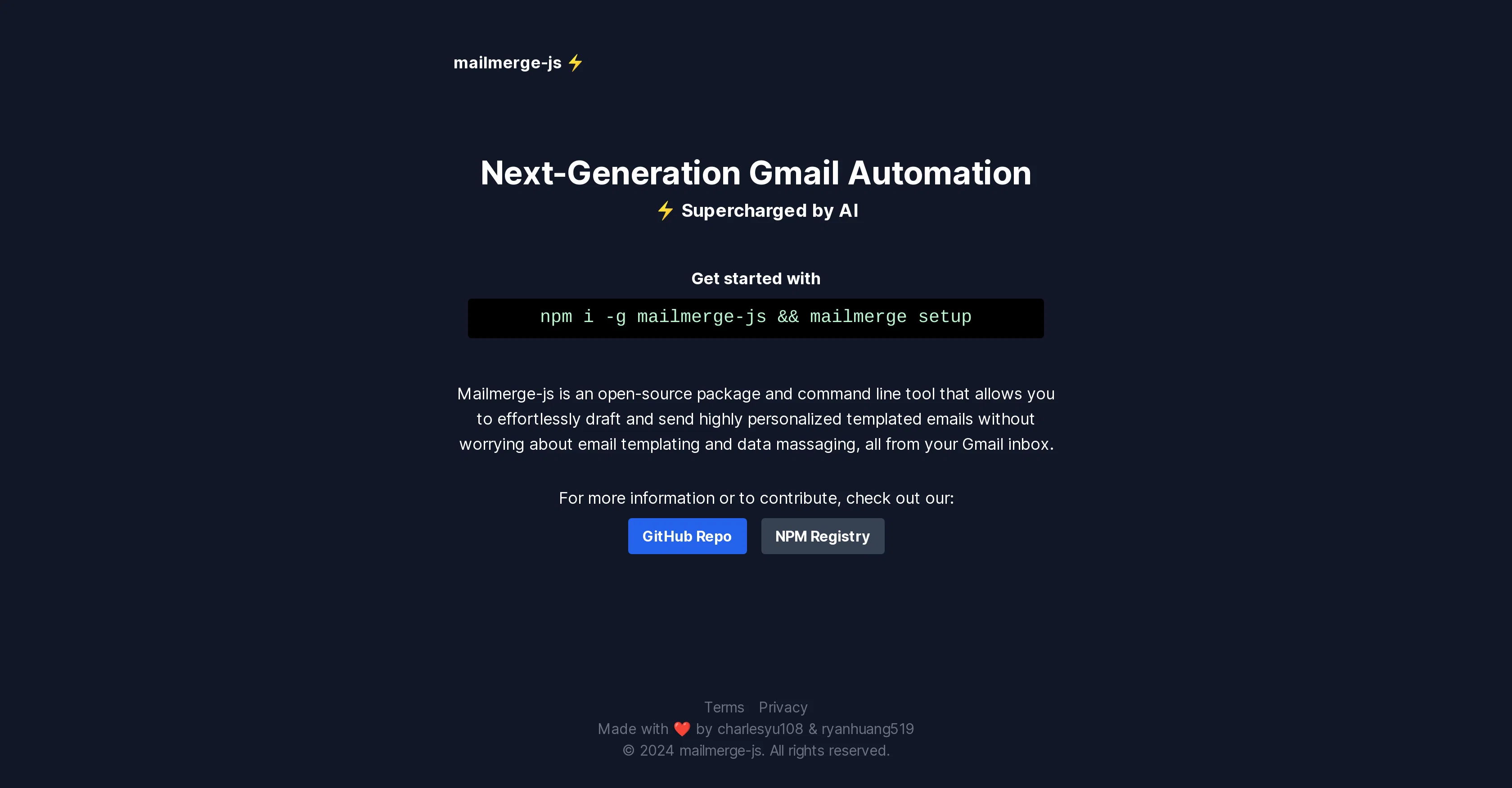
Mailmerge-JS is an open-source package and AI-enhanced command line tool designed to simplify the process of drafting and sending personalized, templated emails.
It's designed to work directly from a user's Gmail inbox, eliminating concerns about email templating and data massaging. Users can effortlessly implement highly personalized email campaigns due to the AI-driven automation of the tool.
It can be set up and installed via npm, a well-known package manager for the JavaScript programming language. In addition to boasting a user-friendly appeal, Mailmerge-JS stands out through its commitment to open-source ethos, allowing for contributions via its GitHub repository, which provides the source code.
The tool, developed by charlesyu108 & ryanhuang519, empowers users to automate Gmail processes, facilitating more efficient and effective email marketing campaigns or routine correspondence.
Users are also supported by a terms and privacy policy, ensuring usage transparency.
Access & connections
Where you can use Mailmerge-JS, and what it plugs into.
Platforms
Capabilities
What this tool accepts, produces, and is strongest at.
Input
- Text
Output
- Text
Pros & cons
Pros
- Open-source package
- Command line tool
- Gmail inbox integration
- Simple email drafting
- Personalized, templated emails
- npm setup and installation
- Contributions via GitHub
- Automates Gmail processes
Show 9 more
- Efficient email marketing
- Supports routine correspondence
- Terms and privacy policy
- Usage transparency
- Developed by established programmers
- Next-generation Gmail automation
- No worry of email templating
- No worry of data massaging
- Appropriate for email campaigns
Cons
- Limited to Gmail
- JavaScript knowledge required
- Command line operation
- Requires npm for setup
- Could have Gmail throttling
- Privacy concerns with Gmail
- No graphical interface
- Only for email automation
Show 2 more
- Dependent on active internet
- Open-source security issues
Compare alternatives
Similar tools in the catalog — with a clear reason to open each one.

Auto Gmail ✓
FreemiumAI learns from you and drafts answers to all your emails
Free + from $27
Full comparison
MailWizard ✓
Free TrialGmail emails that write themselves? It's not magic, it's MailWizard.
Why look Higher community rating
Full comparison

AI Mail Assistant ✓
Free TrialChatGPT AI for Gmail: Generate, summarize, translate, and improve emails.
Free + from €4.99 per month
Full comparison
Trimbox AI Assistant ✓
FreemiumAutomatically draft email replies, straight from Gmail.
Why look Higher community rating
Full comparison
Releases 1
FAQ 12
How is Mailmerge-JS installed via npm?
What special features does Mailmerge-JS offer for email personalization?
How does Mailmerge-JS integrate with Gmail?
Can Mailmerge-JS be used for mass email campaigns?
How to automate Gmail processes using Mailmerge-JS?
What aspects of my email marketing campaigns can Mailmerge-JS help automate?
What does it mean that Mailmerge-JS is an open-source package?
Who are the developers behind Mailmerge-JS?
How does Mailmerge-JS use AI to enhance its functionality?
What user-friendly appeal does Mailmerge-JS provide?
How can I contribute to the Mailmerge-JS project on GitHub?
What kind of transparency does Mailmerge-JS's terms and privacy policy provide?
Related tools
Recommended

Humanize AI Text ✓
FreeTransform AI text into human-like content.

Userpersona ✓
FreeGenerate ideal customer profiles from product descriptions.

PDF Guru ✓
FreemiumChat with your PDF for instant insights

My AI Tarot - Free Tarot Card Readings ✓
FreeInsightful guidance tailored to your life's questions.

Thryve ✓
FreeYour free digital wellness therapist and coach

AI Background Remover by HTML Zone ✓
FreeInstantly remove image backgrounds with AI