

MacCopilot ✓
Native copilot app for macOS with advanced AI integration
from $19
Verdict
A quick read before you dig into the full page.
- Best if
- Native copilot app for macOS with advanced AI integration
- Skip if
- Limited export format (Markdown)
- Pick this when
- MacOS 12.0 compatibility
Considering FridayGPT instead? Compare side by side
Overview
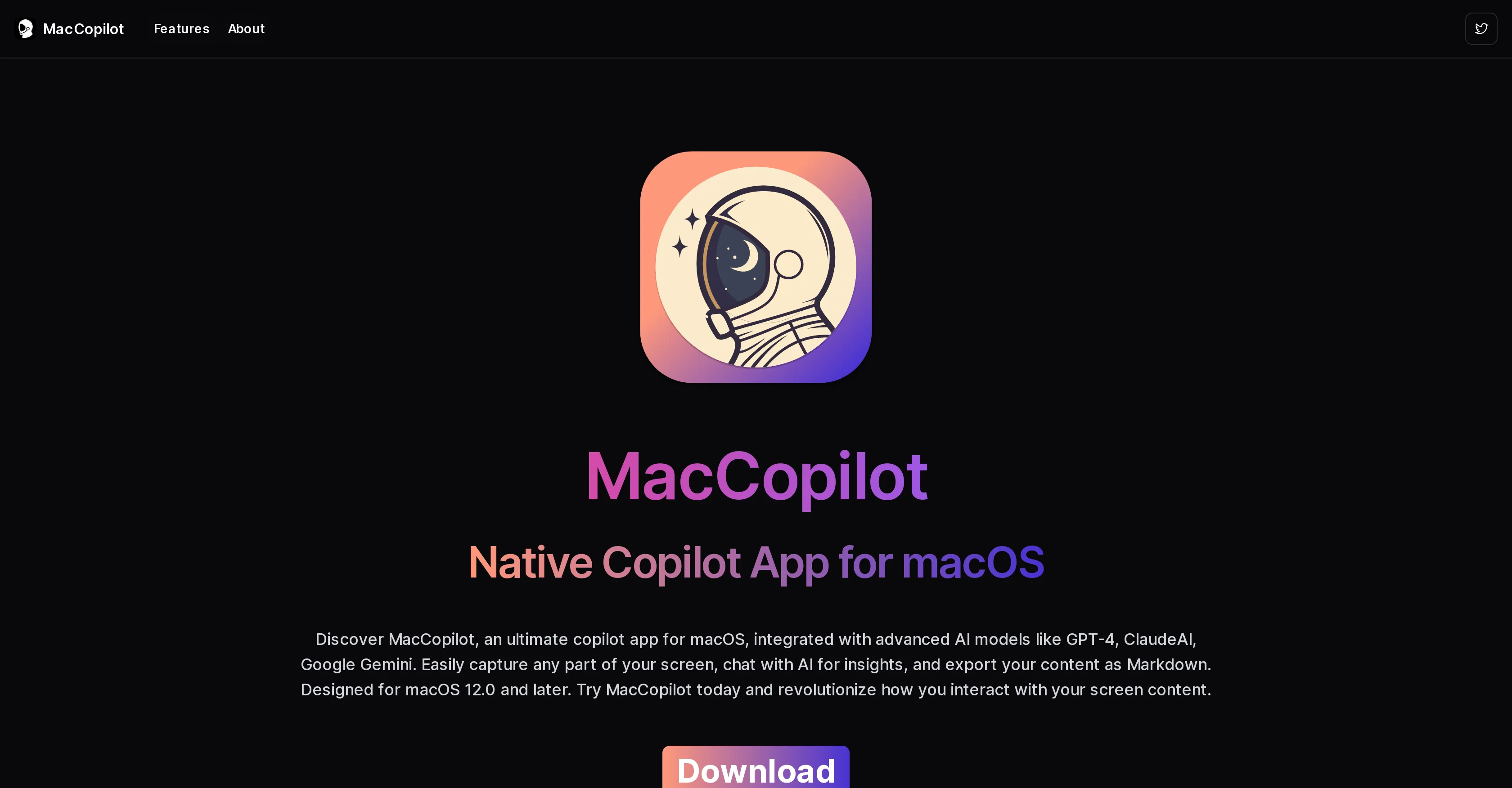
MacCopilot is a dynamic copilot software specifically designed for macOS 12.0 and later. It incorporates advanced Artificial Intelligence (AI) models such as gpt-4, claudeai, and google gemini, providing a smart, interactive experience for users.
The software enables easy capture of any part of the user's screen, which can be utilized for interaction with the embedded AI models to generate insights about the screen content.
These insights can foster better understanding and spark creative ideas. Additionally, MacCopilot supports content export in Markdown format for ease of use and enhanced functionality.
The tool ensures seamless multi-platform support, allowing effortless connection with various AI models according to the user's preference. Its features are complemented by a flexible screenshot tool that enables the selection and capture of any part of the screen.
MacCopilot is designed to revolutionize how users interact with their screen content while simultaneously boosting productivity and creativity. It also supports easier integration and management of different AI models through clear preferences navigation.
In addition to these features, MacCopilot includes a hotkey configuration for quick screenshot captures and an option for customizing AI responses. However, it should be noted that AI models without multimodal support may not utilize screenshot content.
Access & connections
Where you can use MacCopilot.
Platforms
Capabilities
What this tool accepts, produces, and is strongest at.
Input
- API
- Image
- Text
Output
- API
- Text
Pros & cons
Pros
- MacOS 12.0 compatibility
- Utilizes gpt-4 model
- Features claudeai model
- Incorporates google gemini
- Captures any screen part
- Generates insights from screen
- Export in Markdown format
- Supports multi-platforms
Show 13 more
- Navigation through preferences
- Hotkey screenshot configuration
- Flexible screenshot tool
- Spark creativity
- Boost productivity
- Integrates Ollama model
- Hotkeys for capturing screenshots
- System prompt customization
- Connects to Local LLM server
- Interactive user experience
- Compatible with Monterey OS
- Compatible with Ventura OS
- Compatible with Sonoma OS
Cons
- Only for macOS 12.0+
- Limited export format (Markdown)
- Detailed preferences management requirement
- Hotkey customization needed
- Potential issues with screenshot functionality
Compare alternatives
Similar tools in the catalog — with a clear reason to open each one.






Releases 1
Imported reviews 1
Nice done, it is pretty convenient to talk to AI with screenshot
FAQ 12
What AI models does MacCopilot incorporate?
Can MacCopilot capture any part of the screen?
Does MacCopilot support export in Markdown format?
Does MacCopilot provide multi-platform support?
How does MacCopilot aid in boosting productivity and creativity?
Can I customize AI responses with MacCopilot?
Are there any AI models that do not utilize screenshot content in MacCopilot?
What AI models can be connected with in MacCopilot?
Does MacCopilot support hotkey configuration for screenshot captures?
Does MacCopilot require any specific macOS version?
Can I manage different AI models with MacCopilot?
How can I interact with the AI models using MacCopilot?
Related tools
Recommended

Lovable ✓
Free TrialBuild software products using chat

Nouswise ✓
FreemiumYour personal search engine for trusted information.

LearningStudioAI ✓
Free TrialAI-powered authoring tool for effortless online course creation.

Scisummary ✓
Free TrialCutting-edge scientific articles summarization.

Agentgpt ✓
FreemiumDeploy autonomous AI Agents effortlessly in your browser.

Scholarcy ✓
FreemiumConvert long articles into summary flashcards.