

M9 Developer ✓
Automate 95%+ of dev tasks with AI in your IDE
Free + from $15/mo
Verdict
A quick read before you dig into the full page.
- Best if
- Automate 95%+ of dev tasks with AI in your IDE
- Skip if
- Limited to existing IDE
- Pick this when
- Automates 95% of dev tasks
Considering Cursor instead? Compare side by side
Overview
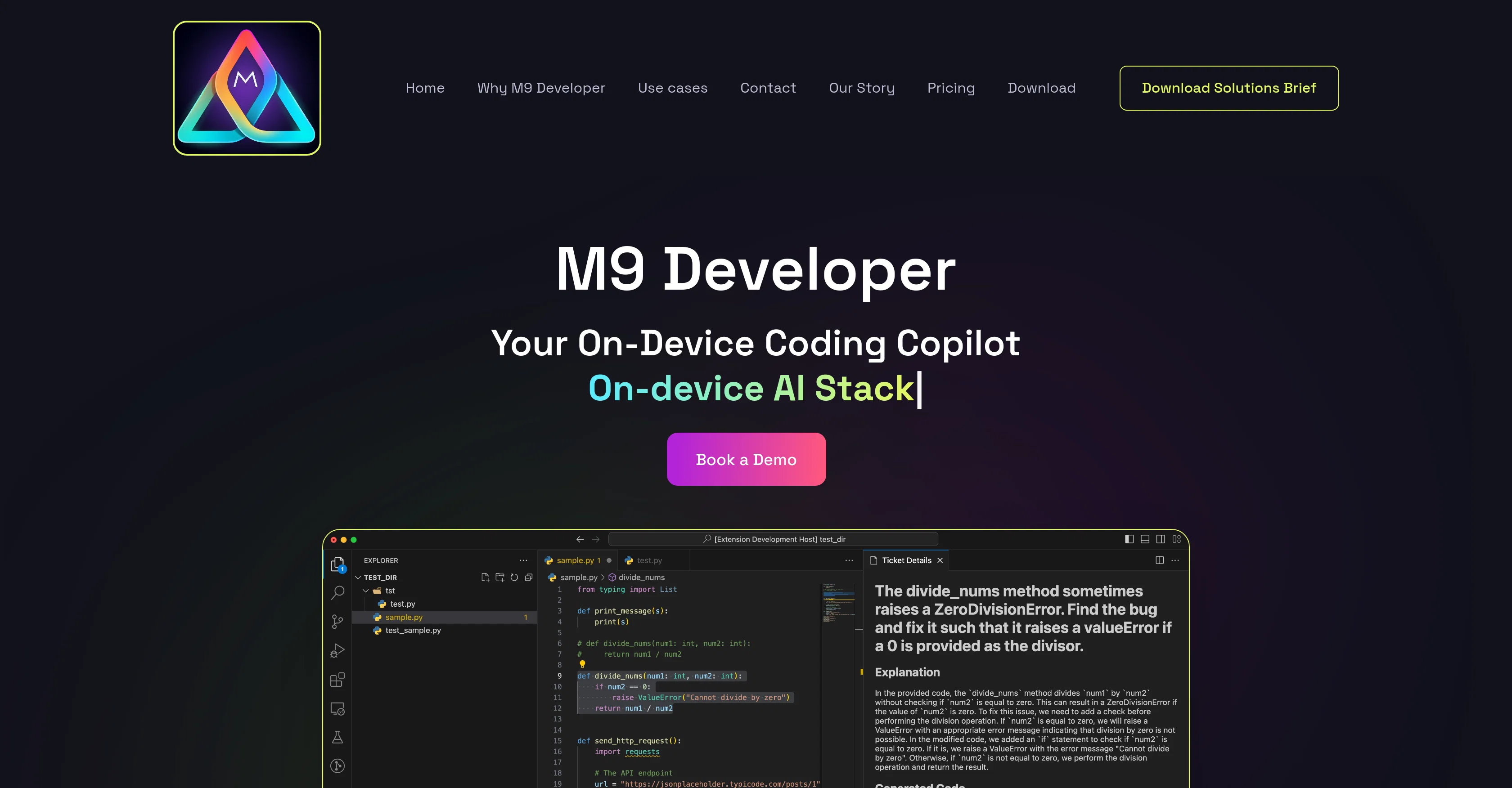
M9 Developer, developed by Momentum AI, is an AI-powered tool designed to automate various aspects of the software development lifecycle. It can be run on a GPU-enabled notebook, on-premises or as a self-hosted web app, ensuring maximum security and data privacy as all code and data remain within the user's chosen environment.
This tool is capable of automating over 95% of developer tasks within their existing Integrated Development Environment (IDE).M9 Developer's AI is uniquely tailored to a company's specific context and tribal knowledge, including its code and documentation.
It offers code generation, automatic generation of unit and integration tests, secure coding scans and fixes, bug detection and fixes, and code explanation features.
In addition, the AI prompts for implementation based on its understanding of the code context and offers quality checks for potential bugs.Additional features include test case generation, automated code documentation, code quality checks, and security audits for vulnerability scans.
It also provides performance optimization by suggesting code improvements based on analysis.It comes with two modes of operation: active and passive. In the active mode, developers guide the AI by navigating to specific parts of the code and giving instructions.
In passive mode, the AI directly reads requirements from tools like Jira, and automatically implements the code.However, it's important to note that while M9 Developer enhances productivity, it does not completely replace the need for human developers.
It's a tool designed to assist, not eliminate human intervention, particularly in managing complex architecture and design problems.
Access & connections
Where you can use M9 Developer, and what it plugs into.
Platforms
Integrations
Capabilities
What this tool accepts, produces, and is strongest at.
Input
- Code
Output
- Code
Pros & cons
Pros
- Automates 95% of dev tasks
- Optimizes software development lifecycle
- Contextual code understanding
- Generates and fixes code
- Automates unit & integration tests
- Perform secure coding scans
- Detects and fixes bugs
- Explains code
Show 33 more
- Provides quality checks
- Generates test cases
- Automates code documentation
- Performs security audits
- Optimizes code performance
- Active and passive modes
- Reads requirements from Jira
- Tailored to company context
- Remains within user environment
- Ensures code and data privacy
- Can run on GPU notebook
- Offers on-premises solution
- Available as self-hosted web app
- Does not replace human intervention
- Manages complex architecture
- Addresses design problems
- Automatically implements tasks
- Scans for vulnerabilities
- Analyzes for performance improvements
- Understands organizational needs
- Safe deployment in VPC
- Keeps code within VPC
- Installation on org's VPC
- Dev review before production
- Guided by developer instructions
- Enhances productivity
- Code quality improvement
- Companies' tribal knowledge utilization
- Adopts company's coding style
- Retrains with company data
- Enhances code reliability
- Improves maintainability of code
- Contributes to robustness of code
Cons
- Requires human intervention
- May introduce erroneous codes
- Tailored to company's context
- Requires setup in environment
- Limited to existing IDE
- Potentially disruptive workflow changes
- Adaption resistance from developers
- Potentially slow response time
Show 2 more
- Requires GPU-enabled notebook
- On-premise set up costs
Compare alternatives
Similar tools in the catalog — with a clear reason to open each one.


OnSpace.AI - No Code App Builder ✓
FreemiumBuild Apps with AI, No Code
Free + from $20/mo
Full comparison
Kilo Code ✓
Free TrialAI-powered coding assistant for VS Code
Why look Higher community rating
Full comparison
Github Copilot ✓
FreemiumAI-powered coding assistant for faster development
Why look Typically cheaper
Full comparison
CodingFleet ✓
FreemiumAI wizard transforms instructions into code snippets.
Why look Typically cheaper
Full comparison
Releases 1
FAQ 12
What is M9 Developer?
What key features does M9 Developer provide?
How does M9 Developer enhance software development?
What is the significance of M9 Developer being AI-powered?
Can M9 Developer run on a GPU-enabled notebook?
How does M9 Developer ensure data security?
Can M9 Developer be used as a self-hosted web app?
What is the extent of task automation offered by M9 Developer within an IDE?
How does M9 Developer tailor its AI to a company's specific context?
What functionalities does M9 Developer provide for bug detection and fixes?
What are the active and passive modes of operation in M9 Developer?
Does M9 Developer replace the need for human developers?
Related tools
Recommended

Lovable ✓
Free TrialBuild software products using chat

ChatGPT ✓
FreemiumAsk anything, create anything, and move from idea to action.

CodeRabbit ✓
Free TrialEnhanced code review for improved workflow and quality.

remio: Your Personal ChatGPT ✓
FreemiumGet Tailored Answer with Your Personal ChatGPT

Emergent ✓
FreemiumUse the code TAAFT for access to vibe coding platform

Floot ✓
FreemiumBuild AI apps with the subscription you're already paying for.