

Image editing 2026 Rank: #3033
Lucer ✓
Transform any photo with a prompt.
Verdict
A quick read before you dig into the full page.
- Best if
- Transform any photo with a prompt
- Skip if
- Limited to GPT Image 2
- Pick this when
- Free online tool
Considering Viyou AI Image Generator instead? Compare side by side
Overview
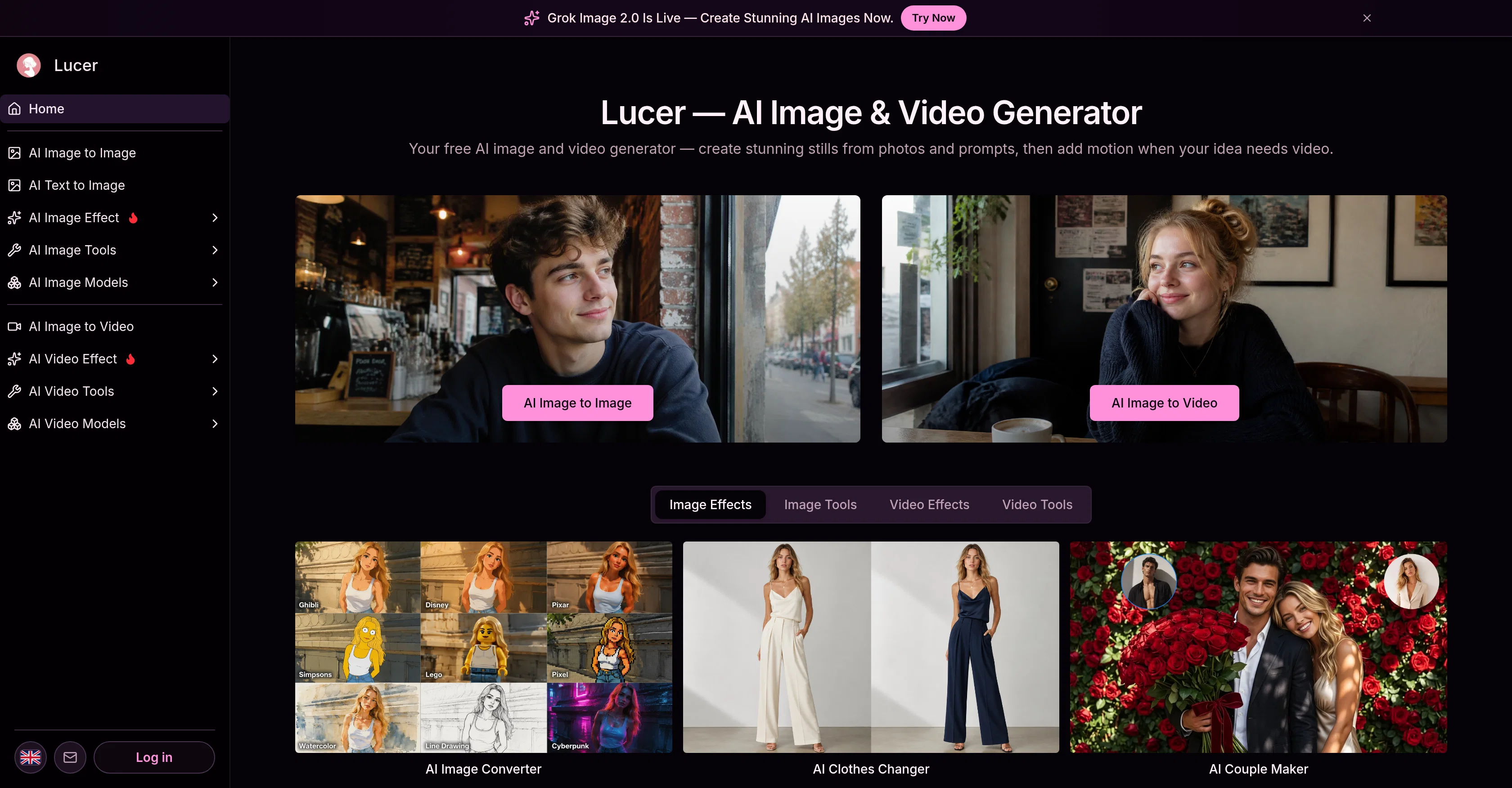
Lucer AI Image to Image is a free online artificial intelligence tool that lets you transform images based on specific prompts you give. In this image to image workflow, it allows you to upload reference images, describe the desired transformation using natural language, select a model, and then download the transformed image.
Built for speed and iteration, you can tweak your prompt and download the image once it matches your vision. This user-friendly tool allows you to steer the transformation of the uploaded image without starting from scratch.
Using GPT Image 2, it respects the source pixels of your images while applying your specified prompt. You can edit, restyle, apply lighting changes, modify outfits or backgrounds in plain language.
The multi-reference mode allows you to start with up to three reference images for a broader transformation scope. Every image creation anchors your uploaded image ensuring outputs are directly connected to the original.
Despite being an automated tool, it provides room for creative direction as it simplifies the process of image transformation by making it upload, prompt, generate, and download.
You are able to predict cost prior to each transformation based on transparent credit cost per run. It is built for consistent regeneration until desired results are achieved in terms of style, lighting, or composition.
Ready for download once satisfaction is achieved with a well-embedded inline preview.
Access & connections
Where you can use Lucer.
Platforms
Capabilities
What this tool accepts, produces, and is strongest at.
Input
- Text
- Image
Output
- Image
Pros & cons
Pros
- Free online tool
- User-friendly interface
- Multi-reference mode
- Transparent cost prediction
- Consistent iteration till satisfaction
- In-built model selection
- Prompt-based transformations
- Respects source pixels
Show 25 more
- High-quality output
- Built for speed
- No complex setup
- Prompt-led transformations
- Multiple image models
- Transparent credit cost
- Download when ready
- Natural language operation
- Edit, restyle capabilities
- Lighting change application
- Outfit modification feature
- Background modification option
- Uses original as anchor
- Allows creative direction
- Cost-effective transformations
- Directly ties outputs to original
- Inline preview feature
- Predictable credit cost
- Transformer respects source pixels
- No rigid preset list
- Plain language interface
- One to three reference images
- Style, lighting, composition control
- Not starting from scratch
- Download-transformed images directly
Cons
- Limited to three references
- Depends on prompt accuracy
- Requires manual preview checking
- No batch processing
- No API for integration
- Limited output format support
- No real-time editing
- Limited to GPT Image 2
Show 2 more
- Only online usage
- Cost prediction required
Compare alternatives
Similar tools in the catalog — with a clear reason to open each one.

Viyou AI Image Generator ✓
FreemiumTransform text and images into stunning videos and visuals.
Why look Freemium alternative
Full comparison
Img2Img AI ✓
FreemiumTransform any image with AI in seconds.
Why look Freemium alternative
Full comparison

Photoeditor ✓
PaidEnhanced image editing with object and text removal.
from $9.99/mo
Full comparison
Cleanup pictures ✓
FreemiumRemove unwanted elements from photos instantly.
Why look Freemium alternative
Full comparisonReleases 1
FAQ 12
What is Lucer AI Image to Image?
How does Lucer AI Image to Image work?
How do I upload reference images on Lucer AI Image to Image?
How does Lucer AI Image to Image use natural language for image transformation?
What is the function of the 'select a model' option in Lucer AI Image to Image?
How does Lucer AI Image to Image respect the source pixels?
What is the purpose of the GPT Image 2 feature in Lucer AI Image to Image?
How can I modify lighting, outfits, or backgrounds using Lucer AI Image to Image?
What does the multi-reference mode in Lucer AI Image to Image do?
How does Lucer AI Image to Image ensure that outputs are connected to the original image?
How is cost predicted for transformations in Lucer AI Image to Image?
What does 'transparent credit cost per run' mean in relation to Lucer AI Image to Image?
Related tools
Recommended

MagicSlides.app AI PPT Maker ✓
FreemiumCreate Stunning PPTs in Seconds with the AI PPT Maker

GetLogit ✓
FreemiumArtificial intelligence, available for everyone.

ChatGPT ✓
FreemiumAsk anything, create anything, and move from idea to action.

Automateed ✓
Free TrialCreate eBooks effortlessly with Automateed, the AI-powered writing tool.

Kin - Personal AI Advisors ✓
FreePrivacy-first & designed your for mind, and life at work

Aiter.io | Paste a URL. Ship a Campaign That Sounds L... ✓
FreemiumAI marketing that sounds like you, not everyone else.