

Lottie Creator ✓
Create lightweight, interactive animations for the web.
Free + from $19.99/mo
Verdict
A quick read before you dig into the full page.
- Best if
- Create lightweight, interactive animations for the web
- Skip if
- Limited animation export for free users
- Pick this when
- Web-based tool
Considering Anijam instead? Compare side by side
Overview
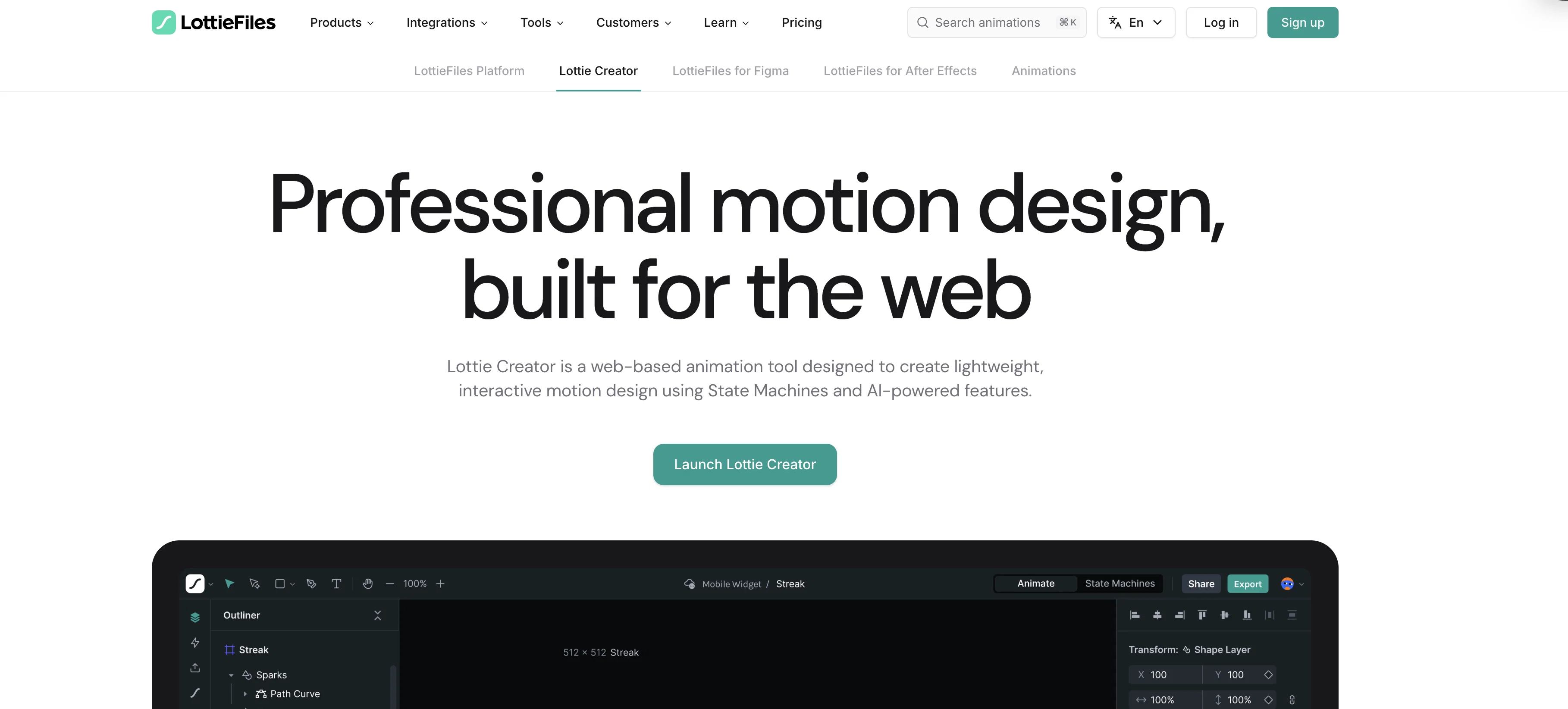
Lottie Creator is a web-based animation tool that leverages AI and State Machines to enable effortless creation of lightweight, interactive motion designs.
This tool allows designers and developers to create, edit, and manage animations in one place. Offering functionalities like advanced keyframe control, it supports precisely managing timelines, refining and retiming as well as mirroring keyframes.
Other features include SVG import capability, real-time previewing, professional easing control, and path trimming to create smooth, flowing animations.
Importantly, Lottie Creator introduces a State Machines feature to create animations that react to user inputs, data, or events. Furthermore, animations can be bound to real data properties at runtime using Motion Tokens.
The tool supports export in multiple formats such as dotLottie, videos or GIF and ensures instant sharing through CDN links across web, iOS, and Android platforms.
Lottie Creator also offers extended compositing options and expressions enabling complex designs with blend modes, masks, mattes, nested scenes. Innovatively, this tool utilizes AI-powered features to enhance user workflows, lets text prompts be turned into reactive animations with AI-generated State Machines, converts text prompts into quality AI-generated vector graphics, and more.
Lottie Creator can be utilized by individual freelancers or large teams alike, with supportive functionalities for real-time collaboration, consistent motion and cloud-based project updates across an organization.
Access & connections
Where you can use Lottie Creator.
Capabilities
What this tool accepts, produces, and is strongest at.
Input
- Text
- Image
Output
- Code
- Video
Supported features
- SVG
Pros & cons
Pros
- Web-based tool
- Effortless creation process
- Lightweight animations
- Advanced keyframe control
- SVG import capability
- Real-time previewing
- Professional easing control
- Path trimming feature
Show 37 more
- Reactive animations with State Machines
- Data binding with Motion Tokens
- Multiple export formats
- Instant sharing via CDN links
- Extended compositing options
- Supports blend modes, masks, mattes
- Nested scenes creation
- Text to reactive animation conversion
- Text to vector graphics conversion
- Real-time collaboration feature
- Cloud-based project updates
- Freelancers and teams support
- Consistent motion across projects
- Plugin library for expanded capabilities
- Universal file importer
- Physics simulator
- Motion preset options
- Advanced duplicator feature
- Anchor point control
- Matte and Mask support
- Parenting feature
- Blend modes
- Theming options
- Motion Copilot
- Prompt to State Machines
- Prompt to Vector
- Prompt to Themes
- Studio-level features for freelancers
- Real-time team collaboration
- Duplicator for layer cloning
- Cross-platform support (web, iOS, Android)
- Managed complexity with nested scenes
- Caters to individual and large scale organizational needs
- Advanced control over timelines and animations
- Can be used for both simple and complex designs
- Supports interactivity through State Machines
- Real-time updates for consistent workflows
Cons
- Web-based only
- Requires reliable internet connection
- Limited export formats
- No mobile optimization
- Locks features behind upgrade
- Requires SVG for import
- Dependency on LottieFiles ecosystem
- Restricted to vector-based files
Show 1 more
- Limited animation export for free users
Compare alternatives
Similar tools in the catalog — with a clear reason to open each one.

Anijam ✓
Free TrialAI handles your entire animation pipeline.
Why look Typically cheaper
Full comparison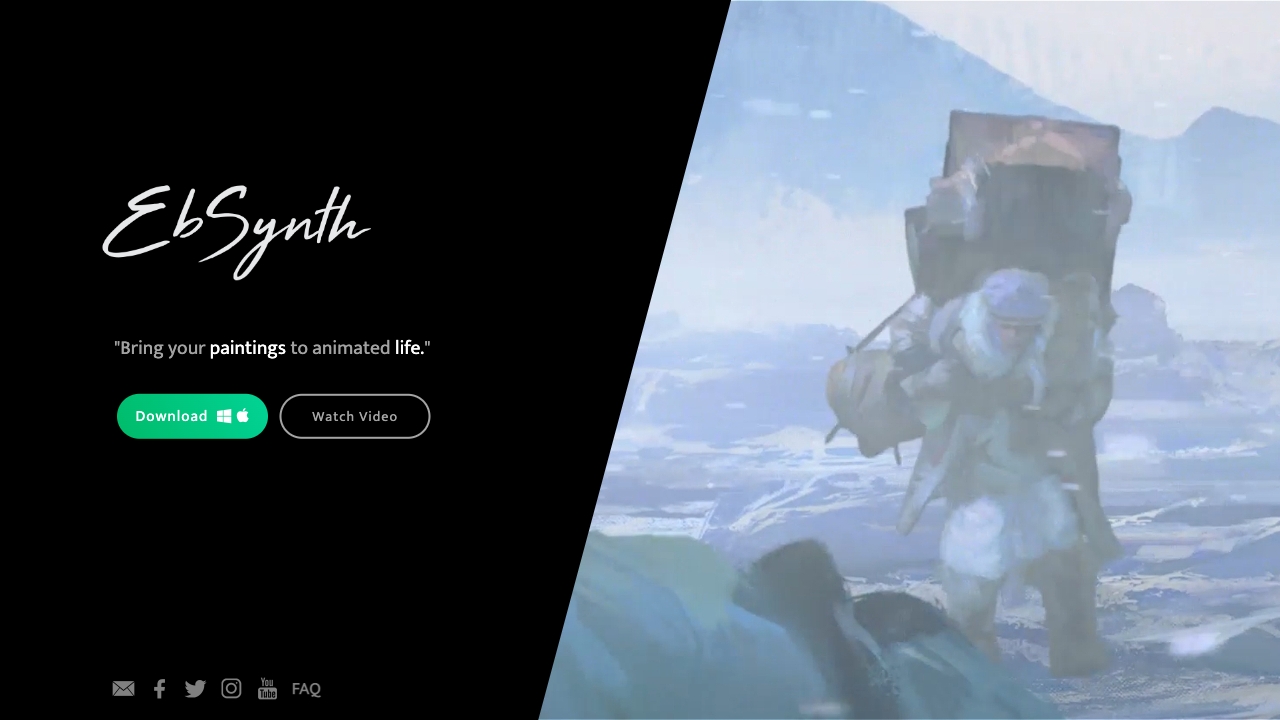
Ebsynth
UnknownEbSynth animates footage using styled keyframes, ideal for hand-drawn animations.
No pricing
Full comparison

DreamFace ✓
FreemiumAnimate photos with AI face editing magic.
Why look Typically cheaper
Full comparison
Animagic ✓
FreemiumTurn drawings into animations in seconds.
Why look Typically cheaper
Full comparison
Releases 1
FAQ 12
What is Lottie Creator?
What is the keyframe control feature in Lottie Creator?
What input types can Lottie Creator support for creating animations?
Can Lottie Creator export animations in different formats?
Is Lottie Creator a web-based tool?
How does State Machines feature work in Lottie Creator?
Can Lottie Creator animations be controlled with real data properties?
Is Lottie Creator useful for collaborative work?
What are the professional easing control and path trimming capabilities of Lottie Creator?
How does Lottie Creator utilize AI-powered features to improve design workflows?
What kind of animations can be created using Lottie Creator?
What platforms are supported for sharing animations created in Lottie Creator?
Related tools
Recommended

AI Effect.Art ✓
PaidTurn photos into viral AI videos with templates.

Deep Nostalgia AI ✓
PaidTransform old photos into animated videos with AI.

Winter Comics ✓
Free TrialCreate stunning AI animations comics and characters — fast, consistent, and beautifull

Live Portrait AI ✓
FreemiumAnimate your photos with Live Portrait AI.

IntroVideo - Logo Animation ✓
Free TrialCreate professional AI logo intro videos in minutes

Logo Animation App ✓
PaidTransform static logos into stunning motion graphics in seconds.