

LivePortrait ✓
Transform photos into lifelike animated videos instantly.
from $9.9
Verdict
A quick read before you dig into the full page.
- Best if
- Transform photos into lifelike animated videos instantly
- Skip if
- Limited custom animation control
- Pick this when
- Transforms static images to videos
Considering Anijam instead? Compare side by side
Overview
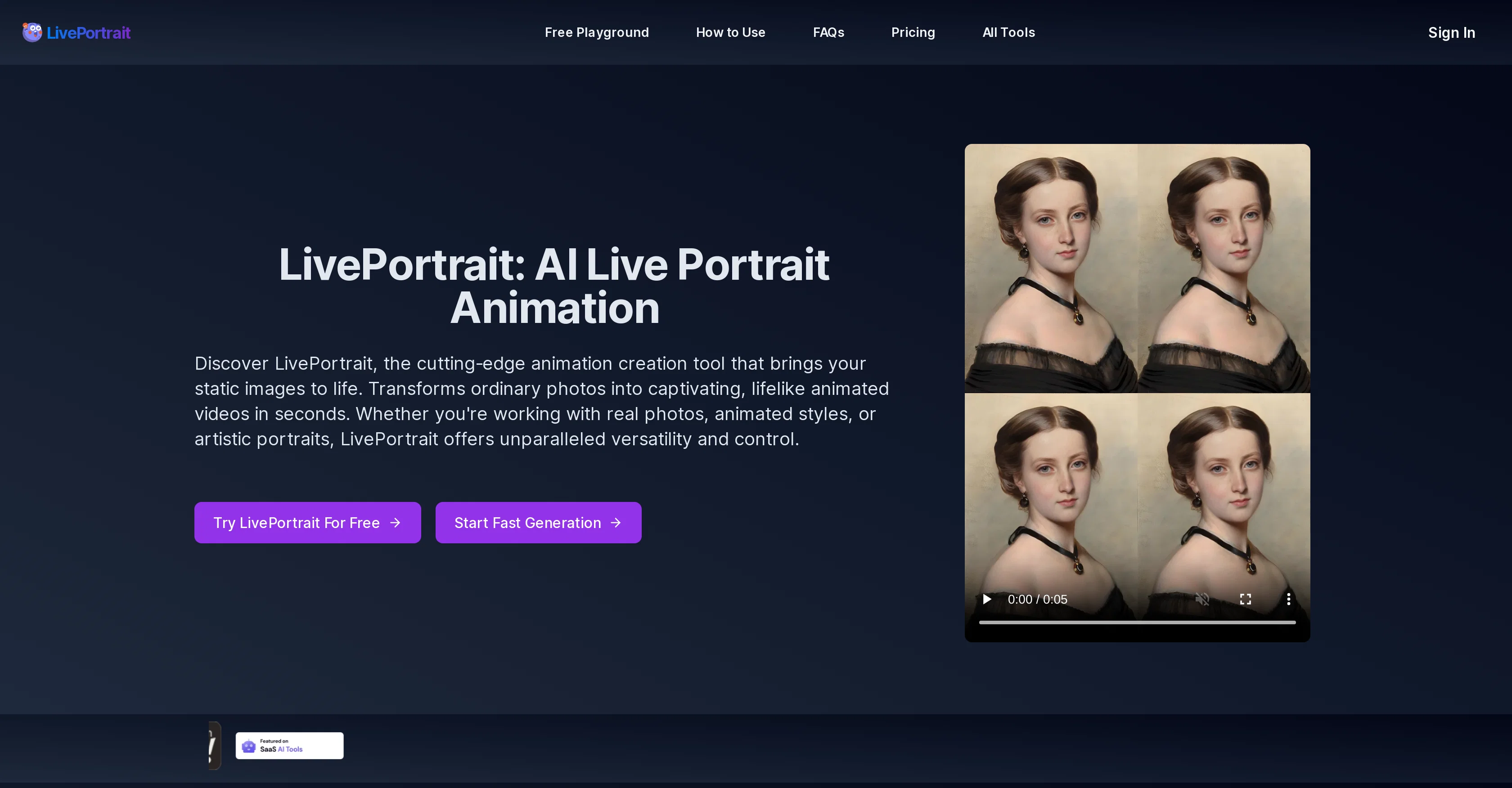
LivePortrait is an AI-powered tool that brings static images to life by transforming them into lifelike animated videos. It can work with a range of media including real photos, animated styles, and artistic portraits.
Videos can be generated swiftly, with the duration dependent on the complexity of the image and system load. The software supports high-quality animation and precise motion control for accurate and realistic expressions, diverse style support, and custom animation patterns.
Images can be enhanced before animation for optimal results, with options to restore, colorize or upscale pictures. Utilizing a mixed image-video training strategy, upgraded network architecture, improved motion transformation, and stitching and retargeting modules, LivePortrait can be used for a wide range of applications.
These include adding motion to classical artwork, revitalizing family heritage photos, enhancing personal images, animating static anime illustrations, and bringing historical figures to life.
To use, users upload a clear static portrait image, select a driving video to determine the motion of the image, configure settings, and generate the animated portrait.
Custom videos or presets can be used as the driving video. While the software produces highly realistic and lifelike animations, the realism and lifelike features depend on several image and video characteristics.
The platform is open-sourced by Kuaishou Technology.
Access & connections
Where you can use LivePortrait.
Platforms
Capabilities
What this tool accepts, produces, and is strongest at.
Input
- Image
Output
- Video
Pros & cons
Pros
- Transforms static images to videos
- Works with diverse media
- Swift video generation
- High quality animation support
- Precise motion control
- Diverse style support
- Custom animation patterns
- Image enhancement options
Show 23 more
- Restore, colorize, upscale features
- Mixed image-video training strategy
- Upgraded network architecture
- Improved motion transformation
- Stitching and retargeting modules
- Wide range of applications
- Custom videos or presets support
- High realism and lifelikeness
- Open-sourced platform
- Clear static image uploading
- Animated classic art features
- Family heritage photo revival
- Personal image enhancement
- Anime illustration animation
- Historical figures animation
- Efficient, high-quality, customizable tool
- Supports PNG, JPEG, WEBP formats
- Own video as motion driver
- Driving video library use
- Image animation exploration
- Fast animation generation
- Downloadable final video
- Animation customization options
Cons
- Complexity affects generation speed
- Limited media type support
- Dependent on clear images
- Requires separate driving video
- Limited custom animation control
- Needs optimal image preconditions
- Requires specific driving video conditions
- Open-source (potential security issues)
Show 2 more
- No embedded video library
- No support for animal animations
Compare alternatives
Similar tools in the catalog — with a clear reason to open each one.

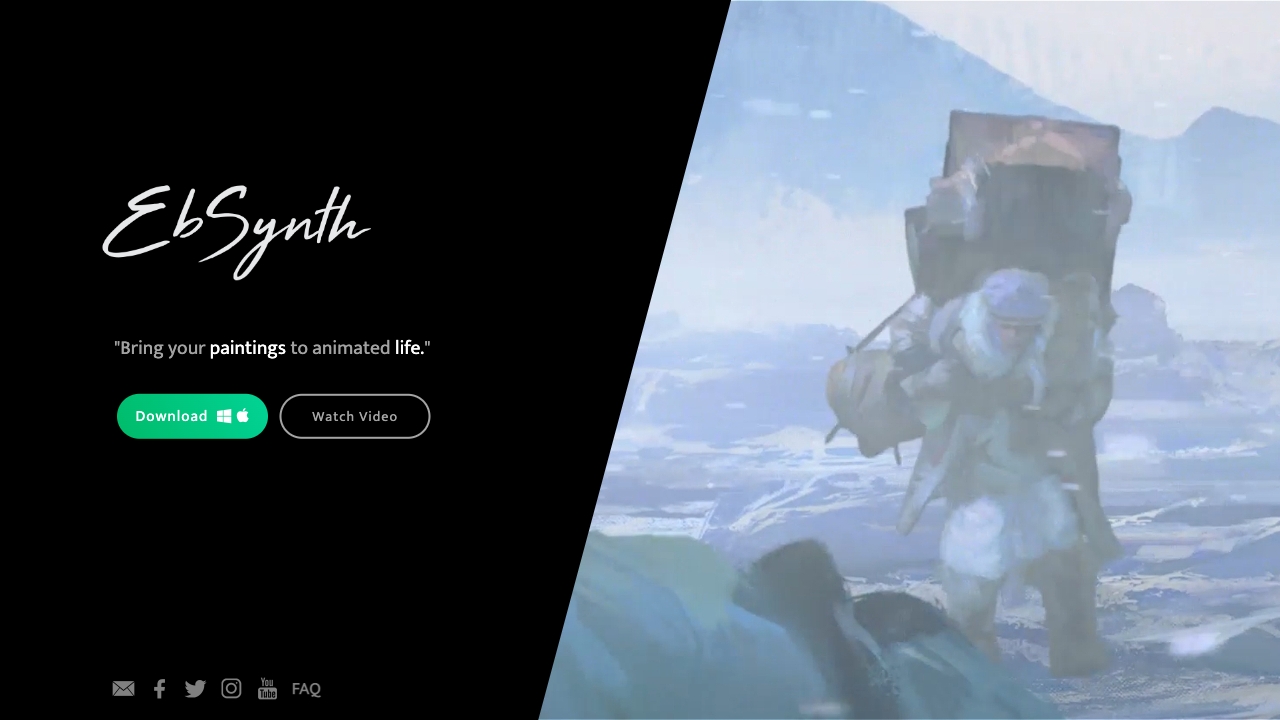
Ebsynth
UnknownEbSynth animates footage using styled keyframes, ideal for hand-drawn animations.
No pricing
Full comparison

DreamFace ✓
FreemiumAnimate photos with AI face editing magic.
Why look Freemium alternative
Full comparison
Animagic ✓
FreemiumTurn drawings into animations in seconds.
Why look Freemium alternative
Full comparison
Releases 1
FAQ 12
What media types can LivePortrait work with?
How long does it take to generate videos with LivePortrait?
What options are there for enhancing images before animation with LivePortrait?
What are some applications of LivePortrait?
How does the process of creating an animated portrait in LivePortrait work?
Can custom videos be used as the driving video in LivePortrait?
What factors affect the realism of animations in LivePortrait?
Who are the creators of LivePortrait?
What training strategies does LivePortrait use?
Can LivePortrait animate classical artwork?
Can you animate anime illustrations with LivePortrait?
Does LivePortrait support custom animation patterns?
Related tools
Recommended

Live Portrait AI ✓
FreemiumAnimate your photos with Live Portrait AI.

Deep NostalgiaAi ✓
PaidBring old family photos to life with AI videos.
Deep Nostalgia AI ✓
PaidTransform old photos into animated videos with AI.

Scisummary ✓
Free TrialCutting-edge scientific articles summarization.
D-ID Creative Reality Studio ✓
UnknownCreate AI-powered videos from still images.

Artflow ✓
FreemiumConsistent AI photos and videos of You