

Portrait animation 2026 Rank: #3045
LivePhotoLab ✓
Make your photos breathe with AI.
Verdict
A quick read before you dig into the full page.
- Best if
- Make your photos breathe with AI
- Skip if
- Paid packages after trial
- Pick this when
- Animate old photos
Considering Live-Portrait.org instead? Compare side by side
Overview
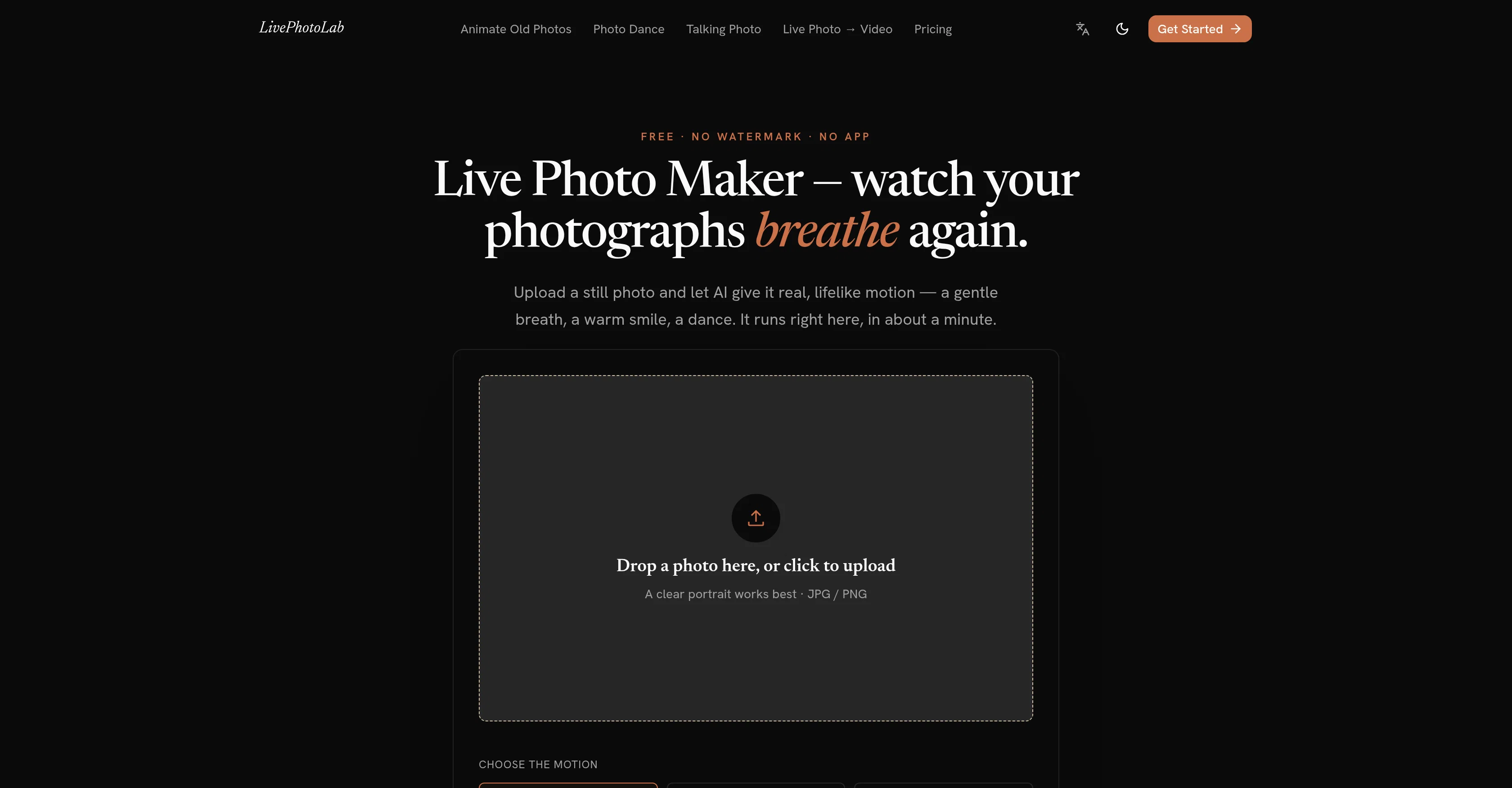
LivePhotoLab is an online AI tool capable of animating still photos, creating lifelike motion in them such as a gentle breath, warm smile or dance. This tool doesn't merely apply panning and zooming, but generates genuine AI-powered movements to produce dynamic images from static ones.
It also includes 'Animate Old Photos' functionality that allows you to bring life to old family portraits. Other interesting features include 'Make Photo Dance', where you can put any photo into a fun, shareable dance clip, and 'Talking Photo Maker' where you can type a message and watch your picture speak it with perfect lip-syncing.
Additionally, it provides the service of converting a Live Photo into video format. The photos are used only to generate the video, ensuring the user's privacy.
All these tools functional directly on the web browser, on different platforms like iPhone, Android, Windows, and Mac, without the need for any software installation.
Once generated, the high-quality MP4 files, are clean, watermark-free, and ready for sharing. Users will get their first few videos free of cost, upon signing up.
Furthermore, the user experience is expected to be prompt and simple upload a photo, choose a motion style, and download the result.
- Real Ai Motion Generated From One Still Photo
- Talking Photos With Lip-synced Speech From Typed Text
- Restrained Motion Tuned For Old Family Portraits
- Free Live Photo To Mp4 Converter, Runs In Your Browser
- Watermark-free Mp4 Export, No App To Install
- Failed Generations Refunded Automatically
Access & connections
Where you can use LivePhotoLab, and what it plugs into.
Integrations
Capabilities
What this tool accepts, produces, and is strongest at.
Input
- Image
Output
- Video
Pros & cons
Pros
- Animate old photos
- Create shareable dance clips
- Talking Photo Maker
- Perfect lip-syncing
- Converting Live Photo to video
- Ensures users' data privacy
- Cross-platform compatibility
- No software installation required
Show 7 more
- Generates watermark-free MP4 files
- Free video trials
- User-friendly interface
- Quick and simple process
- Online functionality
- Motion style personalization
- Prompt delivery of results
Cons
- Limited free videos
- Paid packages after trial
- Optimized for portraits
- Dependent on photo quality
- No App version
- Requires Internet connection
- No advanced editing options
- Doesn't support all image formats
Compare alternatives
Similar tools in the catalog — with a clear reason to open each one.

Live-Portrait.org ✓
PaidTransform static photos into lifelike animations.
Why look Typically cheaper
Full comparison
ImageToVideo AI.tools ✓
FreemiumTurn any image into a video with AI.
Why look Stronger for image work
Full comparison
Wondershare Filmora ✓
PaidEdit smarter, faster and easier with Filmora’s powerful AI video tools.
Why look Typically cheaper
Full comparison
Flaq AI | Image to Video ✓
PaidAnimate any image with AI in seconds.
Why look Stronger for image work
Full comparison
Releases 1
FAQ 12
What is LivePhotoLab?
How does LivePhotoLab animate still photos?
Can LivePhotoLab animate old photos?
What is the 'Make Photo Dance' feature of LivePhotoLab?
How does the 'Talking Photo Maker' feature work in LivePhotoLab?
Can LivePhotoLab convert a Live Photo into a video format?
Does LivePhotoLab compromise user's data privacy?
On what platforms can I use LivePhotoLab?
How do I generate animations with LivePhotoLab?
Do I need to install any software to use LivePhotoLab?
What format do the generated files from LivePhotoLab come in?
Are there any watermarks on the MP4 files generated by LivePhotoLab?
Related tools
Recommended

MagicSlides.app AI PPT Maker ✓
FreemiumCreate Stunning PPTs in Seconds with the AI PPT Maker

GetLogit ✓
FreemiumArtificial intelligence, available for everyone.

ChatGPT ✓
FreemiumAsk anything, create anything, and move from idea to action.

Automateed ✓
Free TrialCreate eBooks effortlessly with Automateed, the AI-powered writing tool.

Kin - Personal AI Advisors ✓
FreePrivacy-first & designed your for mind, and life at work

Aiter.io | Paste a URL. Ship a Campaign That Sounds L... ✓
FreemiumAI marketing that sounds like you, not everyone else.