
daisy | LinkedInPro ✓
Create Your Professional Avatar in Seconds
Free + from $2.5
Verdict
A quick read before you dig into the full page.
- Best if
- Create Your Professional Avatar in Seconds
- Skip if
- Limited manual customization options
- Pick this when
- High-quality, AI-generated avatars
Considering MyPicNow instead? Compare side by side
Overview
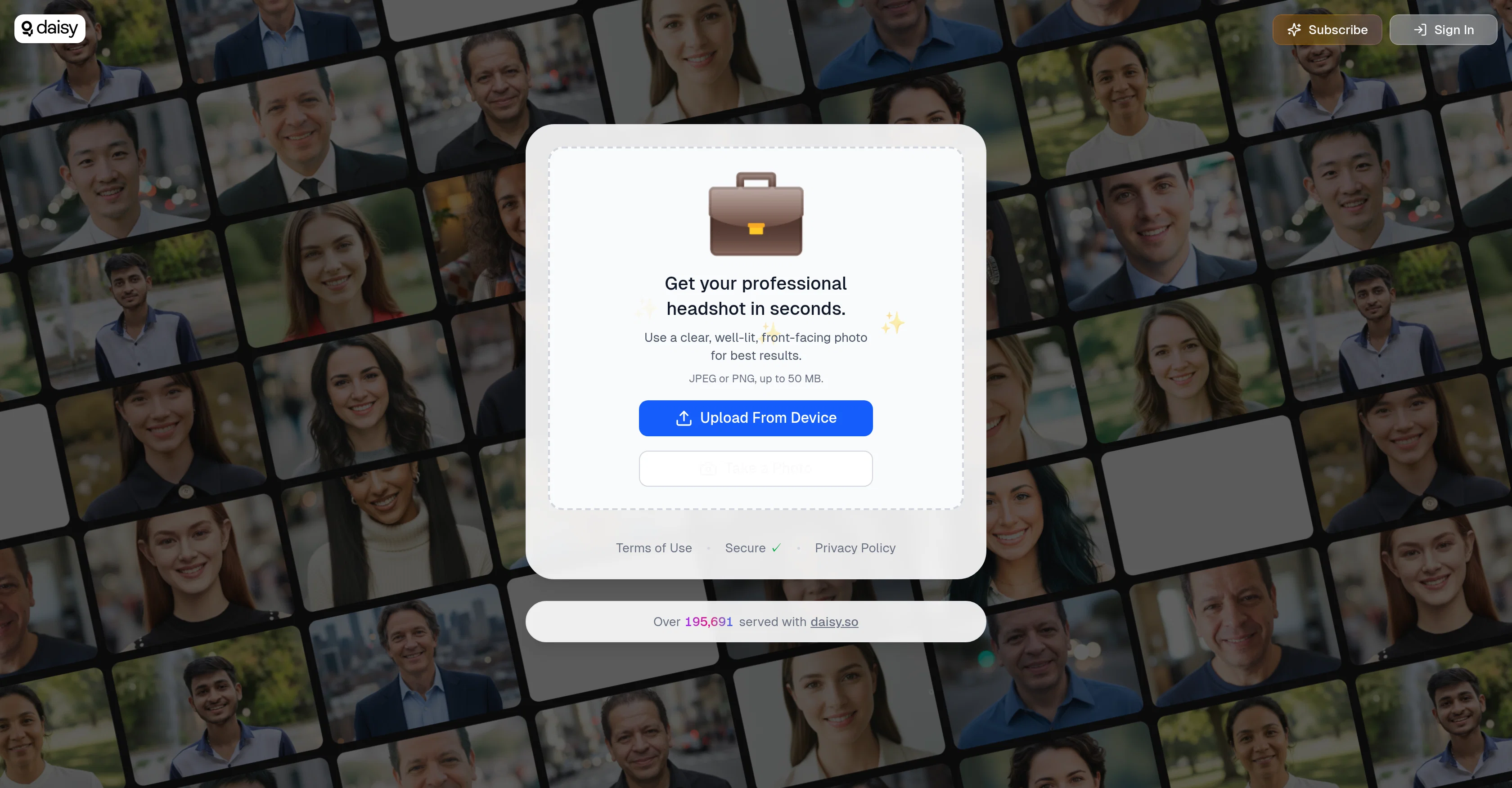
Just upload a clear, front-facing, well-lit image and let the AI do the rest—adjusting lighting, background, and overall appearance to deliver a refined avatar that looks studio-quality.
Access & connections
Where you can use daisy | LinkedInPro.
Platforms
Capabilities
What this tool accepts, produces, and is strongest at.
Supported features
- Image Edit
- Image Generation
- Styling
Pros & cons
Pros
- High-quality, AI-generated avatars
- Simple and fast—no editing experience needed
- Works well across different industries and roles
- Great for websites, profiles, or digital branding
- Accessible on desktop and mobile
Cons
- Requires a clear, well-lit image for best output
- Limited manual customization options
- One avatar per upload
- No support for themed or playful styles
- Cannot generate group or multi-person images
Compare alternatives
Similar tools in the catalog — with a clear reason to open each one.



BetterPic | AI Headshots ✓
PaidStudio-quality (4K) portfolio, from $35 in under 60 minutes
Why look Higher community rating
Full comparison
AI Headshots ✓
PaidTransform selfies into professional headshots instantly.
from $19.99
Full comparison

Eltima AI Headshot Generator ✓
Free TrialGenerate professional headshots with AI templates.
Why look Higher community rating
Full comparisonReleases 1
Imported reviews 3
This app exceeded my expectations! The output is clean, detailed, and realistic. I’m so glad I discovered it! :)
Awesome! Another fun tool to use! Daisy never fails to innovate!
Finally found an app that simply works. No prompts, no hassle, just simple results. I even updated my profile photo on LinkedIn using it. Thanks for this!
FAQ 12
What is Json?
How does Json handle data organization?
Can Json be used by machines for parsing and generation?
Why is Json considered easy for humans to read and write?
What makes Json effective for data communication between client and server?
How does Json encode data structures?
How does Json contribute to flexibility, openness, and interoperability in web services?
Can Json define complex data structures?
What types of data can Json handle?
Is Json language independent?
Why is Json a preferred choice for API interactions and configuration files?
What role does Json play while dealing with large data sets like machine learning models?
Related tools
Recommended

daisy | SSENSELESS ✓
FreeAbsurdist Luxury Fashion Meets Satirical AI

daisy | Dashify ✓
FreemiumInstantly Enhance Your Food Photos

Recall ✓
FreemiumSummarize Anything, Forget Nothing!

Notis ✓
Free TrialThe first WhatsApp assistant that runs on your ChatGPT and Claude subscriptions

Jason AI ✓
PaidAI-powered assistant for B2B sales outreach

remio: Your Personal ChatGPT ✓
FreemiumGet Tailored Answer with Your Personal ChatGPT