

Lex ✓
AI-powered word processor for brilliant writing
Free + from $12/mo
Verdict
A quick read before you dig into the full page.
- Best if
- You are authors and need: Drafting academic papers
- Skip if
- Limited to English language
- Pick this when
- Deep understanding of English language
Considering Voila instead? Compare side by side
Overview
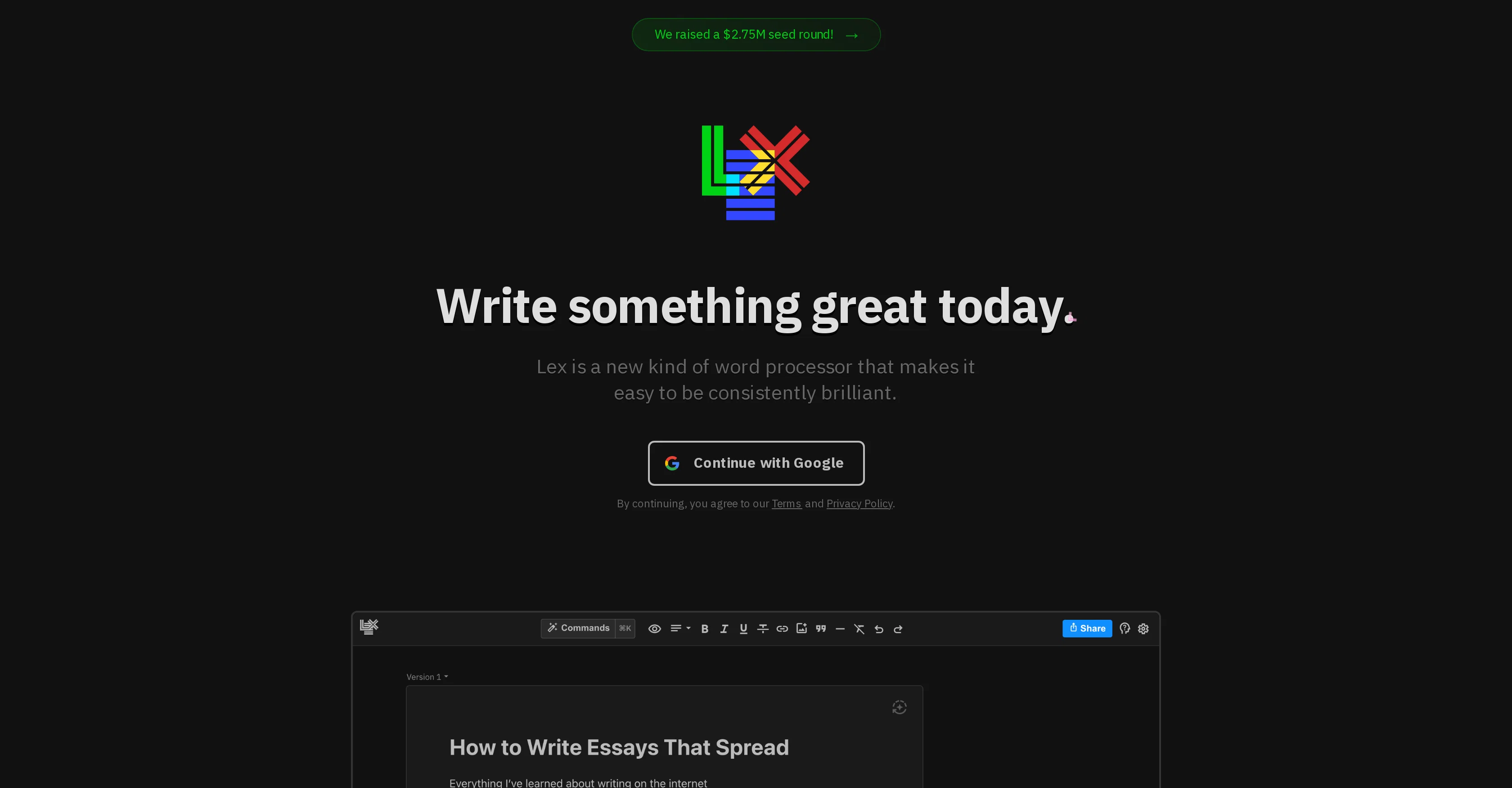
Lex is an innovative word processing tool meant to enhance the writing experience, offering a variety of innovative features. It is designed to assist with all types of writing, ranging from quick notes to complex documents with a strong emphasis on detail.
One of the key features of Lex includes AI feedback where users can ask the AI for feedback on their drafts, brainstorm ideas, or even rewrite their content.
Lex also incorporates communication facilities allowing users to comment on drafts and collaborate live. This enables multiple users to view and edit a document simultaneously, providing a quick and easy collaboration experience.
The platform allows users to share a document link with anyone, enabling them to collaborate without requiring a specific app download. Moreover, Lex offers the 'publishing' feature, where users can generate a 'read-only' link that can be shared for viewing purposes.
Lex also provides useful AI shortcuts, helping users to find suitable words, generate idea lists, and suggesting title ideas for documents. A forthcoming feature, 'Track Changes', is expected to add more versatility to this tool.
The app aims to assist in creating a focused writing environment that eliminates distractions, assisting users in enhancing their writing and drafting processes.
Best for
Short scenarios where Lex tends to shine.
-
Drafting academic papers
Best for Authors
-
Creating customer-facing copy
Best for Marketers
-
Writing important emails
Best for Academics
-
Developing fiction writing
Best for Content Creators
Example outputs 1
Sample generations and before/after results for Lex.
Access & connections
Where you can use Lex.
Platforms
Capabilities
What this tool accepts, produces, and is strongest at.
Input
- Text
Output
- Text
Supported features
- Autocomplete
Pros & cons
Pros
- Deep understanding of English language
- Real-time recommendations
- Readability score analysis
- Grade level analysis
- Estimated reading time
- Can handle complex documents
- Live collaboration feature
- No need for app download
Show 16 more
- Publishing feature
- Title suggestion capability
- Document sharing
- Draft editing
- Word choice assistance
- Clarity improvement
- Error detection
- Live document editing
- Multi-user collaboration
- Read-only link generation
- Idea generation
- Minimalist interface
- Navigation via keyboard shortcuts
- Mobile web compatibility
- Upcoming 'Track Changes' feature
- Removes writing distractions
Cons
- Limited to English language
- No offline access
- Lacks track changes feature
- No dedicated mobile app
- Dependent on internet connectivity
- Values only grammar correctness
- No multi-language support
- Requires Google account
Compare alternatives
Similar tools in the catalog — with a clear reason to open each one.

Voila ✓
Free TrialSeamless AI assistant to help you create, write, brainstorm, and research.
Why look Typically cheaper
Full comparison
Rizz! Keyboard ✓
FreeAI-powered creative responses in your iPhone keyboard.
Why look Fully free option
Full comparison
Werd - Vibe Write with Multi-agent AI ✓
Free TrialVIBE WRITE With Multi-agent AI
Why look Typically cheaper
Full comparison
Sudowrite ✓
Free TrialAI writing partner for faster, more creative storytelling
Why look Typically cheaper
Full comparison
RewriteBar ✓
Free TrialRewrite. Refine. Accelerate. — AI productivity for every macOS app. 🚀
Why look Offers a public API
Full comparisonPeople also view
Tools that often show up alongside Lex in collections and comparisons.
Werd - Vibe Write with Multi-agent AI ✓
Free TrialVIBE WRITE With Multi-agent AI
Voila ✓
Free TrialSeamless AI assistant to help you create, write, brainstorm, and research.
Sudowrite ✓
Free TrialAI writing partner for faster, more creative storytelling
Rizz! Keyboard ✓
FreeAI-powered creative responses in your iPhone keyboard.
RewriteBar ✓
Free TrialRewrite. Refine. Accelerate. — AI productivity for every macOS app. 🚀

Skywork ✓
Free Trial10 tasks in 1 hour, not 10 hours

Pismo ✓
PaidNative AI writing assistant for Windows, MacOS and iOS

Merchant Floor | Blog Writer ✓
FreemiumWrite smarter. Publish faster.
Releases 1
Imported reviews 1
Love this application. Use it as my go to writing app. Replaced Grammarly and ChatGPT.
FAQ 12
What is Lex?
How does the AI feedback feature of Lex work?
Can Lex detect errors in grammar, spelling, and punctuation?
What types of writing can Lex assist me with?
How does Lex use natural language processing and machine learning?
Can Lex provide title suggestions for my document?
What types of insights can Lex provide about my written content?
How does Lex's real-time draft editing work?
Can others collaborate on my document using Lex?
Do users need to download an app to collaborate on Lex?
What is the 'publishing' feature in Lex?
What AI shortcuts does Lex offer to users?
Related tools
Recommended

Recall ✓
FreemiumSummarize Anything, Forget Nothing!

VenturusAI ✓
FreemiumBusiness idea analysis and reporting.

TutorAI ✓
FreemiumInstant knowledge on any topic

Eightify
UnknownAI-powered YouTube video summarizer extracting key ideas for quick content assessment.

Mindsmith ✓
FreemiumPlatform for building and sharing eLearning content

AcademicGPT ✓
FreemiumAI-powered academic writing assistant.