
Lensto: AutoBackground Changer ✓
Transform your photos with automatic background changes.
Verdict
A quick read before you dig into the full page.
- Best if
- Transform your photos with automatic background changes
- Skip if
- Requires subscription for full access
- Pick this when
- Automatic background removal
Considering Remove Background by Picsart instead? Compare side by side
Overview
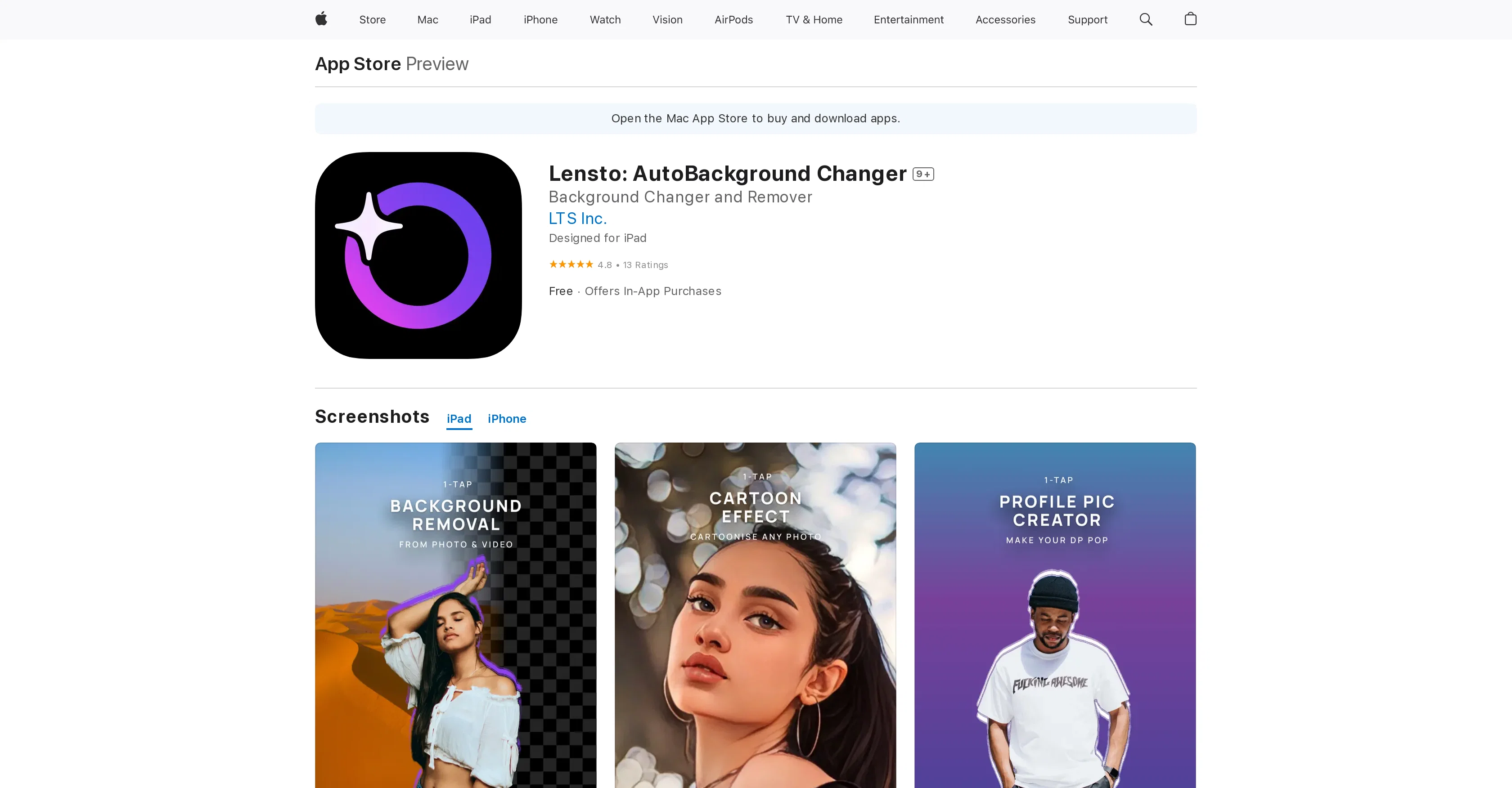
Lensto: AutoBackground Changer is a photo editor app designed with the primary function of editing images to remove and change their backgrounds. Leveraging artificial intelligence, the tool expertly cuts out and removes selected backgrounds, allowing users to overlay subjects on different ones.
The AI capabilities also extend to offer color suggestions for creating standout profile photos and applying artsy or studio effects on selected photos.
Lensto provides borders for photos and requires no brush or tool selections to remove backgrounds, therefore saving time. It guarantees user privacy, with all edits done within the user device and data not being collected.
The app is designed to enhance image editing efficiency and creativity, placing all editing and sharing functions in one place.
Access & connections
Where you can use Lensto: AutoBackground Changer, and what it plugs into.
Platforms
Integrations
Capabilities
What this tool accepts, produces, and is strongest at.
Input
- Image
Output
- Image
Pros & cons
Pros
- Automatic background removal
- Offers different effects and filters
- Automatic color suggestions
- One-tap auto enhance
- Auto focus feature
- Arty effects
- Touch up tools
- Maintains user privacy
Show 9 more
- Data not collected
- Free download
- In-app purchases available
- Available for iPhone, iPad, iPod
- Single tap profile photo creator
- No need for selection tools
- One place editing and sharing
- Background application in one tap
- Interactive photo editing
Cons
- Not available for Android
- Doesn't support batch editing
- In-app purchases requied
- Limited editing tools
- No desktop version
- No API for integration
- No collaboration features
- Requires iOS 14.0 or later
Show 2 more
- No manual selection tool
- Requires subscription for full access
Compare alternatives
Similar tools in the catalog — with a clear reason to open each one.

Remove Background by Picsart ✓
FreemiumInstantly remove backgrounds for clean, transparent images—perfect for products, designs, and creative
Why look Offers a public API
Full comparison
Merchant Floor | Background Remover ✓
FreemiumRemove the background & retouch your product photos
Free + from $20
Full comparison
remove.bg ✓
FreemiumRemove image backgrounds in 5 seconds with one click
Why look Offers a public API
Full comparison
AI Background Remover - Picsman ✓
Free TrialInstantly remove image backgrounds with AI
Why look Stronger for image work
Full comparison
Removal.AI
FreemiumAI tool for instant automated image background removal and editing.
Why look Stronger for image work
Full comparisonReleases 1
FAQ 12
What is Lensto: AutoBackground Changer?
How does Lensto use artificial intelligence?
Can Lensto apply different effects and filters?
What does Lensto: AutoBackground Changer app cost?
What platforms is Lensto available on?
What type of privacy does Lensto offer?
What are some of Lensto’s in-app purchases?
How does the one-tap auto enhance on Lensto work?
What are some of the arty effects Lensto provides?
Does Lensto offer touch up tools?
Are there any automatic color suggestions in Lensto?
Does Lensto allow me to create borders on photos?
Related tools
Recommended

Erase.bg ✓
FreemiumRemove background from images for free

AI Background Generator by PhotoRoom ✓
FreemiumGenerate infinite unique AI backgrounds from text descriptions.

Pixian.AI ✓
FreemiumRemove image backgrounds instantly, no signup required.

Stockimg AI ✓
PaidGenerated images and text for design ease.

Summarist ✓
FreeAI-powered book summaries in seconds

Findsight ✓
FreeCompare non-fiction ideas from multiple sources.