

AI Background Generator by PhotoRoom ✓
Generate infinite unique AI backgrounds from text descriptions.
Free + from $39/yr
Verdict
A quick read before you dig into the full page.
- Best if
- You are small business owners and need: Creating product photos for e-commerce
- Skip if
- Stable diffusion limited
- Pick this when
- Unique background creation
Considering ClipDrop Replace Background instead? Compare side by side
Overview
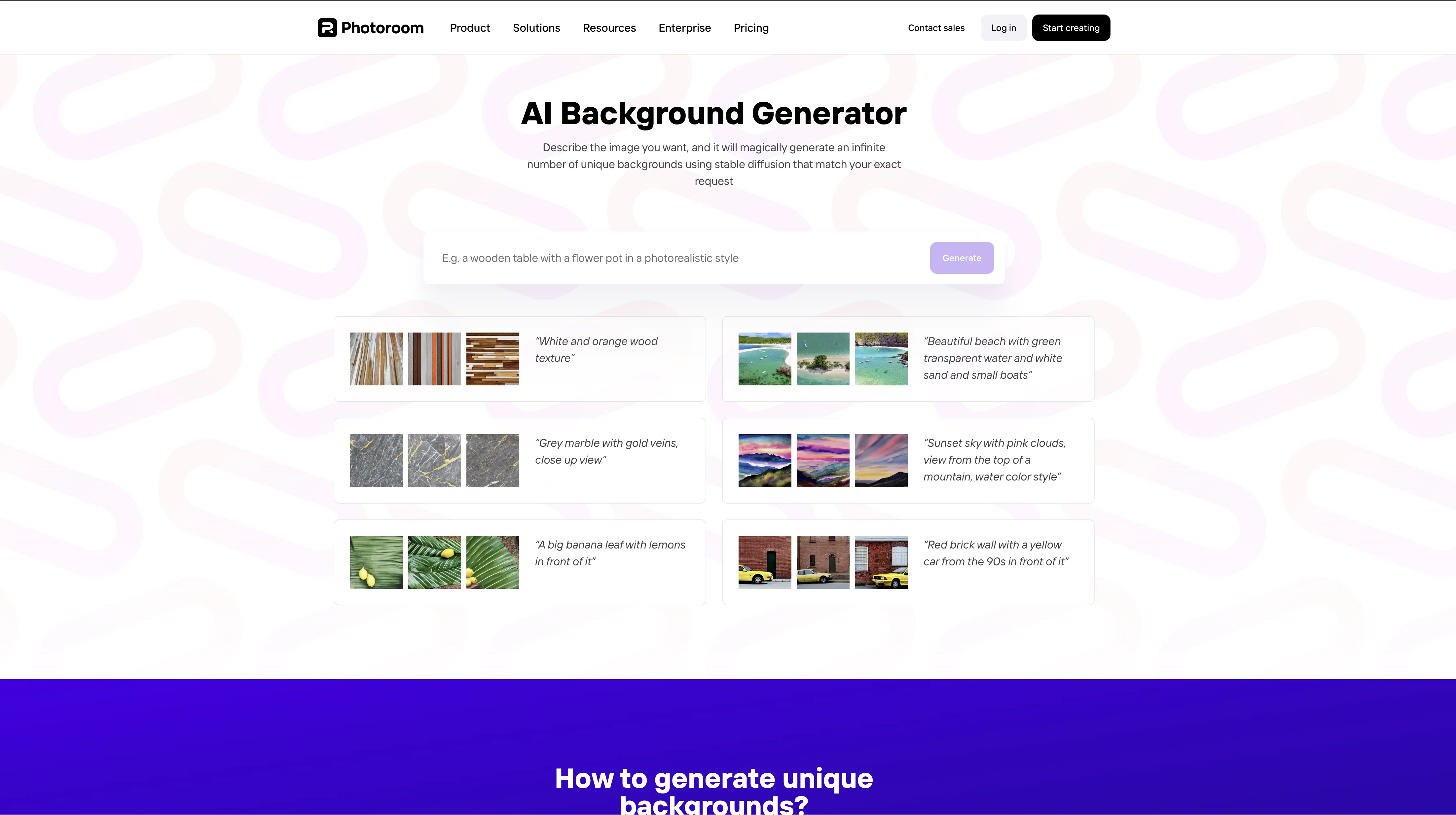
AI Background Generator is a tool that automatically creates unique backgrounds for images by using a process called stable diffusion. This process involves applying a set of transformations to an image, including color saturation, brightness, blur, and noise.
The result is an image that is visually similar to the original but with a unique, personalized look. The tool also offers a range of customization options, such as the ability to add a logo or text to the generated background.
Additionally, the tool is designed with privacy and security in mind, using cookies to store user preferences and protect against malicious activity. AI Background Generator is the perfect tool for creating professional-looking backgrounds for images quickly and easily.
Best for
Short scenarios where AI Background Generator by PhotoRoom tends to shine.
-
Creating product photos for e-commerce
Best for Small business owners
-
Designing social media posts
Best for E-commerce sellers
-
Building a brand kit
Best for Social media managers
-
Automating post-production
Best for Marketing teams
Example outputs 1
Sample generations and before/after results for AI Background Generator by PhotoRoom.
Access & connections
Where you can use AI Background Generator by PhotoRoom.
Platforms
Capabilities
What this tool accepts, produces, and is strongest at.
Input
- Text
Output
- Image
Highlights
- API
Supported features
- API
- Image Edit
- Image Generation
- Background Removal
- Outpainting
- Inpainting
Pros & cons
Pros
- Unique background creation
- Uses stable diffusion
- Range of customizations
- Logo or text addition
- Privacy and security
- User preferences storage
- Protection against malicious activities
- Professional image enhancement
Show 17 more
- Easy to use
- Highly tailored outputs
- Precise description-to-output execution
- Rapid background generation
- Downloadable results
- Suitable for product showcasing
- Applicable for personalized wallpapers
- Privacy-conscious functionality
- Harnesses advanced Hugging Face technology
- User-friendly description-based customization
- Supports different artistic styles
- Fast image processing
- High-quality backgrounds
- Enables creative image editing
- Supports both casual and professional use
- Delivers diverse background selections
- Endless design possibilities
Cons
- Limited customization options
- Dependent on text description
- No control over transformations
- Stable diffusion limited
- No manual intervention allowed
- Dependent on cookies
Compare alternatives
Similar tools in the catalog — with a clear reason to open each one.

ClipDrop Replace Background ✓
FreemiumTeleport anything, anywhere with AI
Why look Typically cheaper
Full comparison
Generatebg ✓
PaidGenerate high-res backgrounds with one click
Why look Typically cheaper
Full comparison
Car Background AI - Easy-to-use AI Car Photo Editor ✓
Free TrialAI car photo background removal and replacement, built for dealerships
Why look Typically cheaper
Full comparison
Meeting Backgrounds ✓
FreemiumElevate your virtual presence with premium backgrounds.
Why look Typically cheaper
Full comparison
Logo Background Remover ✓
FreemiumMake logos transparent in seconds.
Why look Typically cheaper
Full comparison
People also view
Tools that often show up alongside AI Background Generator by PhotoRoom in collections and comparisons.
ClipDrop Replace Background ✓
FreemiumTeleport anything, anywhere with AI

Midjourney ✓
PaidExpand human imagination through AI-powered visuals.

Playground AI ✓
FreemiumCreate art and visuals with AI, for free

Opus Clip ✓
FreemiumAI-powered livestream studio for explosive growth

NotebookLM ✓
FreemiumAI-powered note-taking and research assistant

Ideogram ✓
FreemiumAI-powered creativity booster

HeyGen ✓
FreemiumCreate AI spokesperson videos from text

Gamma ✓
FreemiumAI-powered content creation, minus the hassle.
Releases 1
Imported reviews 1
Nice, but low resolution output.
FAQ 12
What is AI Background Generator by PhotoRoom?
How does AI Background Generator create unique backgrounds?
What is Stable Diffusion process used by AI Background Generator?
Can AI Background Generator add logo or text to the generated backgrounds?
How is the AI Background Generator prioritizing user's privacy and security?
What kind of transformations does AI Background Generator apply to images?
How does AI Background Generator handle user preferences?
How can I customize the generated background using AI Background Generator?
Is AI Background Generator suitable for professional use?
How does AI Background Generator use cookies to enhance my browsing experience?
Can I use AI Background Generator to create backgrounds for my client's images?
How do I describe the image for AI Background Generator to create a custom background?
Related tools
Recommended

Photo AI ✓
PaidCreate beautiful AI photos and videos of real people

Stockimg AI ✓
PaidGenerated images and text for design ease.

LearningStudioAI ✓
Free TrialAI-powered authoring tool for effortless online course creation.

VenturusAI ✓
FreemiumBusiness idea analysis and reporting.

Stunning ✓
PaidBuild AI-powered websites in seconds

Artflow ✓
FreemiumConsistent AI photos and videos of You