

Pixian.AI ✓
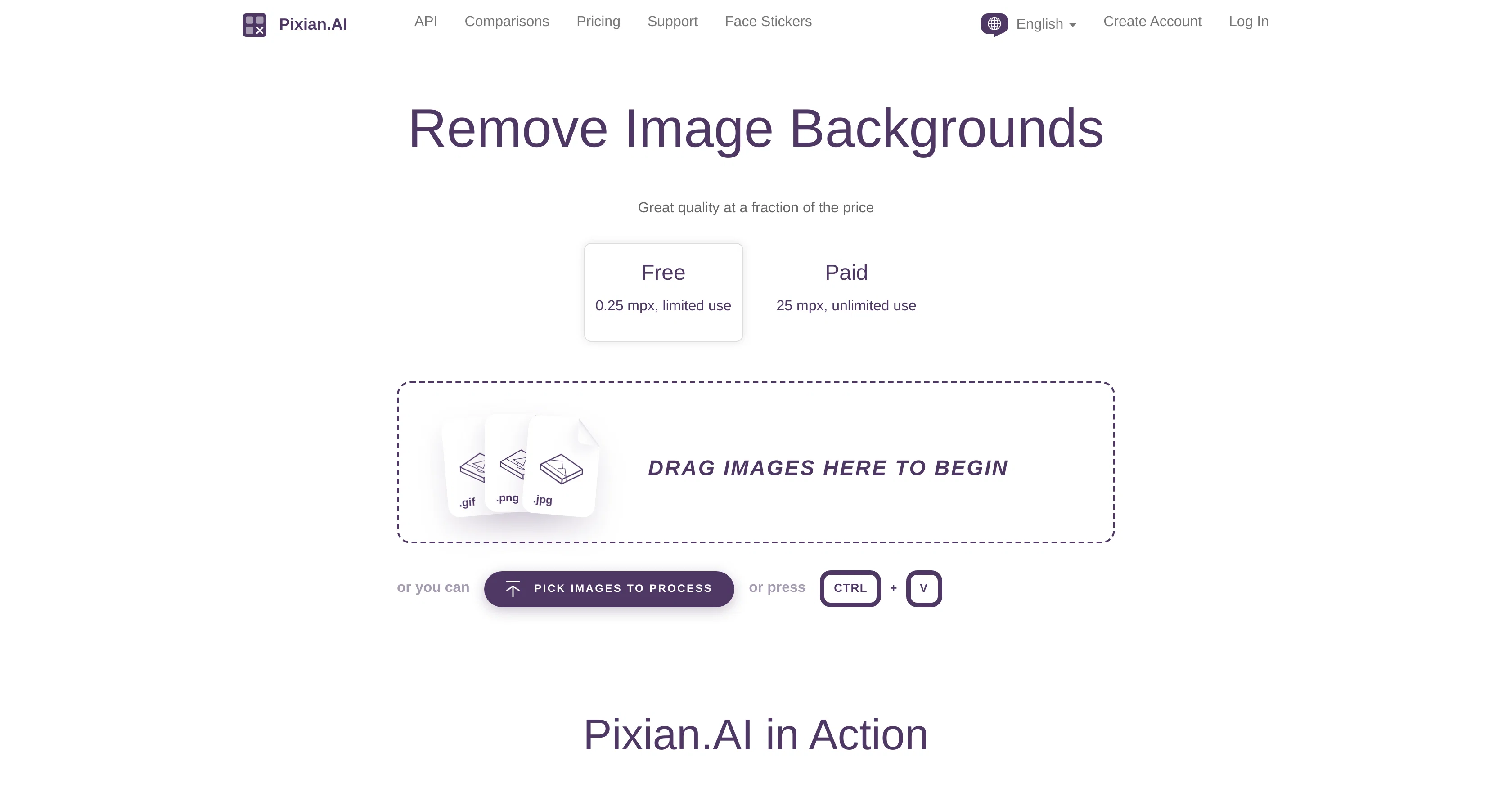
Remove image backgrounds instantly, no signup required.
Free + from $0.05
Verdict
A quick read before you dig into the full page.
- Best if
- Remove image backgrounds instantly, no signup required
- Skip if
- Limited result size options
- Pick this when
- No sign up required
Considering Remove Background by Picsart instead? Compare side by side
Overview
Pixian.AI provides an advanced and accessible solution for image background removal. The tool processes images by leveraging powerful server GPUs and multi-core CPUs for analysis and subsequent background elimination.
The tool's quality has been compared with well-known competing services, based on a range of user-provided images and use cases. The tool outperforms in areas such as Objective backgrounds and Artwork scans or logos, matching performance in scenarios with studio shoots.
Language support expands to German, Spanish, French, Hindi, Indonesian, Italian, Japanese, Korean, Polish, Portuguese, Russian, Thai, Turkish, and Vietnamese alongside English.
Pixian.AI allows its users to customize file format, JPEG quality, crop margin, result size, among other settings, to cater to their specific requirements.
The service offers downloadable results and the result preview can be inspected before finalizing the download. Integration with other services such as Vectorizer.AI, Recompressor.com, ClippingMagic.com and others provide added flexibility for the users.
Pixian.AI also offers API access for businesses wishing to incorporate its features into their workflows.
Best for
Short scenarios where Pixian.AI tends to shine.
-
Remove image backgrounds instantly, no signup required.
Example outputs 1
Sample generations and before/after results for Pixian.AI.
Access & connections
Where you can use Pixian.AI.
Platforms
Capabilities
What this tool accepts, produces, and is strongest at.
Input
- API
- Image
Output
- API
- Image
Pros & cons
Pros
- Free to use
- No sign up required
- Supports 8 megapixels
- HD resolution downloads
- API access
- Integration with other services
- Multilingual support
- Customizable output settings
Show 30 more
- Preview before download
- Broad language support
- Quality comparable with competitors
- Supports Studio Shoots
- Customizable output file format
- Adjustable JPEG quality
- Adjustable result size
- Adjustable crop margin
- Great performance on artwork scans
- Great performance on logos
- Great performance other background objects
- Benefits from powerful server GPUs
- Benefits from multi-core CPUs
- Result inspection before finalizing
- Quality comparisons available
- API for business integration
- Transparent output background
- White output background
- Black output background
- Supports PNG output
- Supports JPEG output
- Vertical alignment customization
- Filename suffix customization
- Integration with Recompressor.com
- Integration with ClippingMagic.com
- Inspect on PixSpy.com
- Accessible solution for background removal
- Optimized for quality and efficiency
- Performance measured on user-provided images
- Supports preserving hair and fur
Cons
- Limited to 8 megapixels
- API not yet available
- Limited file format customization
- Errors with persistent network problems
- Data retained for 24 hours
- Limited customization of crop margins
- Specific vertical alignment options
- Limited result size options
Show 1 more
- Requires specific multi-core CPUs
Compare alternatives
Similar tools in the catalog — with a clear reason to open each one.

Remove Background by Picsart ✓
FreemiumInstantly remove backgrounds for clean, transparent images—perfect for products, designs, and creative
Free + from $10/mo
Full comparison
Merchant Floor | Background Remover ✓
FreemiumRemove the background & retouch your product photos
Free + from $20
Full comparison
remove.bg ✓
FreemiumRemove image backgrounds in 5 seconds with one click
Why look Stronger for image work
Full comparison
AI Background Remover - Picsman ✓
Free TrialInstantly remove image backgrounds with AI
Why look Stronger for image work
Full comparison
Removal.AI
FreemiumAI tool for instant automated image background removal and editing.
Why look Stronger for image work
Full comparisonPeople also view
Tools that often show up alongside Pixian.AI in collections and comparisons.
remove.bg ✓
FreemiumRemove image backgrounds in 5 seconds with one click
Removal.AI
FreemiumAI tool for instant automated image background removal and editing.
Remove Background by Picsart ✓
FreemiumInstantly remove backgrounds for clean, transparent images—perfect for products, designs, and creative
Merchant Floor | Background Remover ✓
FreemiumRemove the background & retouch your product photos
AI Background Remover - Picsman ✓
Free TrialInstantly remove image backgrounds with AI

Logo Background Remover ✓
FreemiumMake logos transparent in seconds.

Kuvu AI | Video Generator ✓
Free TrialOne platform for all your AI image and video creation.

erase.tools ✓
FreemiumRemove text, captions, and watermarks from videobackground rebuilt seamlessly.
Releases 1
FAQ 12
How does Pixian.AI remove image backgrounds?
What is the maximum image size that Pixian.AI can process?
What is the quality of the images after background removal?
How does Pixian.AI compare to other similar services?
What languages does Pixian.AI support?
How can I customize my file in Pixian.AI?
Where can I download the results of Pixian.AI's processing?
What integration does Pixian.AI offer with other services?
What is Pixian.AI's API access and how can businesses benefit from it?
Can Pixian.AI handle background removal of logos and artworks?
How does Pixian.AI perform in detecting and preserving hair in pictures?
How does Pixian.AI optimize an uploaded image?
Related tools
Recommended

Erase.bg ✓
FreemiumRemove background from images for free

AIimages ✓
FreeFree AI image generator: Write text, get images on your PC.

Stockimg AI ✓
PaidGenerated images and text for design ease.
Stable Diffusion ✓
FreemiumUnleash humanity's potential with generative AI

Playground AI ✓
FreemiumCreate art and visuals with AI, for free

Aito Image - Text to Image ✓
FreemiumTransforming text into art with AI.
