

Object identification 2026 Rank: #2356
Lens AI ✓
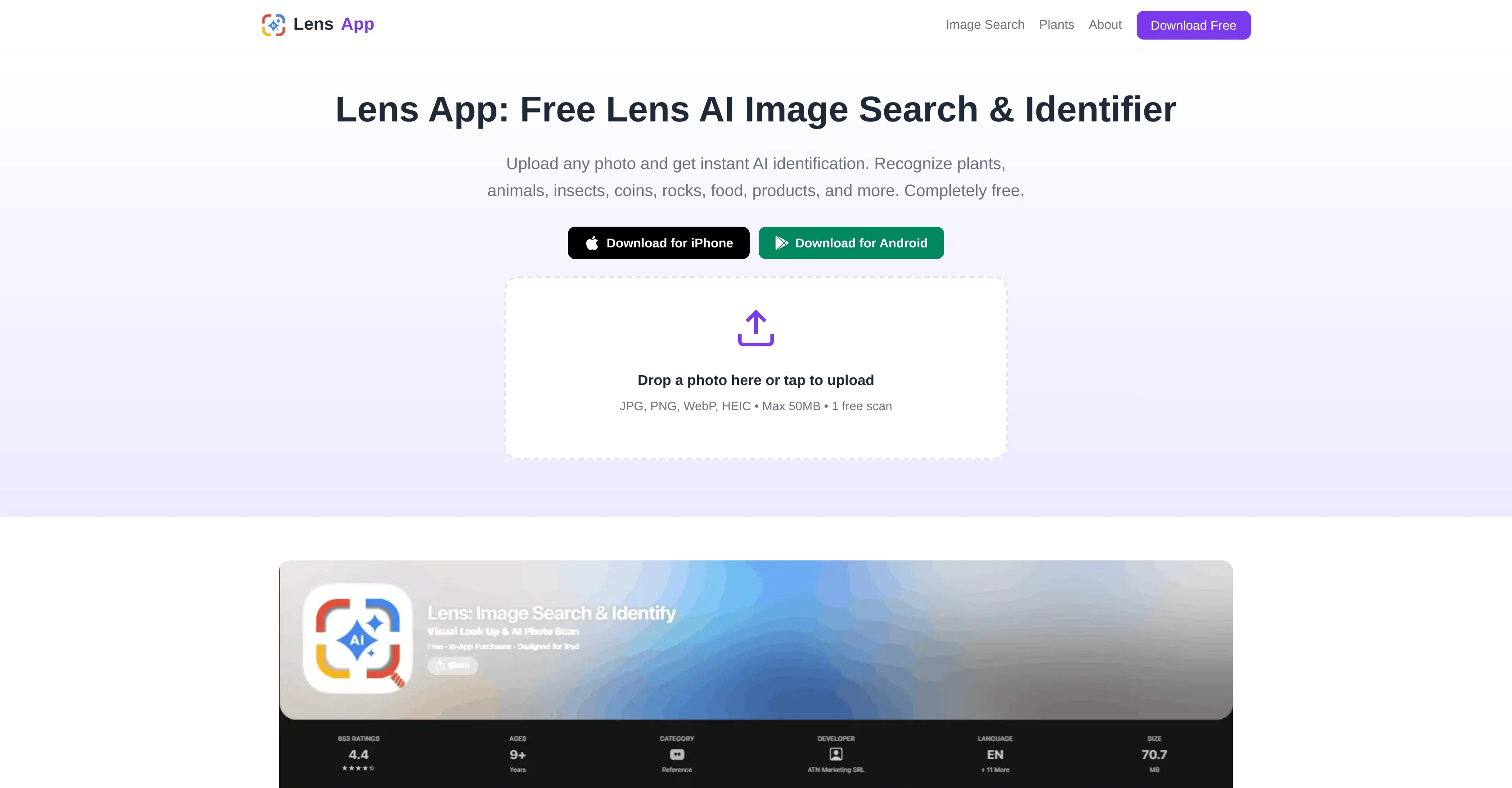
Upload any photo and get instant AI identification.
Verdict
A quick read before you dig into the full page.
- Best if
- Upload any photo and get instant AI identification
- Skip if
- Paid subscription for unlimited access
- Pick this when
- Available on iOS/Android
Considering DescribeThat instead? Compare side by side
Overview
Lens App is a free AI tool designed to identify objects, animals, plants, and products from images. Available on iOS and Android, users can upload or take a direct photo, which the tool then analyzes for visual features such as shape, color, and pattern.
By comparing these against a vast database of known images, the tool provides an identity match. Some common use cases include identifying unknown plants, checking coins, recognizing animals, or finding product information from photos.
Furthermore, the tool has a comprehensive coverage of categories, powered by the same engine, which eliminates the need to switch across multiple applications for different identifiers.
Lens App accepts various image formats including JPG, PNG, WebP, and HEIC. Apart from identifying objects from static images, it also offers live camera translation features.
The tool processes the image, breaks it into visual signals, and compares these with trained categories, before presenting a result within seconds. With image search, it reduces the need for describing in words what the user sees, thus enhancing accuracy and speed in identification.
The App also offers additional features like scan history and offline access to past results. Keep in mind that while AI identification is effective and quick, it should be treated as a starting point, with results verified for cases where absolute accuracy is a requirement.
Access & connections
Where you can use Lens AI.
Capabilities
What this tool accepts, produces, and is strongest at.
Input
- Image
Output
- Text
Supported features
- Image Understanding
- Search
- Translation
- Mobile Companion
- Memory
Pros & cons
Pros
- Free tool
- Available on iOS/Android
- Identifies objects/animals/plants/products
- Analyzes visual features
- Massive image database
- Identifies from direct photo
- Upload various image formats
- Offers live translation
Show 15 more
- Quick results
- Enhances identification accuracy
- Reduces need for descriptions
- Scan history feature
- Offline access to results
- Also identifies coins
- Comprehensive category coverage
- Single engine for all categories
- Provides match within seconds
- Additional features for convenience
- Analyzes shape, color, pattern
- Accepts JPG/PNG/WebP/HEIC
- Speedy identification
- Effective as a starting point
- Compared against trained categories
Cons
- No web-based version
- Limited daily scans
- Not open-source
- No API
- Requires image upload
- No video analysis
- No automatic real-time recognition
- Doesn't support all image formats
Show 2 more
- No Linux version
- Paid subscription for unlimited access
Compare alternatives
Similar tools in the catalog — with a clear reason to open each one.

DescribeThat ✓
FreeAI extracts detailed reports from photos and PDFs.
Why look Fully free option
Full comparisonReleases 1
FAQ 12
What is Lens AI?
What platforms is Lens AI available on?
What image formats does Lens AI support?
What is the process of identification using Lens AI?
What are the key features of Lens AI?
What are some common use cases for Lens AI?
How long does it take for Lens AI to identify objects from photos?
Does Lens AI allow uploading photos directly from a camera?
Does Lens AI also offer offline accessibility?
What is live camera translation feature in Lens AI?
Is Lens AI reliable for absolutely accurate identifications?
Can I use Lens AI to identify coins?
Related tools
Recommended

Crystal Identifier: AI Rock ID ✓
FreemiumAI-powered rock and crystal identification through your camera.

Rock Identifier.io ✓
FreemiumIdentify any rock from a photo

MotionGen | Make Continues Video with Top Models ✓
Free TrialStart from real examples. Turn one good clip into a full video.

Himedia AI Video Generator ✓
Free TrialCreate any AI Videos, Images and Music - No creative limits

Alma by Olivares.AI ✓
PaidThe workspace where memory, agents and creative studios share one canvas.

AI Image to Video ✓
Free TrialUpload an image and turn it into a video