

Videos 2026 Rank: #1442
Kairval ✓
Create videos from text with AI.
Verdict
A quick read before you dig into the full page.
- Best if
- Create videos from text with AI
- Skip if
- Requires detailed text descriptions
- Pick this when
- Generates high-quality videos
Considering freebeat AI instead? Compare side by side
Overview
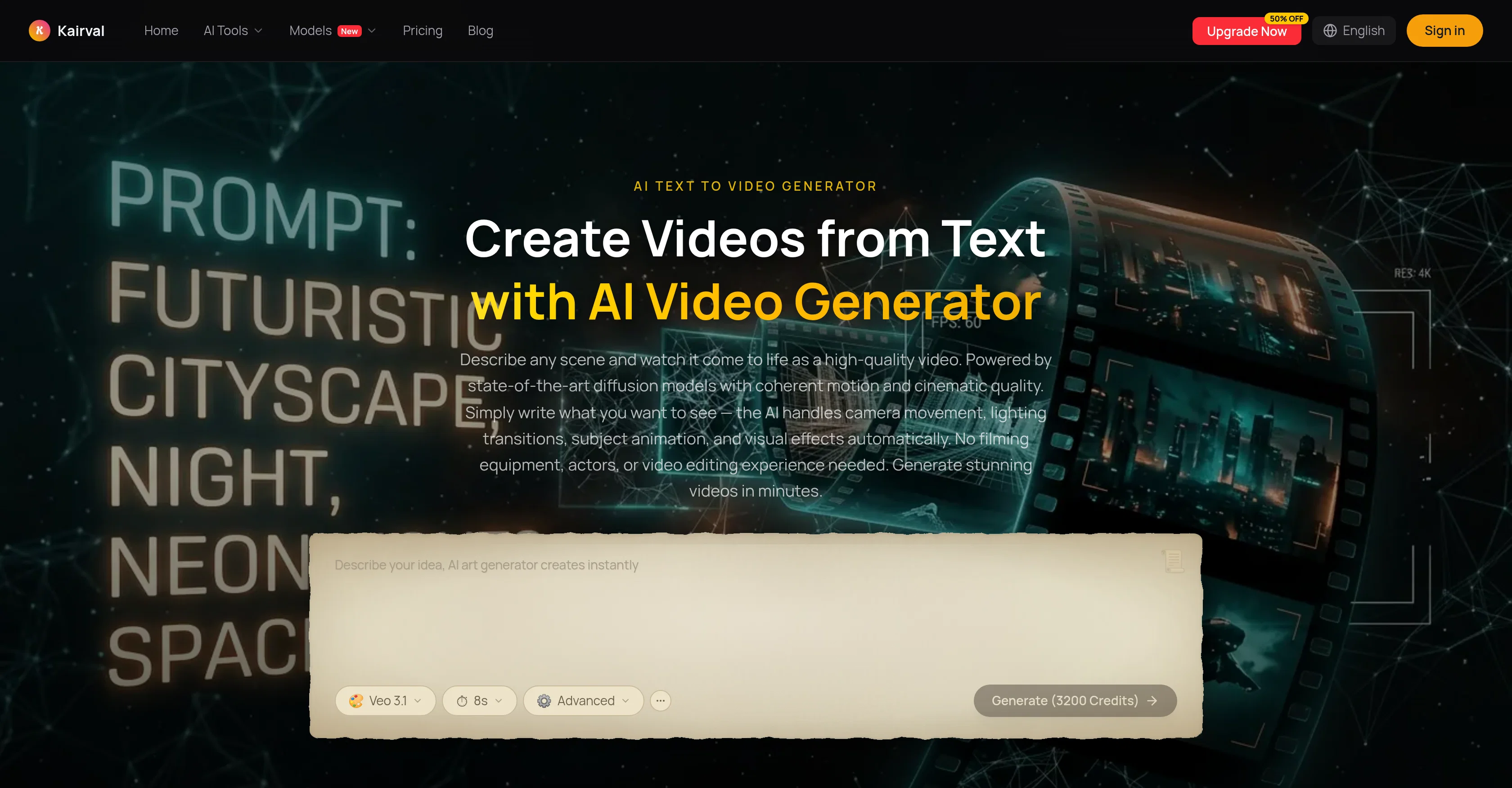
Kairvals AI Text to Video Generator is a cutting-edge tool that transforms written text into high-quality, cinematic videos. It uses advanced diffusion models that not only comprehend visual concepts, but also control camera movement, lighting transitions, subject animation, and visual effects automatically.
These innovative features replace the need for filming equipment and video editing experience, allowing users to generate stunning videos within minutes.
The technology works by using natural language descriptions of scenes and generating a motion video to match these descriptions frame by frame. Various AI models, such as Veo 3.1, Kling 3.0 Pro, and Seedance 2.0 are integrated to produce videos with diverse features, catering to different project requirements.
The AI Text to Video Generator is easy to use, consisting of three main steps: writing a detailed prompt of the desired scene, selecting the AI model to generate the video, and downloading/sharing the created video.
Created videos come with full usage rights, making them perfect for marketing campaigns, social media posts, product demonstrations, animated character sequences or artistic installations.
Access & connections
Where you can use Kairval.
Platforms
Capabilities
What this tool accepts, produces, and is strongest at.
Input
- Text
Output
- Video
Supported features
- Video Generation
- Visual Creation
- Styling
- Social Media
Pros & cons
Pros
- Generates high-quality videos
- Coherent motion capabilities
- Handles camera movement automatically
- Controls lighting transitions
- Manages subject animation
- Manages visual effects
- Understands temporal flow
- Generates cinema-quality clips
Show 44 more
- Realistic physics
- Stunning detail
- No filming equipment needed
- No video editing experience required
- Multiple model availability
- Different styles and effects
- Scene description based generation
- High-resolution video
- Full commercial usage rights
- Supports marketing campaigns
- Suitable for social media content
- Enables creative projects
- Can reduce production costs
- Integrated Veo 3.1 model
- Integrated Kling 3.0 Pro model
- Integrated Seedance 2.0 model
- Three-step generation process
- Generated videos downloadable
- Video sharing feature
- Supports product demonstration creation
- Supports animated character sequences
- Can produce artistic installations
- Automated cinematographic video creation
- Understands camera angles change
- Precise text control
- Real-time preview of generation
- Offers cinematic realism
- Offers dynamic motion
- Supports creative visual styles
- Fast generation for concept testing
- Produces artistic and stylized video
- Multiple duration options
- Great for directors and cinematographers
- Supports explainer videos creation
- Advanced diffusion models
- Describes changes over time
- Handle lighting and atmosphere changes
- Supports subject actions and motion direction
- Supports ad campaigns video creation
- Great for educational content creation
- Generates clips from text descriptions
- Describes camera movements
- Adjustable duration
- Write what you want to see
Cons
- Requires detailed text descriptions
- No offline version available
- No immediate customisation after generation
- Dependent on natural language processing
- No manual control over animation
- Lack of unique style options
- Can't edit text after generation
- No real-time video modification
Show 1 more
- No video lengths customization
Compare alternatives
Similar tools in the catalog — with a clear reason to open each one.

freebeat AI ✓
FreemiumTurn Music & Ideas into Viral Videos In One Click
Why look Typically cheaper
Full comparison
MagicLight ✓
FreemiumTransform text into captivating videos instantly.
Why look Typically cheaper
Full comparison



Seedance ✓
FreemiumMulti-shot video generation from text and image.
Why look Stronger for image work
Full comparisonReleases 1
FAQ 12
What is Kairval?
How does Kairval convert text to video?
What models does Kairval offer?
What are the different styles and effects can I use with Kairval?
How to use Kairval?
Do I need any filming equipment or video editing experience to use Kairval?
Can I preview the videos generated by Kairval?
Can I download and share videos made with Kairval?
Does Kairval allow for commercial usage of the videos?
Can I use Kairval for my social media content creation?
Can Kairval be used for ad campaigns?
What other creative projects can I use Kairval for?
Related tools
Recommended

Lacuna ✓
FreemiumCreate songs from text in seconds.

GoAISong ✓
Free TrialAI songs from ideas, lyrics, or your audio — PDF license included.

Movie Maker Gemini ✓
FreeGenerate watermark-free AI videos with your Gemini key

MotionGen | Make Continues Video with Top Models ✓
Free TrialStart from real examples. Turn one good clip into a full video.

AI Image to Video ✓
Free TrialUpload an image and turn it into a video

AI Infographic Generator - CartoMind ✓
FreemiumTurn notes into perfect infographics from 500+ designs.