

Avatar animation 2026 Rank: #1310
Janus ✓
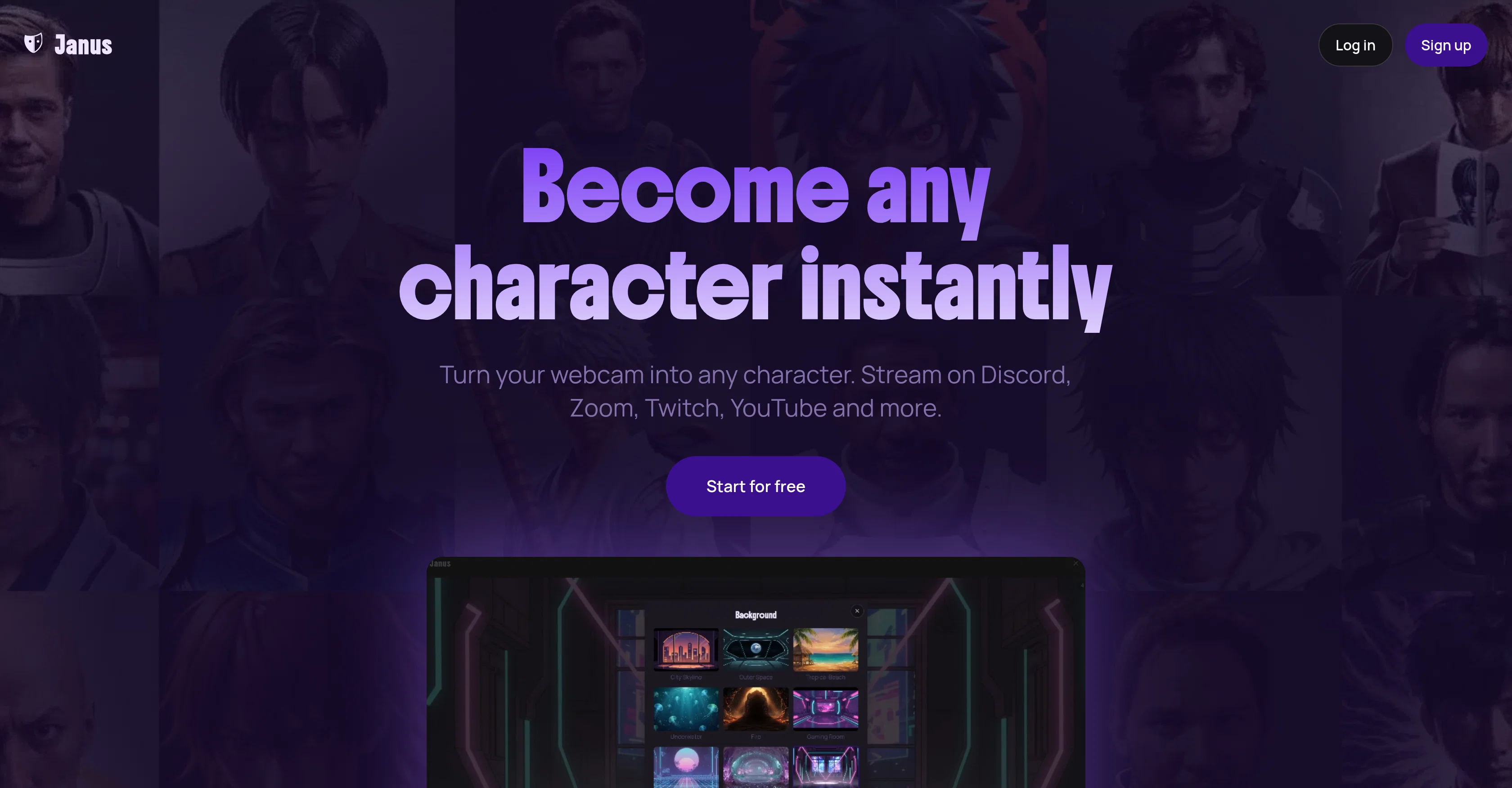
Become any character instantly with your webcam.
Verdict
A quick read before you dig into the full page.
- Best if
- You are aI Developers and need: Testing and evaluating AI chat/voice agents for performance and reliability
- Skip if
- Pro version required for watermark-free experience
- Pick this when
- Real-time character animation
Considering Krikey AI instead? Compare side by side
Overview

Janus is a real-time character animation platform that utilizes a user's webcam to transform them into any character of their choice. This tool is designed for users who wish to remain expressive and anonymous during their streaming sessions on various platforms like Discord, Zoom, Twitch, YouTube, and more.
It does not require a complex setup or expensive hardware, making it user-friendly. Janus renders the user's avatar directly on their device, preventing lag and giving a seamless streaming experience.
Users have the capability to customize their avatars by changing outfits, hairstyles, accessories, and backgrounds. This allows users to adapt their avatar's look according to their mood, scene, or context.
It offers multiple features such as 1080p+ avatar rendering, near-instant loading, unlimited streaming, local runs and freedom to refine the avatar. Janus operates on all platforms (Mac, Windows, Linux, and mobile devices) and is compatible with any standard webcam and microphone.
For additional features like green screen support and as a watermark-free experience with 60+ fps streaming, users can upgrade to the Pro version. Privacy is a central concern, with all facial tracking happening in real-time during the active session and images uploaded for avatar creation are not stored.
Best for
Short scenarios where Janus tends to shine.
-
Testing and evaluating AI chat/voice agents for performance and reliability.
Best for AI Developers
-
Benchmarking AI agent performance using realistic evaluation data.
Best for AI Product Managers
-
Identifying and mitigating AI hallucinations, policy breaches, and tool failures.
Best for QA Engineers (for AI)
-
Auditing AI agent outputs for bias or sensitivity before reaching users.
Best for Companies deploying AI agents
Example outputs 1
Sample generations and before/after results for Janus.
Access & connections
Where you can use Janus, and what it plugs into.
Platforms
Capabilities
What this tool accepts, produces, and is strongest at.
Input
- 3D
- Image
- Video
Output
- Video
- Image
Highlights
- Local
Supported features
- Video Avatars
- Digital Personas
- Video Edit
- Runs Locally
- Realism
- Styling
- Integrations
Pros & cons
Pros
- Real-time character animation
- Webcam based functionality
- Avatar customization
- Designed for streaming platforms
- Enables anonymous streaming
- Multiplatform compatibility
- 1080p+ avatar rendering
- Instant loading
Show 36 more
- High FPS
- Privacy focused
- Real-time facial tracking
- Green screen support
- Pro version available
- Works on all devices
- No lag
- No expensive hardware needed
- Instant character transformation
- Adaptable avatar look
- Full HD avatar rendering
- Avatar runs locally
- Compatible with standard webcam
- No cloud servers needed
- Images for avatar creation not stored
- Seamless streaming experience
- Accessories and backgrounds changeable
- Unlimited streaming
- Suitable for gaming, vlogging
- Expression customization in Pro version
- Unlimited length video generation in Pro version
- No watermarks in Pro version
- Avatar movement sensitivity control in Pro version
- Monthly credits in Pro version
- Compatible with Chrome extension or OBS
- Works with any virtual camera supporting apps
- Works with built-in laptop cameras
- No expensive GPU hardware or motion-capture equipment required.
- Top up credits feature
- No complex setup required
- Runs best with Chromium-based browser
- Works on Intel and M1/M2/M3 Mac
- Unlimited access to all styles and accessories
- Free tier with unlimited streaming time
- Works with 720p resolution webcam
- Watermark free in Pro version
Cons
- Limited to 1080p rendering
- Pro version required for 60fps streaming
- Pro version required for green screen support
- Pro version required for watermark-free experience
- Pro version required for expression customization
- Avatar creation requires credits
- Browser-based tool may limit performance
- Limited avatar customization
Show 2 more
- Depends on webcam quality
- Local device hardware constraints
Compare alternatives
Similar tools in the catalog — with a clear reason to open each one.

Krikey AI ✓
FreemiumCreated animated characters for developers.
Free + from $10 /month per person (Minimum 3 people)
Full comparison
Nero Face Animation ✓
FreemiumAnimate photos with vivid facial emotions for free
Free
Full comparison
Live-Portrait ✓
PaidAnimate portraits with video-driven facial movements.
from $0.0001
Full comparison
Vidnix | AI Text to Video Generator ✓
Free TrialAll-in-one AI video and image generation platform
Why look Stronger for image work
Full comparisonPeople also view
Tools that often show up alongside Janus in collections and comparisons.
Nero Face Animation ✓
FreemiumAnimate photos with vivid facial emotions for free
Live-Portrait ✓
PaidAnimate portraits with video-driven facial movements.
Krikey AI ✓
FreemiumCreated animated characters for developers.

Viyou AI Dance Generator ✓
PaidTurn images or text into AI dance videos.
Vidnix | AI Text to Video Generator ✓
Free TrialAll-in-one AI video and image generation platform

Reloop ✓
Free TrialCreate and edit AI video ads by just talking to an agent.

Ethiack ✓
FreemiumAutonomous ethical hacking to identify vulnerabilities first.
Columns ✓
FreemiumAutomate clear insights from any data
Releases 1
FAQ 12
What is Janus used for?
How does Janus track my facial expressions and movements?
Can Janus be used on platforms like Zoom and Twitch?
Do I need any special hardware to use Janus?
What kind of customization options does Janus offer for avatars?
Does using Janus require cloud servers?
Is Janus compatible with Linux?
What's the difference between the free version and the Pro version of Janus?
Does Janus store any of my personal data?
Can I use Janus on my mobile device?
Is there a limit to how long I can stream with Janus?
How does Janus prioritize privacy?
Related tools
Recommended

ClipFinder ✓
FreemiumTurn hours of streams and VODs into viral clips automatically.

Pseudoface ✓
FreemiumAI filter to replace real faces with AI-generated ones

MagicSlides.app AI PPT Maker ✓
FreemiumCreate Stunning PPTs in Seconds with the AI PPT Maker

Notis ✓
Free TrialThe first WhatsApp assistant that runs on your ChatGPT and Claude subscriptions

FastBots ✓
FreemiumCreate AI chatbots customized with your business data.

ChatPlayground AI ✓
PaidThe #1 Platform for Comparing AI Models