

Interzoid ✓
Enhance the quality of your cloud database data.
Verdict
A quick read before you dig into the full page.
- Best if
- Enhance the quality of your cloud database data
- Skip if
- Potentially high learning curve
- Pick this when
- Cloud-based application
Considering Granica instead? Compare side by side
Overview
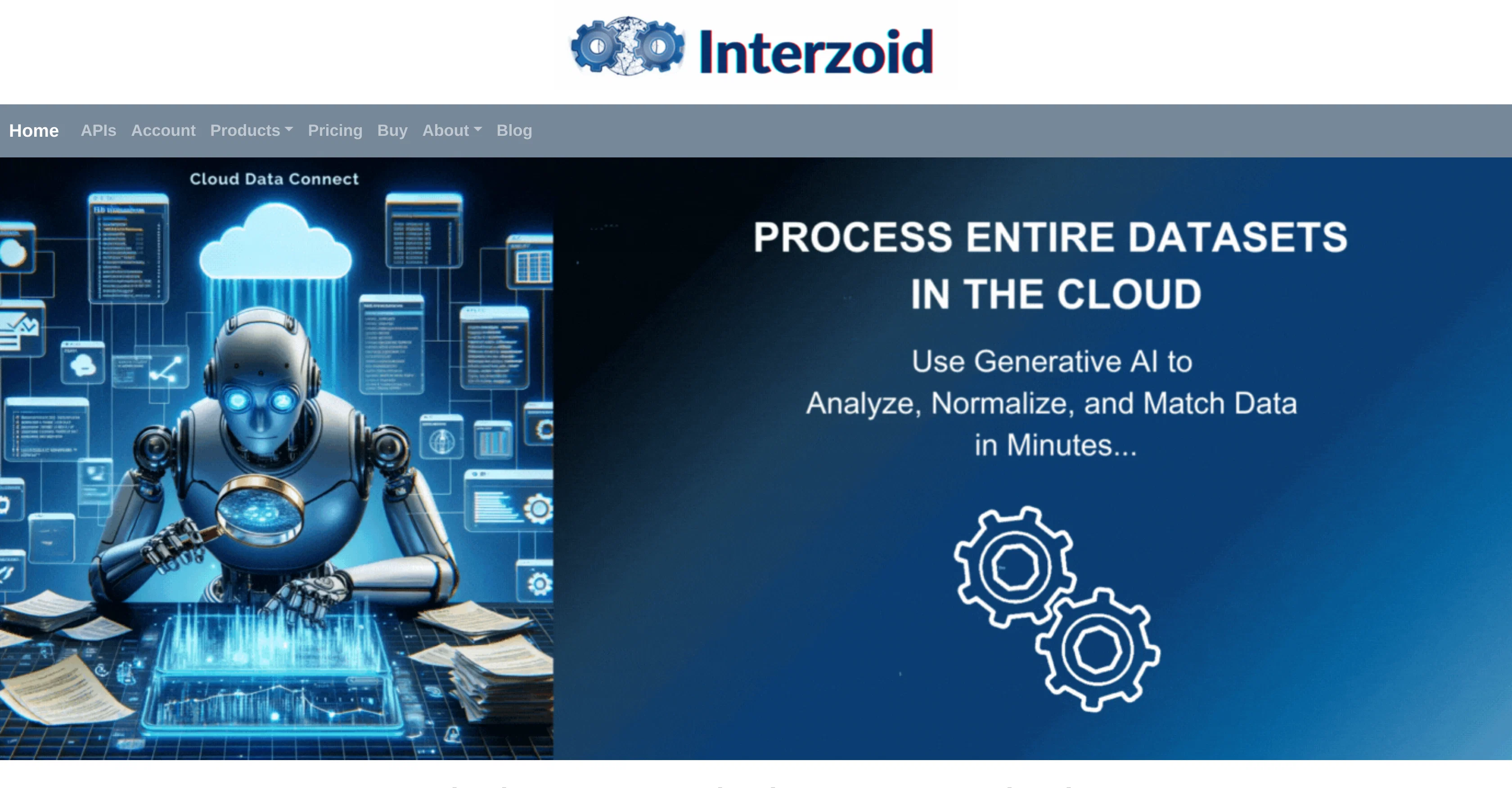
Interzoid Cloud Data Connect is a cloud-based application that enhances the quality and consistency of data assets. Focusing on usability and added value, this tool connects with various database platforms to streamline data engineering processes.
It is designed to connect seamlessly to cloud databases, CSV/TSV text files, and Excel spreadsheets, both from the cloud and local files. It offers a user-friendly wizard to aid users in connecting with the major cloud database types.
One of its main functionalities is the ability to run match reports, helping identify inconsistent or non-normalized data and redundant information. It allows users to create new tables with similarity keys, and appends similarity keys to existing data.
Leveraging generative AI-enhanced algorithms, Interzoid Cloud Data Connect can swiftly discern problematic, redundant, or inconsistent data. Through its matching API Products and native drivers for major cloud database types, Interzoid Cloud Data Connect ensures optimal data management.
It can be incorporated into a workflow, facilitating scheduled runs or ongoing processing as part of a data pipeline.
Access & connections
Where you can use Interzoid, and what it plugs into.
Platforms
Integrations
Capabilities
What this tool accepts, produces, and is strongest at.
Input
- API
- Tabular
Output
- Tabular
- API
Pros & cons
Pros
- Cloud-based application
- Enhances data quality
- Improves data consistency
- Connects to various databases
- Supports cloud databases
- Supports CSV/TSV text files
- Supports Excel spreadsheets
- Seamless local file integration
Show 42 more
- User-friendly connection wizard
- Runs match reports
- Identifies inconsistent data
- Detects non-normalized data
- Finds redundant information
- Creates tables with similarity keys
- Appends similarity keys
- Matching API Products
- Native drivers for databases
- Ensures optimal data management
- Workflow integration
- Scheduled runs supported
- Facilitates ongoing processing
- Part of data pipeline
- Supports major cloud databases
- Database platform connectivity
- Data Concatenation
- New table creation
- Short processing time
- Data pipeline incorporation
- Url accessible file support
- Business data usability
- Cloud data usability
- Scheduled data processing
- Supports different file types
- Simplifies data engineering processes
- Step-by-step data matching
- Reduces data redundancy
- Inbuilt data normalization
- Data management APIs
- Usability-focused design
- Integrates into existing workflows
- Flexible and adaptable tool
- Efficient data matching
- Cloud and local compatibility
- Hassle-free cloud integration
- Effective data analysis tool
- Improves strategic data assets
- Excellent data integration
- Facilitates database management
- Promotes cloud computing
- Efficient for data consistency
Cons
- Limited file type integration
- No mentioned version control
- Unclear data security measures
- No offline functionality
- Limited database type support
- Dependent on Interzoid's APIs
- Relies heavily on native drivers
- Unclear pricing structure
Show 2 more
- Potentially high learning curve
- Limited customer support channels
Compare alternatives
Similar tools in the catalog — with a clear reason to open each one.


VPS Hosting | Hostinger ✓
PaidAI-managed VPS hosting at up to 70% off.
Why look Offers a public API
Full comparison

Offsend CLI ✓
FreeCatch secrets before AI tools see them.
Why look Fully free option
Full comparison

Releases 1
FAQ 12
What is Interzoid Cloud Data Connect?
Can Interzoid Cloud Data Connect connect with all types of cloud databases?
What file types can Interzoid Cloud Data Connect handle?
Does Interzoid Cloud Data Connect also work with local files?
How does Interzoid Cloud Data Connect improve data quality?
What are the major cloud database types that Interzoid Cloud Data Connect can connect with?
How does the match report functionality in Interzoid Cloud Data Connect work?
What is the role of similarity keys in Interzoid Cloud Data Connect and how can they be added to existing data?
How can Interzoid Cloud Data Connect help in identifying inconsistent or non-normalized data?
In what ways does Interzoid Cloud Data Connect make use of AI-enhanced algorithms?
How can I incorporate Interzoid Cloud Data Connect into my workflow?
How user-friendly is Interzoid Cloud Data Connect?
Related tools
Recommended

remio: Your Personal ChatGPT ✓
FreemiumGet Tailored Answer with Your Personal ChatGPT

AI/ML API ✓
FreemiumAccess 200+ AI models via 1 API.

Boost.space ✓
FreemiumConnect apps, consolidate data, sync seamlessly.

TutorAI ✓
FreemiumInstant knowledge on any topic

Scisummary ✓
Free TrialCutting-edge scientific articles summarization.

Agentgpt ✓
FreemiumDeploy autonomous AI Agents effortlessly in your browser.