

Agents 2026 Rank: #568
WorkClaw ✓
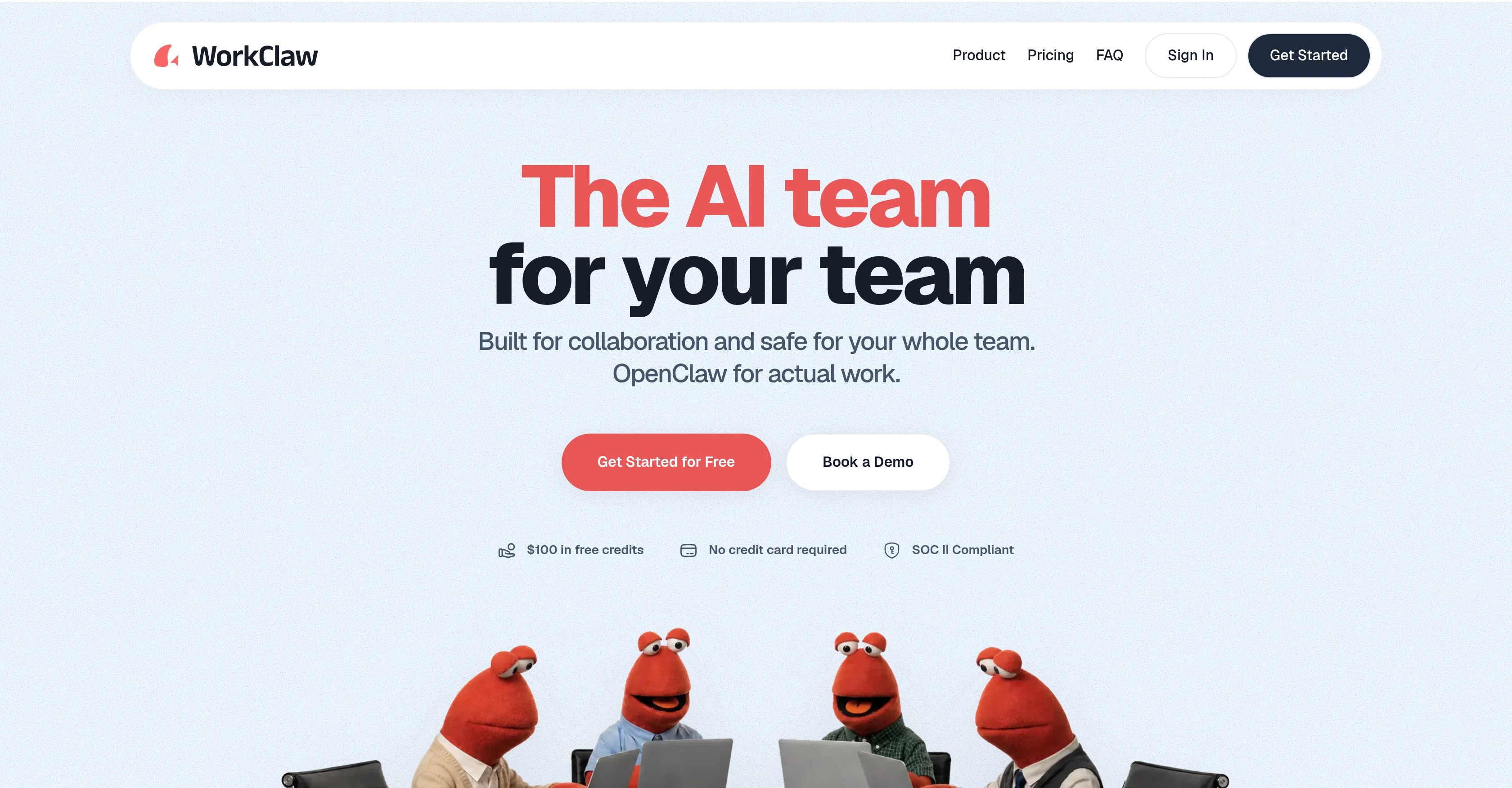
The AI team for your team
Verdict
A quick read before you dig into the full page.
- Best if
- The AI team for your team
- Skip if
- Data isolation may limit functionality
- Pick this when
- Boosts team productivity
Considering Younet instead? Compare side by side
Overview
WorkClaw is an AI tool focused on boosting team productivity by offering custom, collaborative AI coworkers. It enables teams to automate and digitize their workflows in a customizable manner.
Each 'WorkClaw', the name given to the AI collaborators, functions on a separate, cloud-based system and can synchronize with over 3000 applications, including widely-used tools such as Slack, Google Workspace, and many Customer Relationship Management platforms.
WorkClaws are designed to be proactively 'at work' 24/7, learning to execute tasks as the team describes them, all while the team members engage in other activities.
It can perform tasks such as research, scheduling, drafting emails, follow-ups, reporting, and data entry. The platform also promotes collaborative learning and skill-sharing: skills created by one team member can be utilized by others.
The tool is designed with data security as a priority - all data is kept in isolated environments, which can be shared at the discretion of the user. Lastly, WorkClaw mitigates the setup and customization complexities and security concerns associated with its foundational platform, OpenClaw, making it an amiable solution for teamwork.
Best for
Short scenarios where WorkClaw tends to shine.
-
The AI team for your team
Example outputs 1
Sample generations and before/after results for WorkClaw.
Access & connections
Where you can use WorkClaw, and what it plugs into.
Platforms
Integrations
Capabilities
What this tool accepts, produces, and is strongest at.
Input
- Text
Output
- API
Highlights
- Agents
Supported features
- Team Collaboration
- Agents
- Integrations
- Automation
Pros & cons
Pros
- Boosts team productivity
- Automates workflows
- Full customizability
- Cloud-based operation
- Synchronizes with 3000+ apps
- Always at work 24/7
- Executable task learning
- Tasks include scheduling, reporting
Show 35 more
- Promotes skill sharing
- Strict data security
- Isolated data environments
- Setup simplicity
- Integrates with OpenClaw
- Mitigates customization complexities
- Handles research and follow-ups
- User controlled data sharing
- Multi-platform integration
- Responsive performers
- Supports collaborative learning
- Utilizes member's skills
- One-click setup
- SOC II Compliant
- WorkClaw has separate computers
- Connects with Slack
- Proactive work completion
- Turn tasks into custom skills
- Comes with skill packs
- Secure credential storage
- Separate file storage for each WorkClaw
- Train WorkClaw to fit company
- Share skills with team easily
- Admin control over access
- Data entry capabilities
- Drafts emails
- Separate computer for each WorkClaw
- Connection to multiple popular tools
- No need for personal hardware
- Cloud-only functionality
- Battle-tested skill packs
- Secure, easy-to-use platform
- No experimentation needed
- Immediate value delivery
- Built on OpenClaw technology
Cons
- Multiple WorkClaws setup needed
- Communication reliant on Slack
- Requires constant workflow description
- Limited pre-built workflow library
- Custom skill creation required
- Not easily shareable by default
- No local machine installation
- Dependent on OpenClaw platform
Show 2 more
- Data isolation may limit functionality
- Requires continuous learning for efficiency
Compare alternatives
Similar tools in the catalog — with a clear reason to open each one.

Younet ✓
Free TrialAI Agent Orchestration and Automation. Build your agentic business.
Why look Typically cheaper
Full comparison
Agents by Athena AI ✓
Free TrialCreate AI agents for any task
Why look Typically cheaper
Full comparison
Rumora ✓
PaidAI agents will find and mention your brand in viral videos comments
from $249/mo
Full comparison
Watermelon ✓
FreemiumHandle up to 96% of your support automatically
Why look Offers a public API
Full comparison

ChatNode ✓
Free TrialAI Agents for customer service that feel human
Why look Offers a public API
Full comparisonPeople also view
Tools that often show up alongside WorkClaw in collections and comparisons.

SureThing.io - "OpenClaw" for Beginners ✓
FreemiumFirst General AI Agency. Designed for long-horizon tasks.

Nanoswarm: OpenClaw App ✓
FreemiumHosted Hermes or OpenClaw AI agents. Use in-app or via Telegram.

MyClaw.Host ✓
PaidDeploy OpenClaw in 60 seconds.

1-Click OpenClaw | Hostinger ✓
PaidYour 24/7 AI assistant with 1-click setup.

Featherless - Managed OpenClaw ✓
PaidOne-click OpenClaw setup with AI inference included, no token cap

Whacka ✓
Free TrialTurn ideas into real apps from your phone.

VPS for OpenClaw+Hermes ✓
PaidGet Hermes/OpenClaw 24/7 AI agent, starting $2.99

PaioClaw ✓
Free TrialMost Secure and Easiest OpenClaw Ever. Live in 60 seconds.
Releases 1
FAQ 12
What is WorkClaw?
How does WorkClaw improve team productivity?
What tasks can WorkClaw automate?
How does WorkClaw integrate with other applications?
Does WorkClaw work 24/7?
How does WorkClaw learn to execute tasks?
Can skills created by one team member on WorkClaw be used by others?
How secure is my data with WorkClaw?
Does WorkClaw function on a cloud-based system?
How is WorkClaw different from OpenClaw?
What widely-used tools can WorkClaw synchronize with?
Can WorkClaw handle email drafting and follow-ups?
Related tools
Recommended
Whacka ✓
Free TrialTurn ideas into real apps from your phone.
SureThing.io - "OpenClaw" for Beginners ✓
FreemiumFirst General AI Agency. Designed for long-horizon tasks.

biela.dev ✓
Free TrialIf you can imagine it, Biela can code it!
Nanoswarm: OpenClaw App ✓
FreemiumHosted Hermes or OpenClaw AI agents. Use in-app or via Telegram.

DeepSeek ✓
FreeUnravel the mystery of AGI with curiosity

AI Builder | Hostinger Horizons ✓
Free TrialBuild web apps and websites without writing any code.