

InstaRoom ✓
Let AI design your room, instantly!
from $14.99
Verdict
A quick read before you dig into the full page.
- Best if
- Let AI design your room, instantly!
- Skip if
- Limited architectural styles
- Pick this when
- Instant interior designing
Considering Getfloorplan instead? Compare side by side
Overview
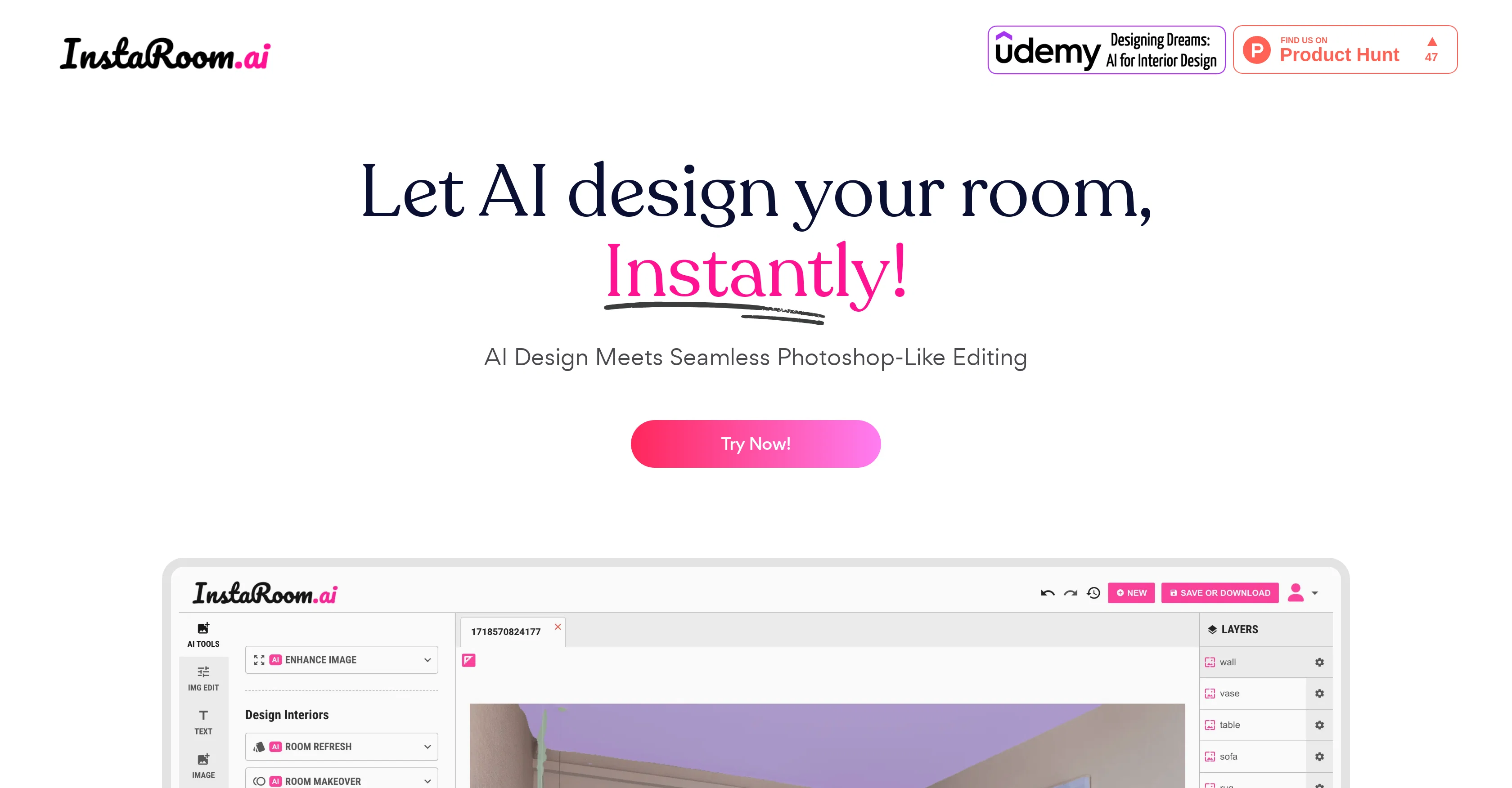
InstaRoom is an AI-based service for instant interior designing. The platform enables users to instantly design their room using AI technology and a wide array of design options.
The tool also offers features for seamless Photoshop-like editing to ensure customization as per users' preference. InstaRoom allows users to change the layout and type of room, reimagine interiors and exteriors in various design styles, and render architecture from a sketch.
Furthermore, users can furnish empty rooms and selectively redesign parts of the room, permitting a high degree of customization and flexibility in design.
The tool's design capabilities are not restricted to a specific device - you can capture a photo of a room with your phone and start the redesign process immediately.
This means that InstaRoom is easily accessible and can be used anytime, anywhere, making it remarkably convenient for users.In addition to the room designing features, the platform also provides an educational resource on interior design.
Their Udemy course, 'Designing Dreams: AI for Interior Design', is aimed at learners looking to grasp the intersection of AI and interior design. InstaRoom also has a blog, 'Journal', where they share updates, design trends, and interesting insights related to interior designing.
Irrespective of whether you're a professional interior designer or someone looking to revamp your space, InstaRoom serves as a comprehensive tool for all your design needs.
Access & connections
Where you can use InstaRoom.
Platforms
Capabilities
What this tool accepts, produces, and is strongest at.
Input
- Image
Output
- Image
Supported features
- Arhitecture & Interior design
Pros & cons
Pros
- Instant interior designing
- Offers Photoshop-like editing
- Permits high customization
- Multiple room layouts
- Variety in design styles
- Sketch to 3D rendering
- Can furnish empty rooms
- Selective room redesign
Show 33 more
- Not device-specific
- Remote access
- Educational interior design resources
- Runs Udemy course
- Regularly updated blog
- Compatible with mobile devices
- Real time designing
- Exterior designing options
- Wide array of styles
- No training required
- User-friendly interface
- Community driven insights
- Multi-platform accessibility
- Design flexibility
- Wide array of furniture
- Design visualisation
- Adapts to user preferences
- No installation needed
- Proposes new layouts
- Exports in high resolution
- Design saving for later
- Multiple exports supported
- Resourceful for professionals
- Resourceful for novices
- Design-on-the-go capabilities
- Keeps up with trends
- Customer support availability
- Collaboration features
- Suitable for all room types
- Conserves time and energy
- Improves design consistency
- Can match personal style
- Convenient and fast redesign
Cons
- No offline access
- Limited to room design
- No integration with furniture stores
- Doesn't offer 3D view
- Limited architectural styles
- Design from sketch not precise
- No multi-room project support
- No collaborative design feature
Show 2 more
- No VR or AR features
- Depends on quality of initial photo
Compare alternatives
Similar tools in the catalog — with a clear reason to open each one.

Getfloorplan ✓
PaidAI tool for 3D floor plans, renders, and virtual to
Why look Offers a public API
Full comparison


Paintit.ai ✓
FreemiumPro Workflow: AI Visualization for Designers and Real Estate Teams
Why look Freemium alternative
Full comparison

RoomGPT ✓
FreemiumGenerate your dream room in seconds.
Why look Freemium alternative
Full comparisonReleases 1
FAQ 12
How does the AI technology in InstaRoom aid in instant interior designing?
Can I customize my design using InstaRoom?
What options does InstaRoom offer for personalization in room designing?
Can InstaRoom help in rearranging my room layout?
Can I use InstaRoom to design both interiors and exteriors?
Does InstaRoom allow for architecture rendering from a sketch?
Is it possible to furnish empty rooms using InstaRoom?
How much flexibility does InstaRoom offer in the redesign process?
Can I use InstaRoom on any device?
Can I start designing using a photo of my room in InstaRoom?
Does InstaRoom provide any educational resources on interior design?
What can I learn from the 'Designing Dreams: AI for Interior Design' course offered by InstaRoom?
Related tools
Recommended

APOB ✓
FreemiumEarn money by creating your own personalized AI influencer.

Homestyler ✓
FreemiumTransform spaces with AI-powered interior design

RoomBoost AI ✓
FreemiumAI-powered interior design at your fingertips.

Home Design AI ✓
PaidTransform any room instantly with AI interior design.

AI Interior Studio ✓
PaidTransform rooms with AI and shop the look instantly.

Photo AI ✓
PaidCreate beautiful AI photos and videos of real people