

IconBrain ✓
Professional Icons in Seconds.
from $4.99
Verdict
A quick read before you dig into the full page.
- Best if
- Professional Icons in Seconds
- Skip if
- No subscription option
- Pick this when
- Professional-grade icon creation
Considering IconifyAI instead? Compare side by side
Overview
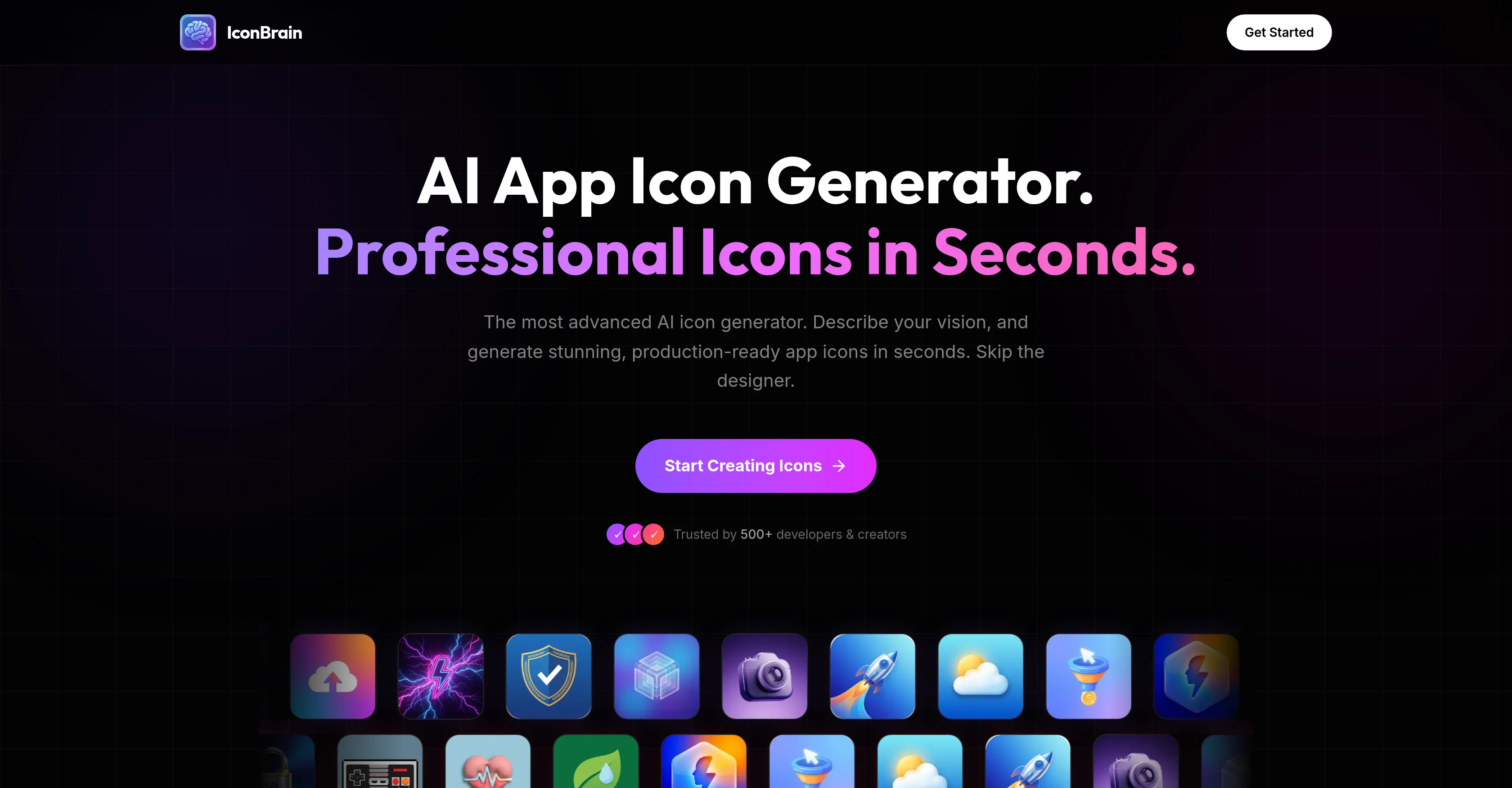
IconBrain is an AI-powered tool for generating professional-grade icons for apps and brands. It allows users to describe their vision for the icon, and then generates a design in a matter of seconds.
The tool offers a range of styles to choose from, including Minimal, 3D, and Glass. Users do not need any design skills to create an icon with IconBrain.
In addition to generating the icon, IconBrain also enables users to refine their designs based on their specific needs. They can change colors, adjust styles, and more using AI-based editing features.
The tool also offers background removal capability with a single click, resulting in transparent backgrounds for any icon.IconBrain ensures brand consistency by enabling users to import from their website or upload a logo.
It supports instant generation and high-resolution downloads suitable for app stores. Another remarkable feature is IconBrain's export functionality for multiple platforms, including iOS, Android, Progressive Web Application (PWA), and favicon packs.Finally, IconBrain operates on a transparent, pay-per-icon pricing model without subscriptions or hidden fees.
The tool is designed to assist creators in developing beautiful, professional-quality icons without requiring design expertise.
Access & connections
Where you can use IconBrain.
Capabilities
What this tool accepts, produces, and is strongest at.
Input
- Text
Output
- Image
Supported features
- Image Edit
- Image Generation
- Social Media
- Styling
Pros & cons
Pros
- Professional-grade icon creation
- Quick icon creation
- Multiple design styles (Minimal, 3D, Glass)
- Color adjustment
- Style adjustment
- High-resolution output
- iOS, Android, web applications support
- Brand consistency via logo import
Show 21 more
- Favicon export functionality
- One-click background removal
- Transparent, pay-per-icon pricing
- No subscriptions or hidden fees
- Convenience for developers and creators
- No design skills needed
- Contributes to automated design
- Contributes to website development
- Contributes to app development
- Style adjustment
- UIKit support
- Instant icon generation
- Incorporates user vision
- Logo generation
- Design refinement abilities
- PWA export functionality
- 15+ Styles available
- Brand context import
- Adjustable corners
- 1024px high-res icons
- Credits never expire
Cons
- Pay-per-icon pricing model
- Limited design styles
- No subscription option
- Lack collaborative features
- No free trial
- No grid system
- No vector exports
- Missing advanced editing tools
Show 2 more
- Not fully customizable
- Doesn't support bulk generation
Compare alternatives
Similar tools in the catalog — with a clear reason to open each one.


SparkIcon AI ✓
Free TrialInstantly generate high-quality icons with AI creativity.
Free + from $5
Full comparison
IconCraft ✓
FreemiumGenerate designer-grade app icons in seconds
Why look Freemium alternative
Full comparison
Icon Generate ✓
PaidCraft unique, professional-quality icons with AI.
Why look Typically cheaper
Full comparison

Releases 1
FAQ 12
What is IconBrain?
How does IconBrain work?
What design styles does IconBrain offer?
Can I customize the icons generated by IconBrain?
What is the resolution of the icons generated by IconBrain?
Can I use IconBrain to design icons for iOS and Android applications?
Does IconBrain support brand consistency?
Can I import elements from my website or brand logo in IconBrain?
Do I need design skills to use IconBrain?
How quickly can IconBrain generate a professional icon?
Can I edit my generated icons afterwards on IconBrain?
Which file formats does IconBrain support for downloads?
Related tools
Recommended

GetLogit ✓
FreemiumArtificial intelligence, available for everyone.

Automateed ✓
Free TrialCreate eBooks effortlessly with Automateed, the AI-powered writing tool.

remio: Your Personal ChatGPT ✓
FreemiumGet Tailored Answer with Your Personal ChatGPT

Cursor ✓
FreemiumAI-powered IDE for faster coding

Lovable ✓
Free TrialBuild software products using chat

Redesignr Ai - website redesign and landing page bui... ✓
FreemiumRedesign And Build websites, docs, and blogs with AI in minutes