

SparkIcon AI ✓
Instantly generate high-quality icons with AI creativity.
Trial; then from $5
Verdict
A quick read before you dig into the full page.
- Best if
- Instantly generate high-quality icons with AI creativity
- Skip if
- Limited aesthetic options
- Pick this when
- Nano Banana model integration
Considering IconifyAI instead? Compare side by side
Overview
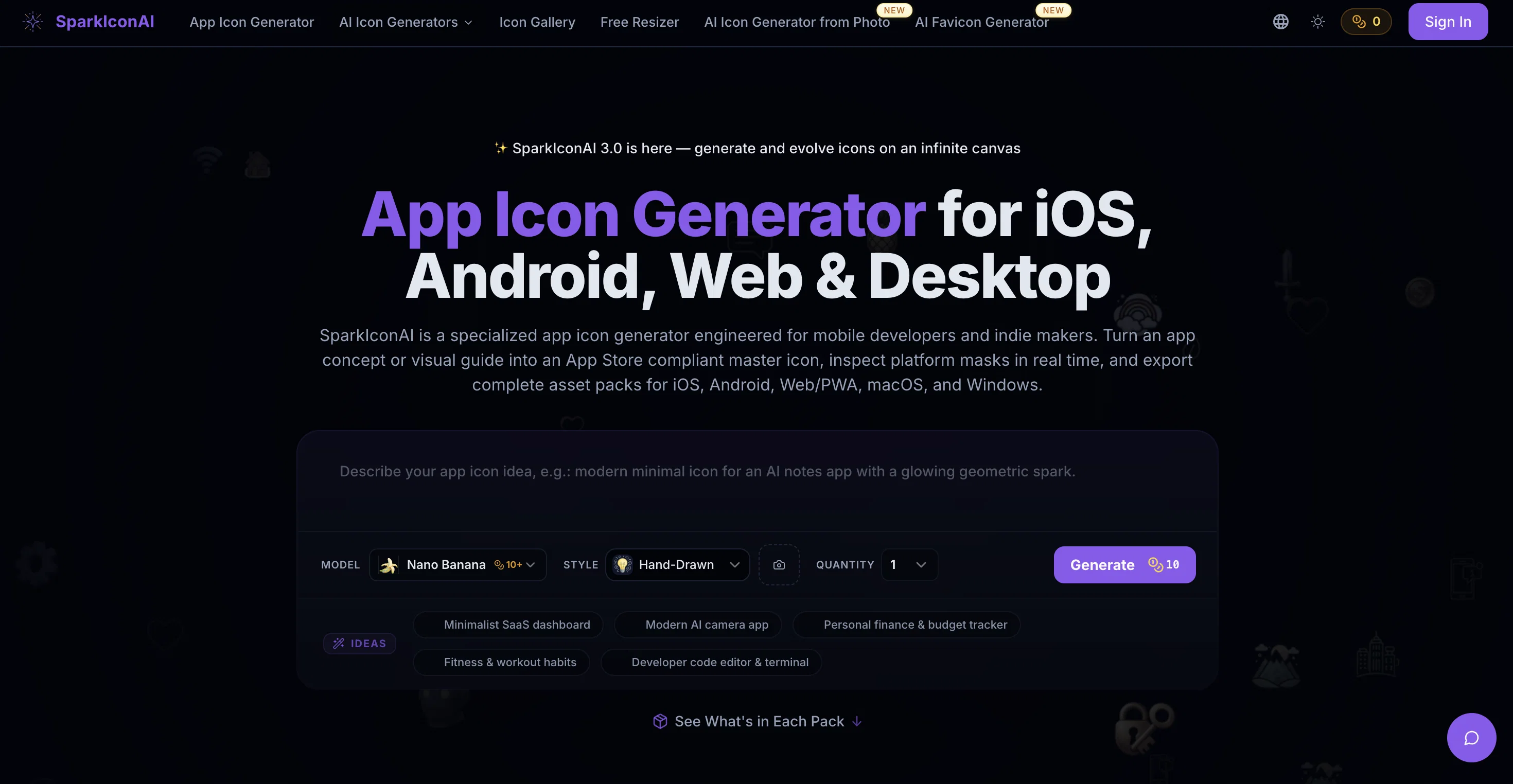
SparkIcon AI is a leading icon generator leveraging advanced AI technology to convert your creative ideas into striking, professional-grade icons. This tool comes with a variety of features that make it a fast, reliable, and highly consistent icon creating solution.
Utilizing the latest OpenAI imagine model and Google Gemini 2.5 powered Nano Banana, this tool ensures each icon has a deep semantic understanding and creative interpretation of your prompts.
You can select from a diverse range of styles including 3D, pixel, hand-drawn, flat, and other unique options to cater to your individual project requirements.
The platform offers high-quality icons at ultra-high resolution ensuring the icons look crisp and detailed on any device, regardless of its screen size.
It also includes functionality to generate multiple icon variants instantaneously also allows for further refinement and evolution of any icon you've already created.
The tool provides custom export options allowing you to export your icons in any format or size you need including PNG, ICO, WEBP, and more. In addition, you have the flexibility to adjust corner radius and remove backgrounds in your icons.
The AI icon generator also enables you to upload reference images that guide the AI-led icon creation, ensuring tailored icons according to your particular aesthetic preferences and brand identity.
Best for
Short scenarios where SparkIcon AI tends to shine.
-
Instantly generate high-quality icons with AI creativity.
Example outputs 1
Sample generations and before/after results for SparkIcon AI.
Access & connections
Where you can use SparkIcon AI, and what it plugs into.
Platforms
Integrations
Capabilities
What this tool accepts, produces, and is strongest at.
Input
- Image
Output
- Image
Highlights
- SOTA
Supported features
- Image Generation
- Image Edit
- Styling
- SVG
Models
Text
Image
Audio
Video
Pros & cons
Pros
- Nano Banana model integration
- Supports diverse icon styles
- Regular update of styles
- Ultra-high 1024x1024 resolution
- Generates multiple icon variants
- Intuitive export options
- Corner radius adjustment
- Background removal capability
Show 15 more
- Exports in PNG, ICO, WEBP
- Allows reference image upload
- Supports custom icon design
- Aligned with brand identity
- Matches aesthetic preferences
- Generates professional-grade icons
- Enabled icon evolution
- Supports batch creation
- Advanced customization options
- Smart prompt optimization
- Google Gemini 2.5 integration
- Style-specific options like Ghibli
- Community showcase feature
- Generates commercial-use images
- Affords icon refinement post-generation
Cons
- Limited aesthetic options
- No SVG export
- Single style per icon
- No batch downloading
- No freemium version
- Over-reliance on pre-sets
- No editable layers
- Lacks API integration
Compare alternatives
Similar tools in the catalog — with a clear reason to open each one.
Icon Generate ✓
PaidCraft unique, professional-quality icons with AI.
Why look Typically cheaper
Full comparisonPeople also view
Tools that often show up alongside SparkIcon AI in collections and comparisons.

Imagin World ✓
PaidGenerate custom icons effortlessly with AI

IconifyAI ✓
PaidApp icon generator with customizations.

IconCraft ✓
FreemiumGenerate designer-grade app icons in seconds
Icon Generate ✓
PaidCraft unique, professional-quality icons with AI.
CandyIcons ✓
PaidGenerate custom app icons easily.
AppIcons ✓
PaidCreate stunning app icons with AI in seconds.

Square Face Icon Generator ✓
Free TrialTurn any idea or face photo into polished square icons instantly.

PNGMaker ✓
FreemiumGenerate transparent PNGs from text prompts instantly.
Releases 1
FAQ 12
What is SparkIcon AI?
How does SparkIcon AI work?
What AI models does SparkIcon AI use?
What styles can SparkIcon AI generate?
How can I use SparkIcon AI to create multiple variants of an icon?
Does SparkIcon AI offer high resolution for its generated icons?
Can I adjust the corner radius of icons in SparkIcon AI?
How can I remove the background of an icon in SparkIcon AI?
What formats does SparkIcon AI support for exporting icons?
Can I upload reference images to SparkIcon AI?
How can SparkIcon AI help match my brand identity?
How can I use SparkIcon AI for creativity?
Related tools
Recommended

Averi AI ✓
Free TrialThe AI Content Engine for Startups

myAIninja ✓
Free TrialAI-powered content creation for social media, 10x faster

biela.dev ✓
Free TrialIf you can imagine it, Biela can code it!

StarterPilot ✓
Free TrialValidate ideas, name your business, create logos, and build websites in minutes

Pounce ✓
Free TrialGet real followers and engagement in minutes.

RivalOut ✓
Free TrialAI-powered competitive and actionable insights for your smarter decisions