
AppIcons ✓
Create stunning app icons with AI in seconds.
from $10
Verdict
A quick read before you dig into the full page.
- Best if
- You are mobile app developers and need: Creating app icons for iOS and Android mobile applications
- Skip if
- Limited pricing plans
- Pick this when
- Generates professional icons
Considering IconifyAI instead? Compare side by side
Overview
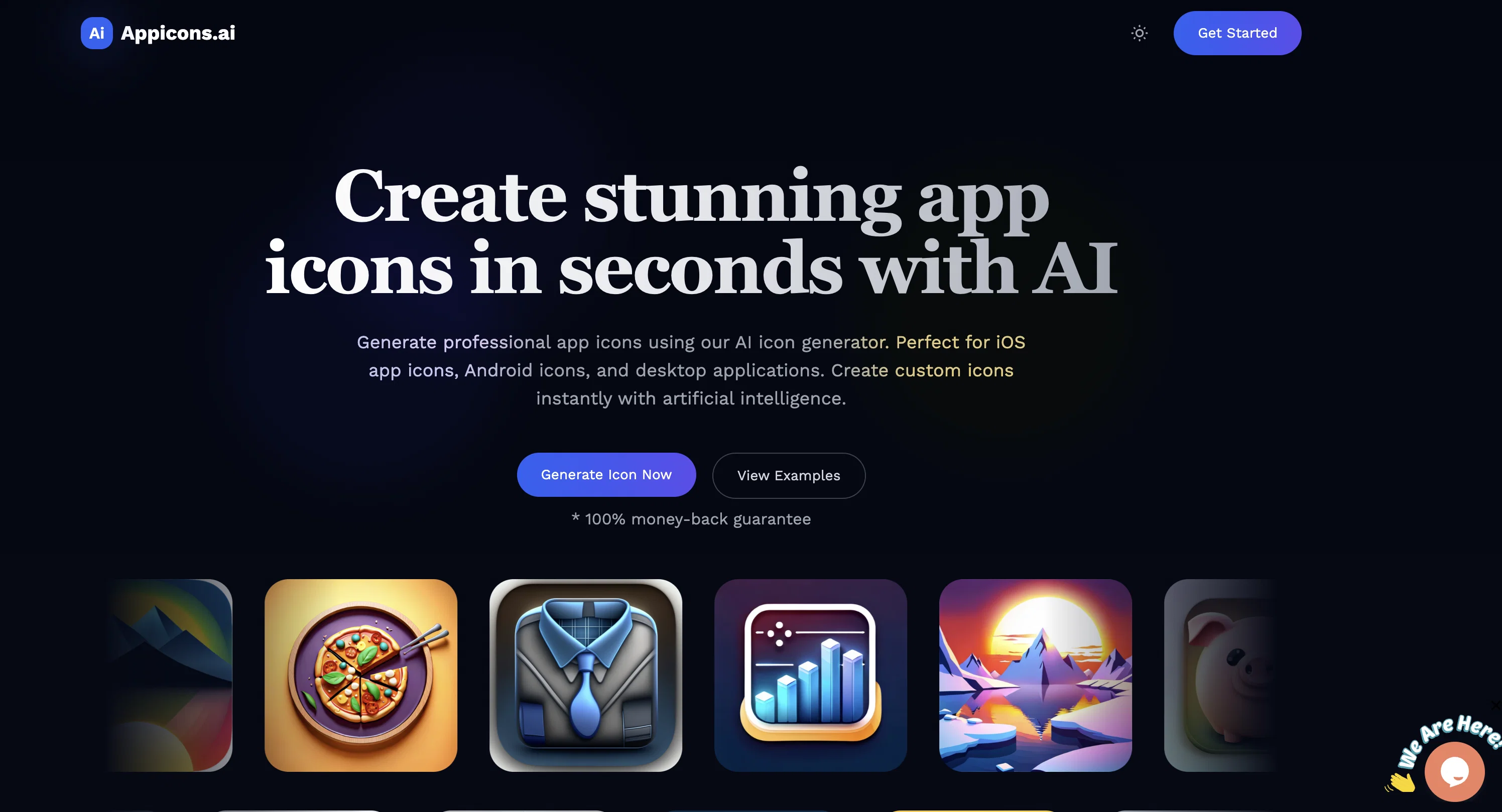
Appicons.ai is an AI-powered platform designed to streamline the creation of unique and professional-looking app icons. Leveraging artificial intelligence, this online tool generates attractive and personalized icons within a few clicks.
The icons generated can be edited using Photopea, a free-to-use, online Photoshop alternative which adds versatility to the tool's usage. Once users are happy with their icon designs, they can export them in a 1024 x 1024 PNG format.
While the AI-driven design anticipates user inputs and enhances prompts for better icon generation, users also have the assurance of a risk-free experience with a 100% money-back guarantee.
Icons created with Appicons.ai can be used for both iOS and Android apps, and the platform accommodates commercial use. Therefore, it caters not only to individual developers but also to businesses looking for a simple, effective solution for icon design.
Overall, Appicons.ai offers a user-friendly interface and technology-driven features to allow a wide range of users to unleash their creative genius and simplify their icon design process.
Best for
Short scenarios where AppIcons tends to shine.
-
Creating app icons for iOS and Android mobile applications
Best for Mobile app developers
-
Generating icons for desktop applications
Best for Indie developers
-
Quickly creating multiple icon options for A/B testing
Best for Startups
Example outputs 1
Sample generations and before/after results for AppIcons.
Access & connections
Where you can use AppIcons, and what it plugs into.
Integrations
Capabilities
What this tool accepts, produces, and is strongest at.
Input
- Text
Output
- Image
Pros & cons
Pros
- Generates professional icons
- Offers multiple designs
- Includes cropping and previewing
- Upscales to 2048x2048
- Suitable for beginners
- Different pricing plans
- Commercial usage allowed
- SVG format available
Show 20 more
- Met both iOS and Android
- Edit via Photopea
- FAST process
- PNG export
- 100% money-back guarantee
- Enhanced prompts for designs
- Risk-free experience
- Wide range of users
- Variety in icon designs
- No recurring charges
- Supports individual developers
- Beneficial for businesses
- Streamlined creation process
- Facilitates creative freedom
- Generates unique icons
- Aids in icon generation
- 100 credits with standard
- 1800 designs with plus
- 3000 designs with premium
- Requires no design skills
Cons
- Limited to six designs
- Doesn't upscale beyond 2048x2048
- No SVG upscale
- Limited options with free plan
- No API mentioned
- Restricted to app icons
- Depends on Photopea for editing
- Export limited to PNG format
Show 2 more
- Limited pricing plans
- One-time payment only
Compare alternatives
Similar tools in the catalog — with a clear reason to open each one.

SparkIcon AI ✓
Free TrialInstantly generate high-quality icons with AI creativity.
Why look Typically cheaper
Full comparison
IconCraft ✓
FreemiumGenerate designer-grade app icons in seconds
Why look Freemium alternative
Full comparison
Icon Generate ✓
PaidCraft unique, professional-quality icons with AI.
Why look Typically cheaper
Full comparison
Imagin World ✓
PaidGenerate custom icons effortlessly with AI
Why look Typically cheaper
Full comparisonPeople also view
Tools that often show up alongside AppIcons in collections and comparisons.
SparkIcon AI ✓
Free TrialInstantly generate high-quality icons with AI creativity.
Imagin World ✓
PaidGenerate custom icons effortlessly with AI

IconifyAI ✓
PaidApp icon generator with customizations.
IconCraft ✓
FreemiumGenerate designer-grade app icons in seconds
Icon Generate ✓
PaidCraft unique, professional-quality icons with AI.

CandyIcons ✓
PaidGenerate custom app icons easily.

Square Face Icon Generator ✓
Free TrialTurn any idea or face photo into polished square icons instantly.

PNGMaker ✓
FreemiumGenerate transparent PNGs from text prompts instantly.
Releases 1
FAQ 12
What is the main function of Appicons AI?
How does the 3-step process of Appicons AI work?
What are the different pricing plans available for Appicons AI?
What is the maximum resolution of the icons that can be generated through Appicons AI?
Can I use the icons generated from Appicons AI for commercial purposes?
What kind of format are the icons available in when using Appicons AI?
Is Appicons AI suitable for beginners?
Do the designs generated by Appicons AI work for both iOS and Android apps?
What is the Photopea feature in Appicons AI?
How many icon designs can I generate with the free plan on Appicons AI?
How can I upscale the designs to 2048x2048 resolution in Appicons AI?
Can the icons from Appicons AI platform be edited?
Related tools
Recommended

LearningStudioAI ✓
Free TrialAI-powered authoring tool for effortless online course creation.

VenturusAI ✓
FreemiumBusiness idea analysis and reporting.

Stratup.ai ✓
FreemiumInnovative idea generation for businesses.

PostPerfect ✓
FreemiumAutomated social media posts.

Stunning ✓
PaidBuild AI-powered websites in seconds

Stockimg AI ✓
PaidGenerated images and text for design ease.