

Task automation 2026 Rank: #2677
heyclicky ✓
An AI buddy that lives on your Mac.
Free + from $20/mo
Verdict
A quick read before you dig into the full page.
- Best if
- An AI buddy that lives on your Mac
- Skip if
- Limited task execution (agents)
- Pick this when
- Mac specific
Considering SureThing.io - "OpenClaw" for Beginners instead? Compare side by side
Overview
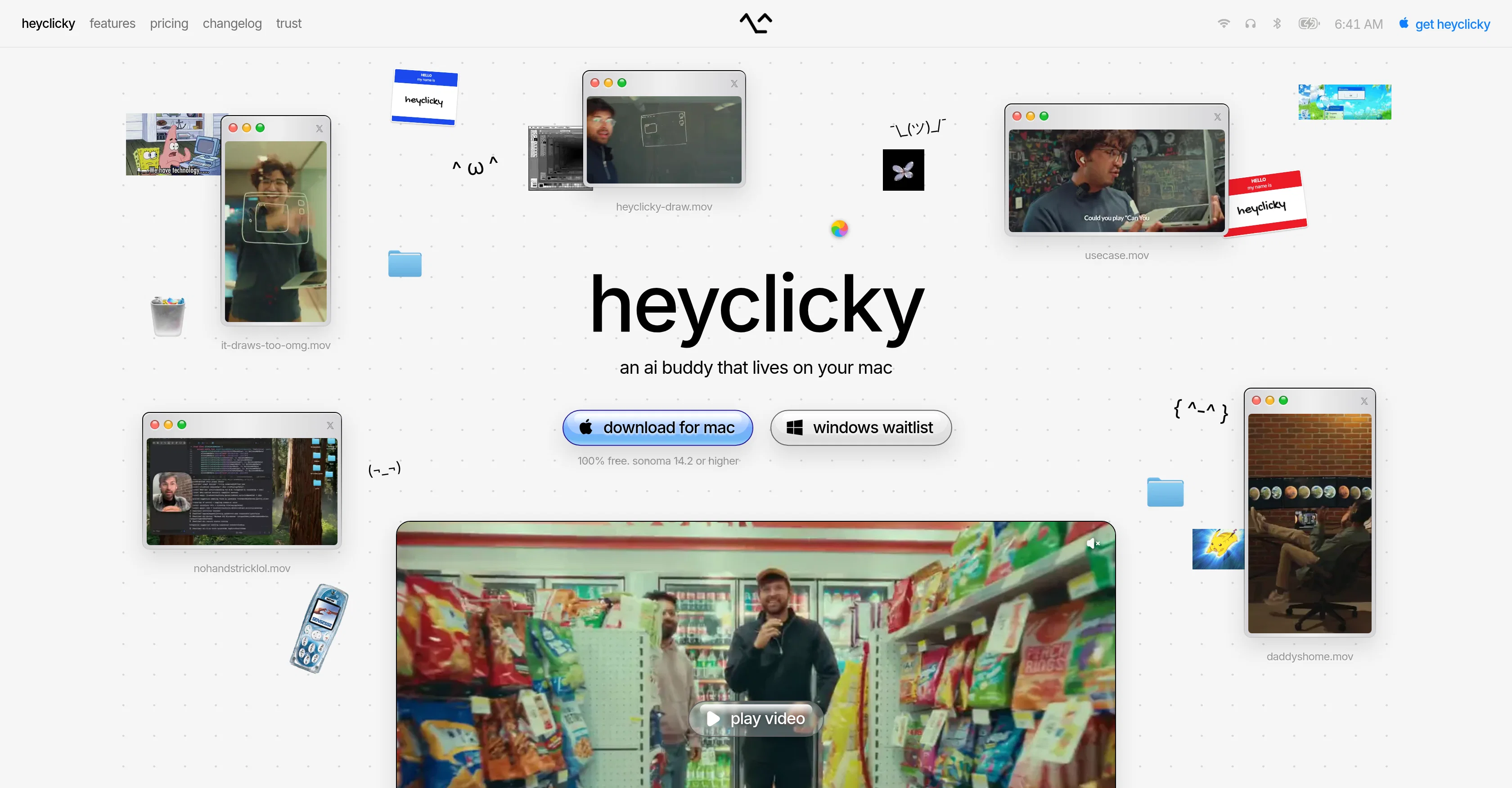
heyclicky is an AI-based assistant designed specifically for Mac users, providing an interactive and helpful presence on screen. This AI companion assists by teaching the users about different elements, providing guidance in case of issues, and executing various tasks in users' absence.
The AI solution aims to unlock the full potential of such existing AI models in a user-friendly way. heyclicky's primary goal is to transform traditionally clunky interfaces and chat systems to something more intuitive and engaging that can seamlessly integrate with a wide audience.
The AI can be asked about any concerns or issues that the user might have and it then walks the user through either resolving the issue or accomplishing the task.
It is actively working only when you permit it to, assuring your privacy by keeping your screen private. The AI itself can act on your behalf, doing tasks in your stead when instructed.
One of its unique features includes drawing directly on your screen to guide you through tasks. Its current compatibility is limited to Mac (sonoma 14.2 or higher), but with anticipated expansion to Windows.
It also implements different plans to cater to different user requirements, varying from free to paid.
Access & connections
Where you can use heyclicky.
Platforms
Capabilities
What this tool accepts, produces, and is strongest at.
Input
- Text
Output
- Text
Pros & cons
Pros
- Mac specific
- Interactive presence
- On-screen guidance
- Issue resolution assistance
- User-friendly
- Transforms interfaces
- Privacy-focused
- Performs tasks independently
Show 35 more
- Screen-drawing feature
- Planned Windows compatibility
- Different user plans
- Teaches users
- User-friendly
- Privacy assurance
- Act as user
- Variety in plans
- Anticipated Windows expansion
- Execution of tasks
- Hotkey activation
- Never stores screenshots
- Assistance at fingertips
- Application guidance
- Walkthrough for solutions
- Learning aid
- Free plan available
- Agent tasks in absence
- Realtime chat interface
- Data privacy
- Data deletion options
- No perpetual screen watch
- Teaches tools use
- Conversational approach
- Task allocation to agents
- Works with all apps
- No plugins needed
- Mac OS compatibility
- On-demand service
- Agent limit warning
- Easy cancellation
- No lock-in contracts
- Unlimited dictation in paid plans
- Context maintenance for assistance
- Discount for makers
Cons
- Limited to MacOS
- Requires sonoma 14.2 or higher
- Privacy concerns (viewing screen)
- Acts only upon permission
- Subscription plans
- Limits on talk messages
- Limited task execution (agents)
- Invasive (draws on screen)
Show 2 more
- No Windows compatibility yet
- No free unlimited use
Compare alternatives
Similar tools in the catalog — with a clear reason to open each one.

SureThing.io - "OpenClaw" for Beginners ✓
FreemiumFirst General AI Agency. Designed for long-horizon tasks.
Why look Offers a public API
Full comparison


Raccoon AI ✓
FreemiumThe AI Coworker for Apps, Research, Docs & Everything Else
Why look Offers a public API
Full comparison
Autopilots by Athena AI ✓
Free TrialAutonomous AI agents that execute tasks for you.
Why look Typically cheaper
Full comparison
Releases 1
FAQ 9
What is Heyclicky?
Is my data private with heyclicky?
Is heyclicky watching my screen all the time?
What can heyclicky actually do?
What's the difference between talk and agents?
Which apps does heyclicky work with?
Is heyclicky free to use?
What happens if I hit my agent limit?
Can I cancel my heyclicky subscription anytime?
Related tools
Recommended

Video to Frames | AI Video Upscaler ✓
FreeUpscale your videos locally with AI free, private, no sign-up.

Vdoo AI | Picture Generator ✓
Free TrialTurn text into stunning images instantly, free, fast, no watermark.

Kvorum ✓
Free TrialFive AI advisors who disagree with each other and with you

AR GenAI ✓
FreemiumTurn a single photo into an AR-ready 3D model.

gtm-api ✓
FreemiumLet your AI agent act on LinkedIn.

Try AI Editor ✓
FreemiumEdit any photo with AI free, no sign-up.