

Gumloop ✓
Automate any workflow with AI, no expertise needed.
Free + from $97/mo
Verdict
A quick read before you dig into the full page.
- Best if
- You are marketing teams and need: AI Web Scraping
- Skip if
- Possible steep learning curve
- Pick this when
- No-code platform
Considering PixieBrix instead? Compare side by side
Overview
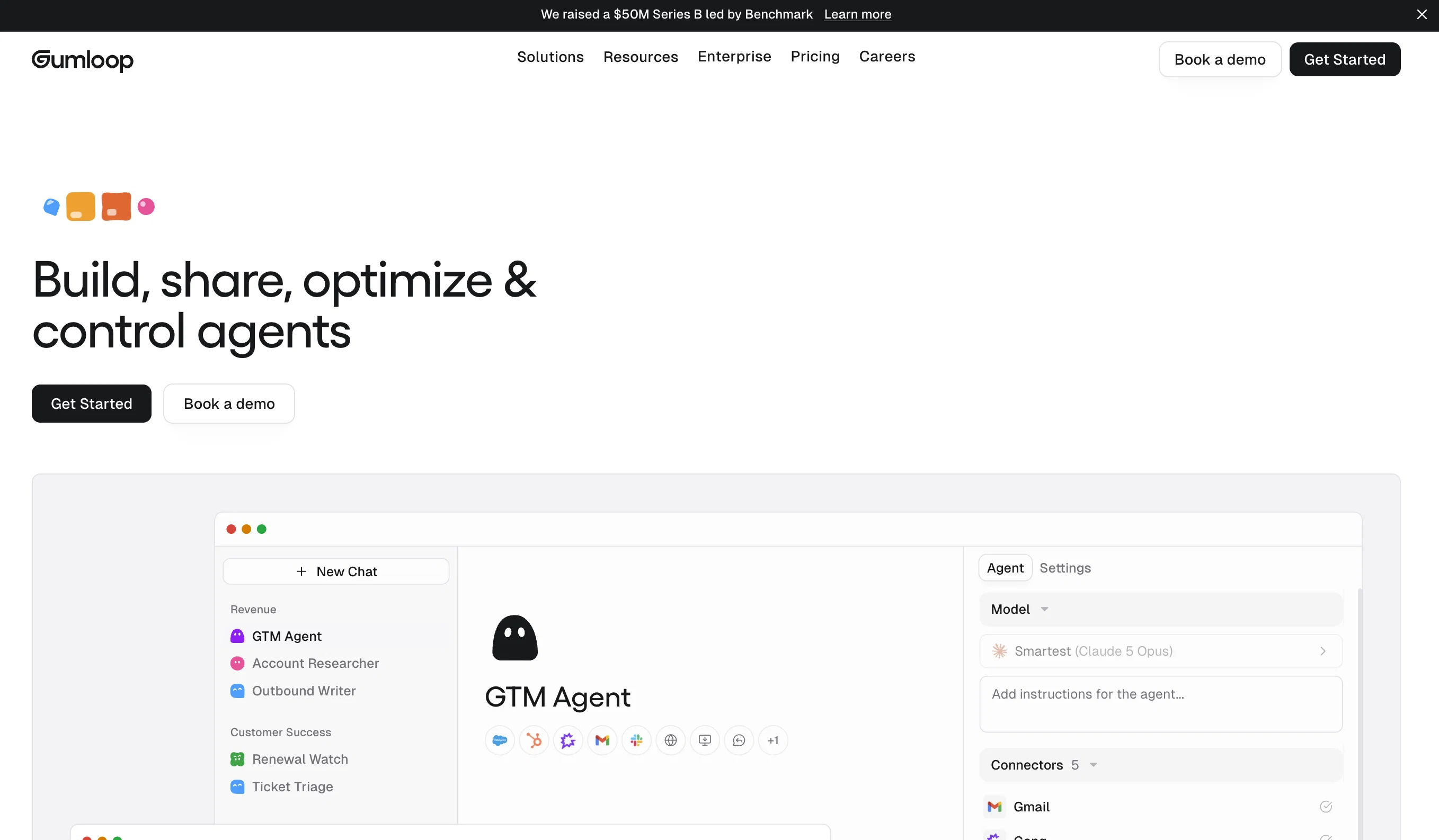
Gumloop is an AI automation framework designed to help businesses execute their workflows more efficiently. With a 'no-code' approach, users can build, host and deploy various AI-powered automations based on their unique business needs.
Tasks that can typically be automated with this platform include drag-and-drop deployments of custom tools and the passing of data in a single-flow action, all managed and executed without any need for AI expertise.
Users can develop workflow templates, test them in a sandbox environment and then activate for use when ready, offering a high degree of control and customization.
Additionally, Gumloop provides robust connectivity options, integrating with dozens of platforms to ensure seamless data exchange and workflow automation across various digital tools.
The platform also offers a library of pre-built workflows, reducing the learning curve for users and ensuring quicker adoption. While Gumloop is an excellent platform for individual use, it also supports collaborative efforts, allowing multiple users to co-create and manage workflows.
They provide extensive learning resources such as a documentation page and video tutorials to help new users understand how to effectively operate and make the most out of the platform.
Best for
Short scenarios where Gumloop tends to shine.
-
AI Web Scraping
Best for Marketing teams
-
Social Media Automation
Best for Sales teams
-
SEO Marketing Automation
Best for Operations teams
-
Document Processing Automation
Best for Data analysts
Example outputs 1
Sample generations and before/after results for Gumloop.
Access & connections
Where you can use Gumloop, and what it plugs into.
Platforms
Capabilities
What this tool accepts, produces, and is strongest at.
Input
- Text
Output
- Text
Supported features
- Automation
Pros & cons
Pros
- No-code platform
- Supports custom tool deployment
- Single-flow data management
- Drag-and-drop feature
- Test workflows in sandbox
- High flexibility and customization
- Dozens of integration options
- Pre-built workflows library
Show 12 more
- Reduced learning curve
- Supports collaborative workflow management
- Extensive learning resources provided
- Workflow templates creation
- Robust connectivity
- Seamless data exchange
- Co-create workflows
- Video tutorial support
- Documentation support
- Automate any workflow
- Flexible deployment
- Supports individual and collaborative use
Cons
- No code limits customization
- Dependent on platform integrations
- No standalone operation
- Limited pre-built workflows
- Possible steep learning curve
- May require external resources
- Collaboration feature limitations
- Dependent on user expertise
Show 2 more
- Reliant on accurate templates
- Lack successful integration examples
Compare alternatives
Similar tools in the catalog — with a clear reason to open each one.






WebFill ✓
FreemiumFilling forms and emails, solving MCQs, for students and professionals.
Why look Typically cheaper
Full comparisonPeople also view
Tools that often show up alongside Gumloop in collections and comparisons.

SurferSEO ✓
Free TrialSkyrocket your organic traffic with AI-powered SEO tools.

Suno ✓
FreemiumMake music at the speed of your ideas.

StoryChief ✓
FreemiumStreamline content creation and distribution across channels

Notion AI ✓
FreemiumYour all-in-one workspace for notes, docs, and tasks.

LiveChatAI ✓
FreemiumAI chatbot trained on your docs for instant support

Jasper.ai ✓
Free TrialAI copilot for enterprise marketing teams

Frase.io ✓
Free TrialAI writing tools that supercharge your content creation

Cubby ✓
Free TrialTransform research into collaborative insights.
Releases 1
FAQ 12
What is Gumloop?
What makes Gumloop different from other AI automation frameworks?
How does the 'no-code' approach of Gumloop work?
What tasks can be automated with Gumloop?
What does the drag-and-drop feature of Gumloop allow?
How do the workflow templates in Gumloop function?
How can I test my automations in Gumloop?
What platforms does Gumloop integrate with?
Does Gumloop offer pre-built workflows?
How does Gumloop support collaborative efforts?
What learning resources does Gumloop provide to new users?
Can I use Gumloop without any AI expertise?
Related tools
Recommended

Thunderbit ✓
FreemiumScrape leads & other data in just 2-clicks.

GPTExcel ✓
FreemiumGenerate spreadsheet formulas with AI

B12 AI Website Builder ✓
FreemiumAI-powered website builder

Mindsmith ✓
FreemiumPlatform for building and sharing eLearning content

Automateed ✓
Free TrialCreate eBooks effortlessly with Automateed, the AI-powered writing tool.

Lutra AI ✓
FreemiumIntegrate AI into your workflows - no coding required.