

Cubby ✓
Transform research into collaborative insights.
Trial; then from $16/mo
Verdict
A quick read before you dig into the full page.
- Best if
- Transform research into collaborative insights
- Skip if
- Complex interface
- Pick this when
- Supports various content types
Considering The Drive AI instead? Compare side by side
Overview
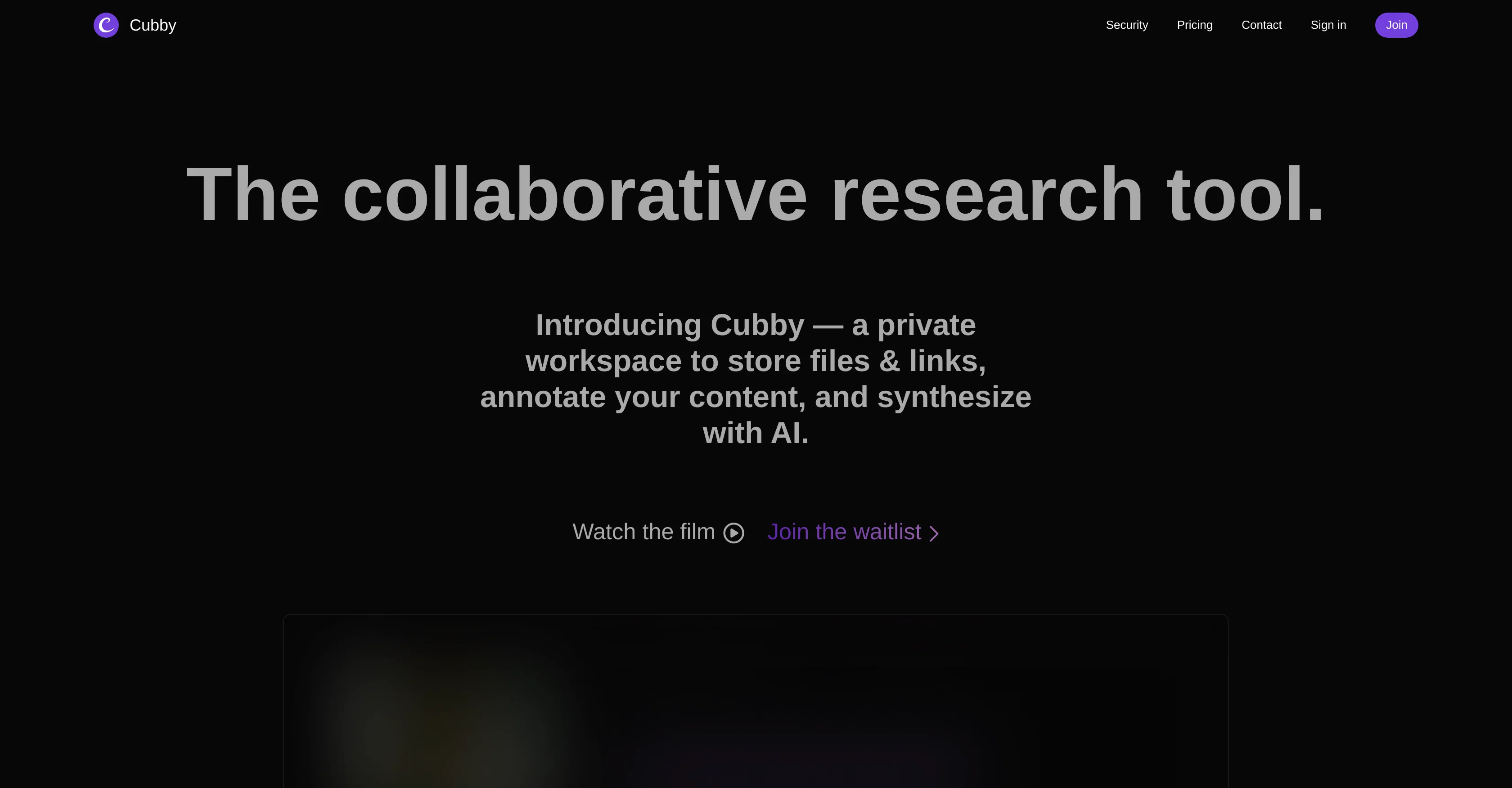
Cubby is a highly integrated, AI-powered collaborative research tool designed to streamline the process of gathering, annotating, and synthesizing information from a wide variety of sources.
The application supports an extensive range of content types, including articles, PDFs, videos, audio files, documents, tweets, PowerPoints, and ePubs.
Users can add content from any available source, and Cubby prepares the material for interactive examination, remaining sensitive to the original formatting to ensure contextual accuracy.
It also features automatic transcription services for any video or audio content provided, including those from platforms like YouTube and podcasts, allowing for the annotation of transcripts.
Another striking feature is its AI-powered Cubby Assistant, which provides automatic summaries and helps uncover insights from the content added. Users can also query the AI to pinpoint specific themes, quotes, or sections across multiple posts, enhancing the efficiency and depth of the research process.
The system also allows for data synthesis, translating highlighted areas and notes into a full-fledged document which can be exported to platforms like Google Drive or Notion.
With the help of the Cubby Chrome Extension, users can easily highlight, take notes, and add to their cubbies directly from their browser, facilitating real-time, browser-based teamwork and collaboration.
Access & connections
Where you can use Cubby, and what it plugs into.
Platforms
Integrations
Capabilities
What this tool accepts, produces, and is strongest at.
Input
- Tabular
- Text
- Video
- Audio
Output
- Audio
- Video
- Text
Pros & cons
Pros
- Supports various content types
- Sensitive to original formatting
- Automatic transcription services
- Annotates transcripts
- Generates automatic summaries
- Finds insights from content
- Data synthesis
- Exports to Google Drive
Show 38 more
- Exports to Notion
- Chrome extension for real-time
- Browser-based collaboration
- Supports teamwork
- Retains context of highlights
- Transcribes YouTube content
- Transcribes podcast content
- Interactive CrossRef-like examination
- Annotations on PDFs
- Annotations on documents
- Mobile-friendly
- Works offline
- Real-time sync
- Automatic source referencing
- Custom content synthesis
- Content querying
- Available on any source
- Secured workspace
- Transcript downloads
- Video content markup
- Content annotation
- Direct browser notes
- Cross-platform integration
- All content searchability
- Contextual research assistant
- Automatic content upload
- Can connect with apps
- Integrated teamwork overview
- Automatic content import
- 100% offline capability
- Mobile application availability
- Content organization
- Annotations export
- Inline audio/video markup
- Retention of highlights context
- Easy access to sources
- Highlights to doc convert
- Tool for collaborative research
Cons
- Requires internet connection
- Limited to Chrome
- Limited platform export
- Complex interface
- Reliant on external integrations
- No multi-language support
- Dependent on original formatting
- Limited offline functionality
Show 1 more
- Transcription accuracy varies
Compare alternatives
Similar tools in the catalog — with a clear reason to open each one.




Suprmind ✓
Free TrialYou ask hard questions, five expert AIs debate, you win breakthrough answers
Free + from $19/mo
Full comparison
Wery ✓
FreemiumTell AI experts your goal. Watch them deliver.
Free + from $19.99/mo
Full comparison
Triall ✓
Free TrialThe AI Hallucination Fix: three models, one verdict.
Why look Typically cheaper
Full comparisonReleases 1
FAQ 12
What different types of content can Cubby handle?
What is the Cubby Assistant and how does it help me with my research?
How does Cubby streamline the research process?
How does Cubby ensure contextual accuracy?
What platforms can I export Cubby documents to?
How does the automatic transcription service in Cubby work?
How do I use Cubby to perform interactive examination of the material?
What features does the Cubby Chrome Extension offer?
Does Cubby support real-time, browser-based collaboration?
In what ways can I query the AI in Cubby to enhance my research?
Can Cubby automatically summarize content?
How does Cubby assist in uncovering insights from the added content?
Related tools
Recommended

NotebookLM ✓
FreemiumAI-powered note-taking and research assistant

Suno ✓
FreemiumMake music at the speed of your ideas.

Claude ✓
FreemiumBuilding reliable, interpretable AI systems

Midjourney ✓
PaidExpand human imagination through AI-powered visuals.

Perplexity ✓
FreemiumAI-powered answers to any question, instantly.

Grok ✓
FreemiumConversational AI for understanding the universe.