

Chrome ✓
The fast, secure browser built to be yours.
Verdict
A quick read before you dig into the full page.
- Best if
- The fast, secure browser built to be yours
- Skip if
- Complex privacy settings
- Pick this when
- Fast performance
Considering Chrome Sidekick instead? Compare side by side
Overview
Google Chrome is the official web browser developed by Google, designed to be fast, secure, and customizable. It prioritizes performance and offers features like Energy Saver and Memory Saver, optimizing user experiences.
The browser is equipped with tools for managing tabs, allowing users to group, label, and color code tabs. Chrome works across platforms, providing a consistent experience irrespective of the device used.
Updated roughly every four weeks, Chrome ensures users benefit from the most recent features for a faster, safer browsing experience.One of the notable features is 'Gemini in Chrome', a personal AI assistant that aids in understanding web content and completing tasks by using the context of open tabs and browsing histories.
This feature also supports an 'auto browse' option for Pro or Ultra subscribers, which automates routine tasks.Chrome also utilizes AI-powered search mechanisms to address complex, multi-part questions through 'AI Mode'.
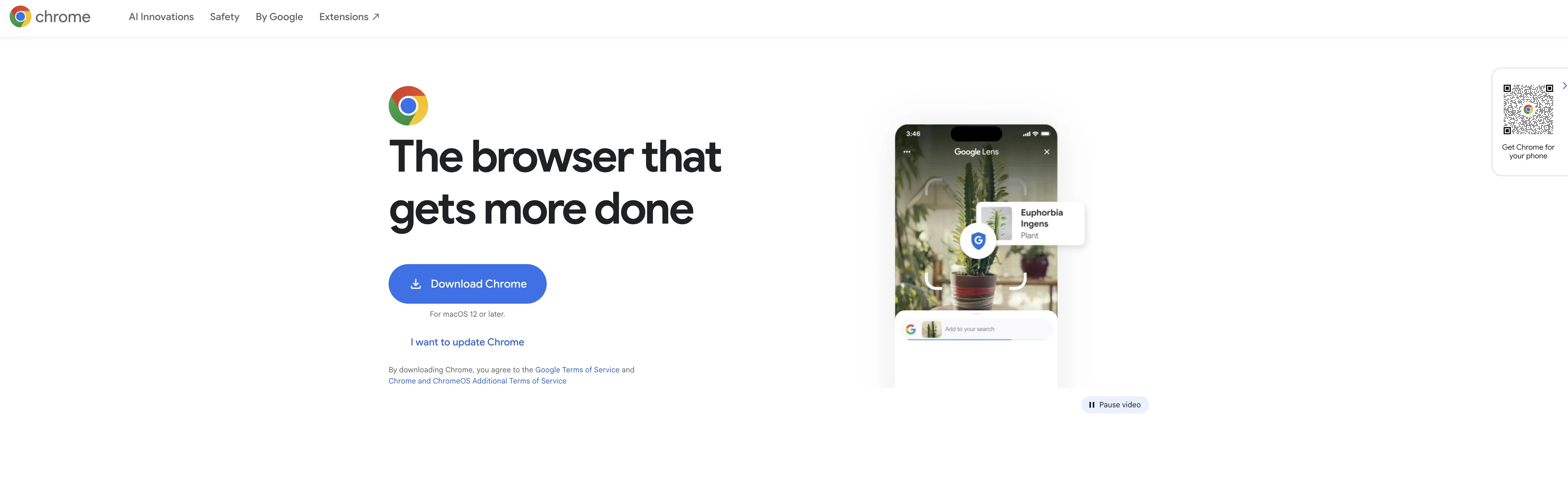
It introduces Google Lens that allows users to search, translate, identify, or shop from the visuals they see on the web. A key focus of Chrome is online safety.
The browser features the Google Password Manager for managing online passwords, safe browsing alerts to warn users about potential malware or phishing attacks, and a Safety Check function that provides real-time safety level assessments.
Privacy settings can be easily accessed and understood through the Privacy Guide.Chrome offers customization including personalized themes and dark mode.
The browser supports autofill for faster information input and synchronizes user data across devices, offering an integrated experience whether using a desktop or mobile device.
Access & connections
Where you can use Chrome.
Platforms
Capabilities
What this tool accepts, produces, and is strongest at.
Supported features
- Web browsing
Pros & cons
Pros
- Fast performance
- Secure browsing
- Customizable experience
- Energy Saver feature
- Memory Saver feature
- Cross-platform functionality
- Frequent updates
- Tab management tools
Show 32 more
- Auto browse option
- Google Lens integration
- Built-in Google Password Manager
- Safe browsing alerts
- Real-time safety check
- Easily accessed privacy settings
- Personalized themes
- Dark mode
- Autofill feature
- Synchronized user data
- Ideal for online shopping
- Machine translation support
- Google Search integration
- Offline Google Workspace access
- Works without Wi-Fi
- Google Pay integration
- Enhanced Safe Browsing
- Routine task automation
- Visual search option
- Easy password management
- Strong online safety focus
- Faster information input
- Integrated browsing experience
- Privacy guide
- Automatic updates
- Complex, multi-part question addressing
- Visual data search
- Real-time safety assessments
- Optimized user experiences
- Consistent experience across devices
- User data synchronization
- Easily understood privacy settings
Cons
- High memory usage
- Frequent updates
- Privacy concerns
- Data synchronization issues
- Lacks native PDF support
- Limited personal Assistant functionality
- Pro features not available globally
- Unsafe extensions
Show 2 more
- Complex privacy settings
- Slow with multiple tabs
Compare alternatives
Similar tools in the catalog — with a clear reason to open each one.

Chrome Sidekick ✓
FreemiumYour AI browser assistant for Chrome superpowers.
Free + from $4/mo
Full comparison
Norton Neo Browser ✓
FreeThe first safe AI-native browser.
Why look Higher community rating
Full comparison

Hyperbrowser ✓
FreemiumCloud browsers for AI agents and apps.
Why look Higher community rating
Full comparison
SurfMind ✓
FreemiumAI browser extension that understands any webpage's context.
Why look Offers a public API
Full comparison
Releases 1
FAQ 12
What is Google Chrome?
What is Gemini in Chrome?
How does the 'auto browse' feature work in Google Chrome?
What is AI Mode in Google Chrome?
How does Google Lens work in Chrome?
What security features does Google Chrome offer?
How does the Google Password Manager in Chrome function?
How does the Privacy Guide in Chrome help with privacy settings?
How does tab management work in Google Chrome?
Can I personalize Google Chrome with themes and dark mode?
Does Google Chrome support cross-platform browsing?
What does the Energy Saver feature do in Chrome?
Related tools
Recommended

AI Image Editor ✓
FreemiumImage editing

Kin - Personal AI Advisors ✓
FreePrivacy-first & designed your for mind, and life at work

ElevenLabs ✓
FreemiumCreate lifelike AI voices for compelling storytelling.

Perplexity ✓
FreemiumAI-powered answers to any question, instantly.

Claude ✓
FreemiumBuilding reliable, interpretable AI systems

Clever AI Humanizer ✓
FreeMake AI text undetectable and human-like.
More from this creator

Simple ML ✓
FreeMachine Learning in Google Sheets without coding.

Google Labs
UnknownShape the future of tech through early experiments.

Gemini Enterprise Agent Platform ✓
UnknownFast, scalable AI technologies for enterprise